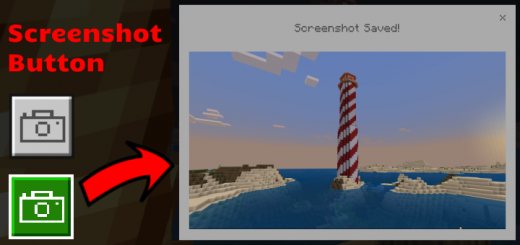
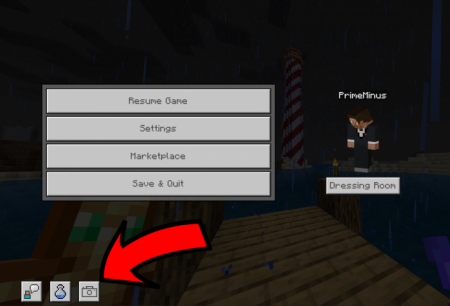
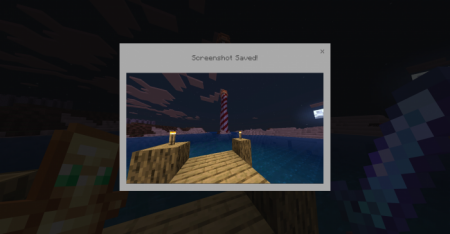
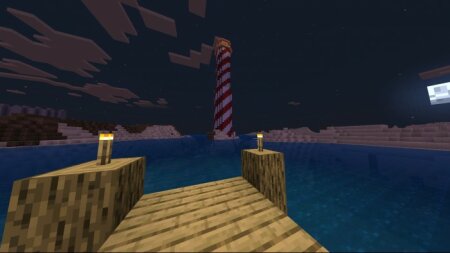
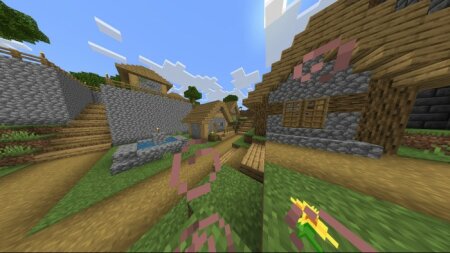
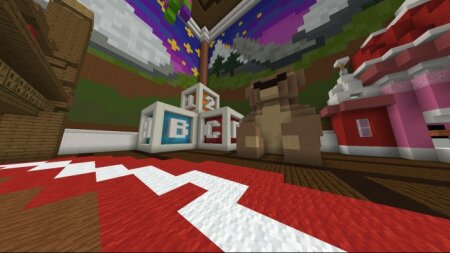
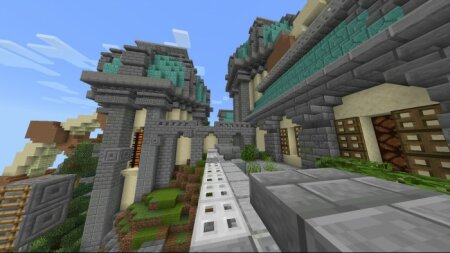
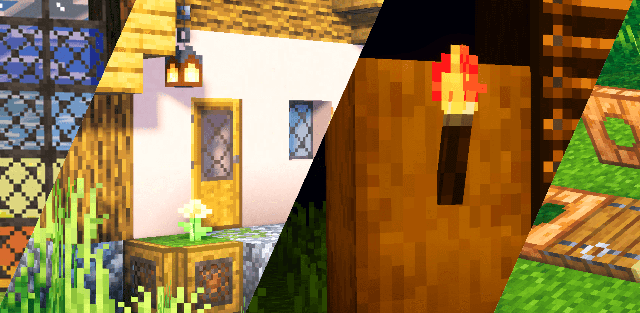
Want to take screenshots anywhere in game? This pack lets you take in-game screenshots in worlds and servers. The screenshot button captures everything in game while hiding your hotbar, buttons and hand.
How to Take a Screenshot
- Press the screenshot button in the bottom left on the pause screen.
![]()
![]()
Example Images
![]()
![]()
![]()
![]()
Download Screenshot Button (.mcpack)
Download & installation
Supported Minecraft versions
1.19, 1.18, 1.17, 1.16
How to install the texture pack
Download the .mcpack file, open it with Minecraft and wait for the import to finish. Then enable the pack under Resource Packs for the selected world or in Global Resources.