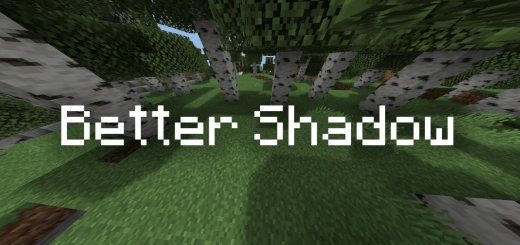
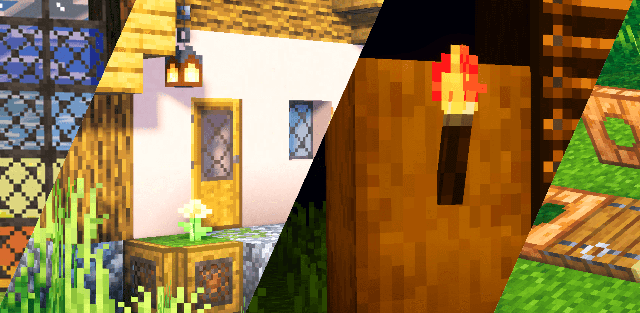
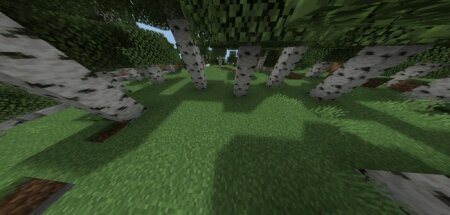
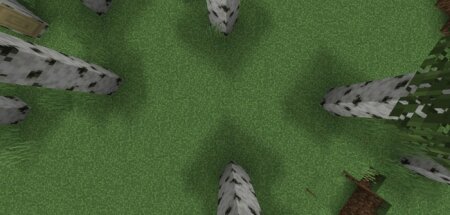
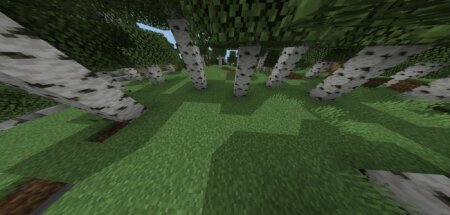
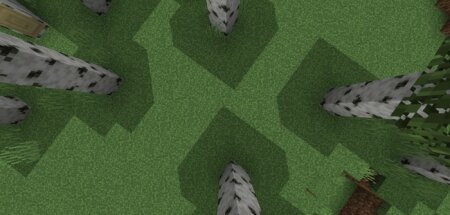
Have you ever wanted every block in your Minecraft world to have a shadow underneath? if so then you will definitely love this resource pack!This is a simple resource that can make each block have a shadow under it and make minecraft look more real.There are 3 types in this resource pack so you can choose what you want!
These are some screenshots
Type 1
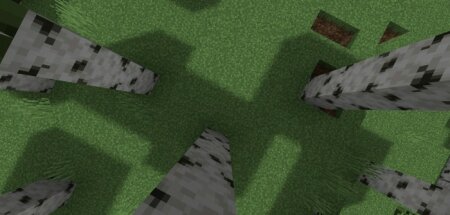
Type 2
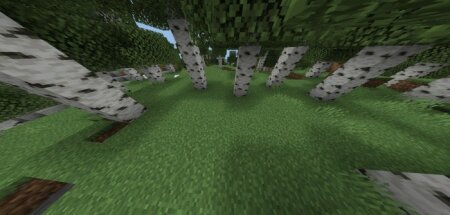
Type 3
Download better shadow (type1) (.mcpack)
Download better shadow (type2) (.mcpack)
Download better shadow (type3) (.mcpack)
Download & installation
Supported Minecraft versions
How to install the texture pack
Download the .mcpack file, open it with Minecraft and wait for the import to finish. Then enable the pack under Resource Packs for the selected world or in Global Resources.