How to enable: import the pack, activate it in Global Resources or in the world resource packs, then select Vibrant Visuals in Settings > Video > Graphics Mode. A device that supports this mode is required. The author recommends gamma around 80%. This is a visual preference, so adjust it if the image is too bright or too dark on your display.
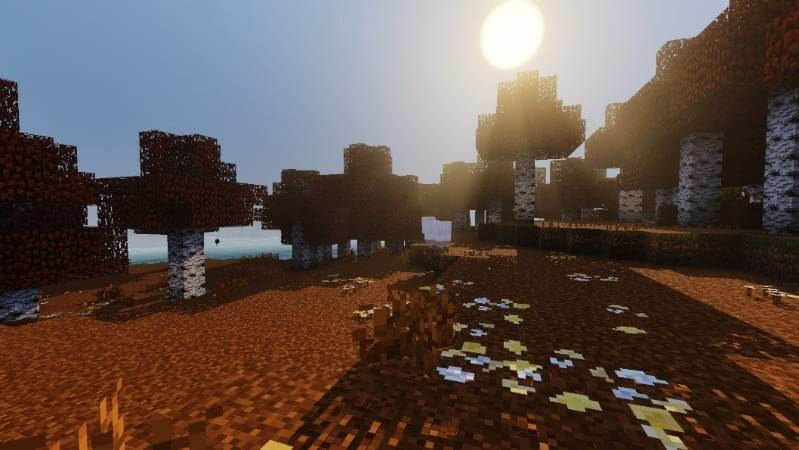
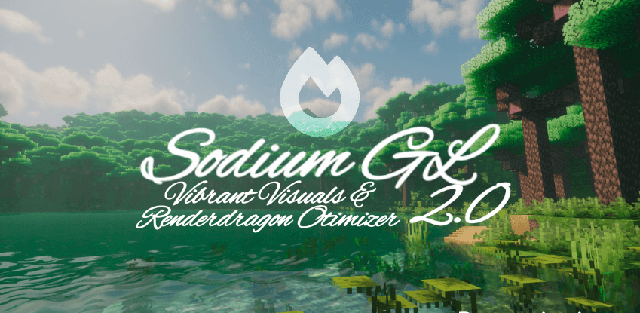
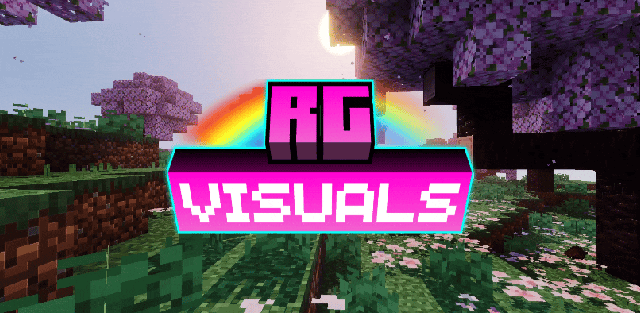
RG Visuals adds motion to the landscape alongside richer lighting and water. Animated grass and vegetation are paired with matching shadows, while reflective water and caustics give rivers more detail.
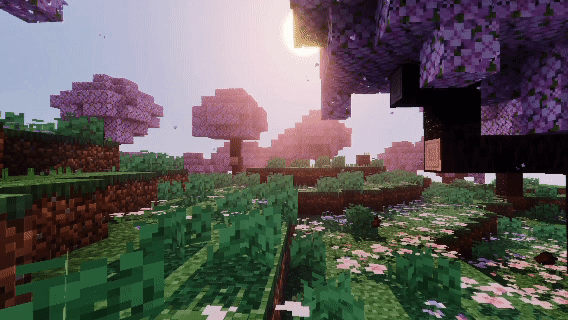
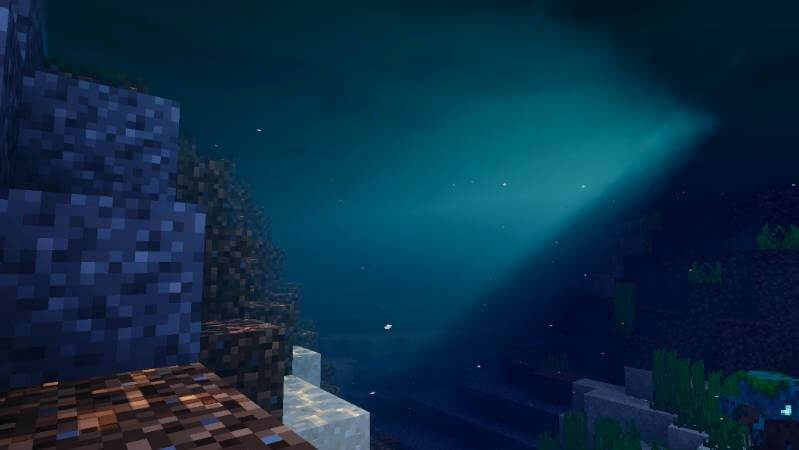
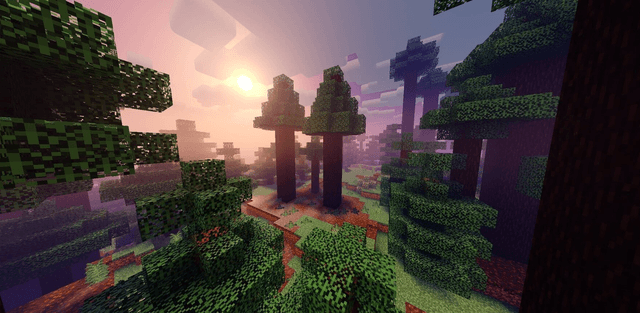
Volumetric rays, fog and soft biome colors shape the atmosphere. The 1.7 release adds animated red, orange and yellow poplar foliage. The pack keeps the familiar block world while making natural scenes feel less static.
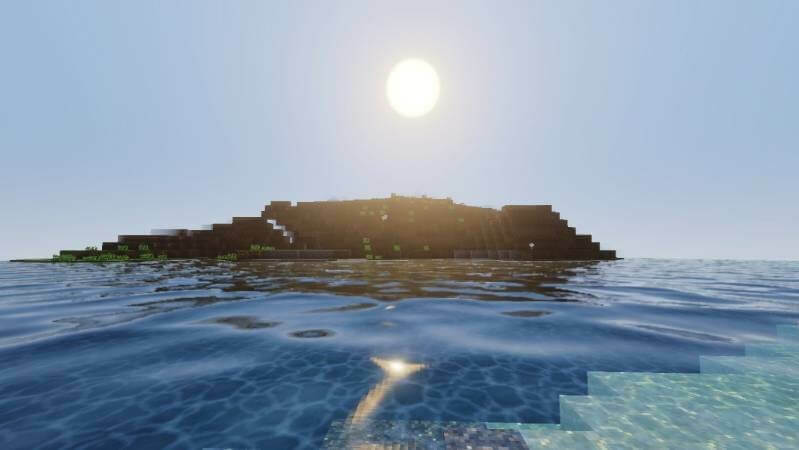
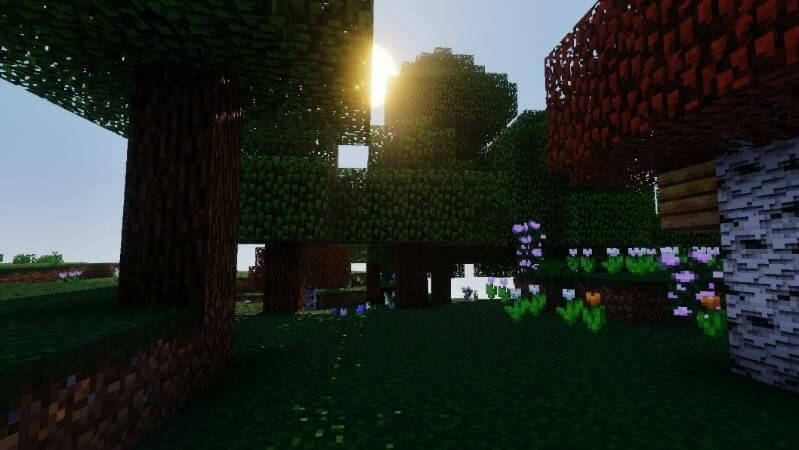
The recommended gamma value is intended to reproduce the author’s softer image. Start around 80%, then adjust for your screen without treating the recommendation as a hard compatibility requirement.