How to enable: import the pack, activate it in Global Resources or in the world resource packs, then select Vibrant Visuals in Settings > Video > Graphics Mode. A device that supports this mode is required.
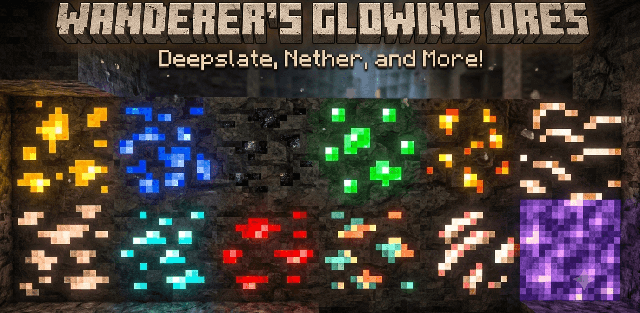
Kinetix Visuals combines bright natural colors with stronger material detail. Its included PBR textures give surfaces different roughness and reflective properties, and luminous materials remain noticeable at night.
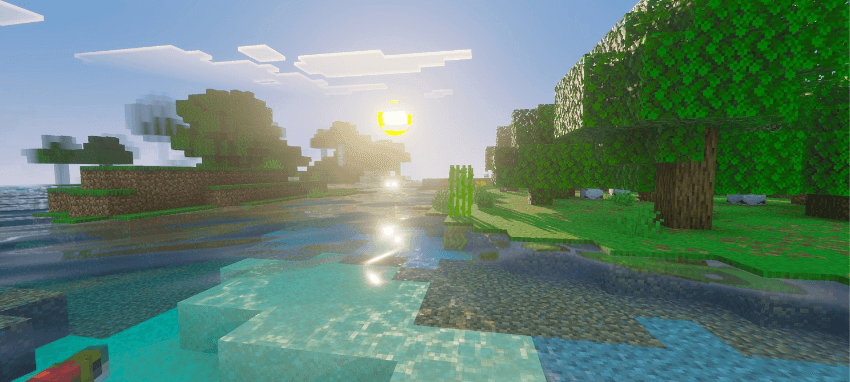
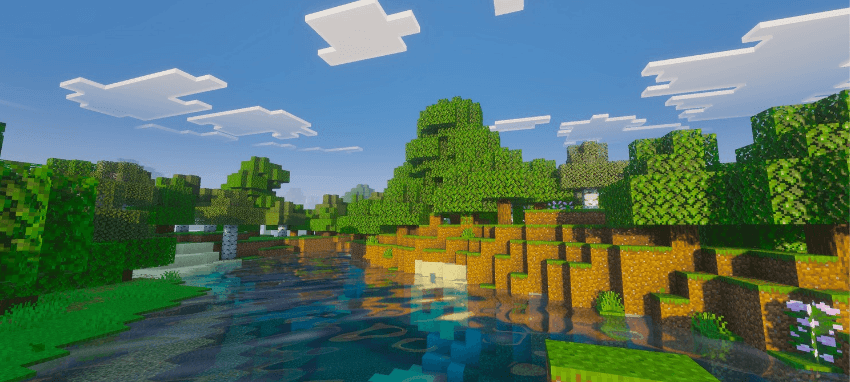
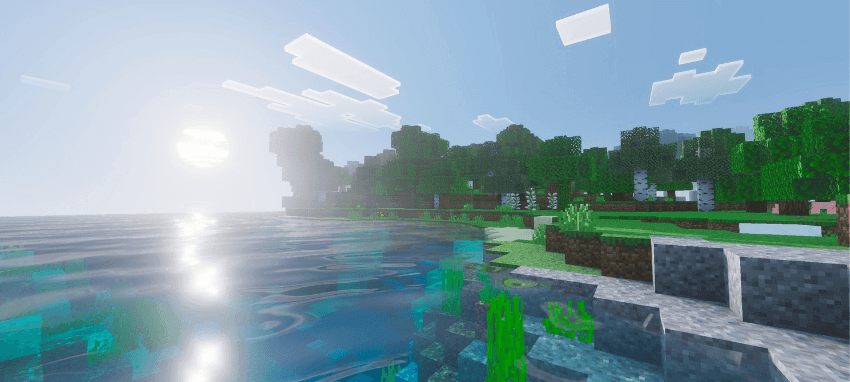
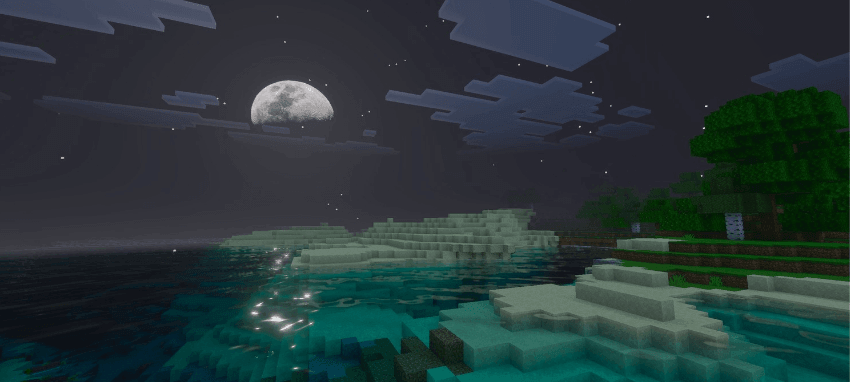
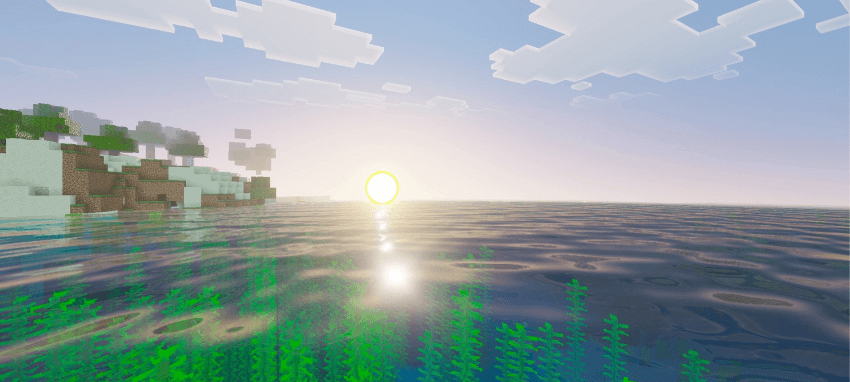
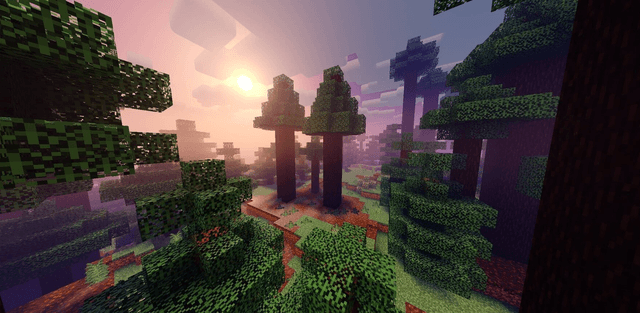
Custom water, fog, sunlight and moonlight work together to change the atmosphere. Rivers and coastlines show moving reflections and clear underwater light patterns, while night scenes use cooler tones around illuminated areas.
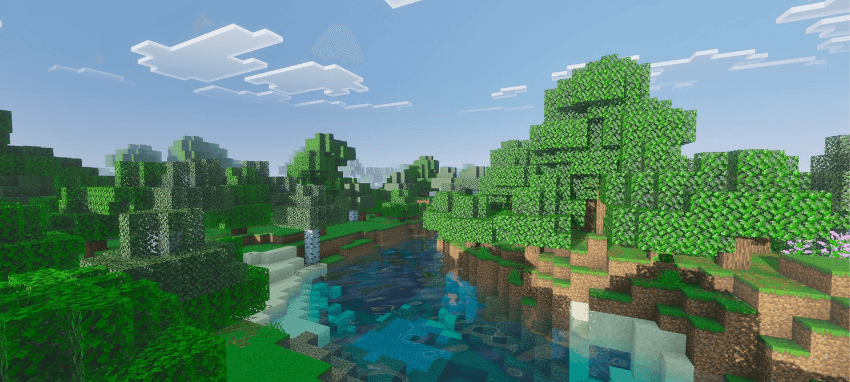
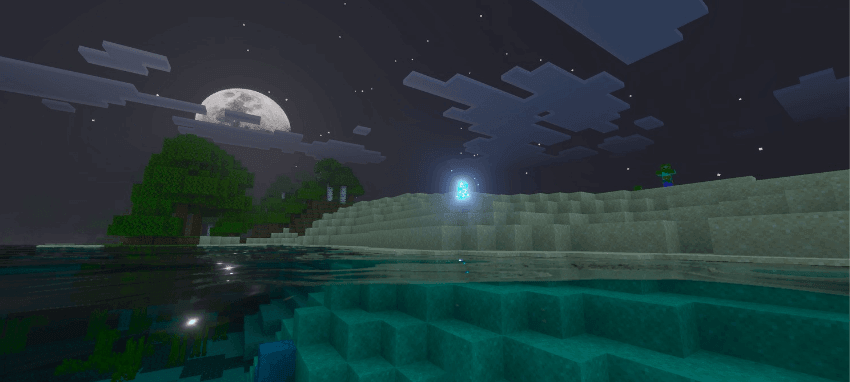
Activate it on a Vibrant Visuals-capable device. If another resource pack replaces the same PBR textures or atmosphere definitions, resource priority will determine which appearance is shown.