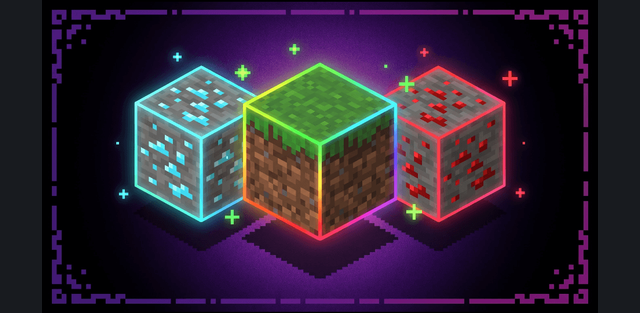
Smooth Outline RGB replaces abrupt target highlighting with an animated outline that follows the block you aim at. Choose a fixed color or let the border cycle through RGB colors. The settings work in survival and Creative worlds.
Settings
Choose the color theme through the gear icon in resource-pack settings; fourteen subpacks include RGB and fixed-color options. Use a clock to open the movement settings menu. The follow-speed slider ranges from 0 to 100; 100 gives the fastest response. TURBO mode is a separate option and is disabled initially. It can reduce visible delay, but Minecraft’s own movement smoothing still affects the outline. With commands enabled, /scriptevent chz:menu opens the same menu.
Block shapes and activation
Dedicated shapes cover slabs, straight stairs, buttons, levers, ladders, wall signs, doors, trapdoors, beds, chests, fences and other supported blocks. Unsupported shapes, including corner stairs and wall torches, use a full-block box. Activate both bundled packs. The author additionally lists BetterPack as a requirement, but provides no separate dependency download or setup instructions for it.