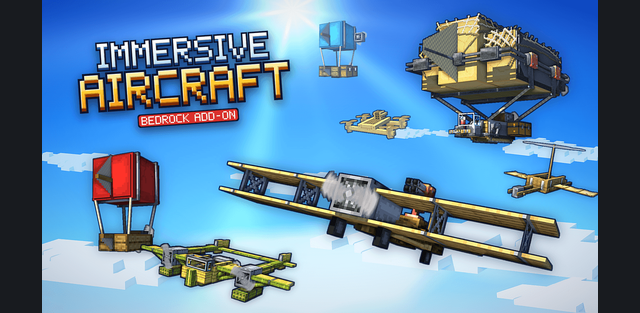
This Bedrock adaptation by quillphen brings the aircraft of Conczin’s Immersive Aircraft to survival and Creative worlds. Machines are assembled from craftable hulls, engines, sails, propellers and boilers; their recipes appear in the recipe book. Creative inventory groups separate Aircraft, Aircraft Weapons, Aircraft Upgrades and Aircraft Parts.
Which aircraft to choose
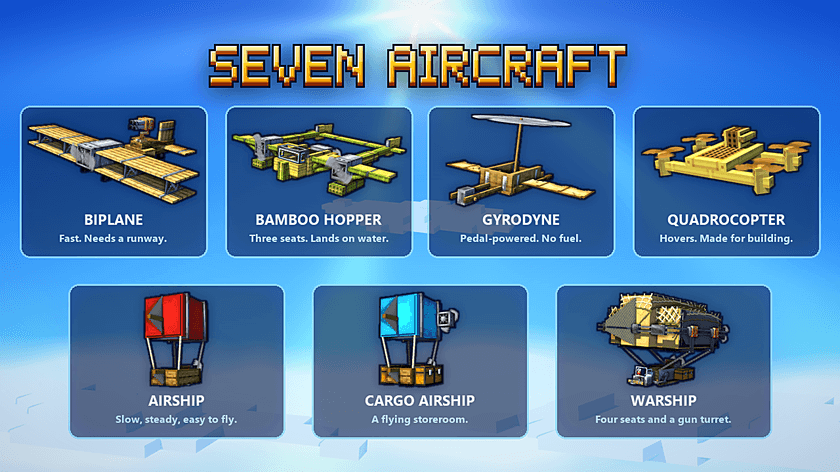
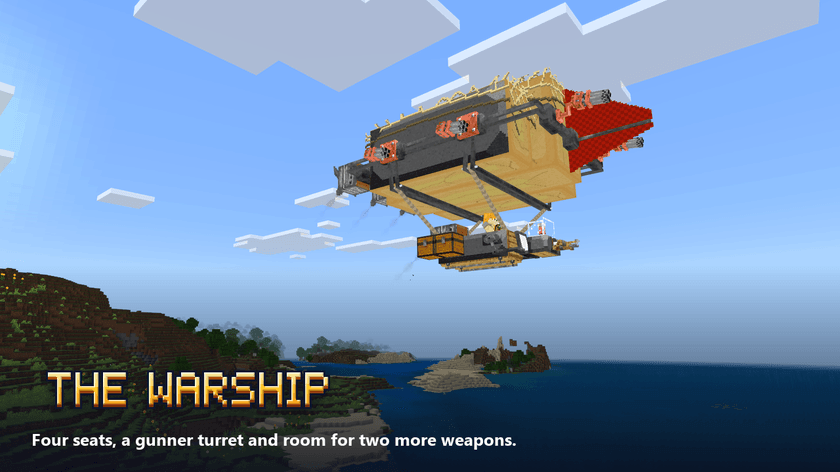
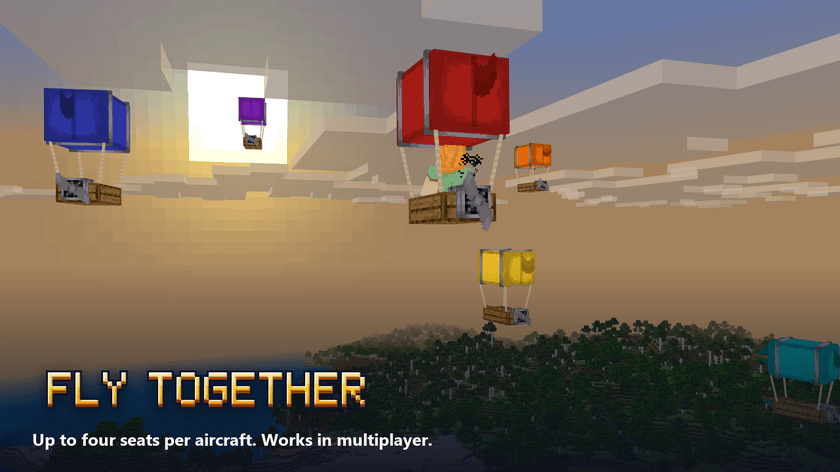
The single-seat Biplane is fast and needs a runway. Bamboo Hopper is a three-seat seaplane. The two-seat Airship is slow and steady; Cargo Airship adds a large hold. The two-seat Gyrodyne uses the pilot’s hunger instead of fuel. Quadrocopter carries one pilot and can hover for building. The four-seat Warship includes a gunner position.
Boarding, fuel and takeoff
Interact with an aircraft to board; on touch devices, face it and press Board. Open your inventory while seated to access its slots. Put ordinary furnace fuel in the marked fuel slot, except on the hunger-powered Gyrodyne. Airplanes need speed to generate lift; airships and rotorcraft climb with Jump. The first flight in each type shows device-specific controls. Sneak-interact from outside to open the aircraft panel and its Controls page.
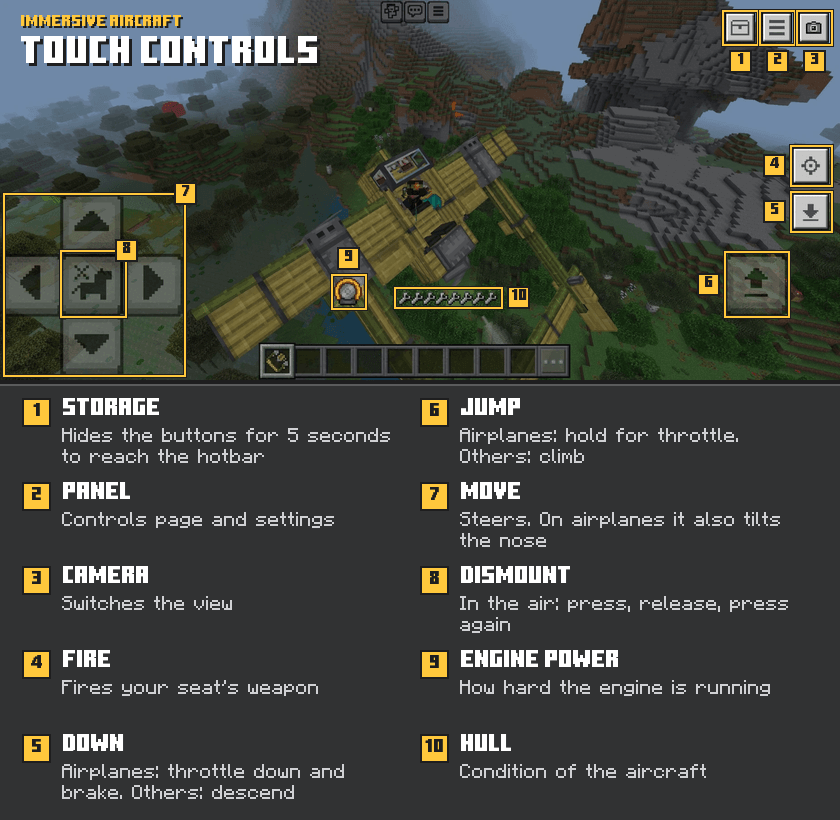
Phone and tablet controls
The move pad steers; on airplanes, forward and backward movement lower and raise the nose. Hold Jump to increase airplane throttle, or to climb in an airship or rotorcraft. Down reduces airplane throttle and brakes, or makes other craft descend. Fire shoots the weapon assigned to your seat. Camera changes the view. Panel opens controls and settings. Storage hides the custom buttons for five seconds so you can reach the hotbar and inventory. To leave an airborne aircraft, press Dismount, release it and press again.
Cargo, weapons and upgrades
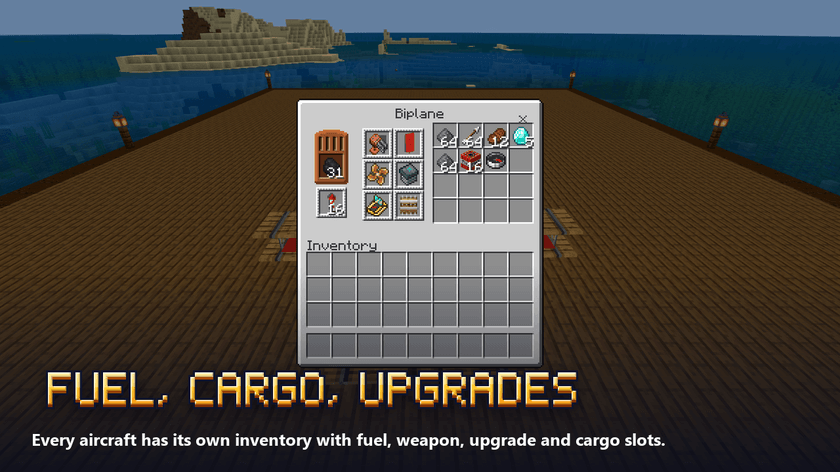
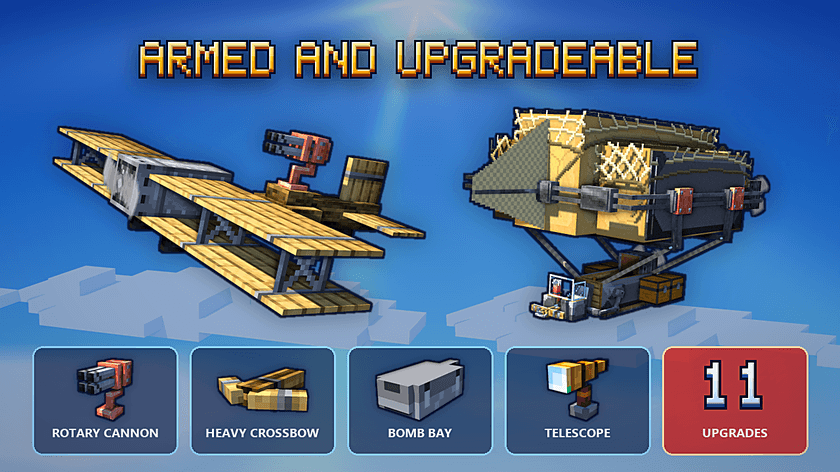
Marked slots accept fuel, booster rockets, weapons, upgrades, a banner or dye; the remaining slots carry cargo. Install a Rotary Cannon and gunpowder, a Heavy Crossbow with arrows in cargo, or a Bomb Bay with TNT. A Telescope provides zoom. Fire using attack on keyboard/controller or the touch Fire button. Eleven upgrades change engines, propellers, hull protection, landing gear and instruments; only one of each upgrade type can be installed.
Appearance and world settings
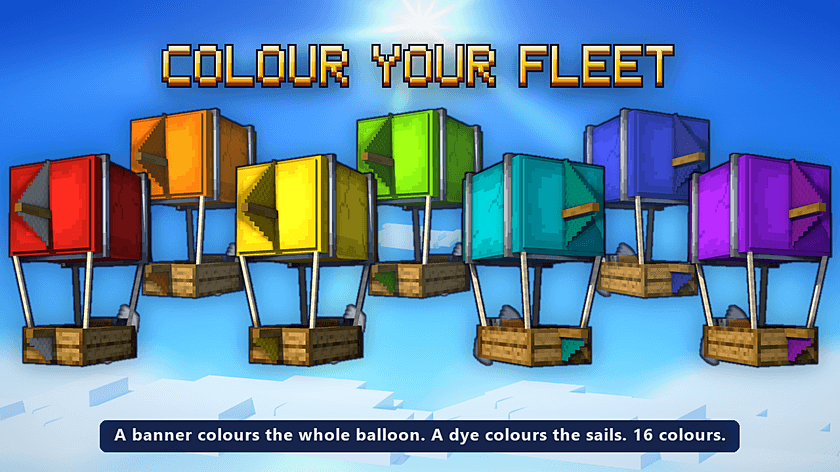
A banner sets an airship balloon’s base color; dye changes sails and flags. All sixteen colors are supported, but banner patterns are not shown. The HUD displays engine power and hull condition. Crashes damage aircraft, and repair is available by interacting from outside. Operators can configure flight assistance, fuel use, crash damage, weapon damage to players and blocks, particles and sounds.
Interface details
While this resource pack is active, horse, donkey, mule, llama and camel inventories use a plain slot grid. The slots remain functional. A seated player stays upright when an aircraft banks, and first-person view does not roll. Both packs must be active; experimental toggles are unnecessary.