Author: CaveCraft
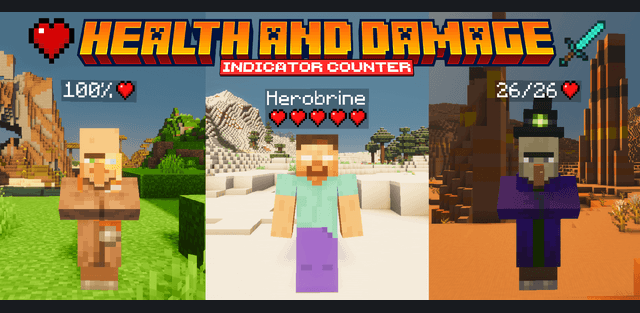
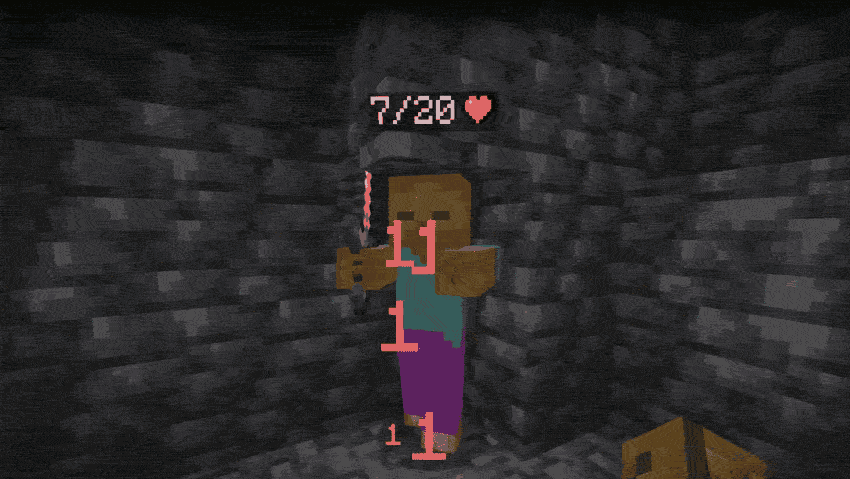
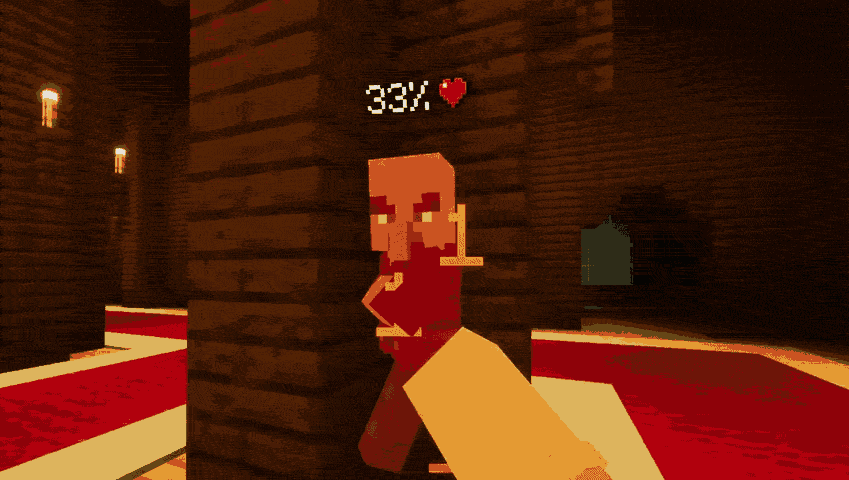
Ultimate Health & Damage Indicator makes combat easier to read by showing health over mobs and other players and displaying damage as floating numbers. Choose between exact health points, percentages and compact heart displays according to how much information you want on screen.
Four health displays
- Exact HP shows current and maximum health.
- Percentage displays the remaining share of the health bar.
- Ten-heart mode represents health with a fixed row of ten hearts.
- Five-heart mode provides a smaller, less crowded display.






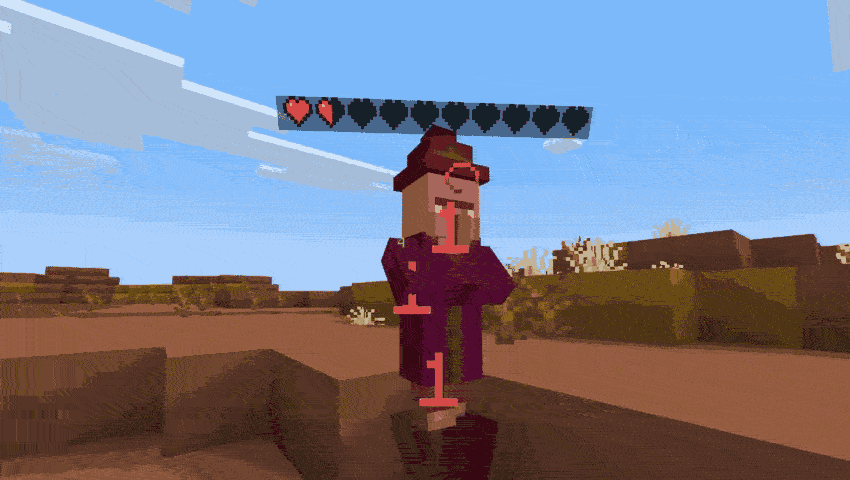

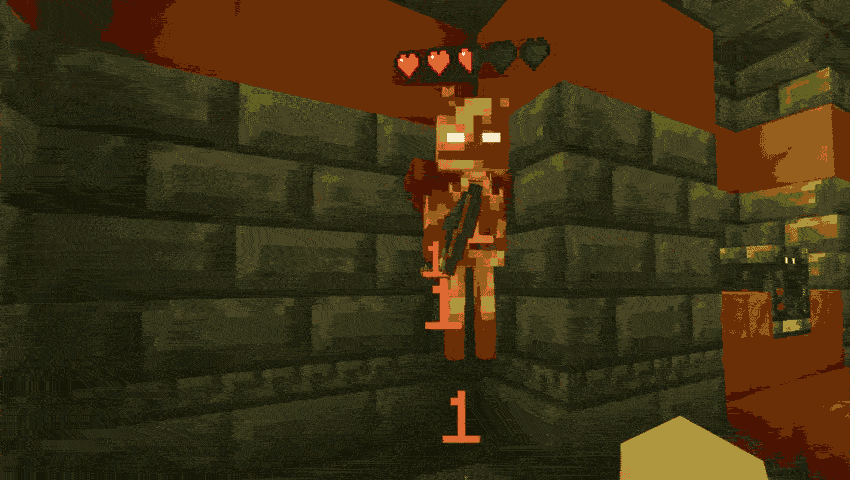

Choosing a mode
Open the gear settings of the activated behavior pack and use its slider. Each of the four health styles has a variant with floating damage enabled and another with damage disabled, giving eight choices. Activate the resource pack as well, because it supplies the damage-number visuals.
The current update improves critical-hit detection and refreshes health displays more quickly. The chosen display changes the information you see, without creating a new progression or damage-scaling system. It is suitable for checking remaining enemy health and comparing the result of different attacks.