Author: ForestOfLight
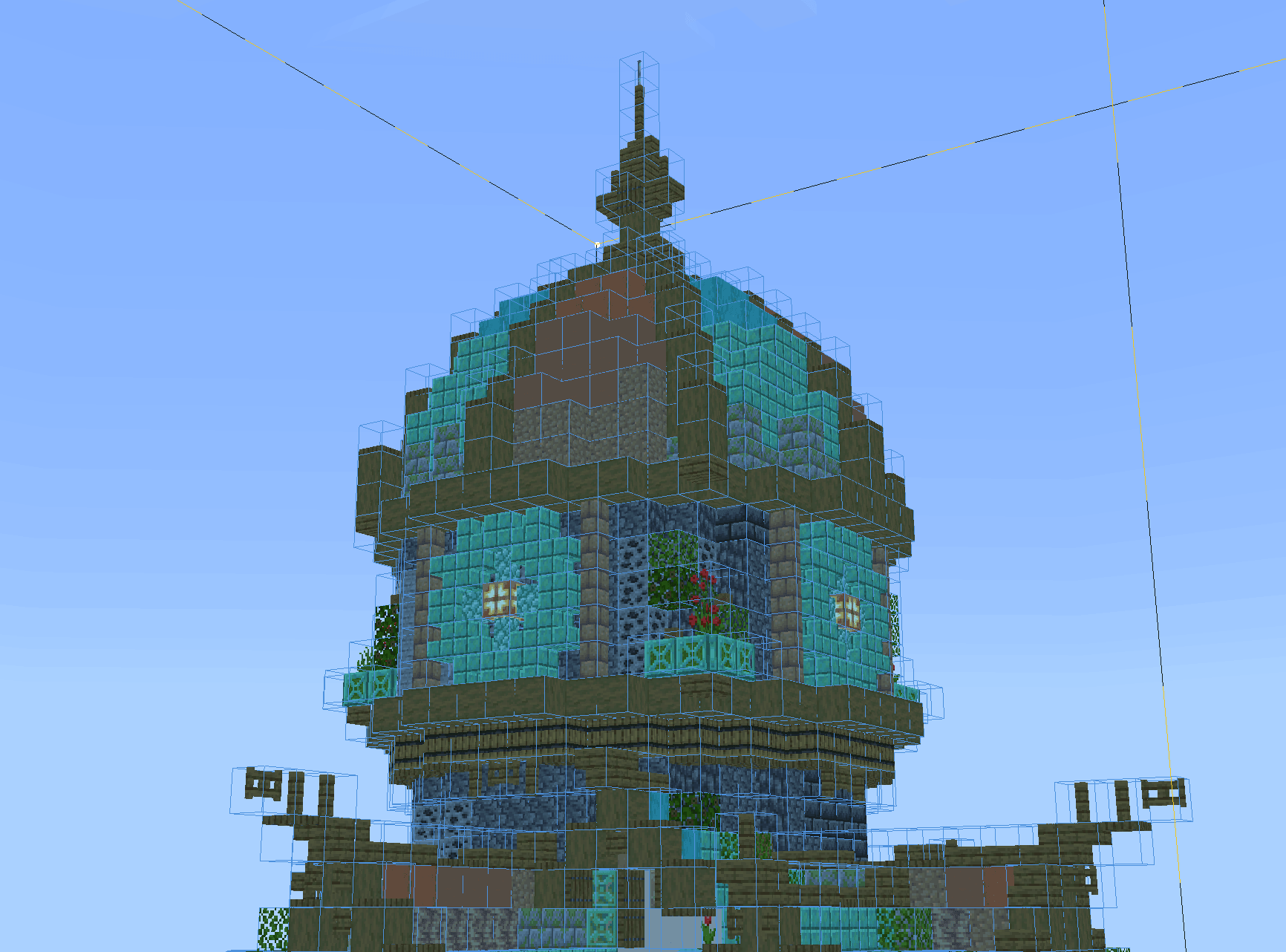
Construct brings schematic-guided building to Bedrock. Save a design, display it as a hologram and reproduce it in another place while checking which blocks are still missing or incorrectly placed. It is useful for moving creative designs into survival without guessing every position by eye.
Getting started
Use /construct:construct to obtain the control item, or find it in the Creative inventory. Its menu manages schematics and placed instances. Renaming a control item to an instance name can make that item select the matching instance automatically.
Save structures with a structure block or the /structure command. To move a .mcstructure file between worlds, place it in the structures folder of a behavior pack, then reload the world or use a pack containing that structure. Simply keeping a schematic in the download folder does not make it available in-game.
Building assistance
Easy Place helps position blocks with the correct orientation. Material Grab draws needed materials from containers, and layer controls let you concentrate on part of a large build. The validator highlights incorrect placements; purple indicates a location that should be air rather than a solid block.
Material lists now focus on unplaced blocks and retain collected-material progress. Connected shapes such as stairs, fences, panes, bars and tripwire display more accurately, and double slabs count their material cost correctly. Operators can use /construct:admin for world-wide controls.
Enable Beta APIs in the world settings.