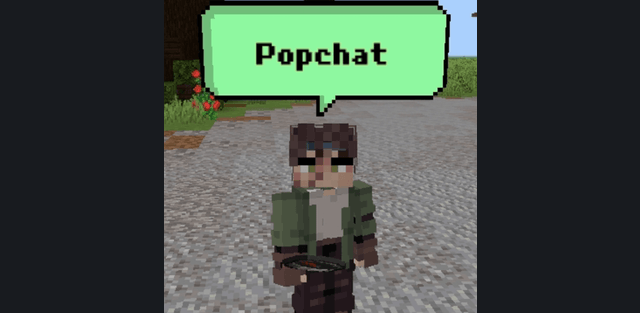
PopChat + PlayerRename makes conversations visible above players and provides an in-game name editor. It is useful for roleplay, multiplayer meetings and distinguishing players without opening the normal chat history.
Names
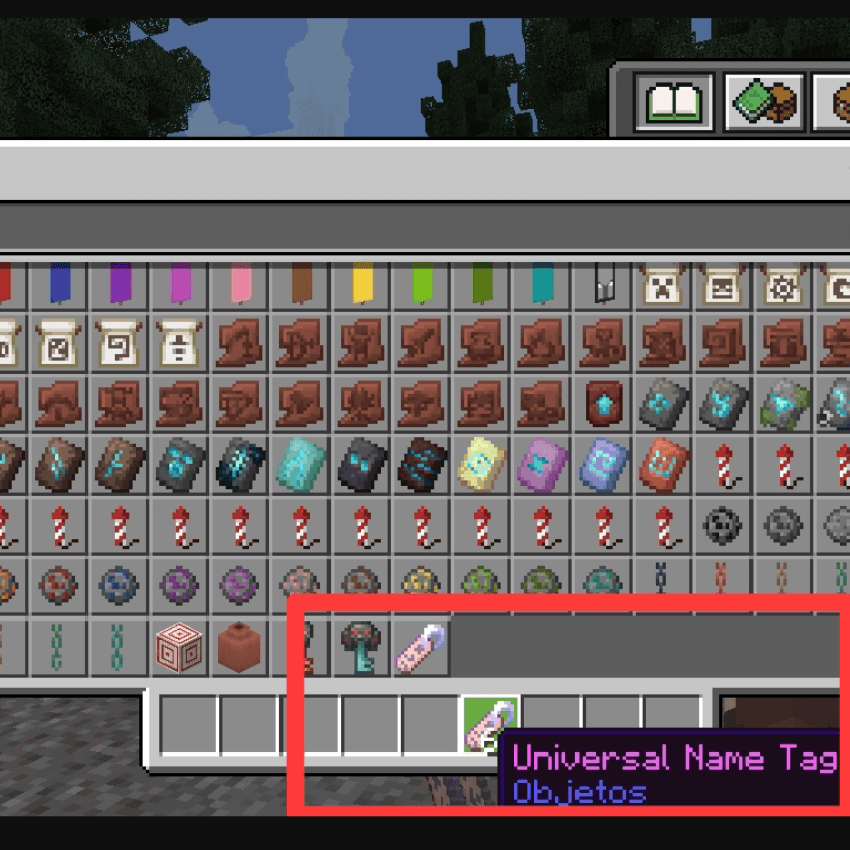
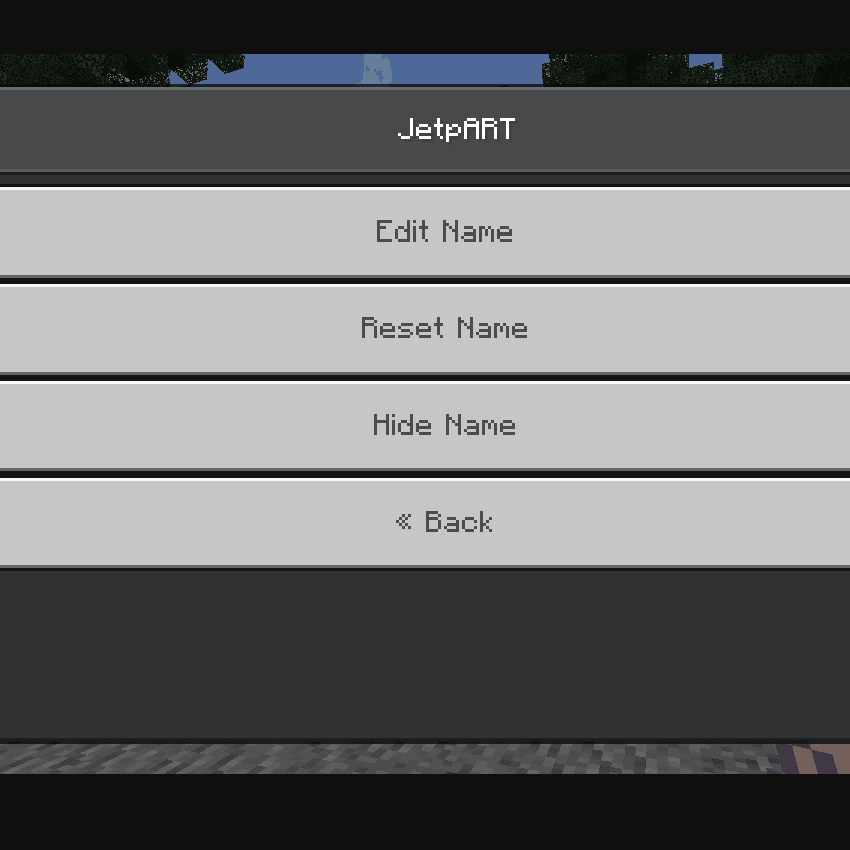
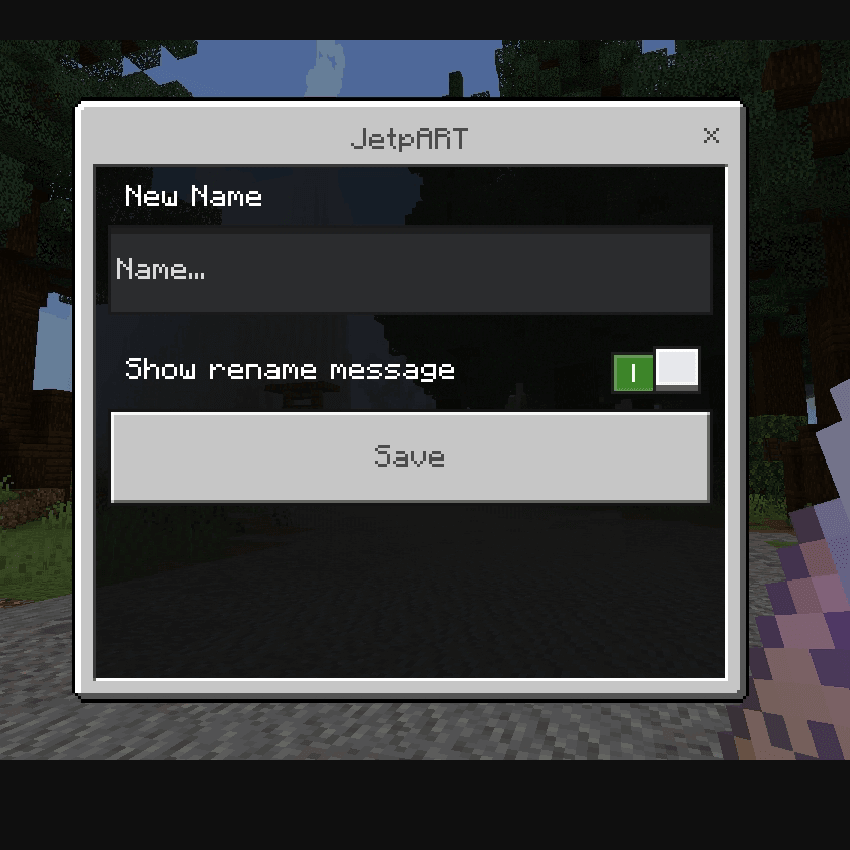
Use the special Universal Name Tag to open the name menu. It can edit, reset or hide the displayed name. The edit screen contains a new-name field and a switch controlling whether a rename message is shown.
Speech bubbles
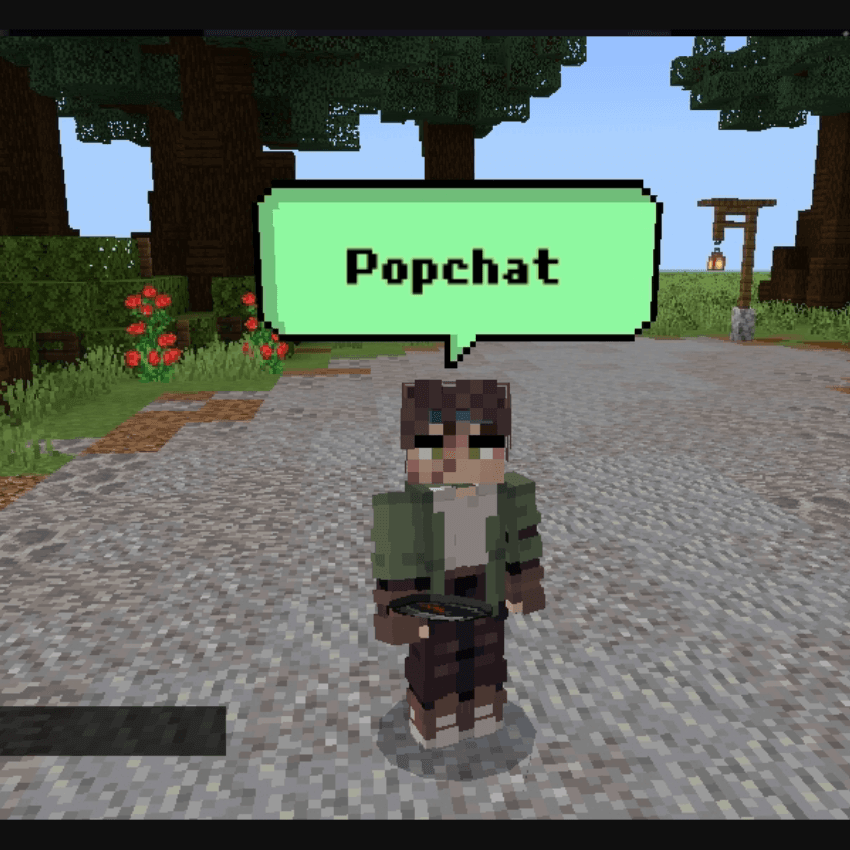
Use a compass to access PopChat and choose a bubble color. Messages then appear in a colored bubble above the character, making nearby conversations easy to follow. The supplied download is named for Minecraft 26.52; its scripts require Beta APIs to be enabled in the world experiments.
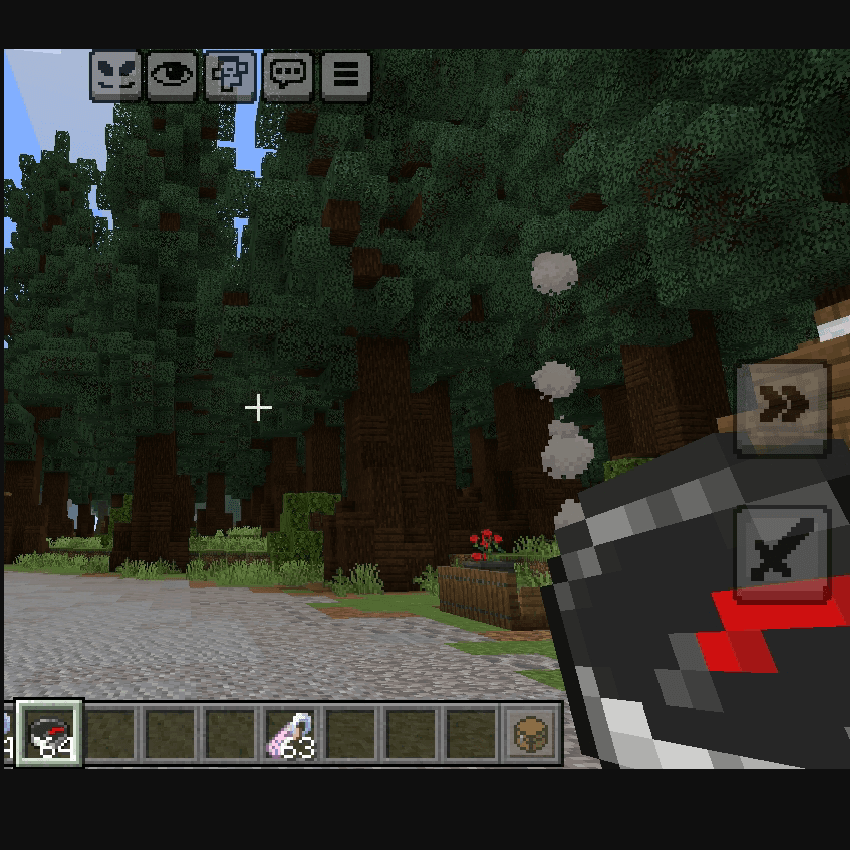
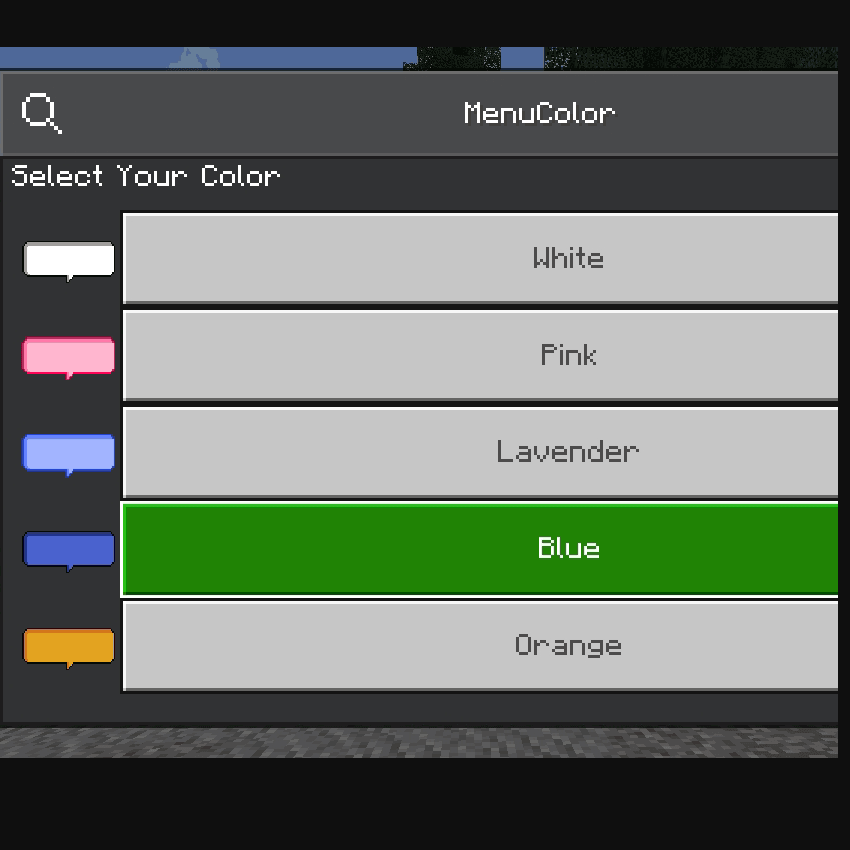
The name editor separates changing a name from announcing the change. Reset restores the normal display, while hiding the name is a separate action. Speech-bubble colors are selected independently, so a player can adjust conversation visibility without repeatedly renaming the character.
For Minecraft 26.52