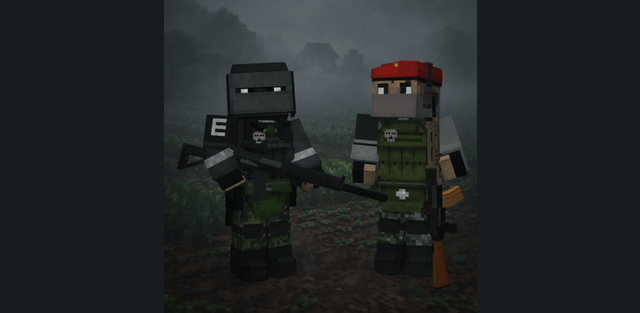
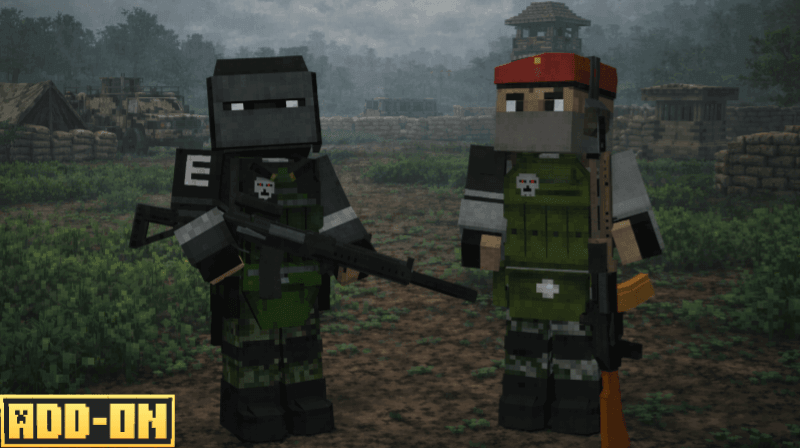
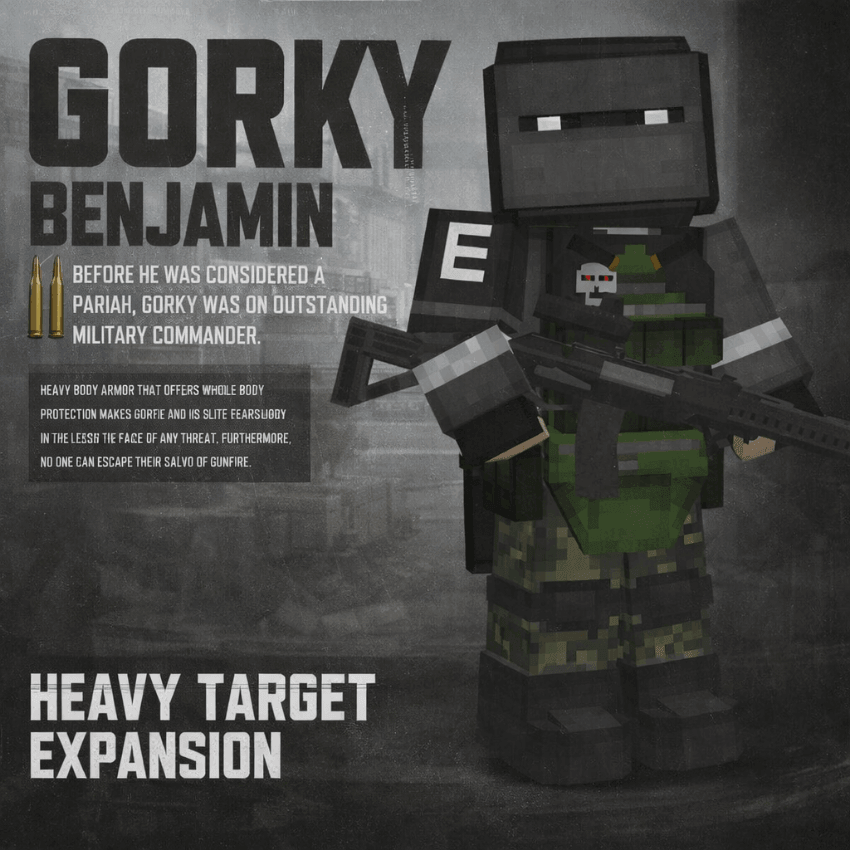
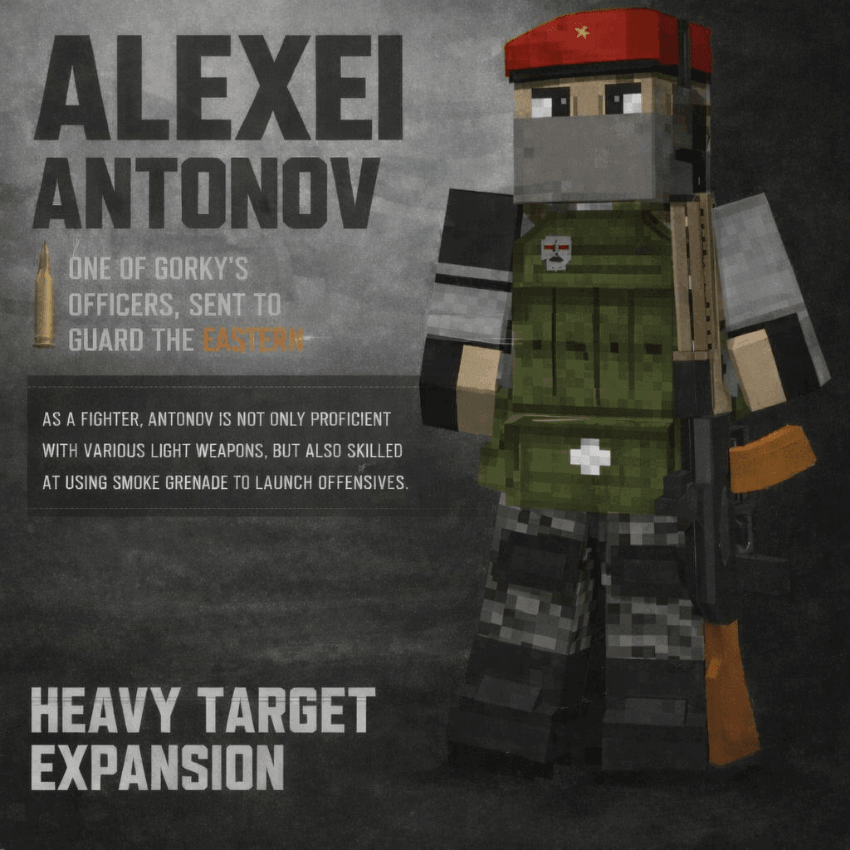
Military encounters arrive as organized squads rather than isolated enemies. Two named commanders deploy with guards, announce their arrival by radio and return after individual cooldowns. Faction tags are an essential part of setup because they determine whether players are treated as targets.
Deployment and rewards
A boss deploys about 64 blocks from a randomly selected active player. Radio-style messages and walkie-talkie sounds announce deployment and defeat. A successful defeat awards 1,500 experience points, then that boss enters a fifty-minute cooldown. Each boss has its own cooldown.
Required setup
- Activate the behavior and resource packs. Enable Beta APIs as required by the author.
- Assign a faction tag to each participating player: /tag @s add radio:WTA or /tag @s add radio:EFA. Custom NPCs also need the appropriate faction tag.
- Without a faction tag, bosses ignore players and target ordinary hostile mobs instead. Tags are also needed for the intended reward behavior.
- When using a separate warfare addon, place that main addon above HVT in both pack lists. PSB is an example of such a combination, not a mandatory additional download.
Administrator tools
The command /scriptevent wrg:resetboss removes active bosses and guards, clears their cooldowns and restarts the encounter cycle. Use it only when you intend to reset encounters. The tag /tag @s add admin enables administrative logging. The system also cleans up duplicate boss entities.