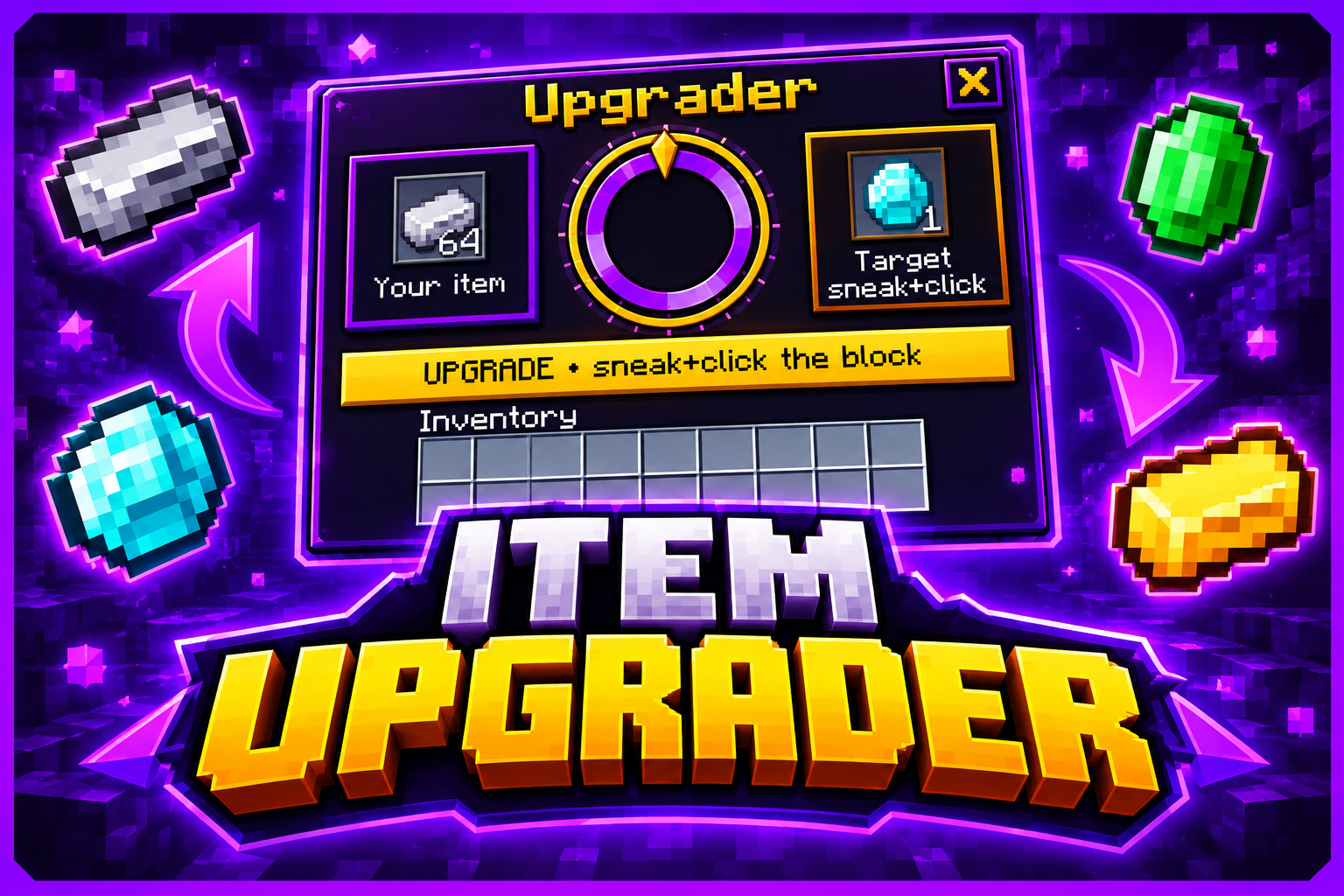
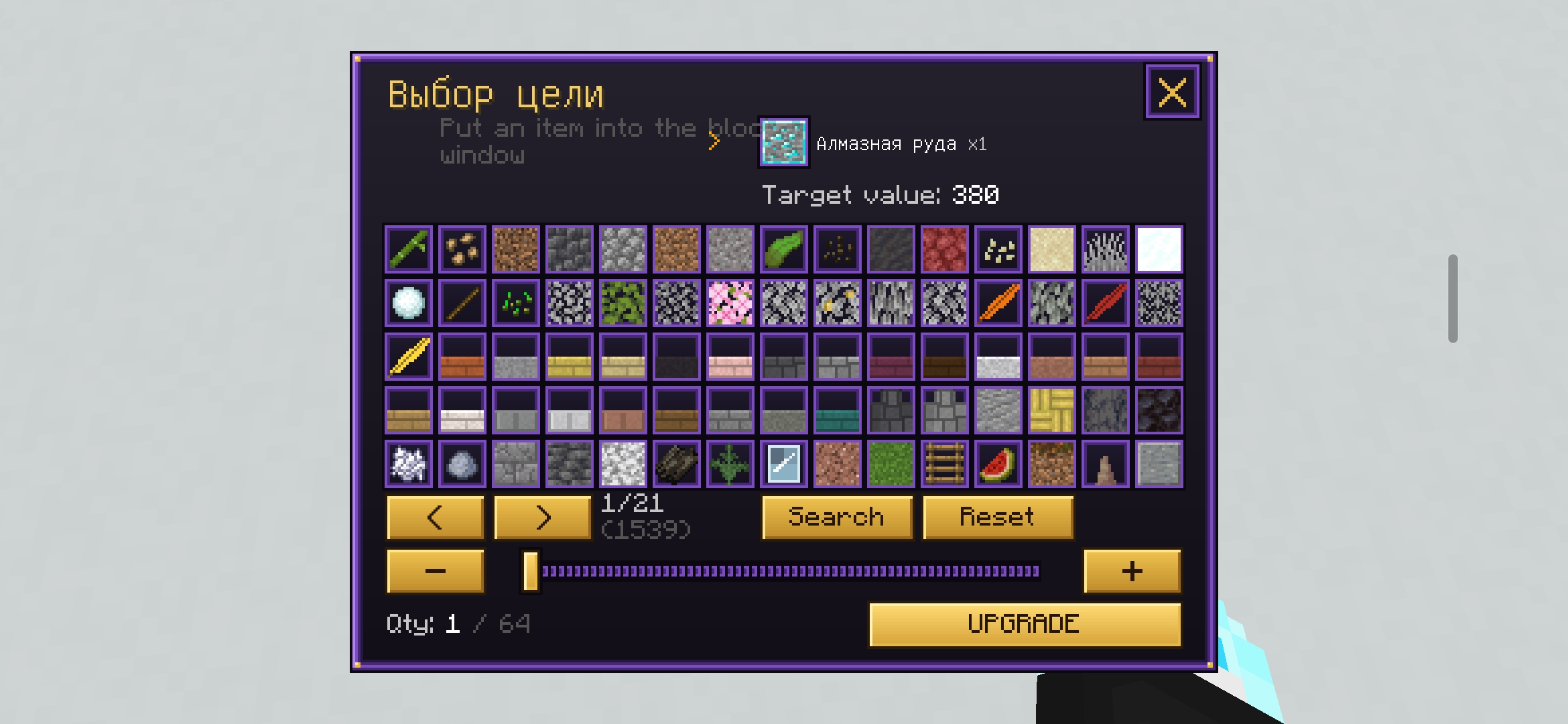
Item Upgrader is a block that converts one item into another via a custom interface with a chance-based roulette. Place the Item Upgrader block, click it (no sneaking) and put your item into its window. Sneak + click to open the menu, choose a target item and amount, then press UPGRADE and watch the roulette. On success you receive the target item; on failure the input item is lost.
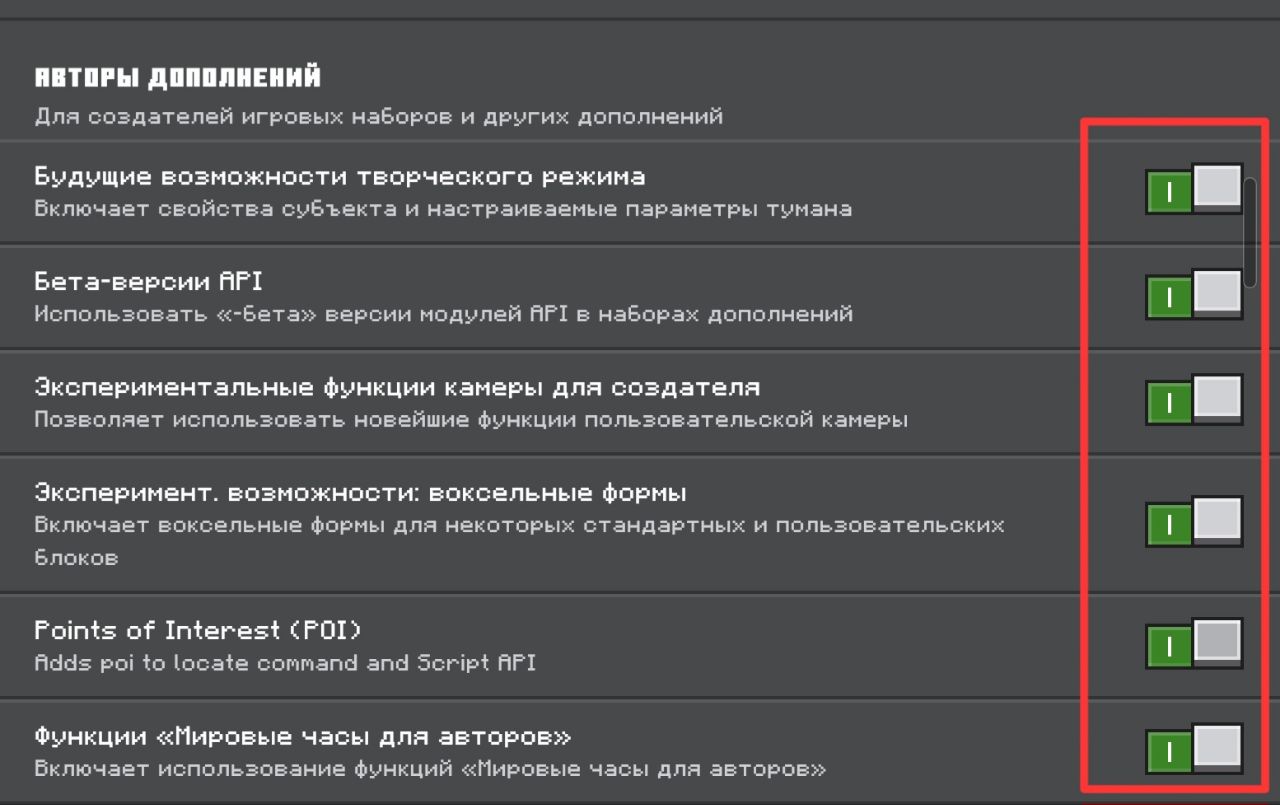
Requirements: Minecraft Bedrock 26.50 or newer. In your world settings open Experiments and enable Forthcoming Creator Features. If that toggle is not visible, enable all available experimental toggles. Then enable both the Behavior Pack and the Resource Pack.
Recipe:
Iron, Gold, Iron
Amethyst Shard, Redstone, Amethyst Shard
Iron, Gold, Iron
Features:
- Searchable catalog of target items sorted by value and grouped by family (stairs, slabs, tools, colored blocks, etc.).
- Recent targets: a button shows your last 15 choices.
- Enchanted books (max level only) are valued, with rare ones like Mending and Fortune priced higher.
- Enchantments on the input item add to its value.
- Bundles are valued together with their contents.
- Chance ranges from 0.01% up to 90%, shown before you press the button.
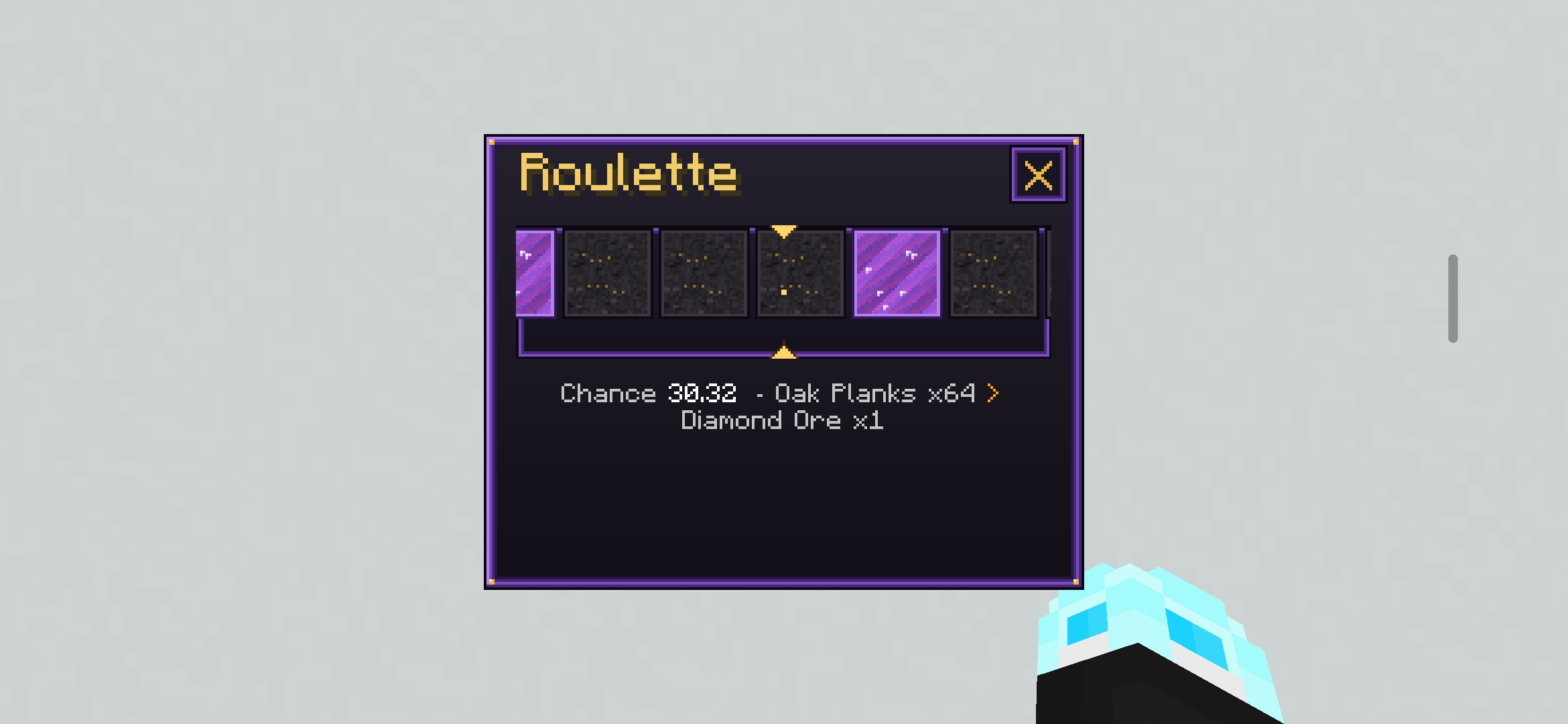
- Roulette speeds: Normal, Fast, Instant. You can close the roulette window while it spins; the result is still delivered and a mini roulette of dots runs at the bottom of the screen.
- After a roulette the menu reopens so you can continue immediately.
- Repeat mode: repeat the same trade up to 64 times with a summary in chat; it stops with a chat message if you walk more than 25 blocks away (sneak + click to continue).
- English and Russian interfaces (choose on first join; change anytime in Search & settings).
- The Item Upgrader is not lost on death. Placement sound and particles are included. Interface is optimized for weaker devices.
Known issues:
- Shulker boxes cannot be put in because the game does not allow add-ons to see their contents (bundles work).
- Some icons (stairs, slabs, walls and items without a texture) are hand-drawn approximations.
- The preview item in the block window can be picked up for a moment; it disappears immediately.
Import the .mcaddon file, enable both packs in your world, and turn on Forthcoming Creator Features (or all available experiments). Settings (language, roulette speed, repeats) are in the menu: Search & settings. Bugs or ideas? Leave a comment. By Karasik.