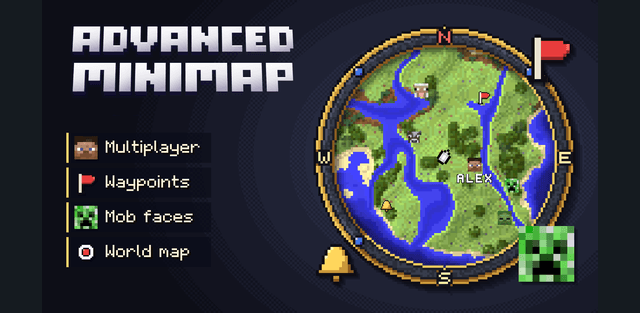
Live terrain and entities
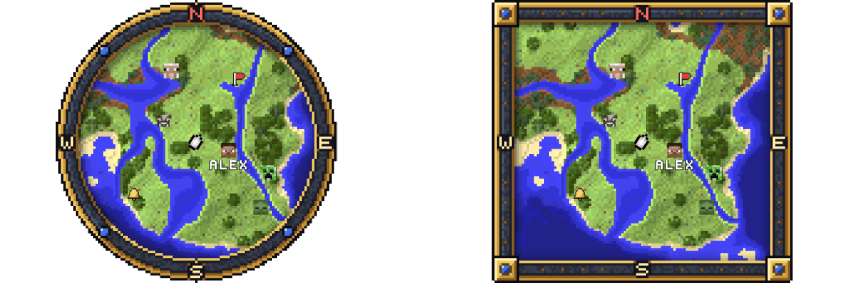
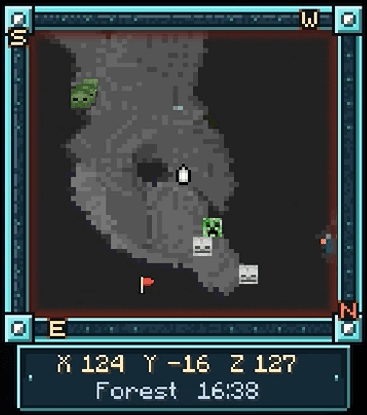
The minimap draws the surrounding blocks, shaded terrain, water depth and treetops. More than ninety mob icons distinguish nearby creatures, with a red frame for hostile threats. Other players can appear with their names.
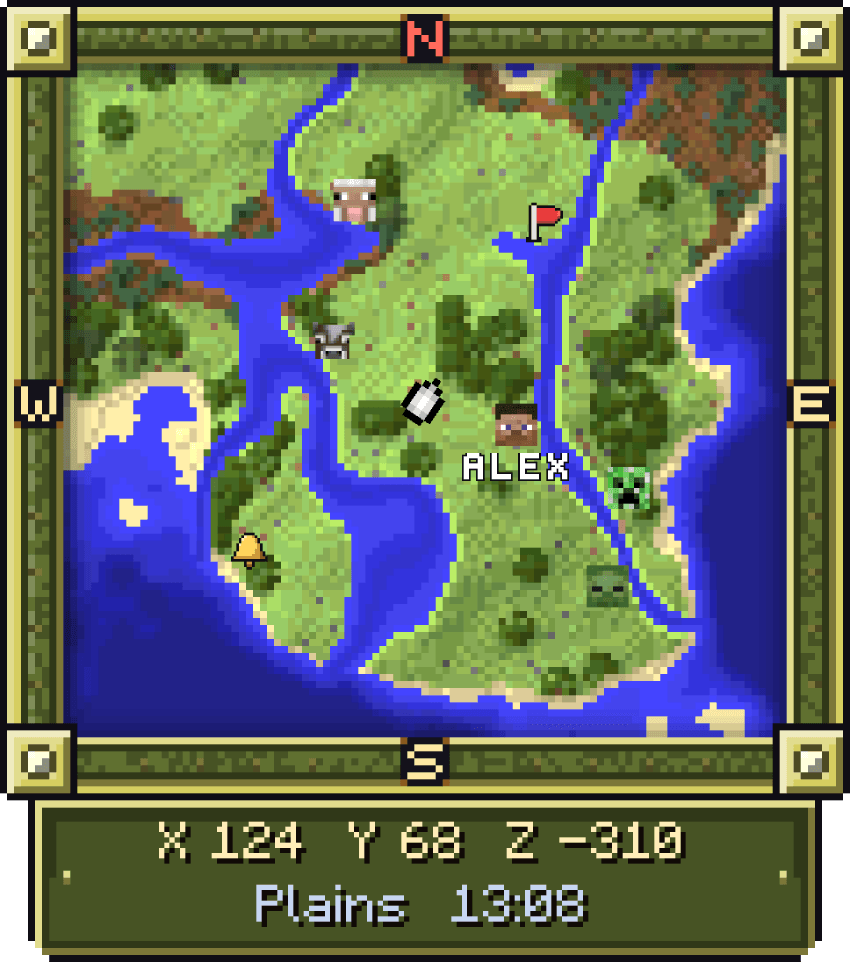
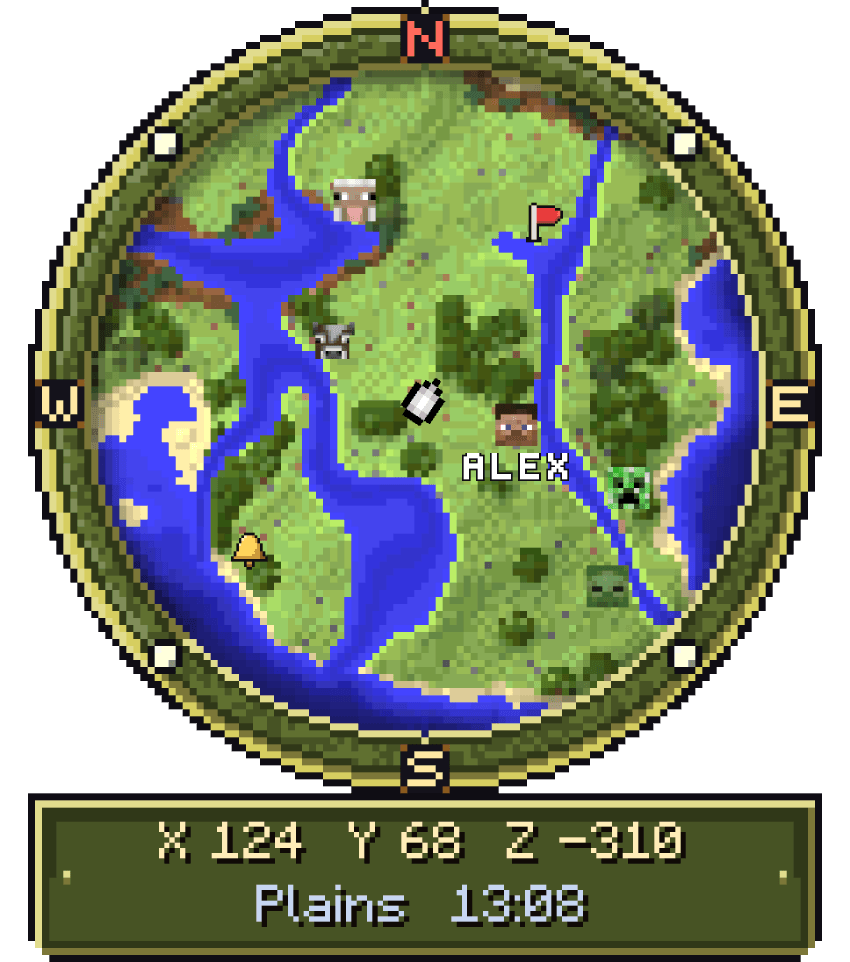
World map
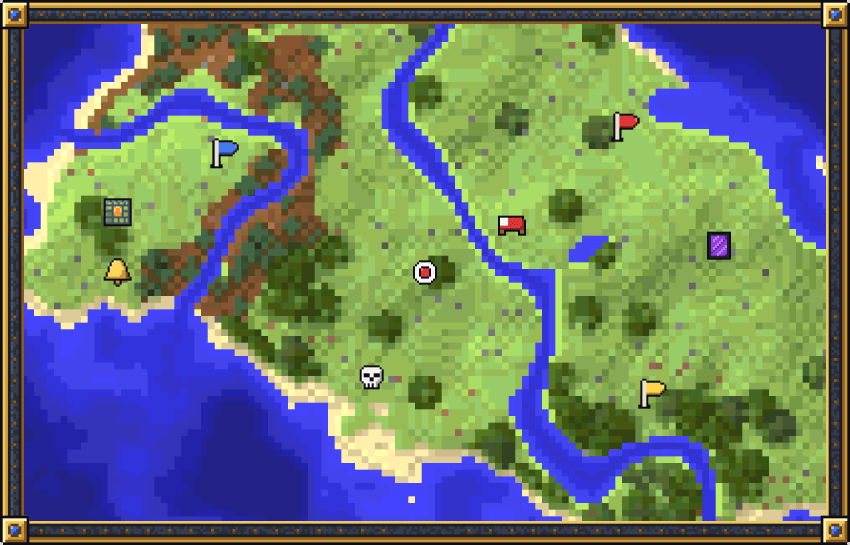
Explored regions remain on the world map with the world save. Pan around the map, change the zoom and choose a point for a marker. This creates a growing record of the areas you have travelled through rather than only showing the immediate surroundings.
Waypoints and guidance
Create named waypoints in six colours and choose whether they are private or shared. Optional sky beams make destinations visible in the world. Guide Me adds a route line and distance, while bed and last-death markers help with returning home or recovering equipment. Players can also send map pings to one another.

Surface, caves and landmarks
The map can switch between the surface and cave view as you move underground, or stay in a manually selected mode. Nearby discoveries such as villages, Nether portals and mob spawners can be marked automatically.

Appearance
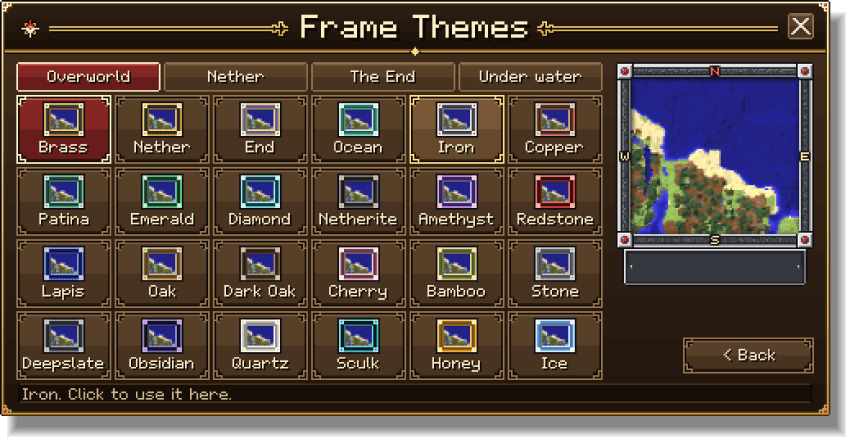
Choose a round or square map, screen position and one of 24 frames. Seven information-plate styles display details such as coordinates, biome and time. Detail levels, five zoom settings, north-up or rotating orientation and optional chunk or slime-chunk overlays let you adjust the display.
Opening the controls
The Cartographer Compass is given on first join and can also be crafted with a compass and paper. Use it to open settings; sneak while using it to open the world map. Touch controls include an Open Map action.
World and server settings
Performance, Balanced and Quality presets help choose the amount of detail. Multiplayer administrators can restrict graphics, update rates and features through Admin Limits. Experimental switches are not required; the author describes the addon as achievement-friendly.