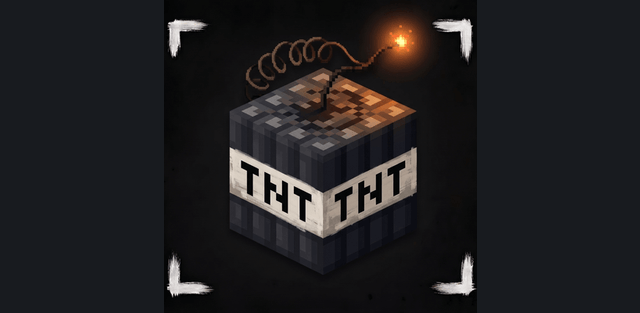
Infinite TNT Duper brings piston-based TNT duplication to Bedrock. This download contains PRO 2.0.1. It creates primed TNT while keeping the original TNT block in the machine, enabling repeated excavation and clearing without constantly replacing that block.
Machine and settings
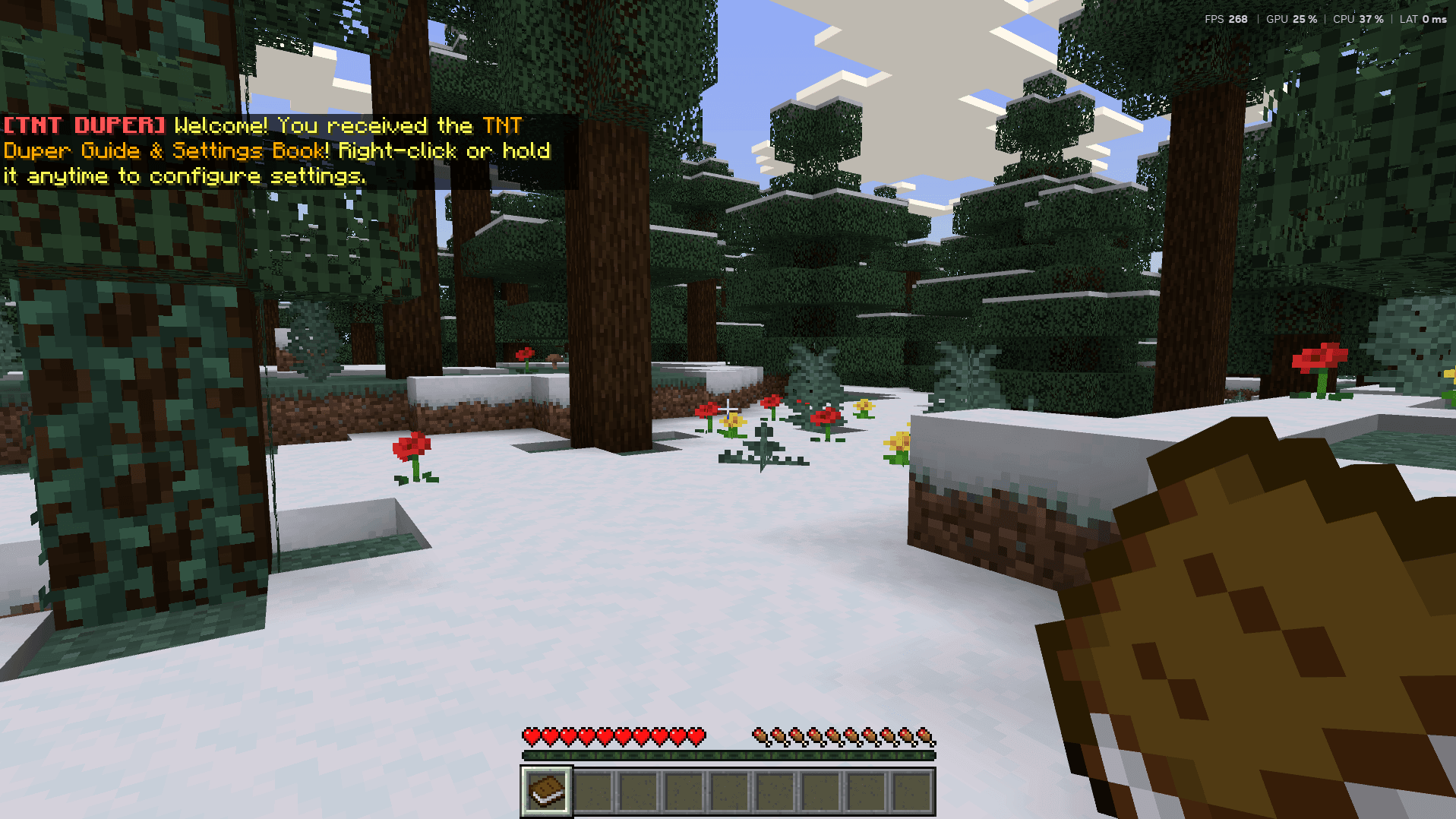
Place TNT next to a slime or honey block and move the assembly with a piston or sticky piston. PRO can trigger on both extension and retraction, producing two activations per cycle. The control book is supplied when entering the world and opens settings for duplication, sounds and the double-fire option.
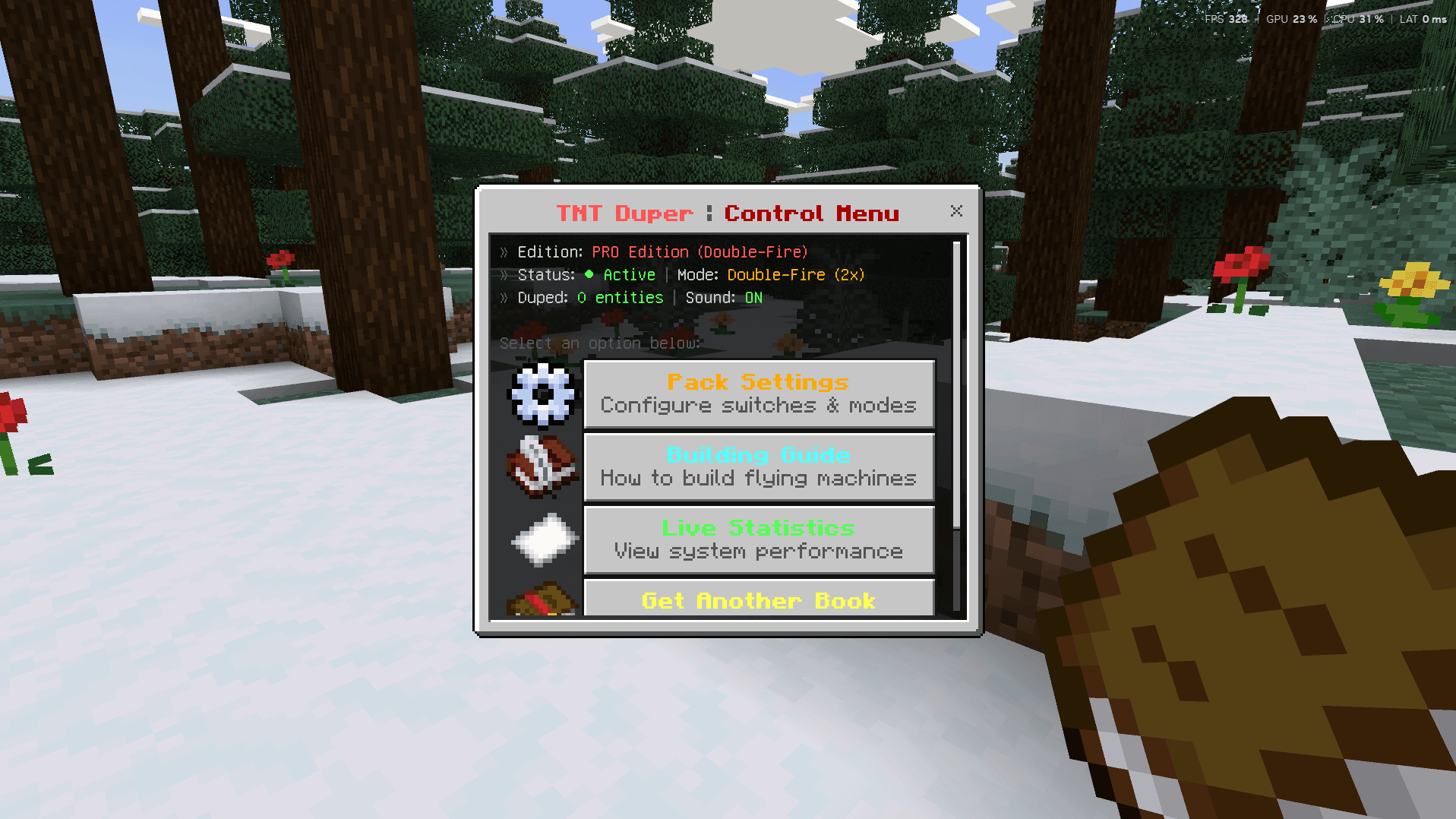
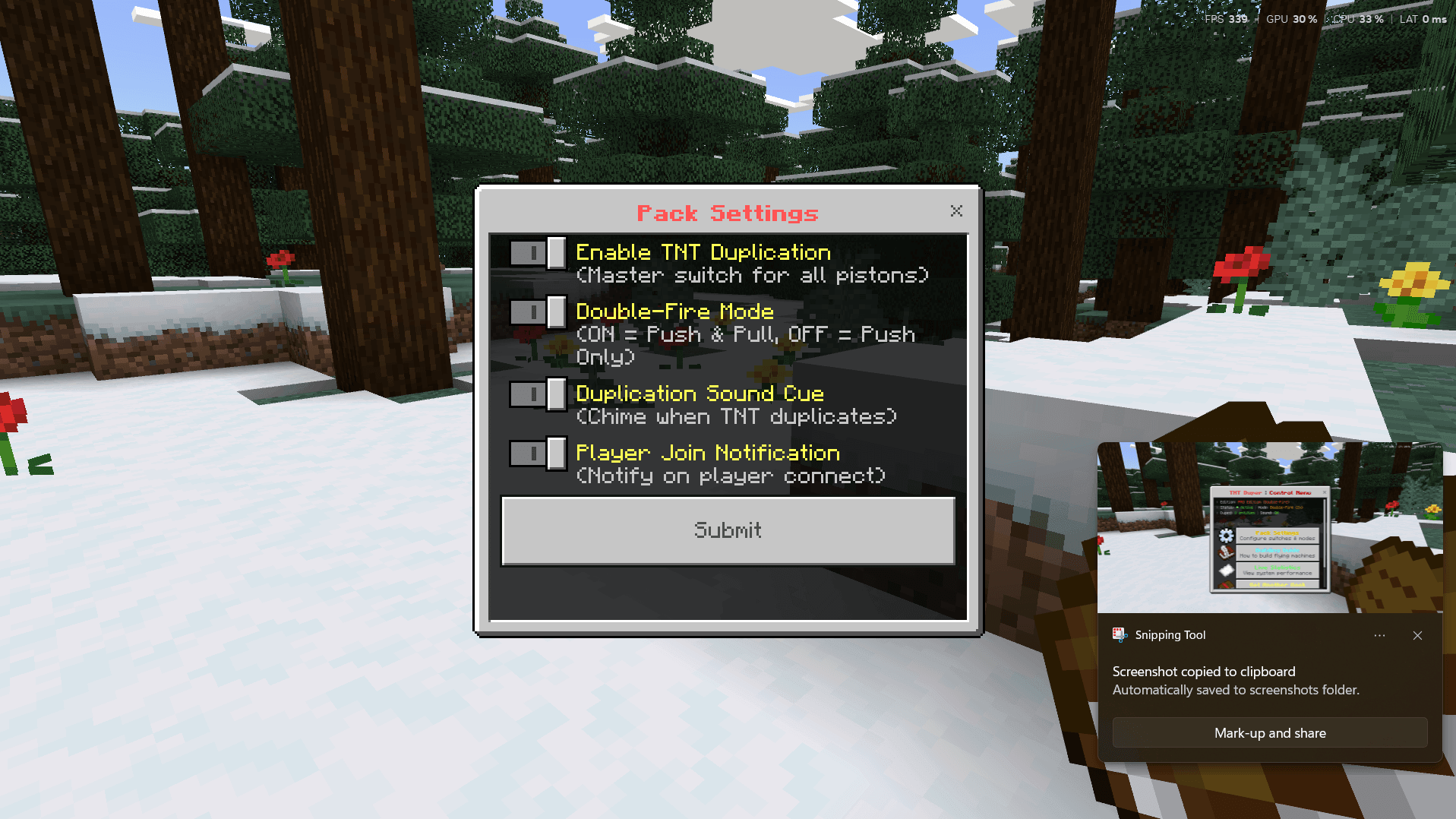
The guidebook explains the basic arrangement and flying-machine use. The mechanic suits quarries, tree farms and terrain clearing. It still creates real explosions, so keep valuables away from the blast area. The author states that experiments and cheats are unnecessary and achievements can remain available.
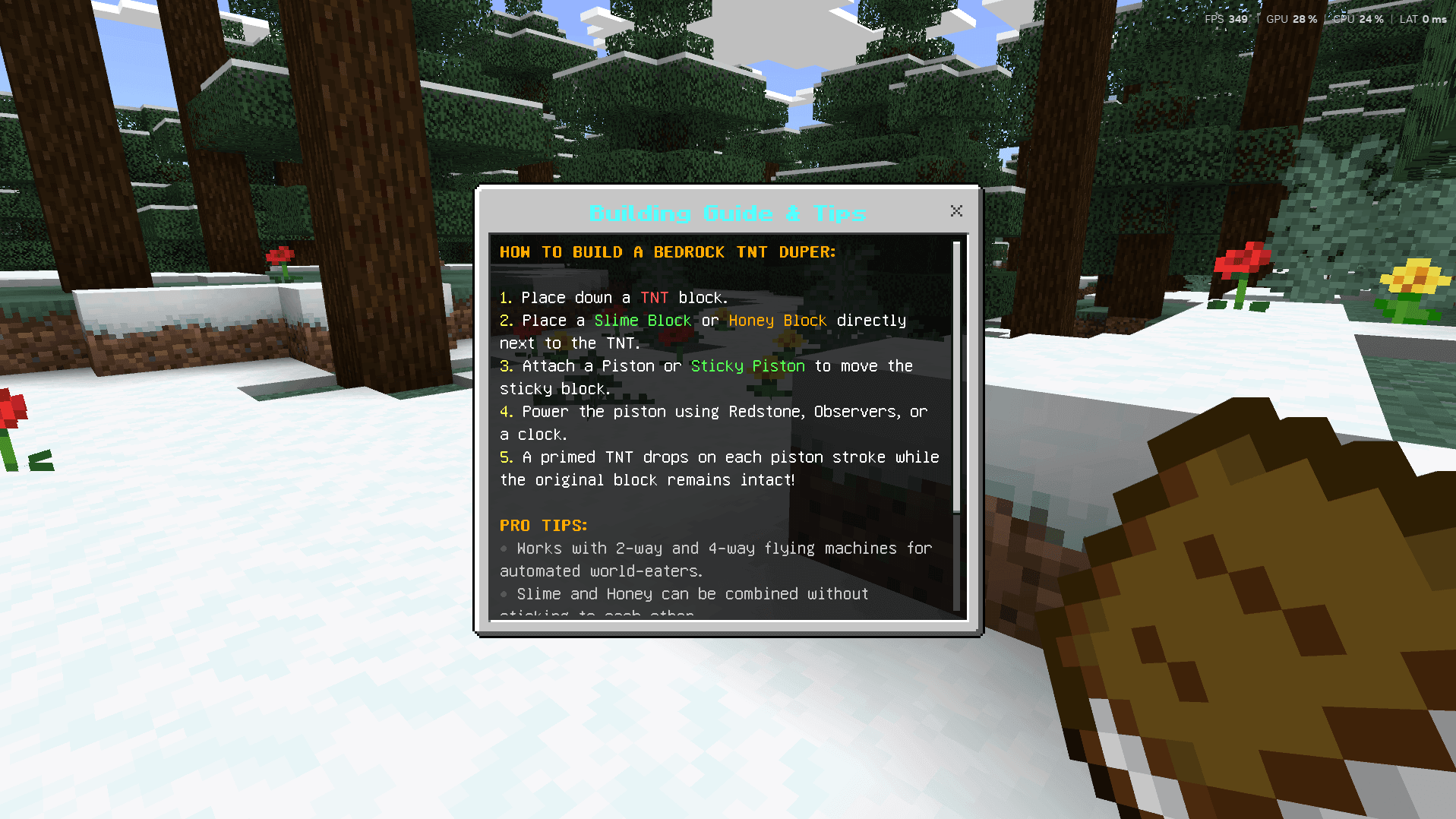
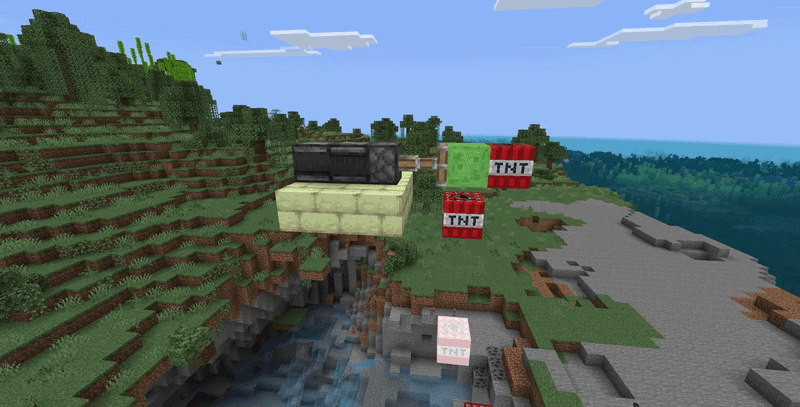
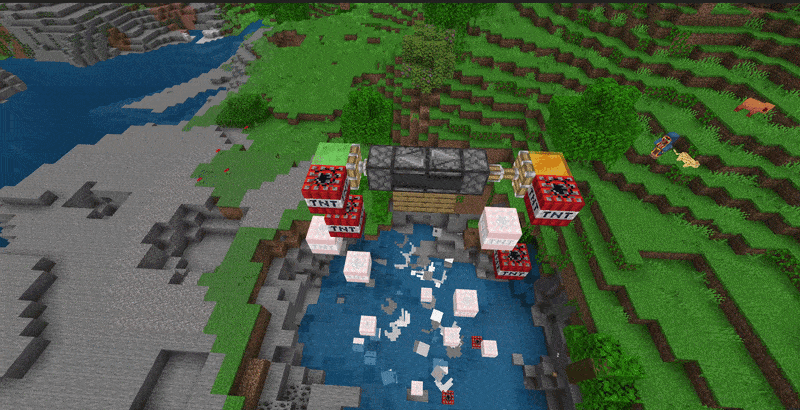
The included edition is PRO, not LITE. The two activations correspond to the piston pushing and pulling, so circuit timing affects the resulting stream of explosions. The supplied guide shows both a compact stationary arrangement and use as part of a flying machine.
For Minecraft 26.50
For Minecraft 26.40