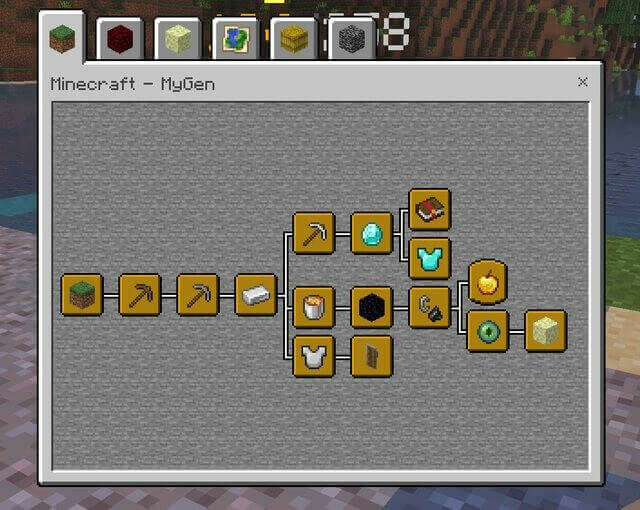
Bedrock Advancements adds an in-game advancement system with 126 Java-style advancements and 132 Bedrock achievement goals. Its tabbed screen shows connected tasks, descriptions and progress; these addon goals are separate from granting platform achievements.
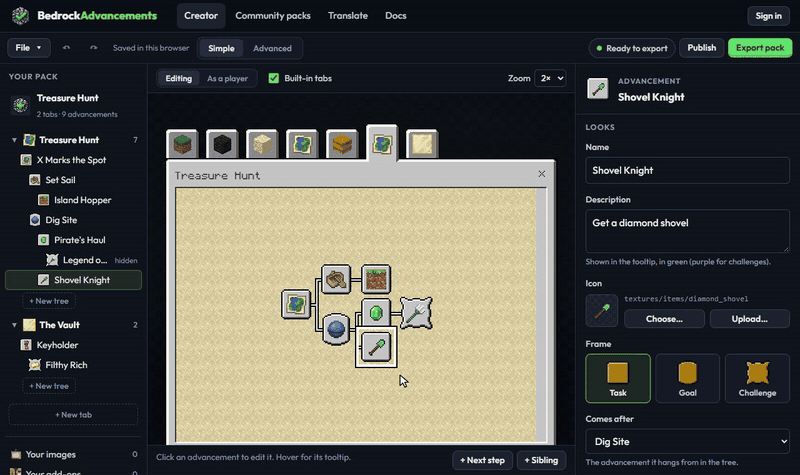
Opening the journal
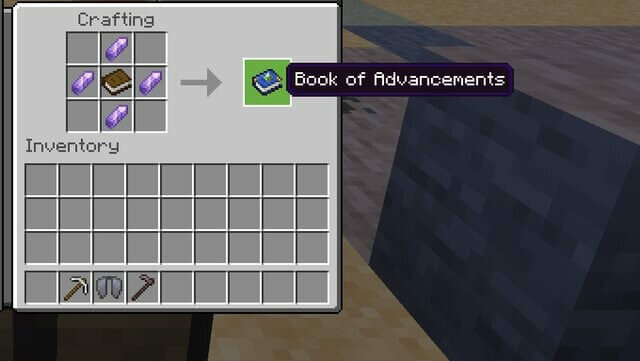
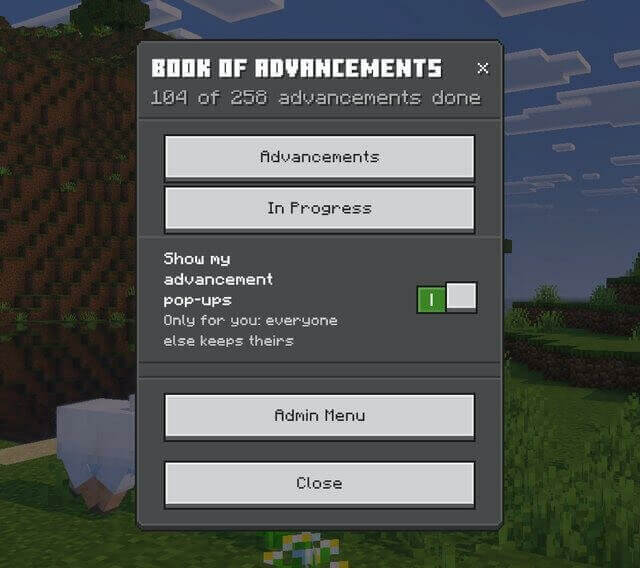
Use /ba:advancements or the Advancements Book. Craft the book with a normal book in the center and four amethyst shards on its sides. Normal use opens the interface; sneaking while using it opens book settings and progress options. The first crafting table starts the Minecraft progression tab.
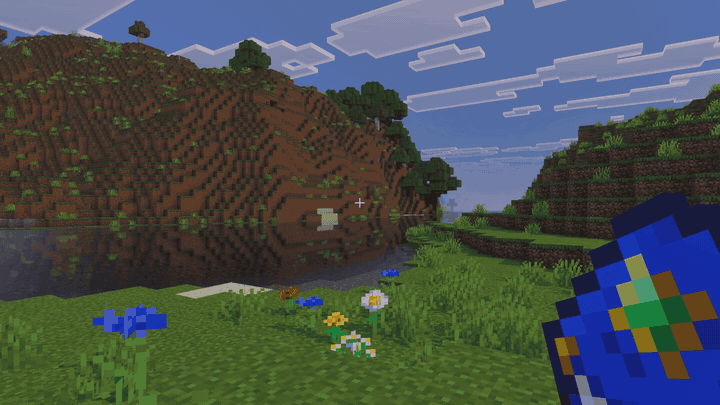
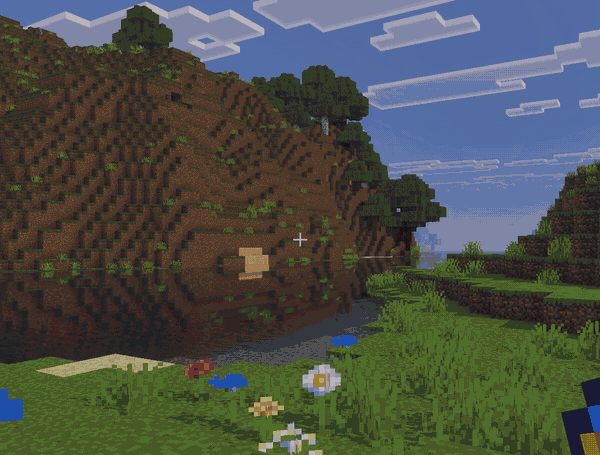
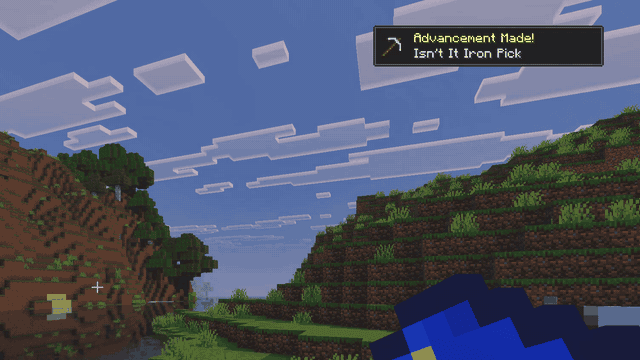
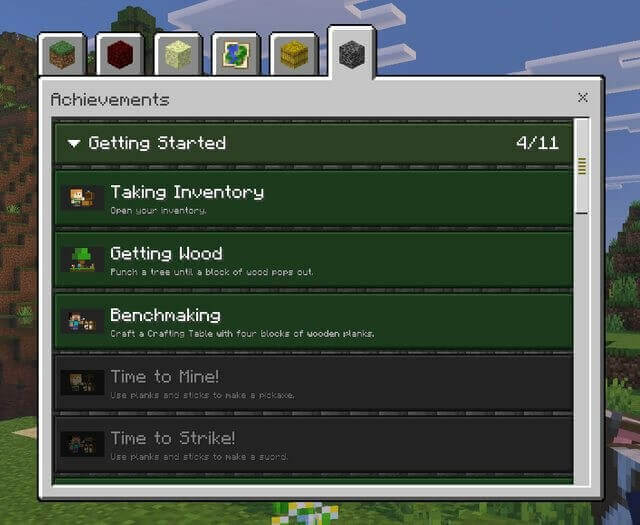
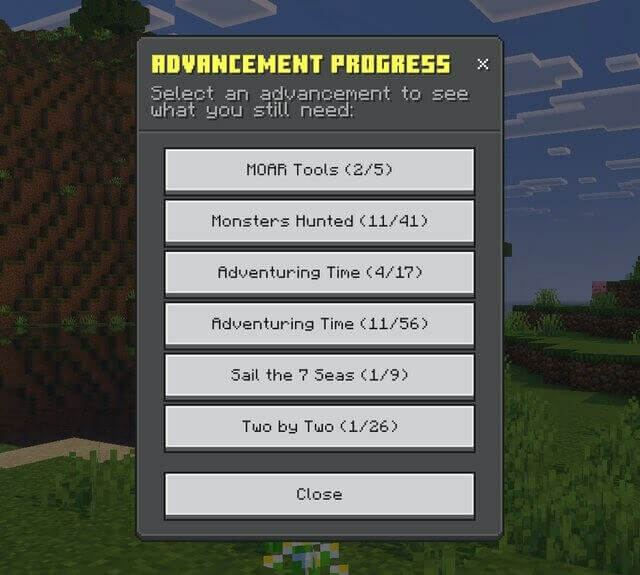
Minecraft, Nether, End, Adventure and Husbandry tabs organize goals into trees. Hidden tasks become visible as you discover them. Challenges reward experience, from 40 to 1,000 points depending on the task. /ba:progress displays checklists for unfinished multi-part objectives.
Multiplayer and customization
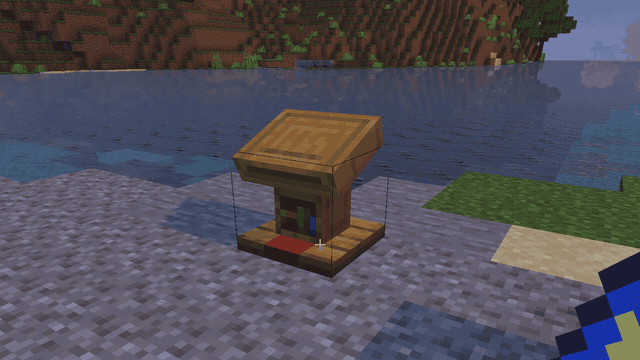
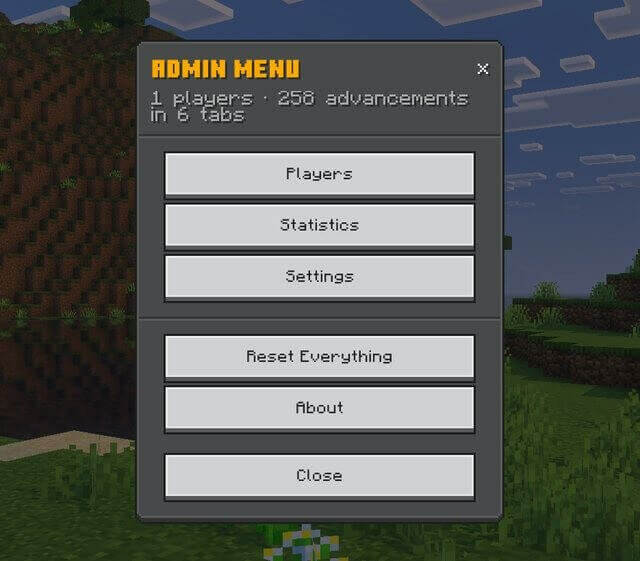
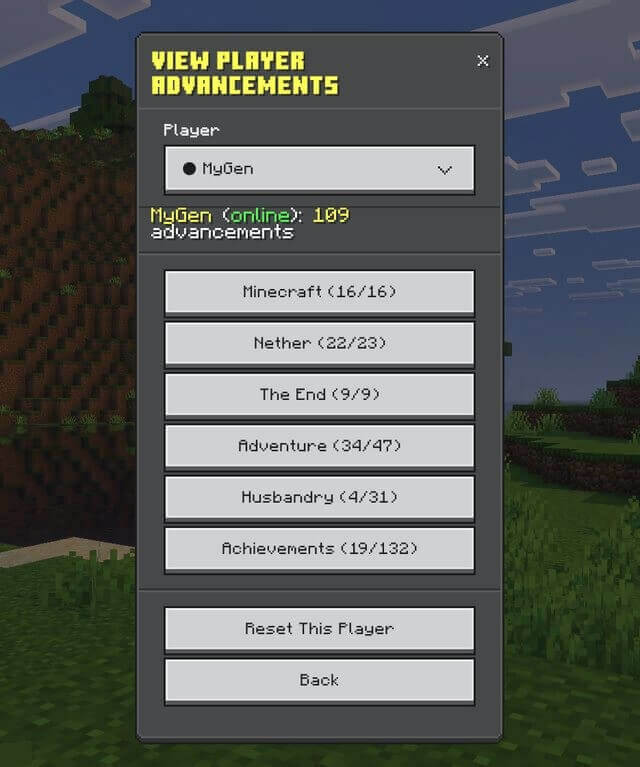
Each player has independent progress saved with the world. A book on a lectern displays an owner name and score, and other players can inspect that progress. Administrators can open /ba:admin to manage players, grant or revoke goals and configure notifications, rewards and visibility. Grant and revoke commands require cheats and operator permission.
The system supports 29 languages and optional custom advancement modules. The creator tool offers 34 goal types, custom icons and backgrounds. This 2.0.5 download uses stable APIs and does not need experimental toggles. Some checks use possession of an item rather than the exact crafting action, so progress can differ from Java Edition.
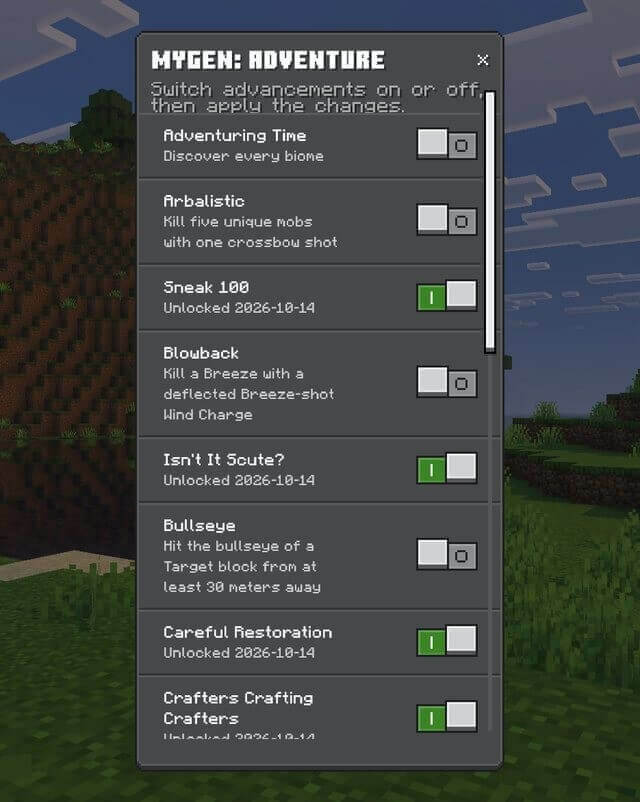
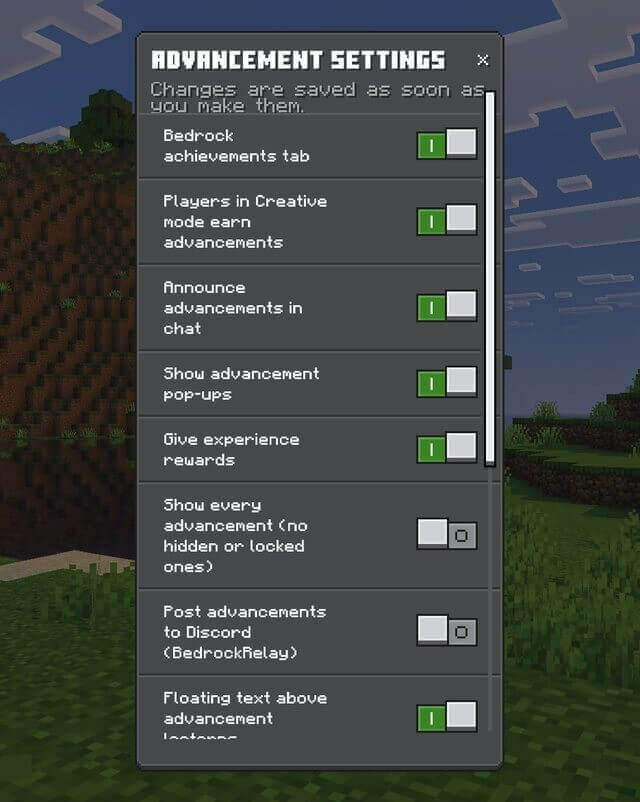
Administrative settings include the Bedrock tab, creative-mode handling, chat and toast notifications, experience rewards, showing all goals and lectern behavior. Player records can be inspected for online and offline users. A reset requires typing CONFIRM. Upgrading from version 1 migrates unlocked goals, though some old dates and partial progress have limitations.