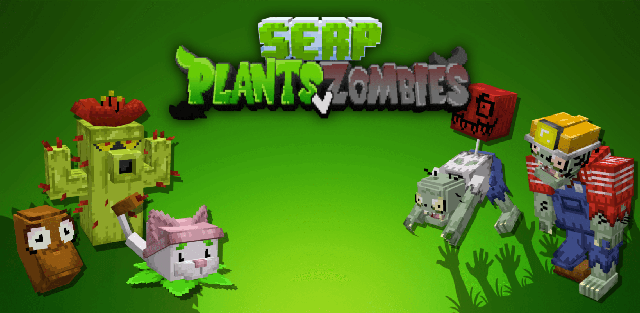
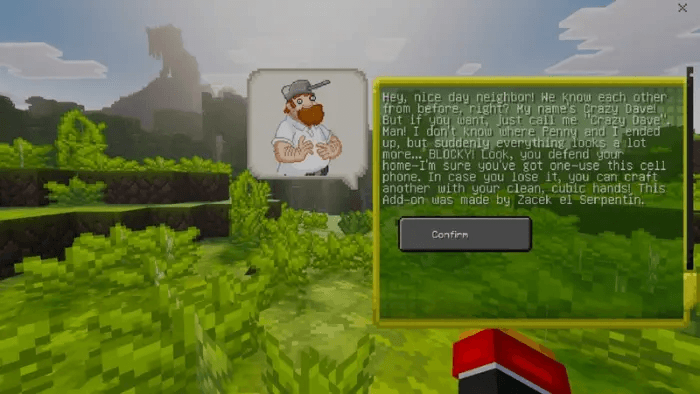
SERPVZ brings Plants vs. Zombies progression into a Minecraft Bedrock survival world. Crazy Dave greets new players and gives them a Phone, while plants, sunlight, seeds, specialized zombies and defensive equipment create a separate resource loop for protecting a base.
Phone functions
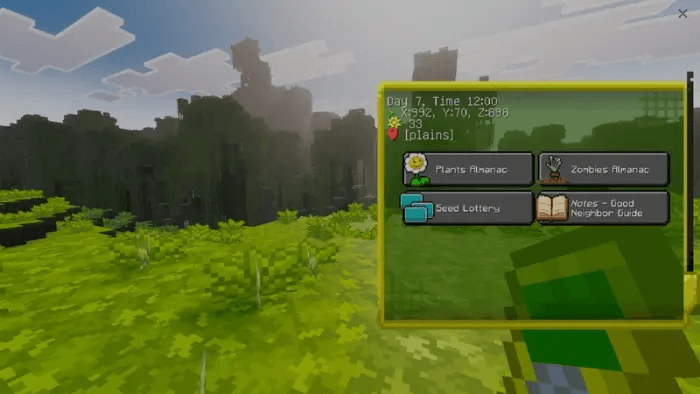
- The Plant Almanac explains where plants are found and how they are used.
- The Zombie Almanac describes enemy damage and behavior.
- The Seed Lottery provides one random plant each day.
- The Good Neighbor Guide introduces the world and offers survival advice.
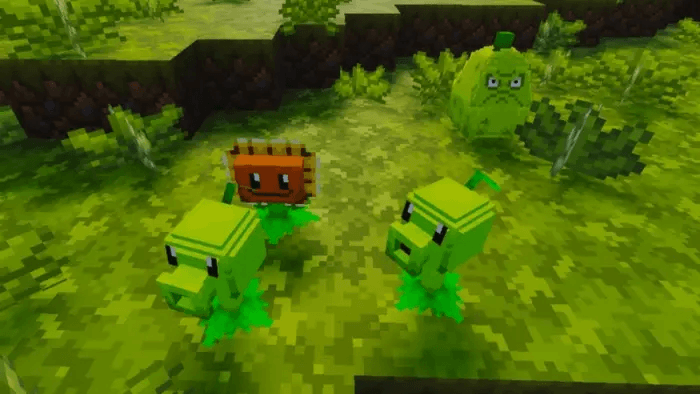
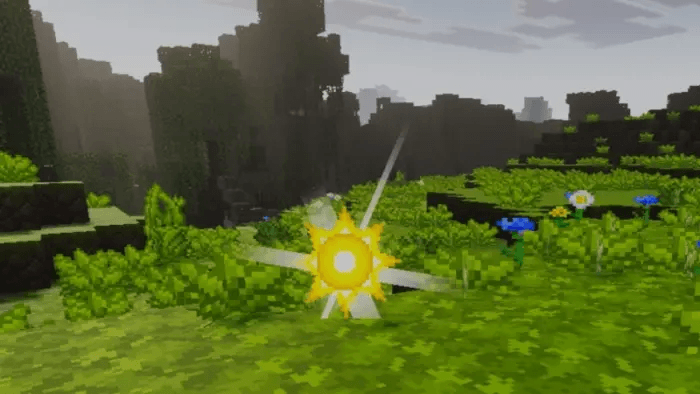
Sun is spent to place plants, feed specimens in the Zen Garden and craft selected items. It can be produced by plants or found while exploring. Wild plants appear throughout the world and drop seeds when defeated, although some defend themselves or disappear if the player waits too long.
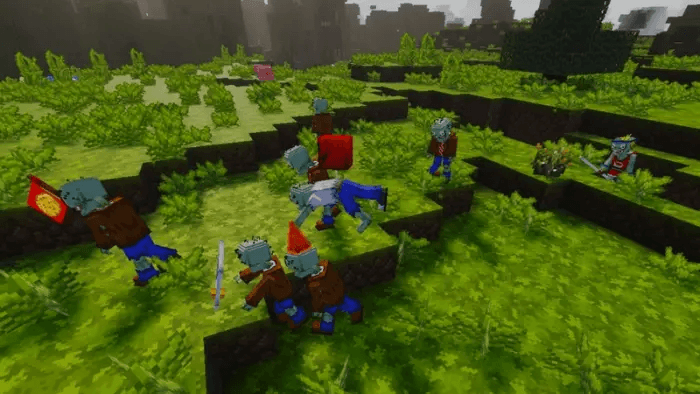
Zombies use different strengths and movement styles to approach the player's home. Defensive plants require both enough sun and the correct seeds. In the Zen Garden, dormant plants gradually awaken and produce more seeds; feeding them sun accelerates the process, while a Coffee Bean wakes a sleeping plant.
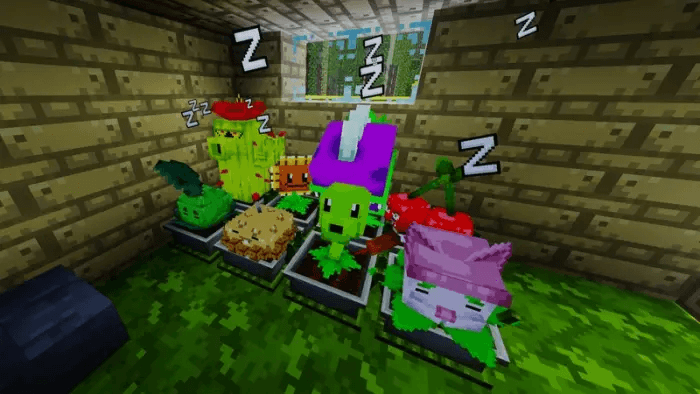
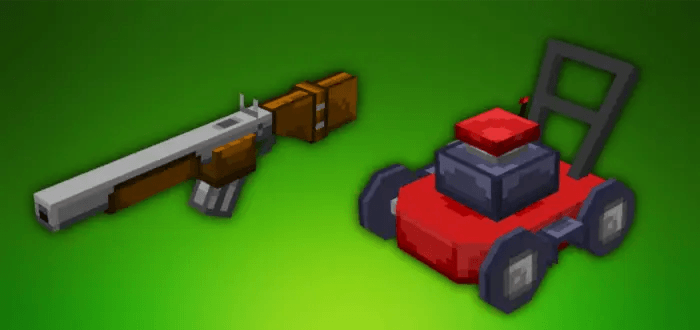
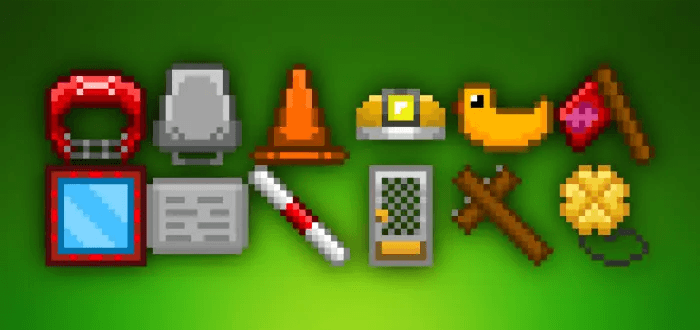
Additional tools include a rifle for direct defense and a rideable lawnmower that can also cut grass. Zombie equipment drops may reduce damage, improve mobility or help with seed collection. Version 1.10 adds Cattail, Cactus and Coffee Bean plants, Digger and Balloon zombies, the Zen Garden, both almanacs, the lottery and the neighbor guide.
The supplied MCADDON combines the matching v1.10 behavior and resource packs. It includes scripts for Minecraft Bedrock and supports the current 26.30 release.