Addon: Phoenix Family
Author: dharkcraft
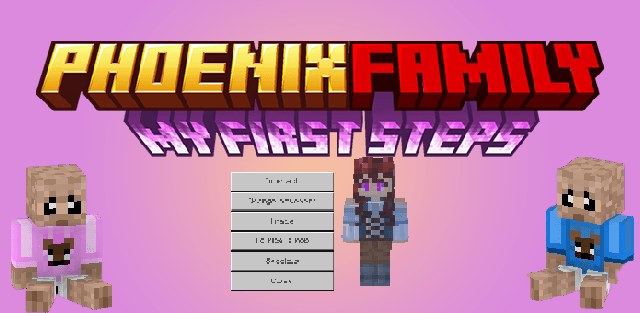
Phoenix Family adds humanoid NPCs and turns village life into a long-term social system. Characters remember the player's actions, respond according to their personality and can become friends, partners, workers or armed companions.
Reputation and communication
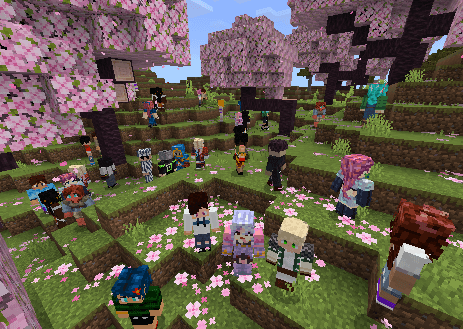
Helpful actions, completed missions and protection from monsters improve reputation; violence and divorce reduce it. Reputation changes the success chance of social interactions and the tone of conversations. NPCs also receive a random personality, so jokes, stories, hugs, gifts and flirting do not produce the same result with everyone.
Daily interaction includes conversation, trading, movement orders and mount controls. A companion can wander freely, wait in place, follow the player, ride a horse or camel, and return to a saved home point.
Missions and professions
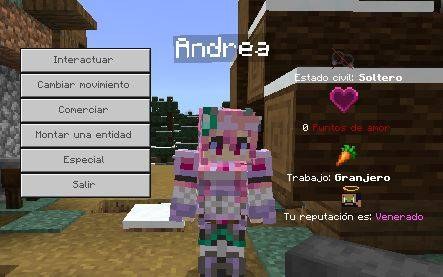
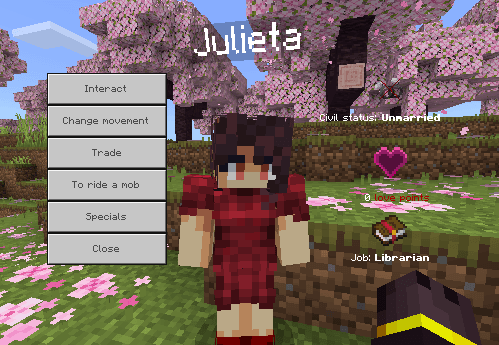
NPCs issue profession-based gathering and crafting tasks. Completing a mission rewards emeralds and reputation. Married companions can perform work connected with their profession: farming, finding nearby ore, duplicating enchanted books, hunting, brewing and other specialized activities.
Family and protection
Love points determine the chance of accepting a proposal made with a wedding ring. Married characters unlock family options, including raising a child that needs care before it can be placed in the world. A family register can give another player access to the child and related controls.
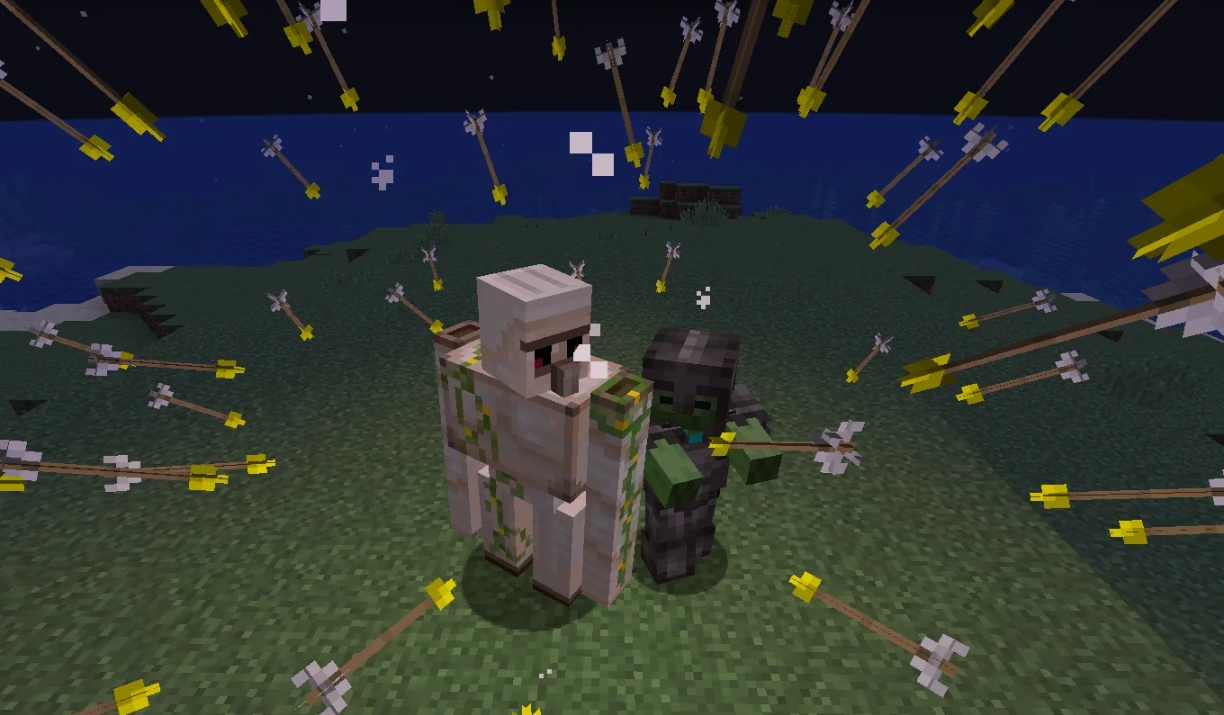
Companions can wear armor, use melee or ranged weapons and enter guardian mode against hostile mobs. A locator returns missing relatives to the player, while village guards provide separate protection for settlements.
The add-on keeps achievements active and does not require experimental options. Relationships are stored by player identifier, so changing a nickname no longer breaks a marriage. Saves from older releases may require divorcing and marrying again once after updating.
How to install the add-on
Download the .mcaddon or .mcpack file, open it with Minecraft and wait for the import to finish. Then enable the resource and behavior packs in the world settings. If the add-on requires experiments, turn them on before launching the world.