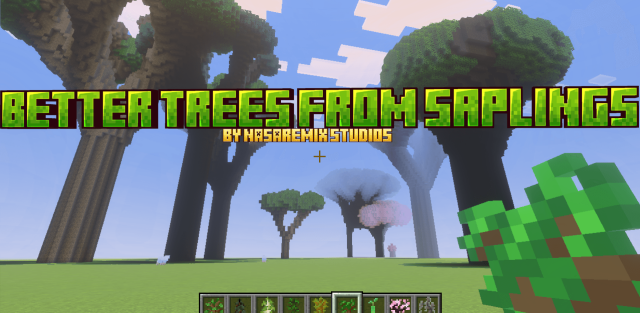
A powerful tree-generation addon that replaces vanilla saplings with a procedural system and a full UI. Create custom forests with unique trees in Survival, Realms, and servers.
Transform ordinary forests into breathtaking landscapes! Better Trees from Saplings replaces vanilla sapling growth with a dynamic procedural system capable of generating anything—from tiny bushes to colossal ancient trees.
How to Use
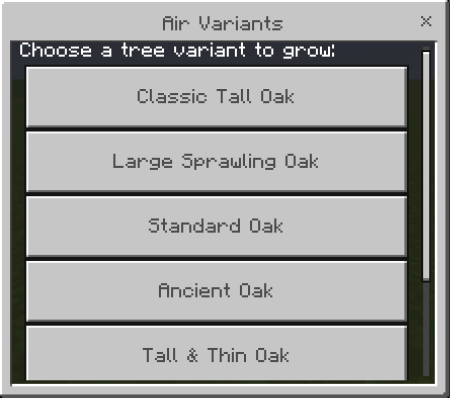
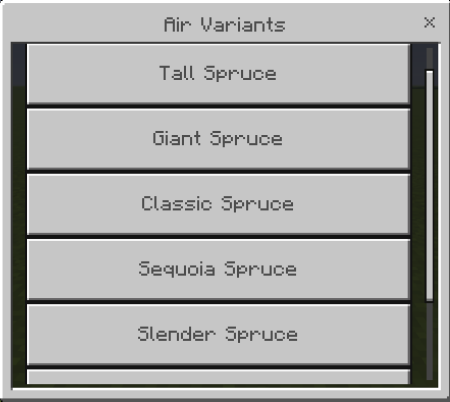
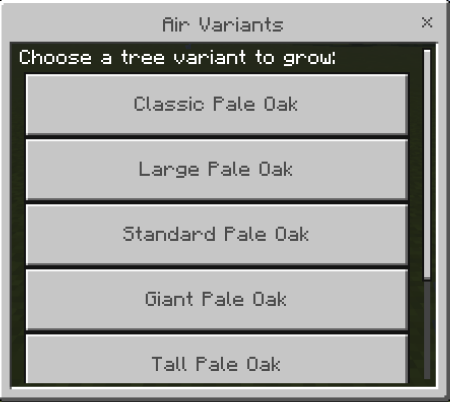
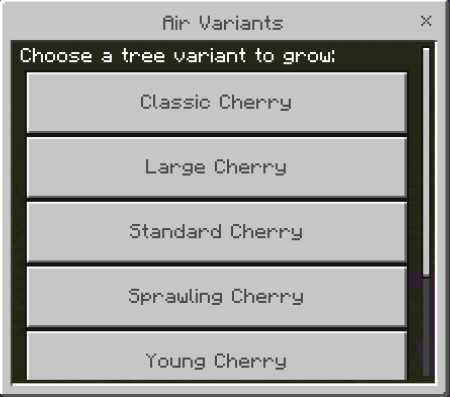
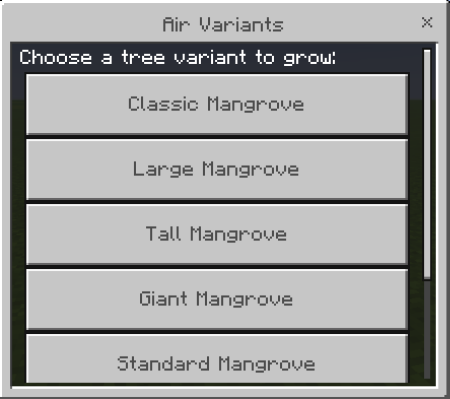
- Open the Menu: Sneak (crouch) and place any vanilla sapling. A UI will appear instantly. Cherry sapling = cherry trees, oak = oak trees, etc. Must be sneaking.
- Choose Your Tree: Select from all available variants for that sapling type—from bushes to giant trees.
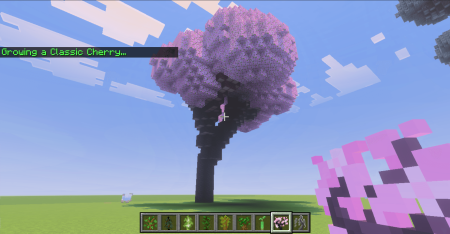
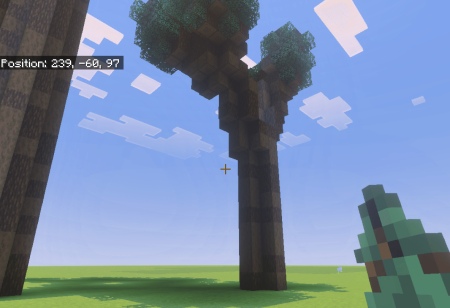
- Grow: Click the button and watch a fully procedural tree form in real time.
Features
- Player-Controlled Growth: Choose exactly the tree you want every time.
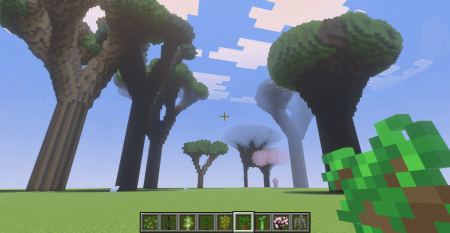
- Massive Variety: Dozens of curated variants per sapling.
- Procedural & Unique: No two trees look the same thanks to fractal generation.
- Supports All Vanilla & Custom Trees: Oak, Spruce, Birch, Jungle, Acacia, Dark Oak, Pale Oak, Cherry, Mangrove Propagules, and more.
- Optimized for Survival & Multiplayer: Works perfectly in Realms, servers, and single-player worlds.
- Performance Friendly: Leaves placed in batches for smooth growth, even on large trees.
- No Commands: Everything is handled by a simple sneak + place action.
Required Setup
- Enable Beta APIs in Experiments. Required for the addon to work.
![]()
![]()
![]()
![]()
![]()
![]()
![]()