Addon: Holograms On Dropped Items
9 255
0
1
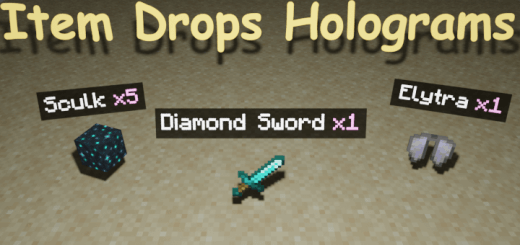
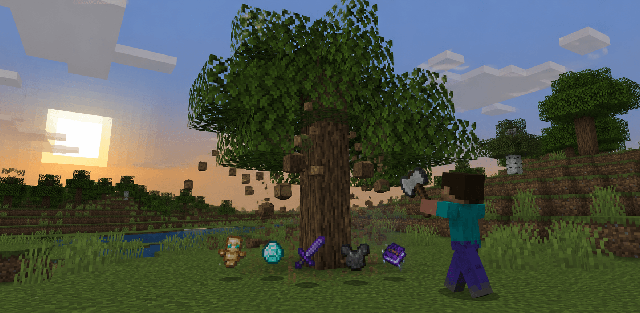
Above each dropped item is shown text-hologram, which displays the name of the item and the amount! Now you can clearly identify the item from afar without looking at its texture! Compatible with all other addons.
Created By sirob
- After applying the addon, only new dropped items will have holograms. Items that were dropped before the addon was applied will not get holograms.
- Multiplayer is supported
- Just enter this command /function itemsHolograms_config and you will open the settings window for this addon
- Enable addon. Allows you to turn the addon on and off without leaving the world.
- Reduce hologram font size. If enabled, the font size in the holograms will be smaller.
- Raycasting. If disabled, holograms will be displayed even on items that you cannot see (behind the block, in the grass, etc.)
- On which items the hologram will be displayed. You can choose "Nearest items" or "Items the crosshair is aimed at"
After applying the addon, only new dropped items will have holograms. Items that were dropped before the addon was applied will not get holograms.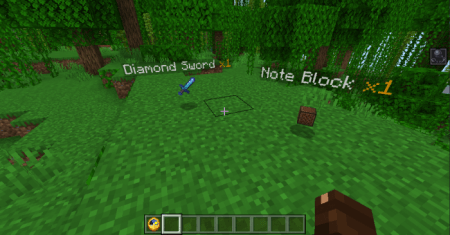
Just enter this command /function itemsHolograms_config And you will open the settings window for this addon
Here you can configure:
- Enable addon. Allows you to turn the addon on and off without leaving the world.
- Reduce hologram font size. If enabled, the font size in the holograms will be smaller.
- Raycasting. If disabled, holograms will be displayed even on items that you cannot see (behind the block, in the grass, etc.)
-
On which items the hologram will be displayed. You can choose "Nearest items" or "Items the crosshair is aimed at"
Available options in "nearest" mode:
- Limit the number of closest items with holograms to. You can enter any integer. The default is 10. Enter 0 for unlimited (not recommended)
- Maximum distance to the item to display the hologram. You can enter any integer. The default is 12. A maximum of 50 is recommended.
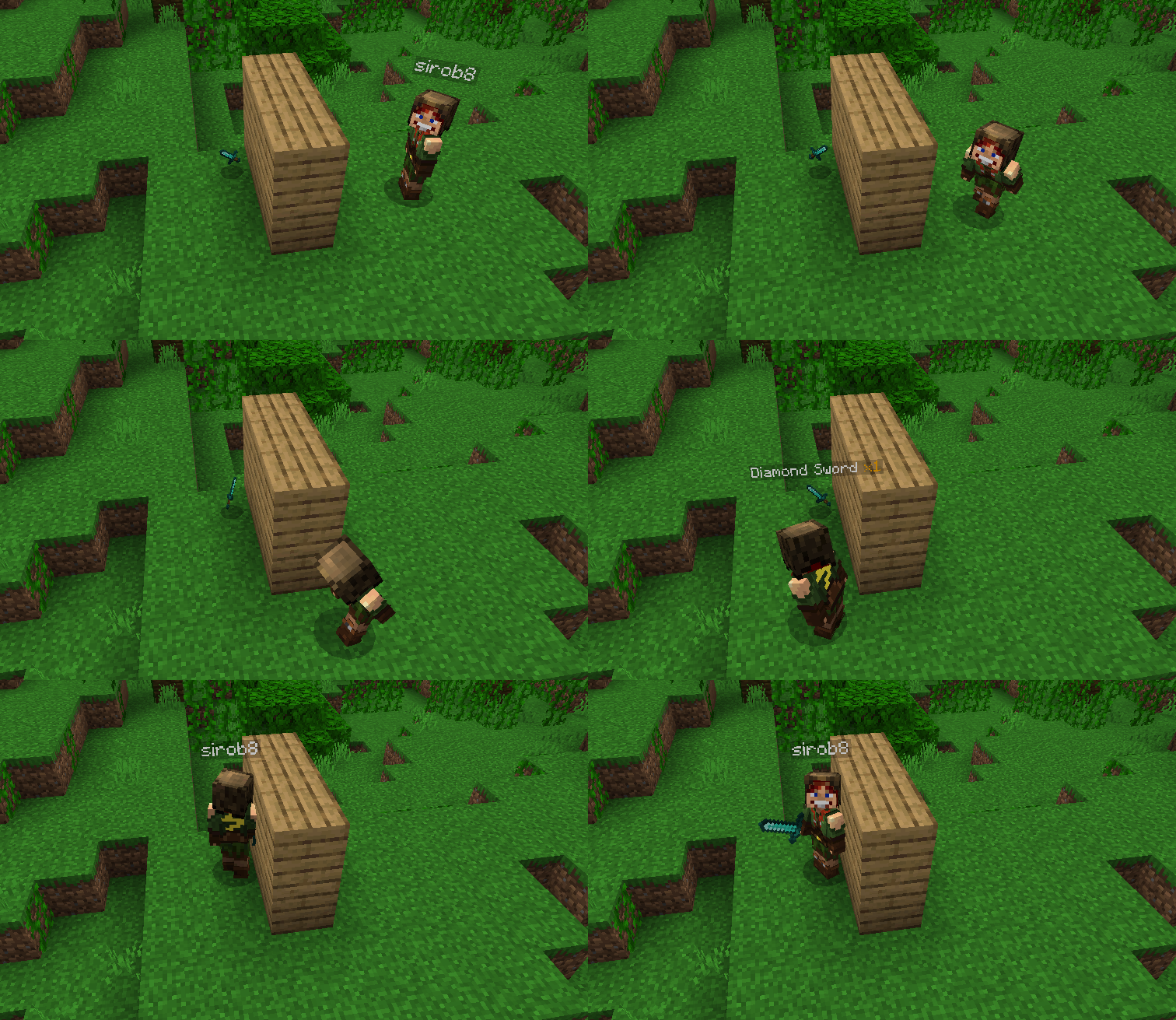
Available options in "crosshair" mode:
- Display a hоlogram for the first few seconds after item drop, even if you didn't aim at it.
Changing the hologram pattern: Enter the command /function itemsHolograms_config and scroll to the bottom
Enable these experiments: "Beta APIs"
Compatibility and installation
- Minecraft versions: before downloading, compare your game build with the supported versions: 26.3.
- Platforms: this content is listed for android, windows, iOS; behavior may differ on other devices.
- Installation: open the downloaded file in Minecraft Bedrock/PE and enable the pack in world settings. If experiments are required, turn them on before launching the world.
For a complete world setup, browse more Minecraft Bedrock mods, maps, textures and shaders.
Turn on experimental options in map settings
Supported Minecraft Versions
26.3
Related News