Created By ZouChenyunfei
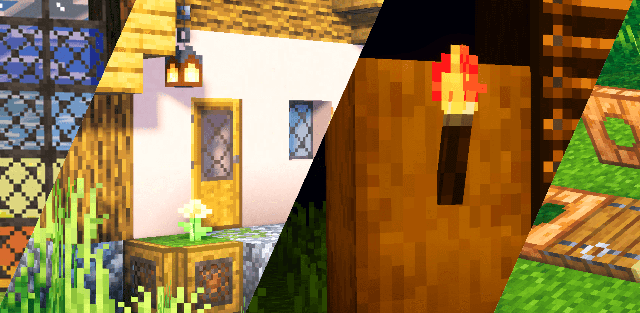
MultiPixel is a HD texture pack with new 32x textures that you've never seen before! It's great if you like to improve the look in Minecraft, while keeping the vanilla styling.


Aspects
- Open Global Resources in Settings.
- Single Click the MultiPixel Pack
![]()
- Click Spanners Icon
![]()


There are the list of features in Java Edition Aspects
- Bamboo
- Dried kelp
- Jigsaw
- Sculk sensor
- Nether brick
- Water
- Illager banner
- The render of Blaze & Glow Squid
- Sheep
- Trident riptide
- Random horizontal deepslates
- Map
- Spawn egg
- Exploding particle
- Nautilus particle
- Particle no rotation
- Flame effect
- Rain & snow
- Flip blocks
- Isotropic blocks
- Fonts
- Splashes text
- Some UI color
- Campfire smoke particles
- Crit hit particles
- Glow squid particles
- Sculk particles
- Vibration particles
- Translucent destructed block particle
- Zombie Animations
- Villager Animations
- Cracked Iron Golem
- Splash Potion of Instant Damage and Instant Health Particle
- Creeper Fired Light
- Cat Model
- Bed Model
- Wither Armor Scale
- Water Colors
- Carried Item Rotation
- Controller Icons
- Crimson Stem Top
- Warped Stem Top
- Crimson Door
- 2D Fishing Hook
- Fireworks Model
- Arms of Armor Stands(If not any item in its arm then the arm would be invisible)
- Piglin Animation
- Zombified Piglin Animation
- Drowned Animation(Removed Temporarily)
- Different Bars (From @CrisXolt)
- And More...
Changelog
- Added New Top Bar UI for pocket UI
- Added Warden for new beta
- Added Mangrove Sign in advance