Shaders: Capricorn PE
23 004
0
1
CPES Shdaers v3.4.0 Update:
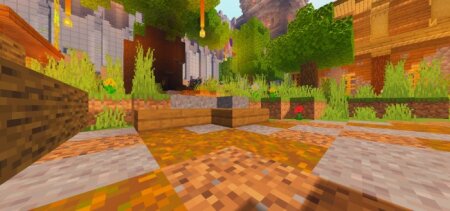
- Shaders is now split into three versions. (Ultra/Medium/Low)
- Now the coloring of entities in underwater is lighter and more colorful. (Ultra/Medium/Low)
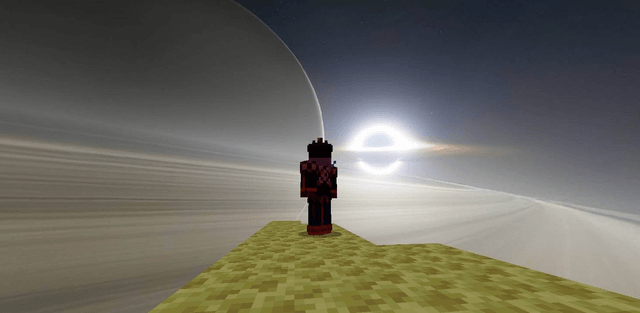
- Stars are now much more realistic. (Ultra/Medium)
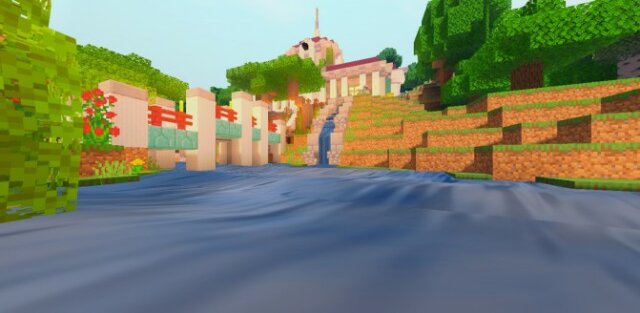
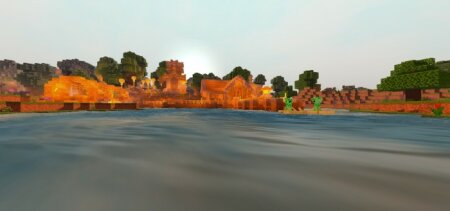
- Now the water has reflections of the clouds. (Ultra)
- Now the water has reflections of the sun. (Ultra/Medium/Low)
- Added Raindrops. (Ultra)
- The End coloring is now lighter. (Ultra/Medium/Low)
- The color of the torchlight in The End is now purple. (Ultra/Medium/Low)
- Added water effect in The End. (Ultra/Medium)
- Added Dirlight. (Ultra/Medium/Low)
- Added SSAO. (Ultra/Medium/Low)
- The water is now more wavy. (Ultra/Medium/Low)
- Bug fixes. (Ultra/Medium/Low)
How to install the shader
Download the .mcpack file, open it with Minecraft and wait for the import to finish. Enable the pack in the world's Resource Packs settings. Shader compatibility depends on the Minecraft version and graphics mode.
Supported Minecraft Versions
1.18, 1.17, 1.16, 1.14, 1.13, 1.12, 1.11, 1.10
Related News