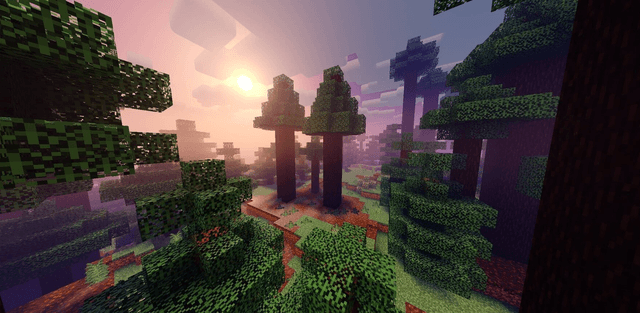
Harrington Shader is a shader that make your minecraft graphics more vibrant and unique. This shader has many features but it's vanilla+ theme like vanilla clouds reflection and default sun reflection. This shader is only for Android & IOS users.
Screenshots
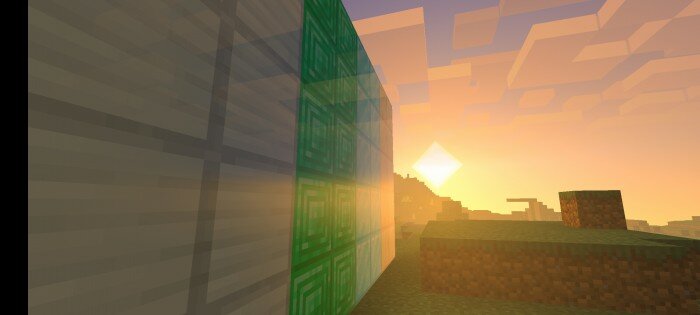
- Sunset & Sunrise
![]()
![]()
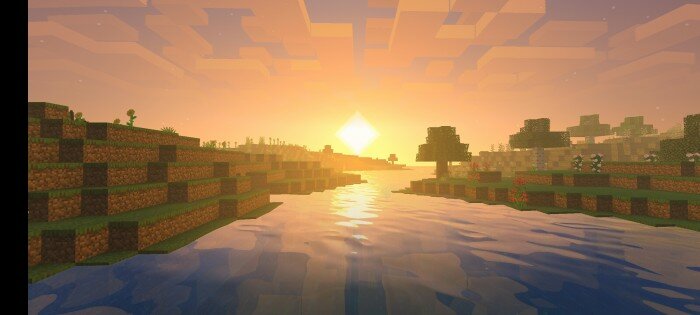
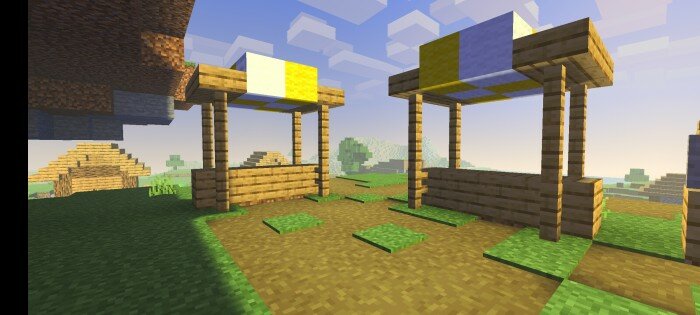
- Day
![]()
![]()
![]()
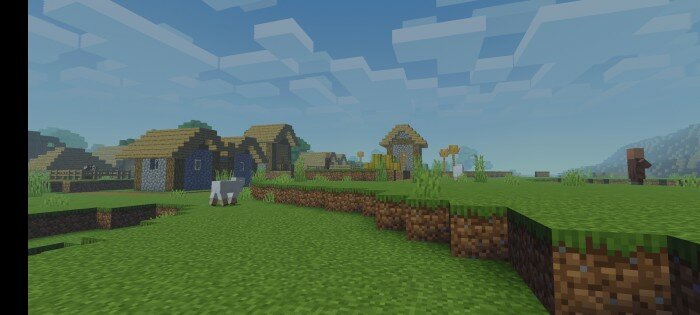
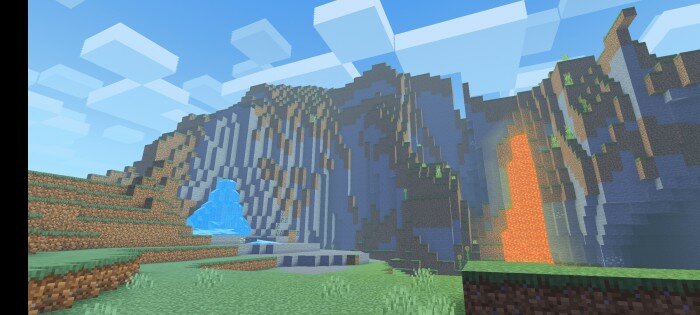
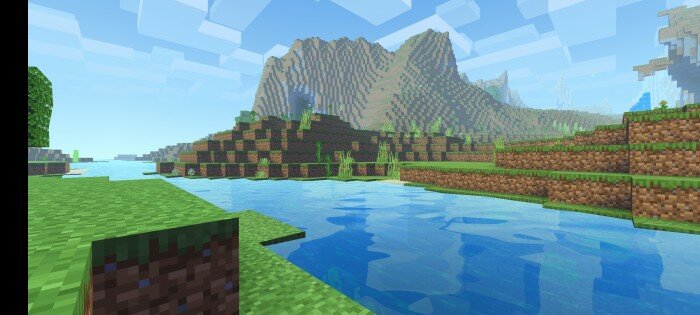
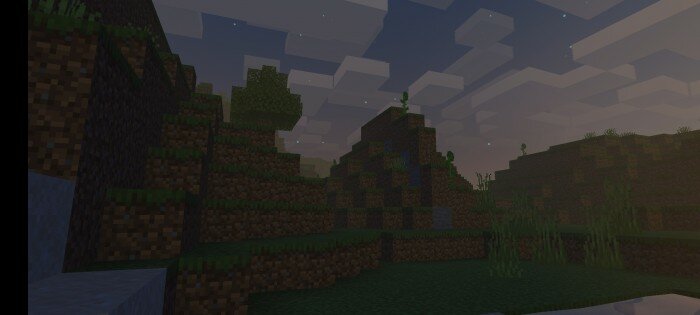
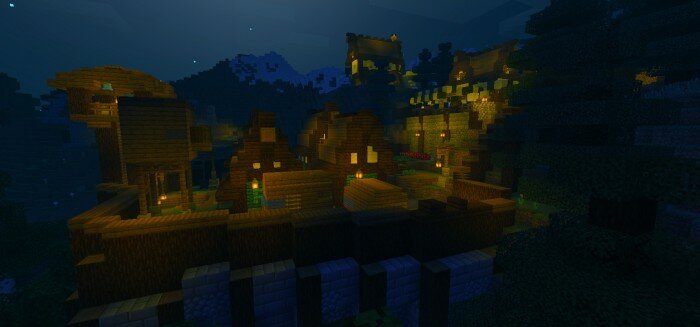
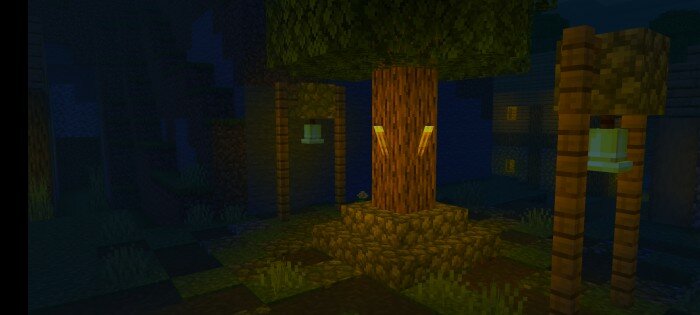
- Night
![]()
![]()
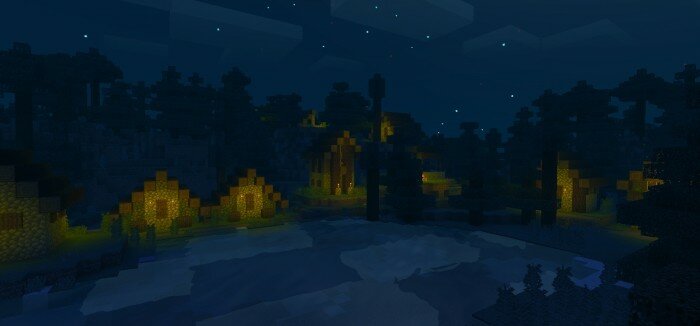
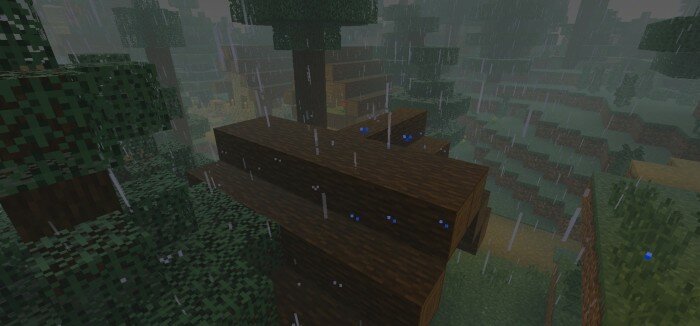
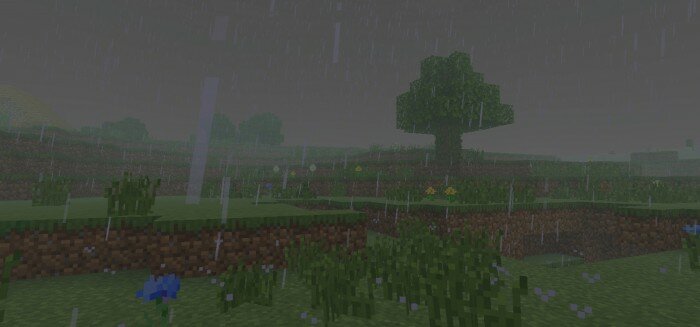
- Rain
![]()
![]()
- Underwater
![]()
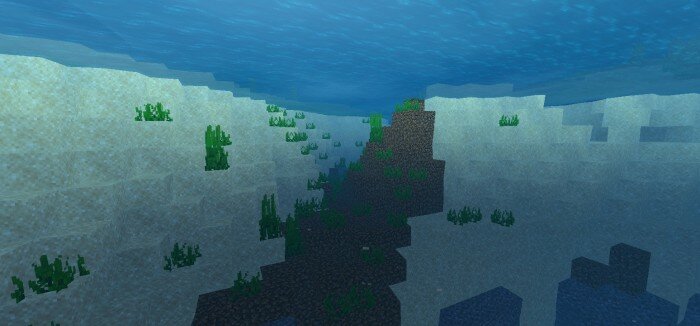
the deeper you go, the darker you'll get.
- Nether
![]()
![]()
![]()
![]()
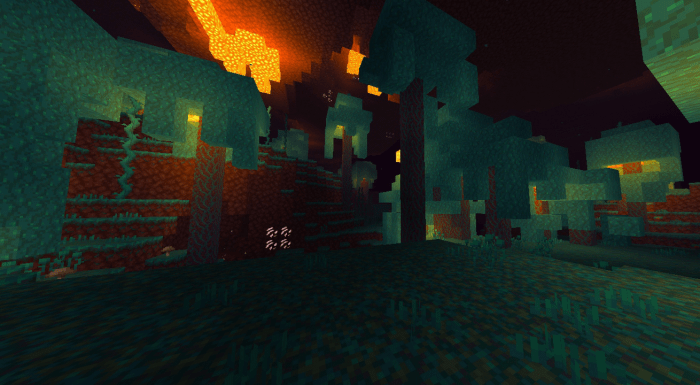
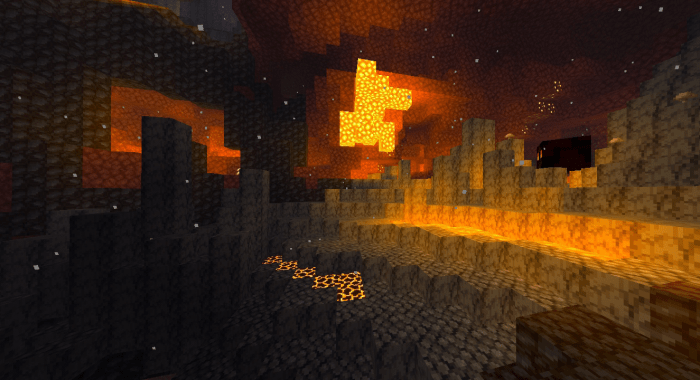
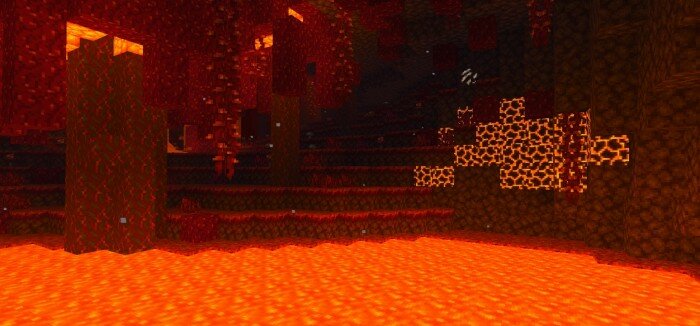
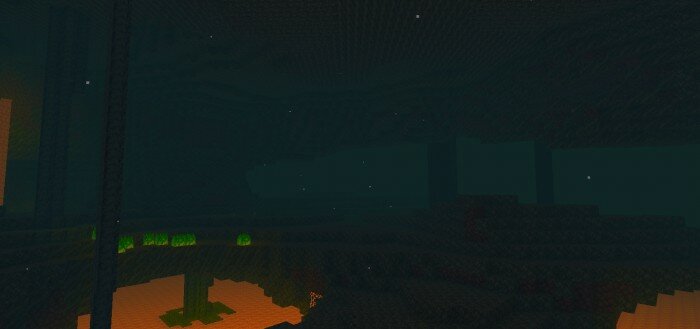
- The End
![]()

- Other
![]()
![]()
![]()
![]()
![]()
Features :
- Vibrant coloring
- Beautiful sky
- Colored light
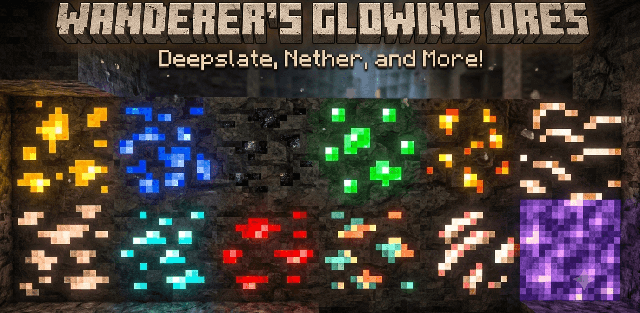
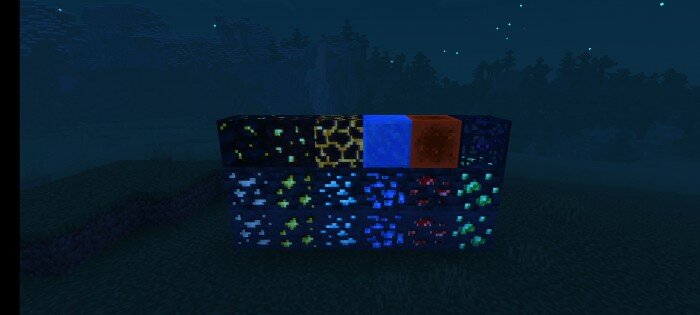
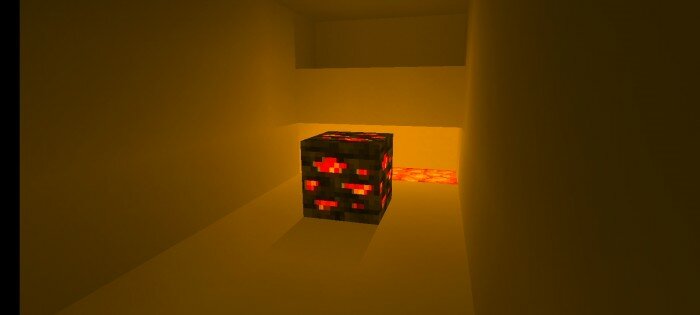
- Glowing ores
- Option
- Water wave
- Under water wave
- Leaves wave
- Bloom sun
- Sun reflection
- Clouds reflection
- Beautiful end sky
- Atmosphere
- And others!
Option
In the version under 3.0 of this Shaders, there was a subpack feature, but there were lots of lag complaints from users. And many users gave suggestion to make a option for this shaders. So in V3+ Shaders, there is a feature called "option" where you can modify this shader. You can activate or deactivate some features of this shaders.
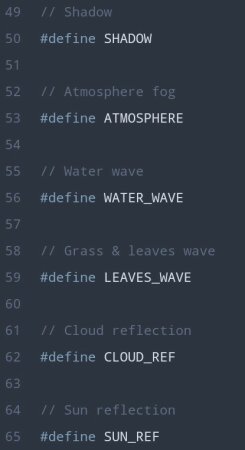
How to modify the option?
• Mobile : go to this shader file (Android > data > com.mojang.minrcraftpe > resourcepack)> shaders > glsl > lib > open "option.h" there is a way to use this option there.
write "//" before "#define" is off
remove "//" before "#define" is on