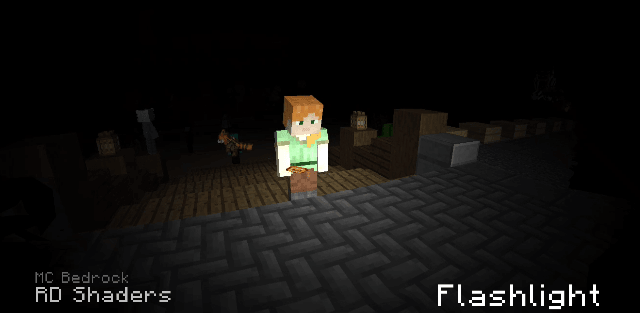
How to enable: import the pack, activate it in Global Resources or in the world resource packs, then select Vibrant Visuals in Settings > Video > Graphics Mode. A device that supports this mode is required. Minecraft 26.40+ is required. Select 32x Normal Maps for detailed relief, Height Maps for a more vanilla appearance, or Vanilla when combining it with other texture packs.
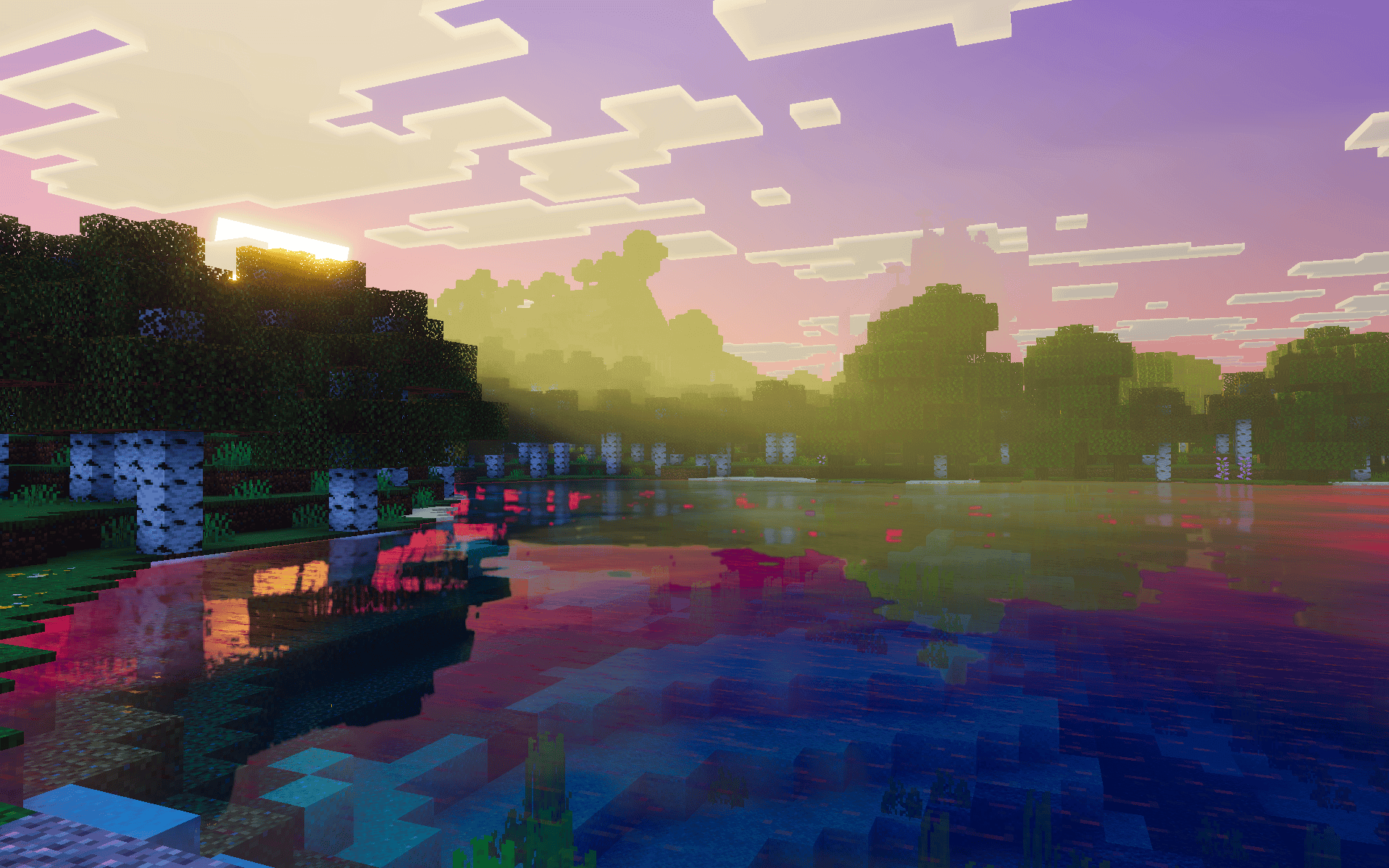
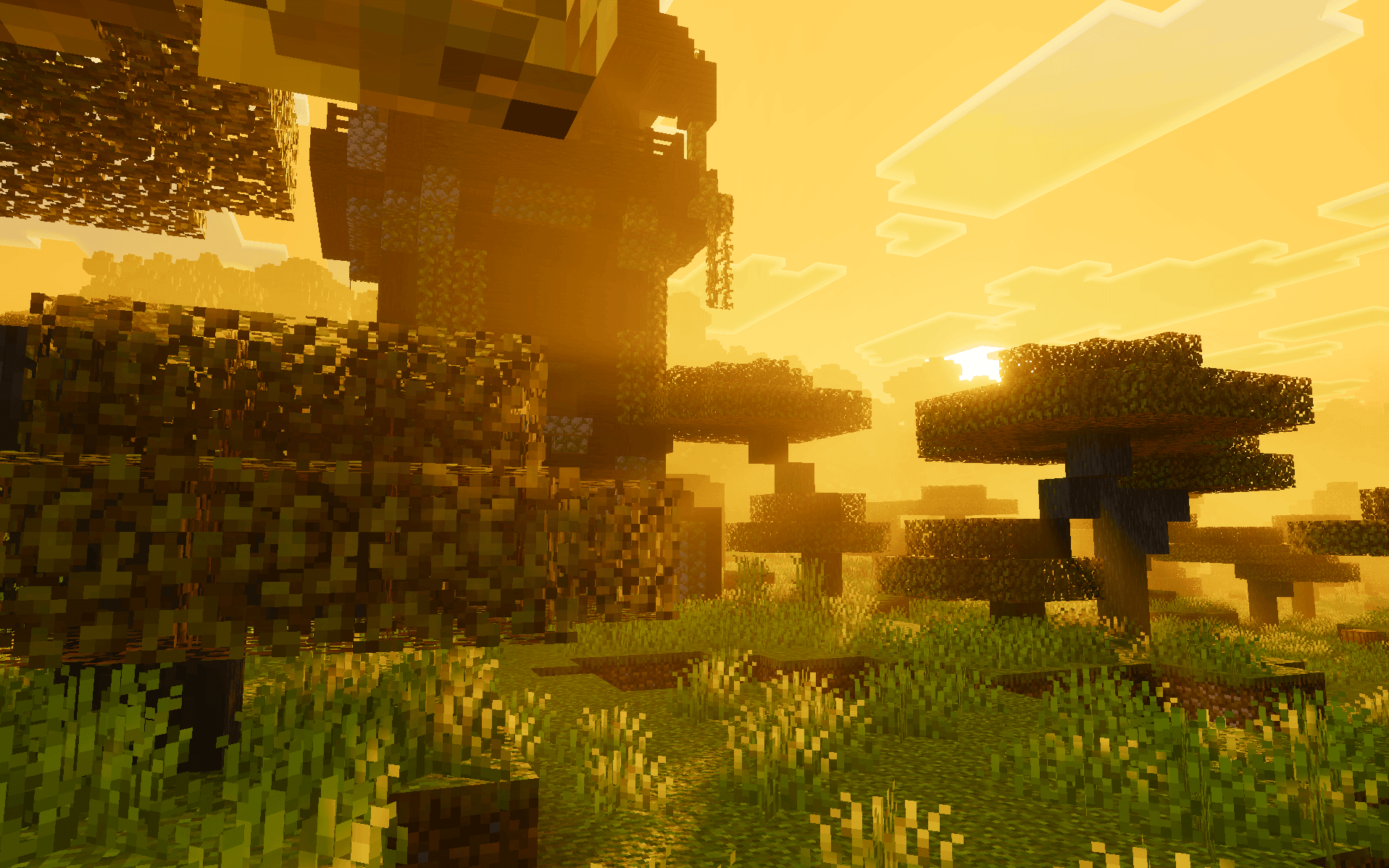
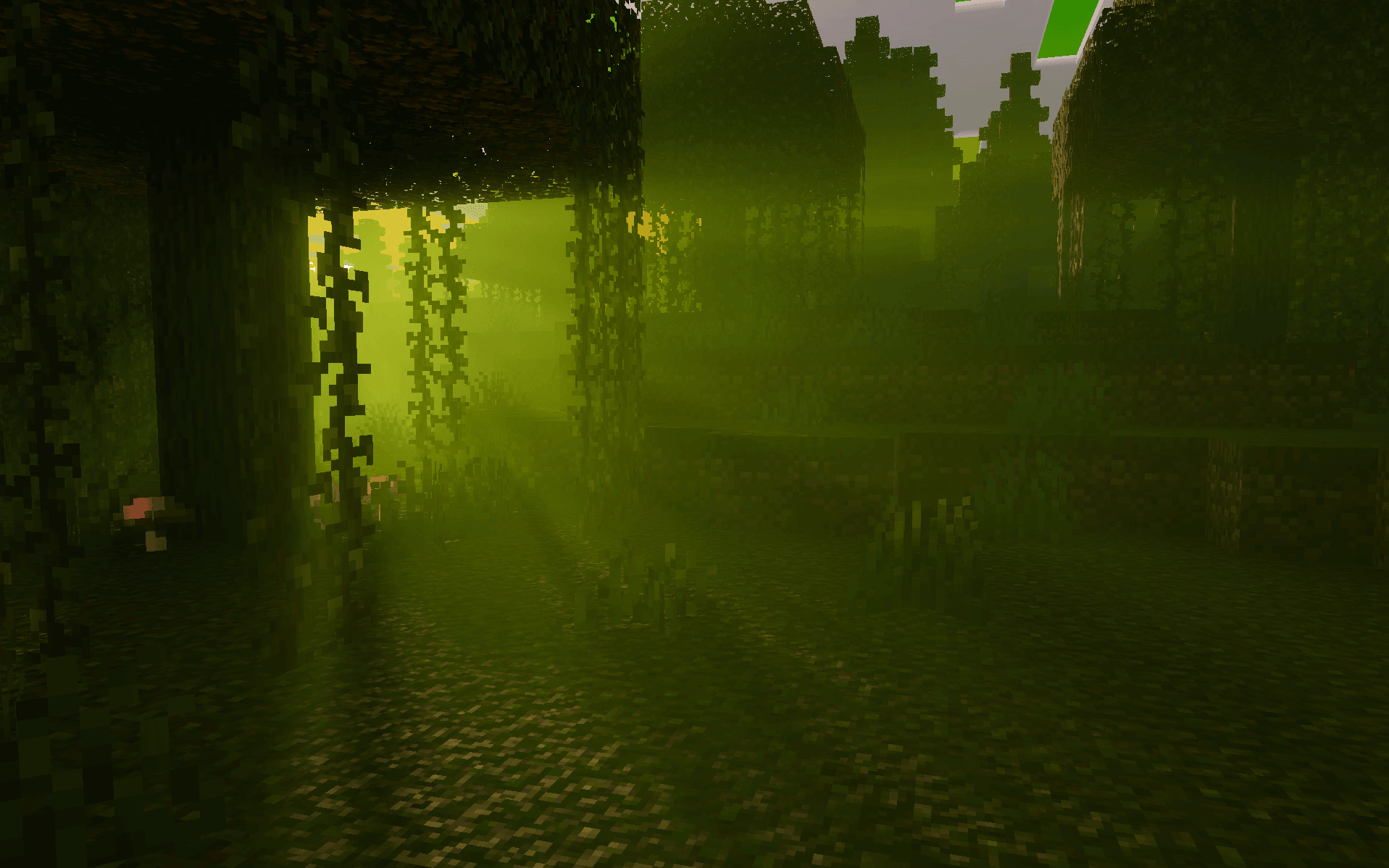
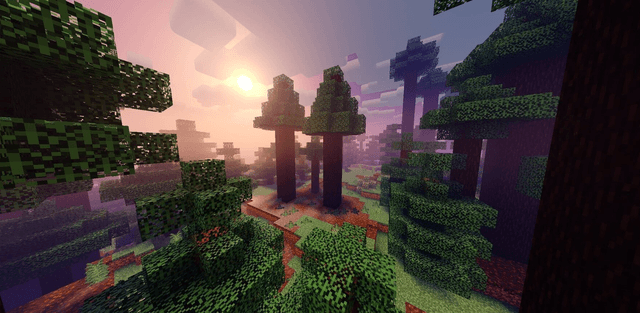
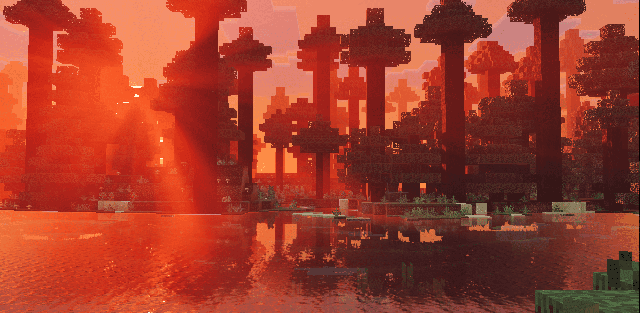
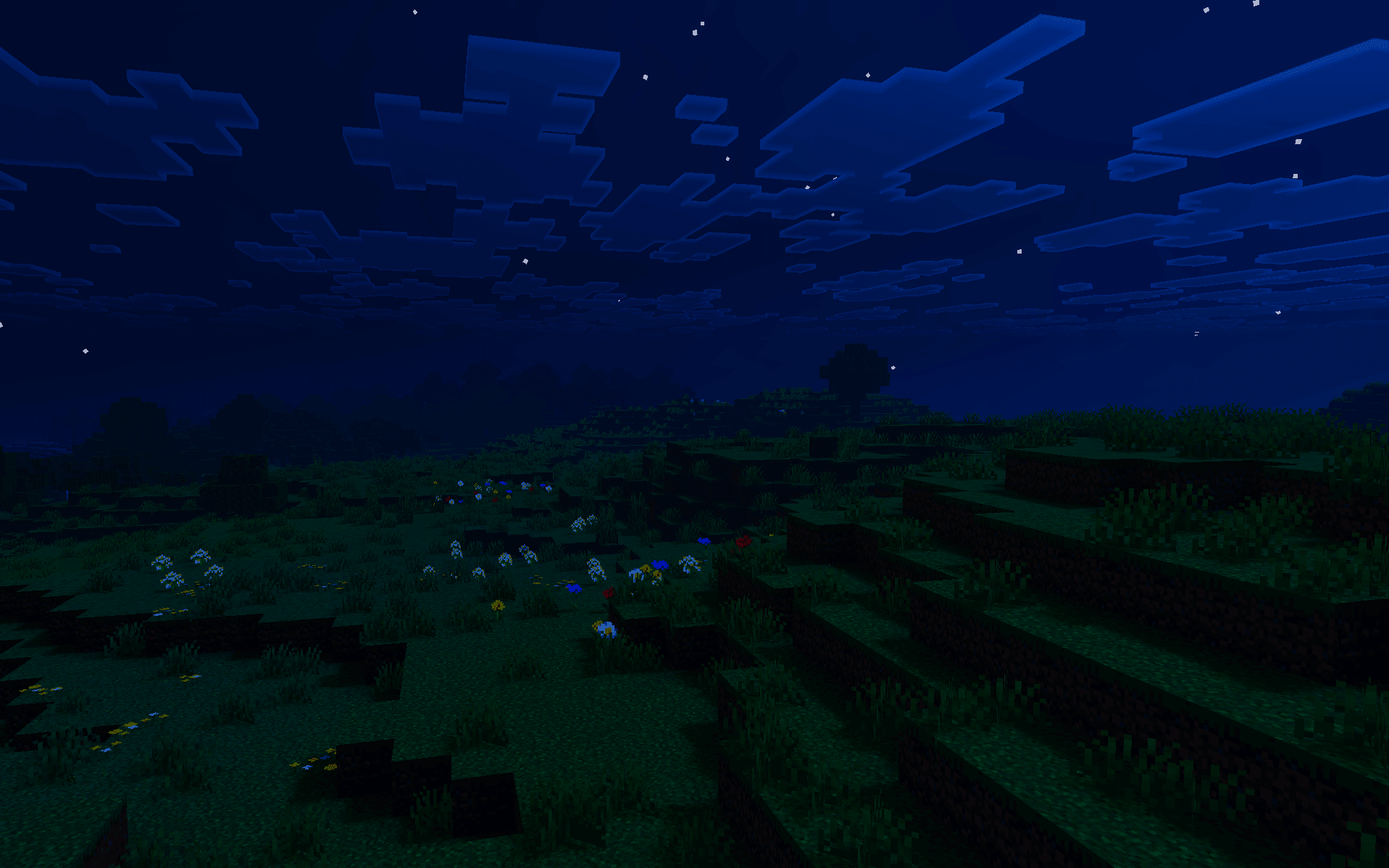
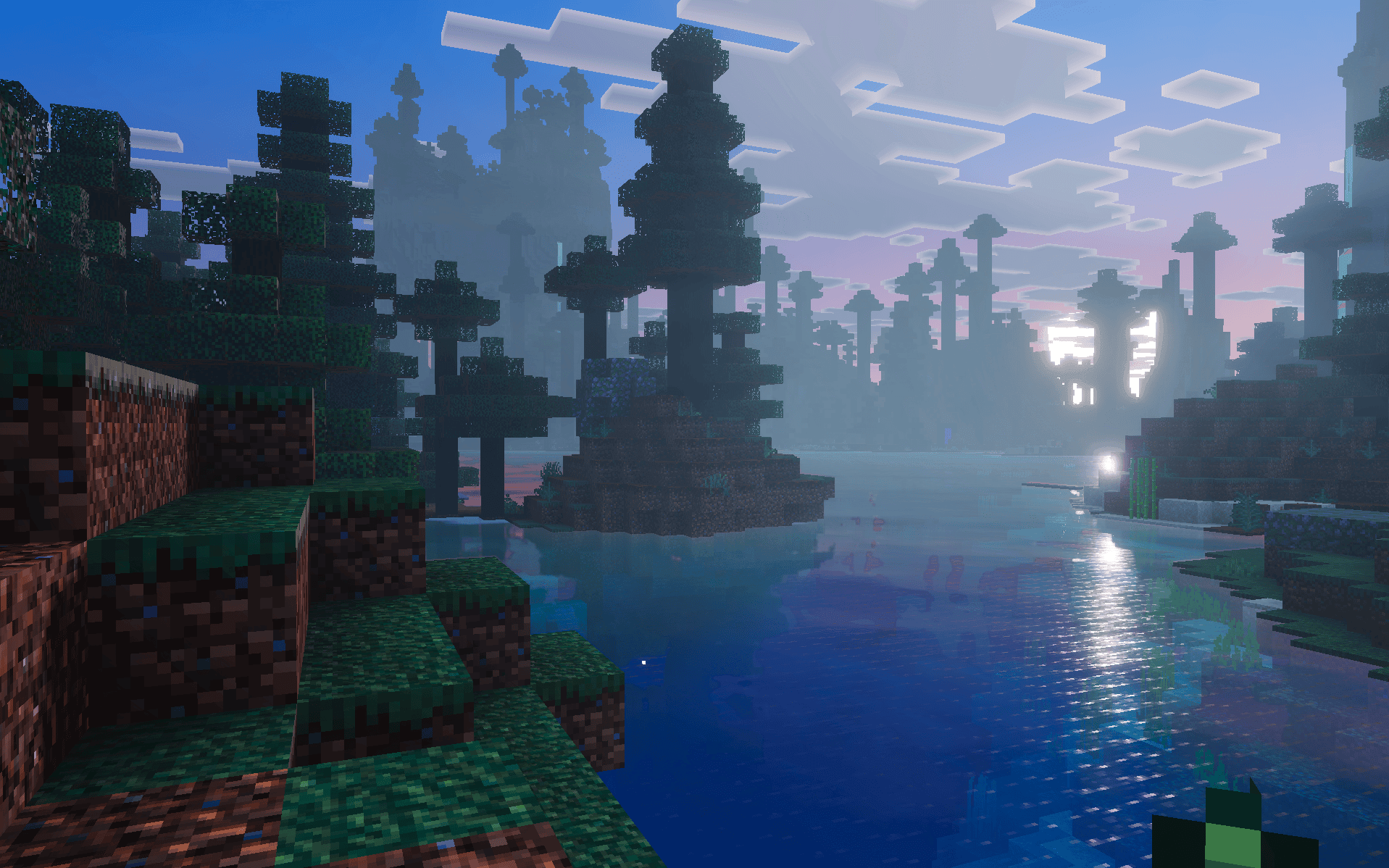
Spectral Horizons gives biomes a bright, cartoon-like style with distinctive fog, colorful lighting and custom moon tones. Cherry groves, snowy areas, forests and other landscapes receive visibly different palettes.
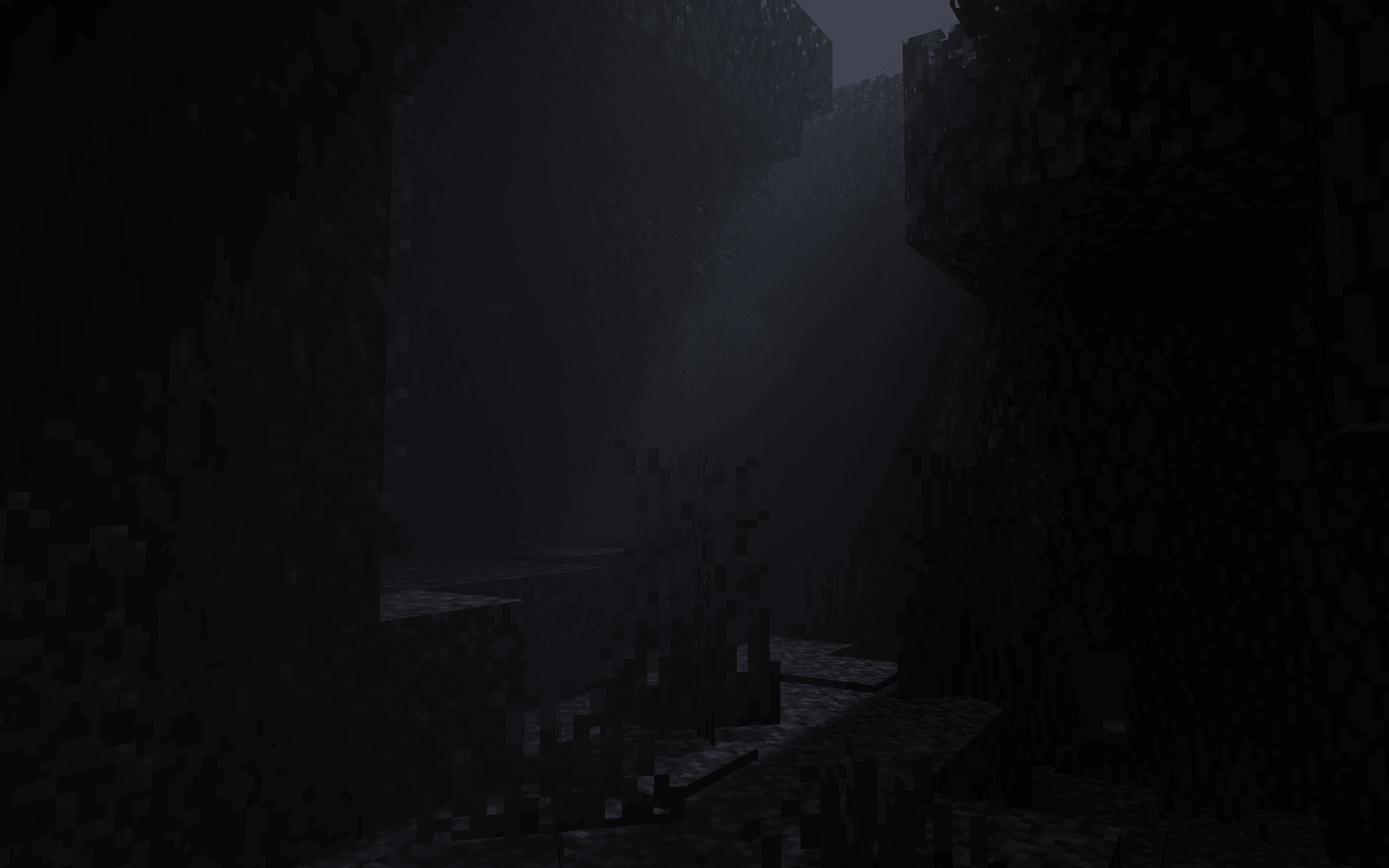
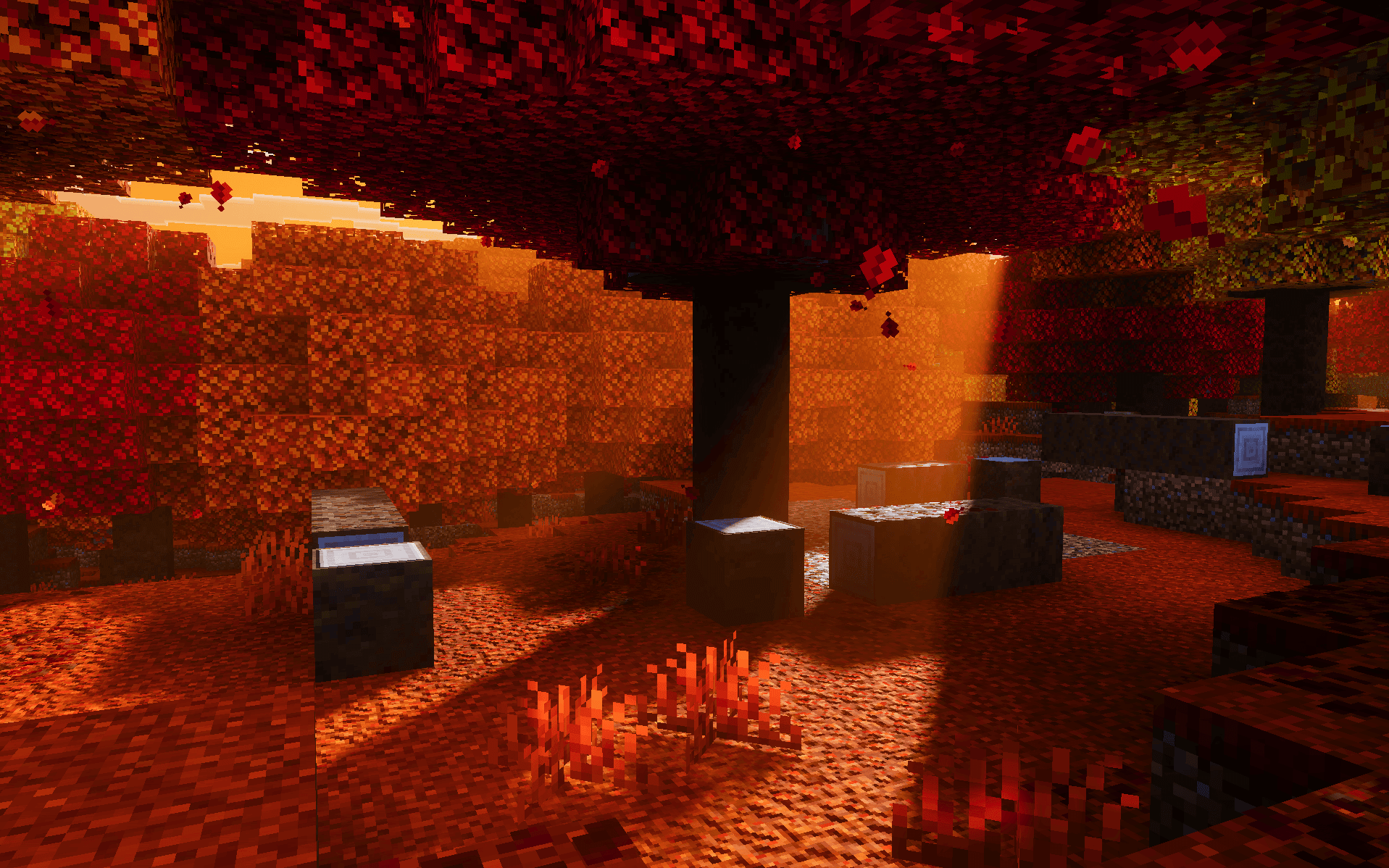
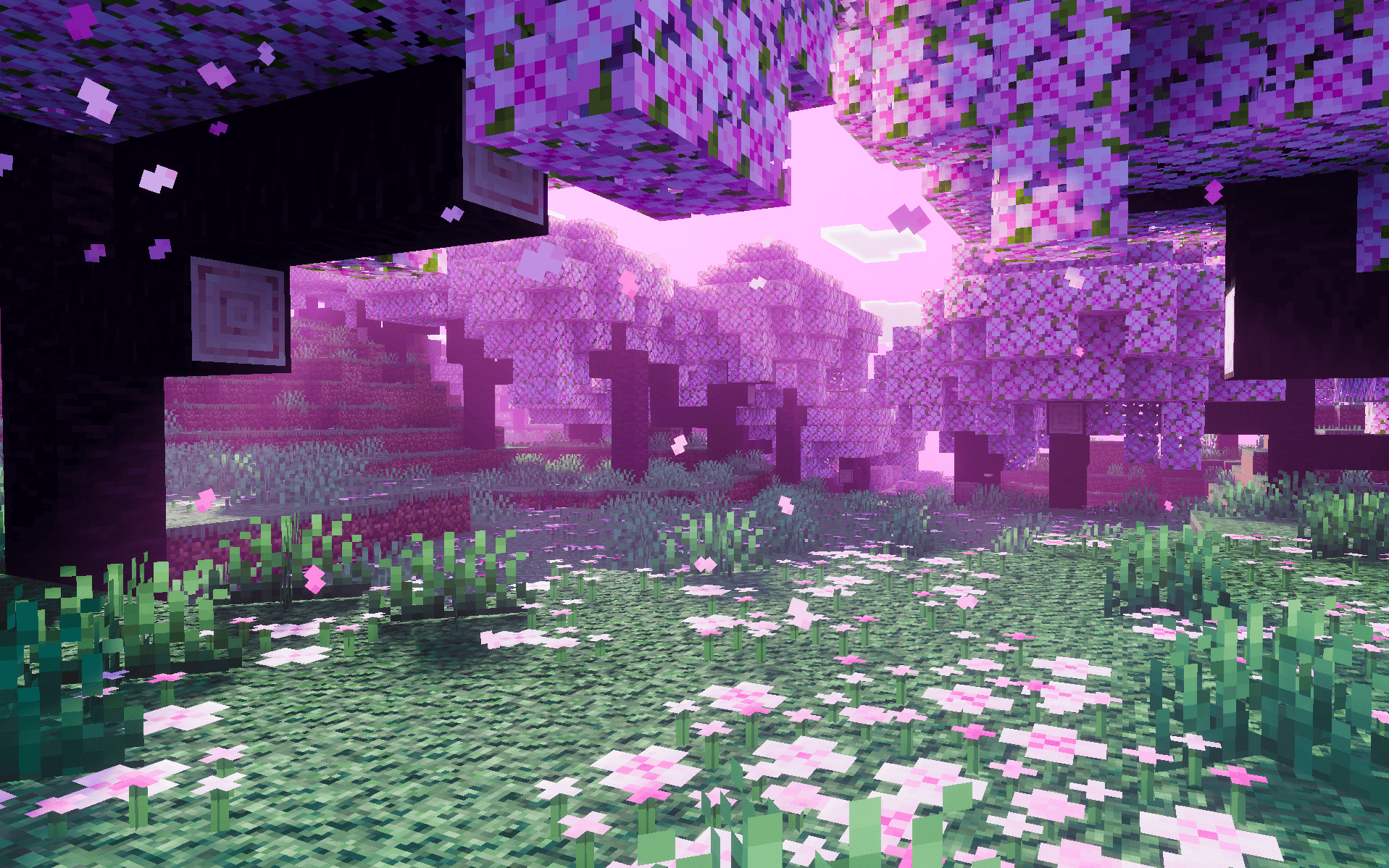
The 1.4.0 release reworks PBR materials. Its three subpacks let you keep the full 32x surface treatment, use height-based detail, or disable the custom PBR layer so another texture pack can provide the materials. Glowing blocks and reflective water complement the atmosphere.
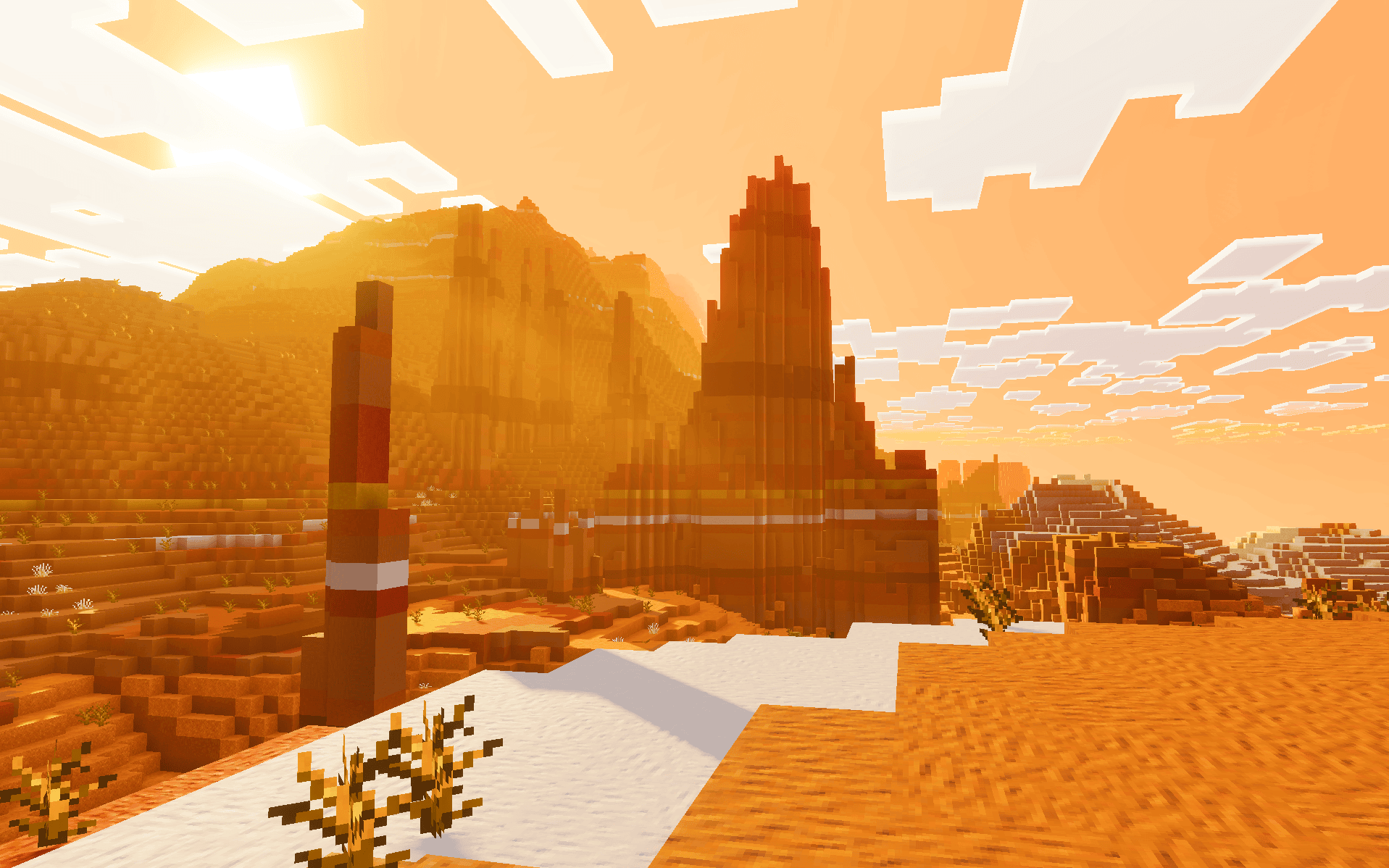
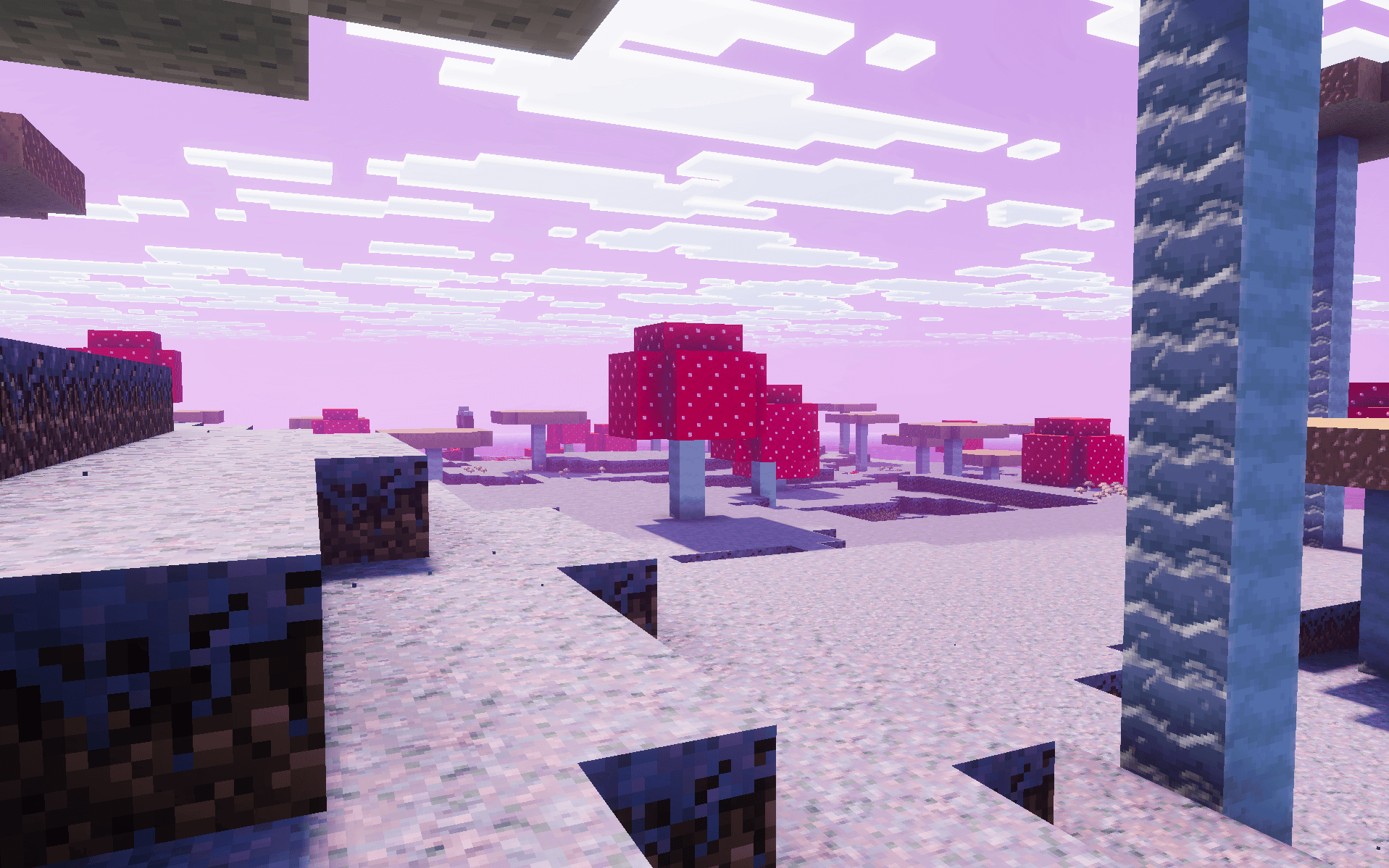
For another texture pack, use the Vanilla subpack rather than stacking two competing custom PBR layers. The 32x Normal Maps option is the most detailed of the included material choices.