How to enable: activate the resource pack and choose a preset with its settings button. Use Textures only to combine it with another visual pack, placing Patrix above that pack. Enable Vibrant Visuals for its visual presets, or select RTX only on compatible ray-tracing hardware. Experiments are not required.
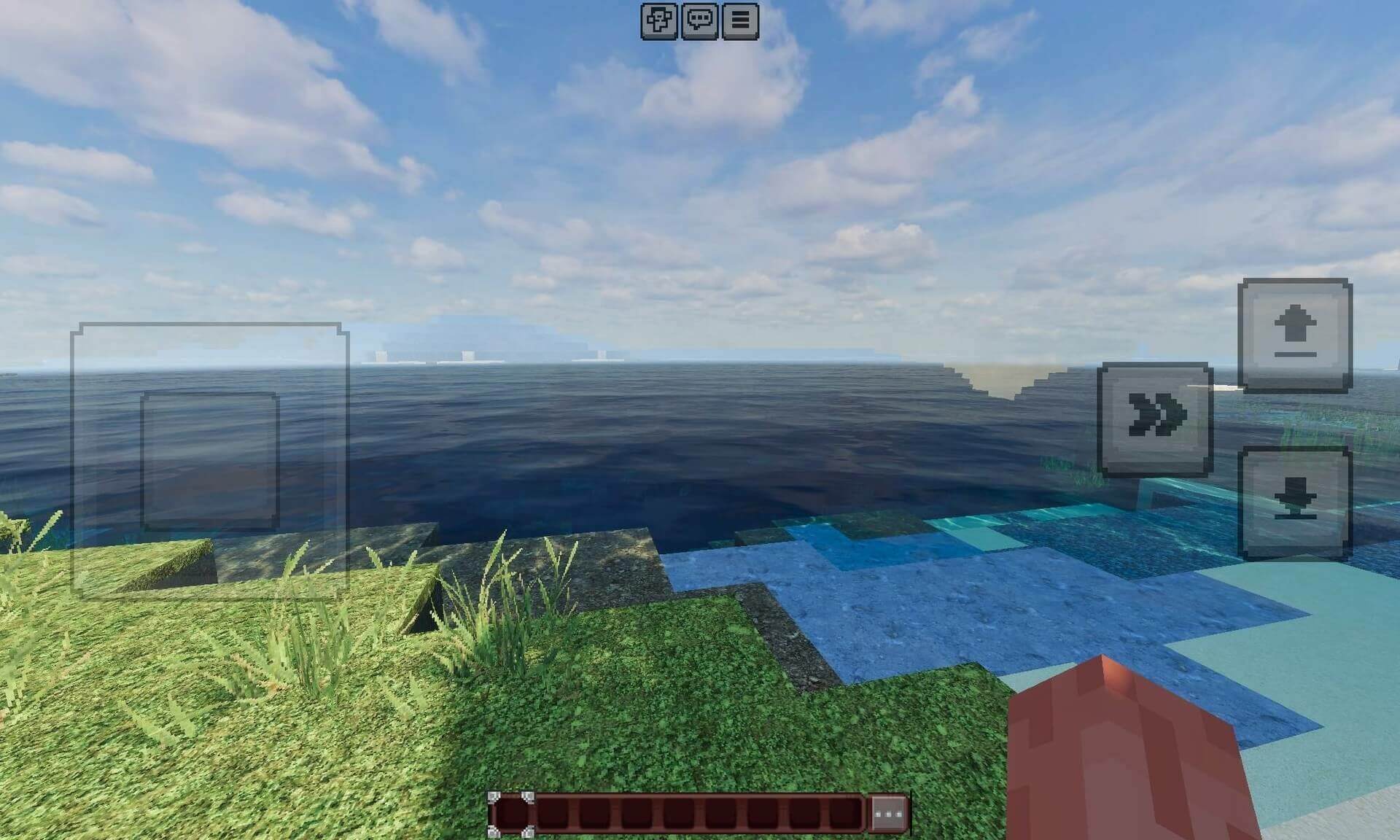
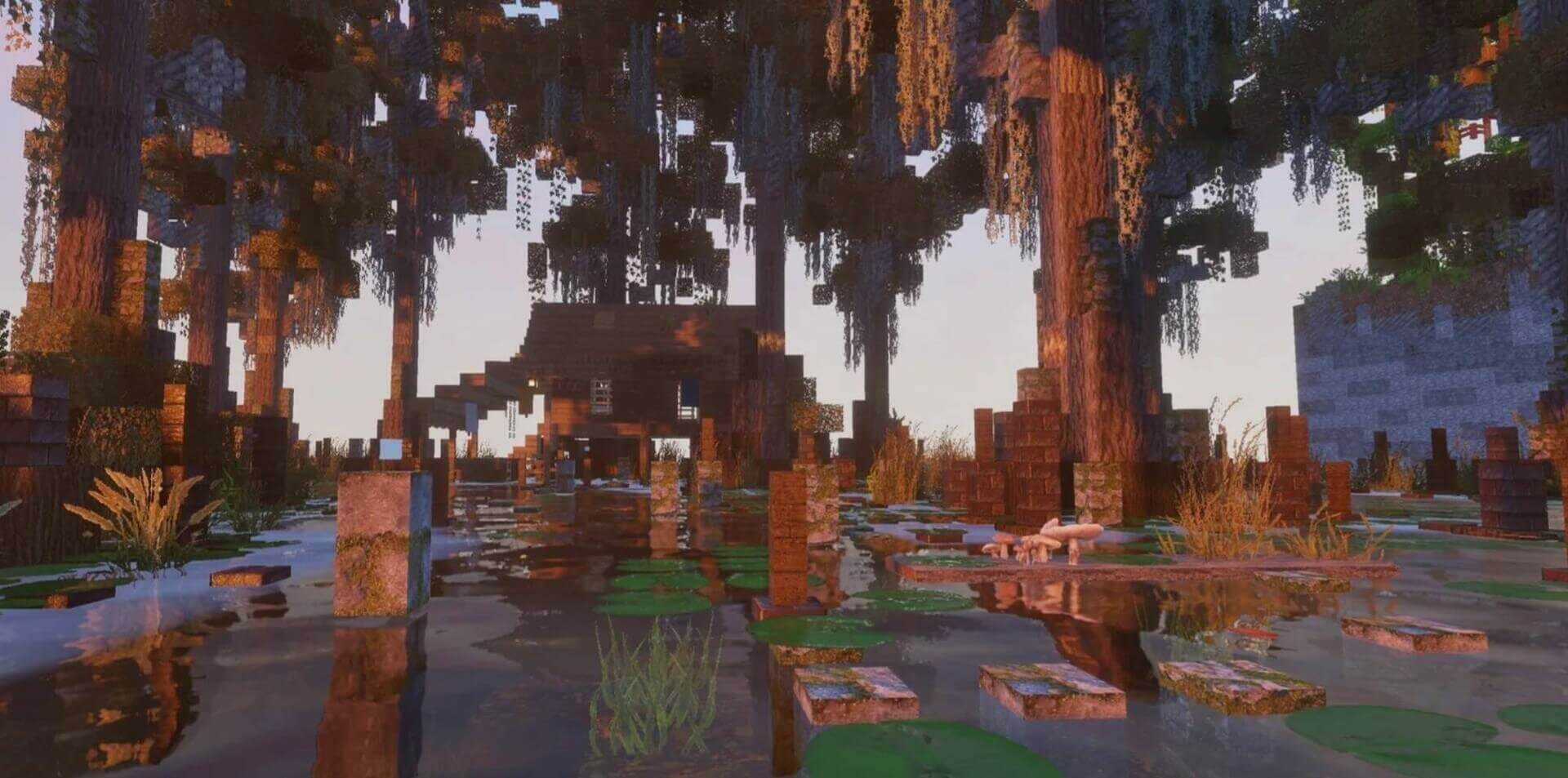
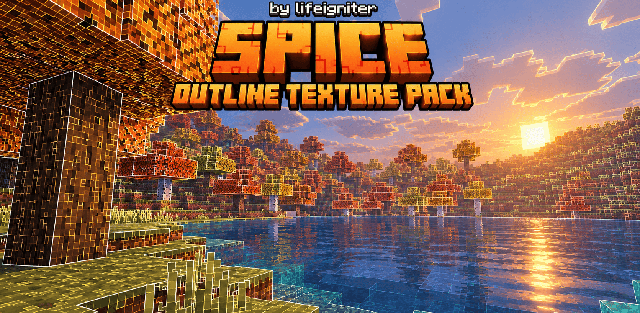
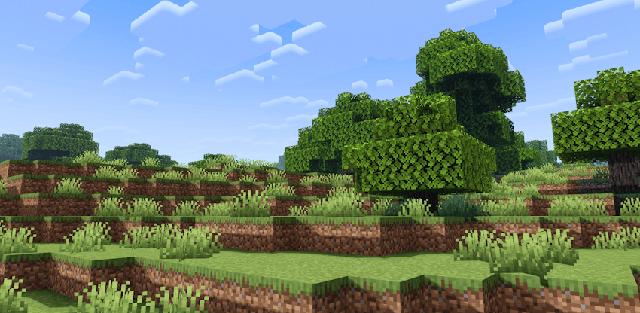
Patrix 128x BE replaces familiar terrain and building textures with detailed 128x artwork. Stone, timber, plants and natural surfaces retain recognizable colors but gain finer patterns and more realistic material detail.
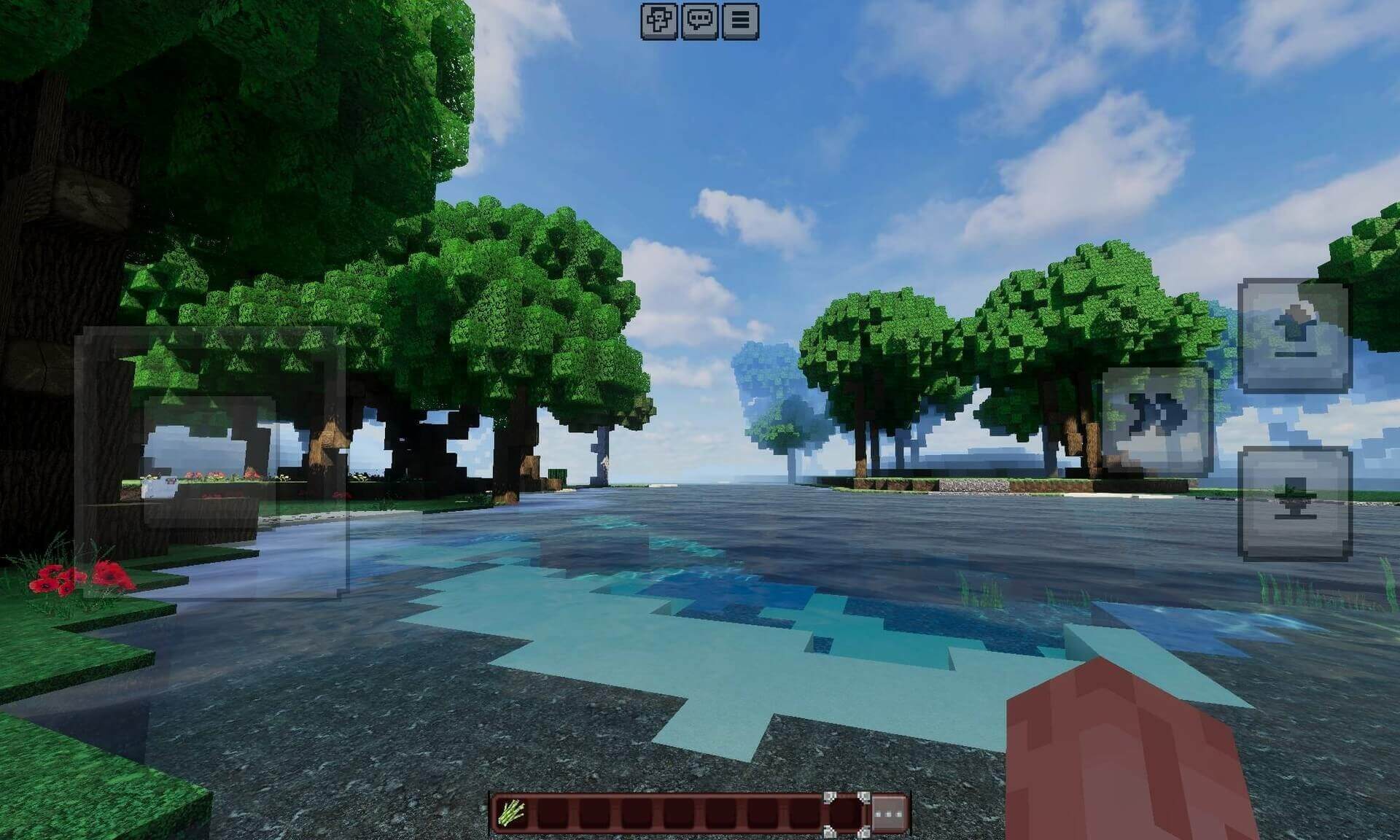
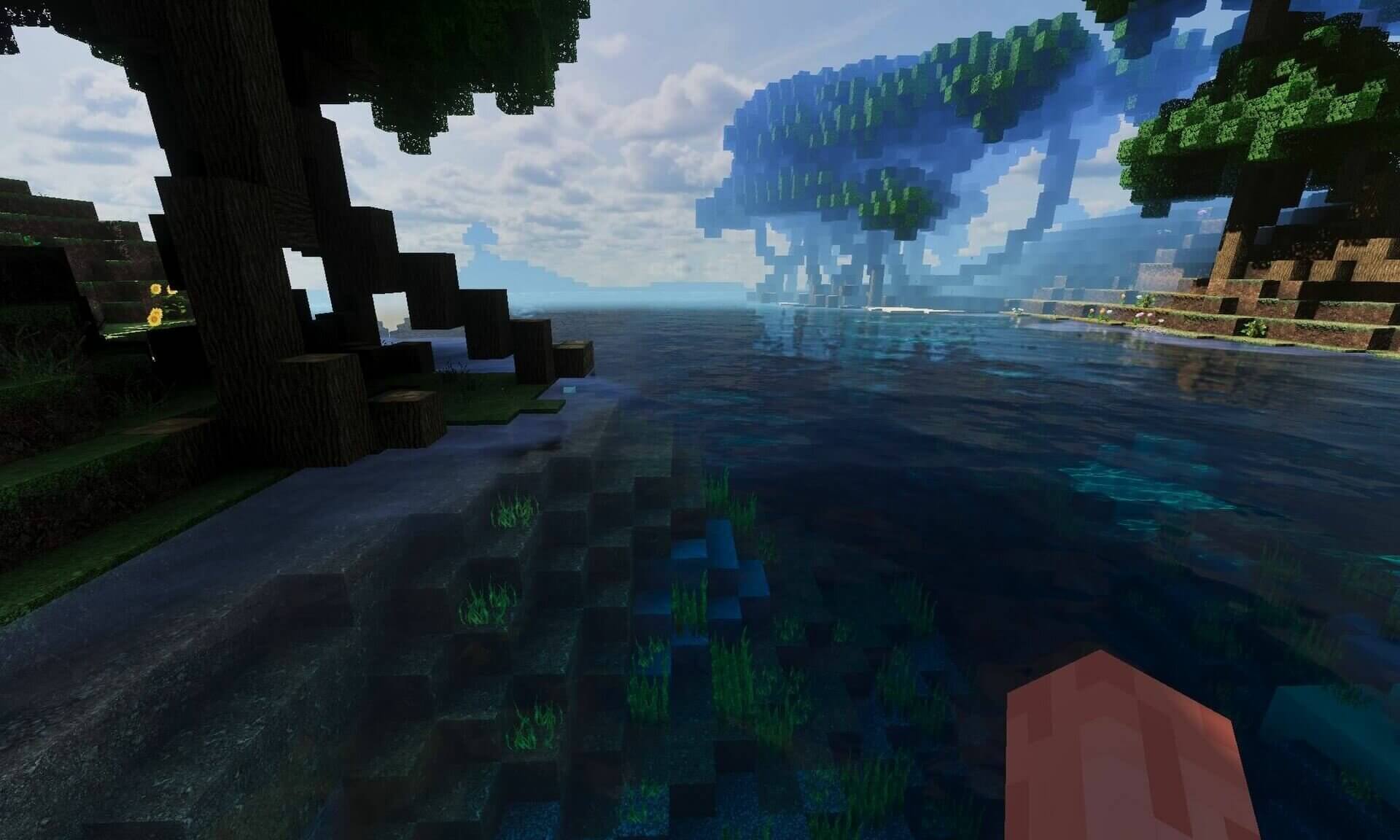
This download includes Textures only, RTX and several Vibrant Visuals presets, including Solace, Dark Fantasy, Prizma Visuals and Vanilla Reforged. The higher texture resolution uses more memory than standard Minecraft textures, so it is better suited to capable devices.
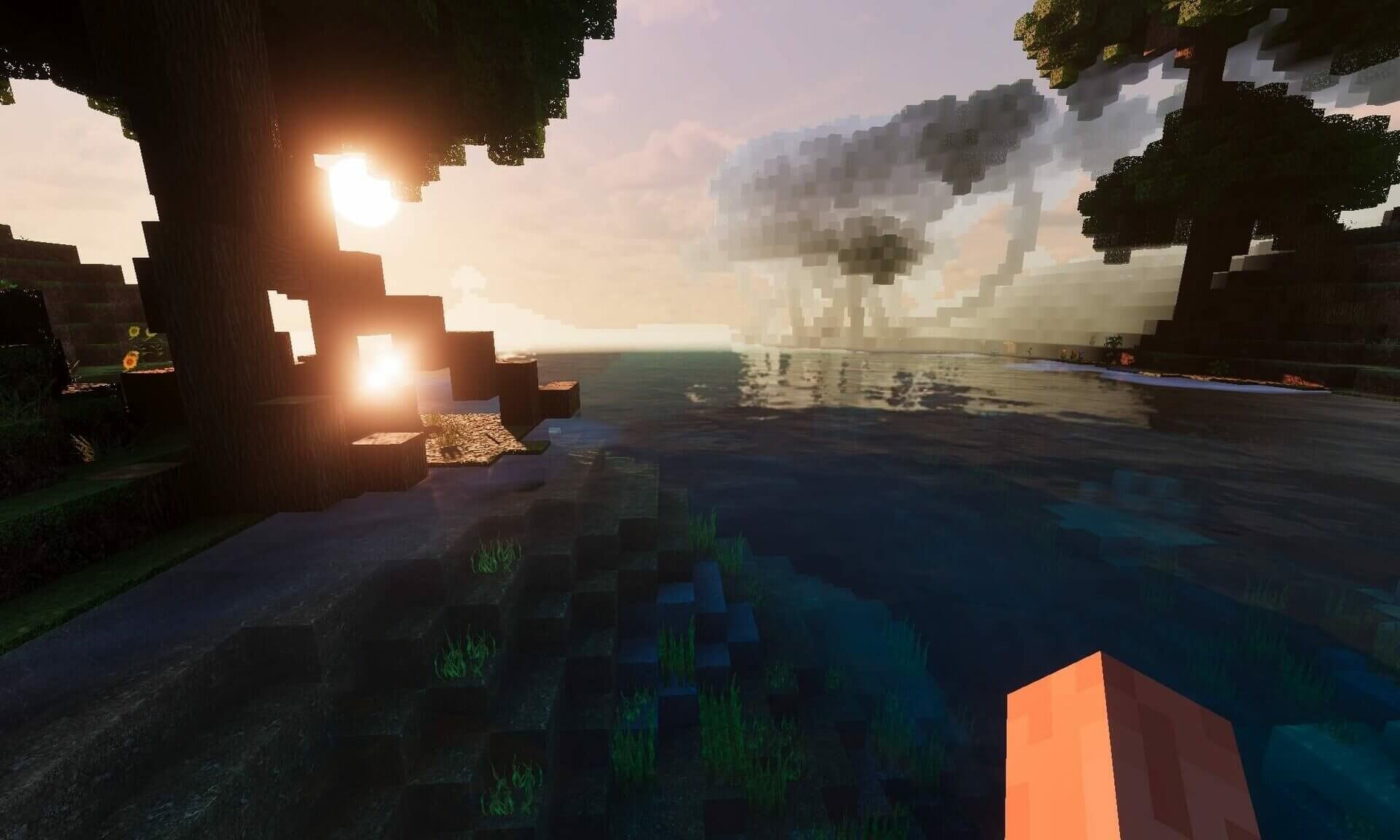
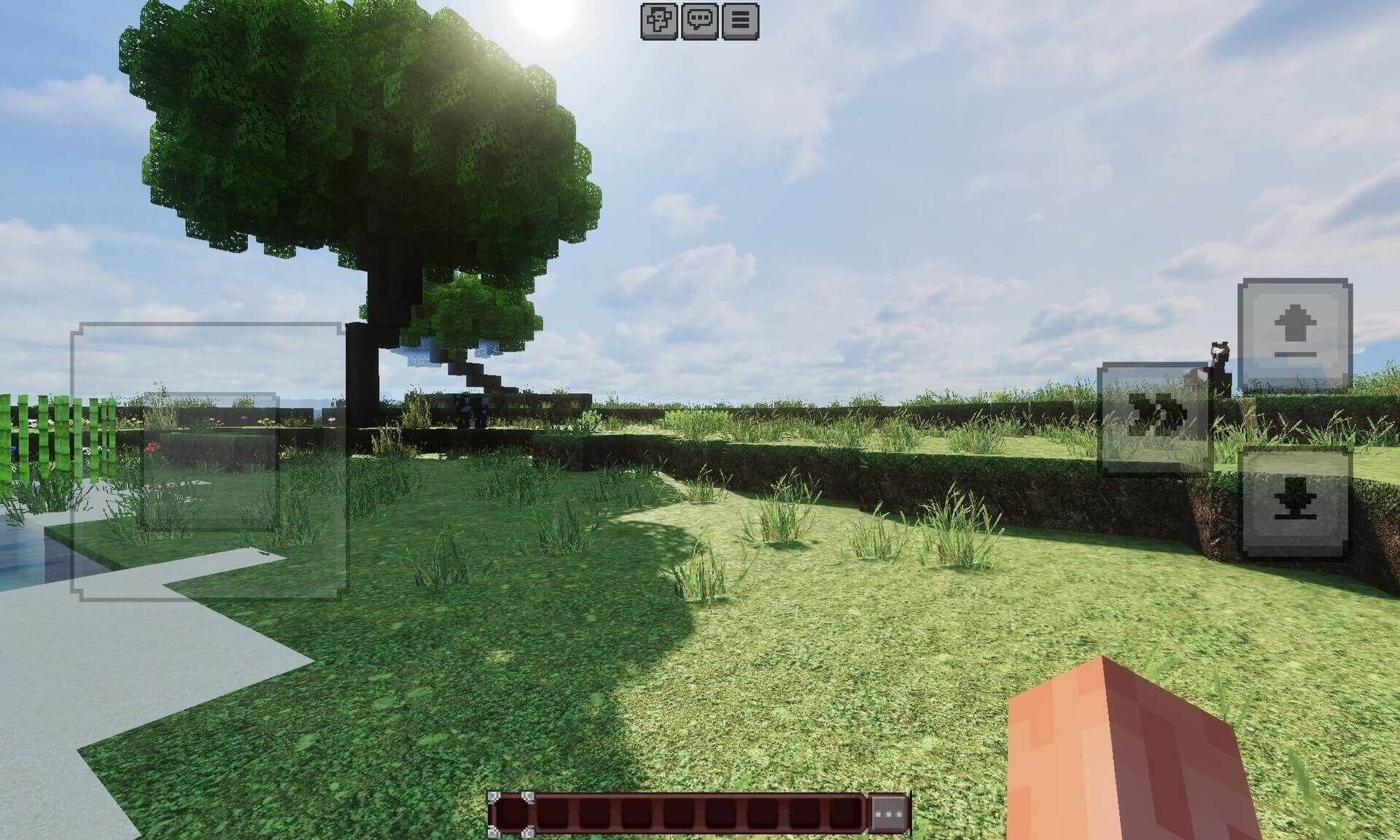
Textures only leaves the lighting style to the game or another compatible pack. RTX and Vibrant Visuals are separate rendering choices, not two switches that should be enabled together. Select the appropriate preset before entering the world.