How to enable: import the pack, activate it in Global Resources or in the world resource packs, then select Vibrant Visuals in Settings > Video > Graphics Mode. A device that supports this mode is required. For this release, enable both the ARCE resource pack and its linked behavior pack in the world. Choose Performance Lite, Balanced or Cinematic Showcase using the resource-pack settings.
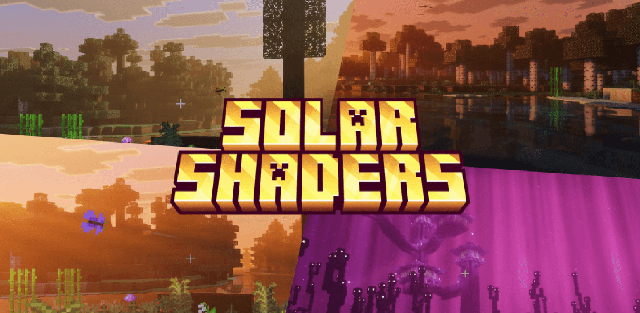
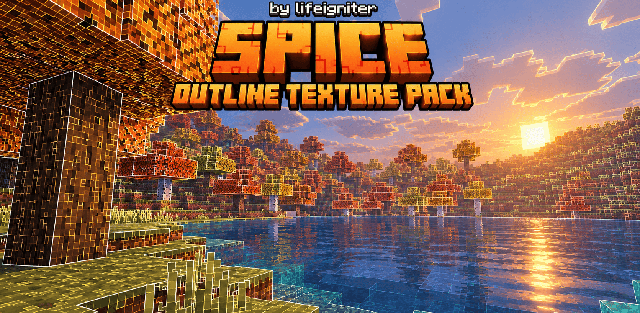
ARCE Visuals adds a cinematic atmosphere with amber dawn light, volumetric haze and colorful storms. Moving water receives caustics, night skies gain auroras and meteors, and colored lights stand out around buildings.
The pack also changes visual details such as portal glints, enchanted equipment, particles and block-breaking effects. Three quality presets let you choose between a lighter presentation and the full showcase look. The supplied release is 1.0.14.
Performance Lite is the lightest preset, Balanced is the middle option, and Cinematic Showcase is intended for the richest image.