How to enable
Import the .mcpack file, activate the pack under Global Resources or world settings, and restart the game if the changes do not appear immediately.
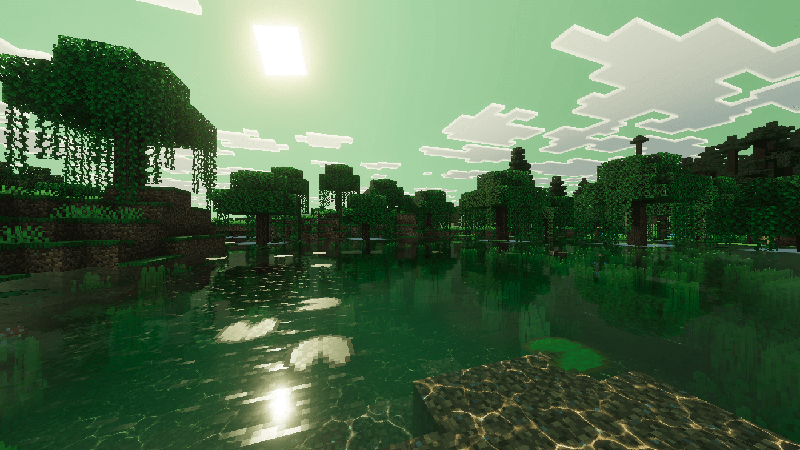
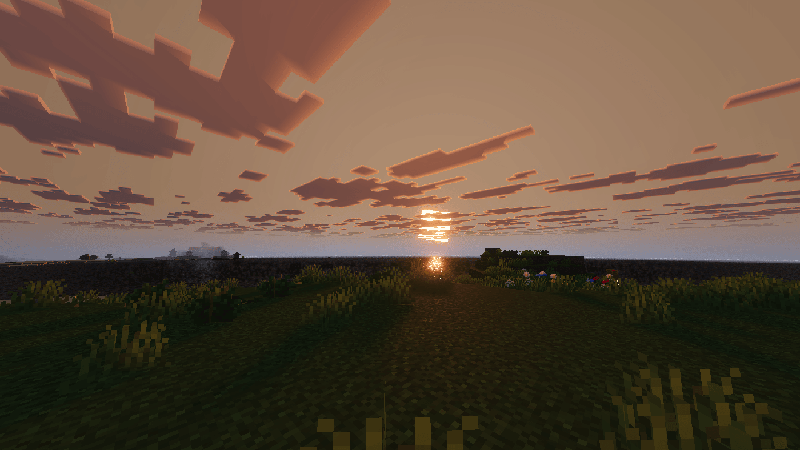
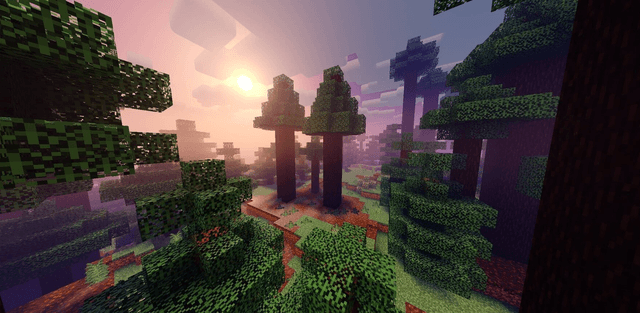
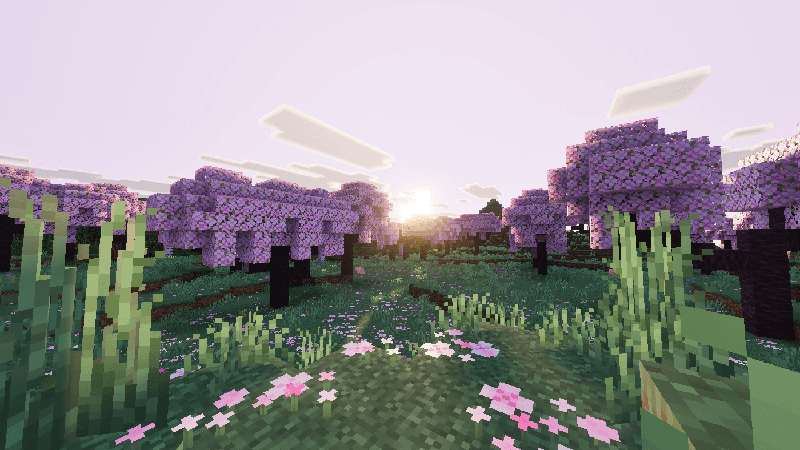
Serene Visuals creates a calmer world through soft diffused lighting, cool tones and natural color grading without excessive brightness.
Visual changes
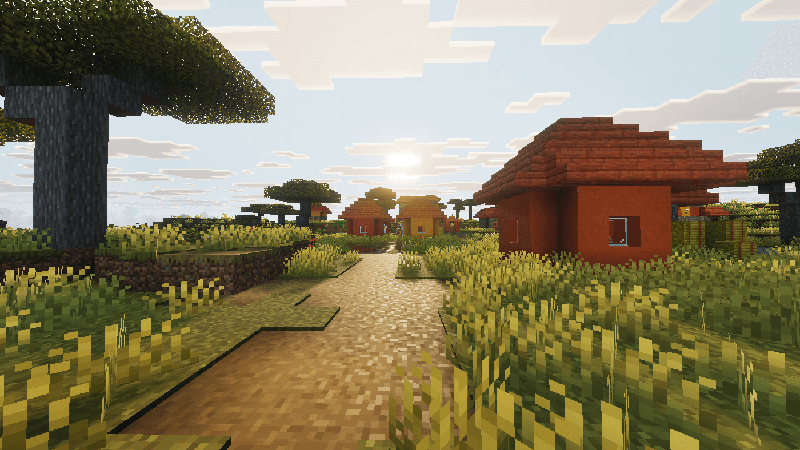
- soft sky lighting with muted cool tones;
- rich but natural grass and foliage;
- layered clouds and an overcast atmosphere;
- smooth distant fog and stronger terrain depth;
- consistent visuals without harsh glare or washed-out colors.
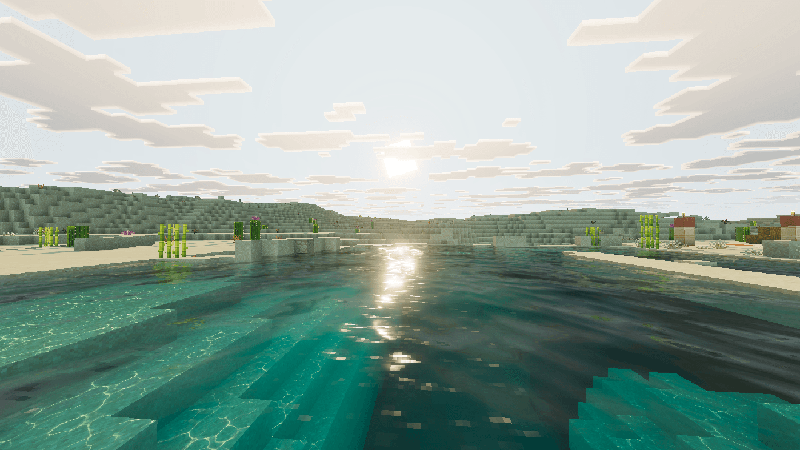
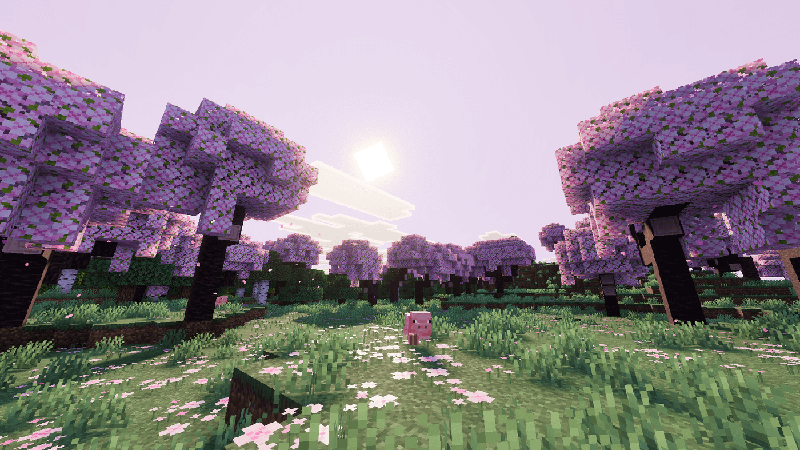
The pack works well for long survival sessions and relaxed exploration. Lighting remains soft in the morning, under clouds and around sunset.