Shaders: OSBES
17 824
0
1
Created By Jebbyk
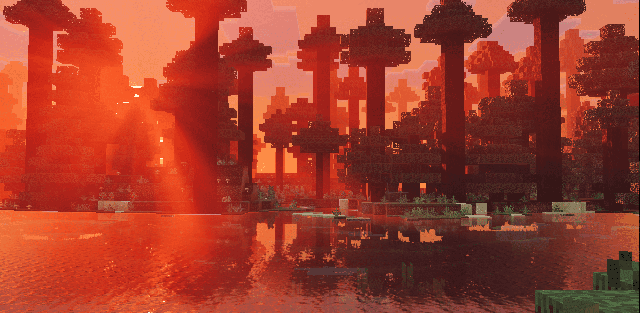
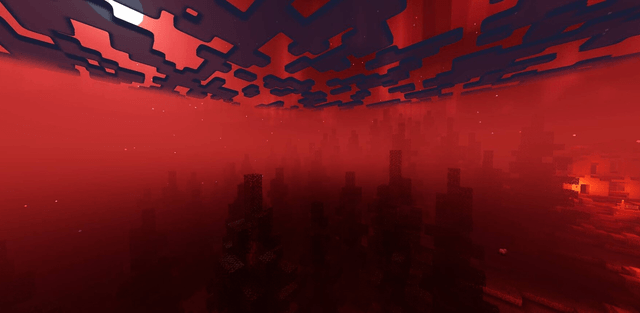
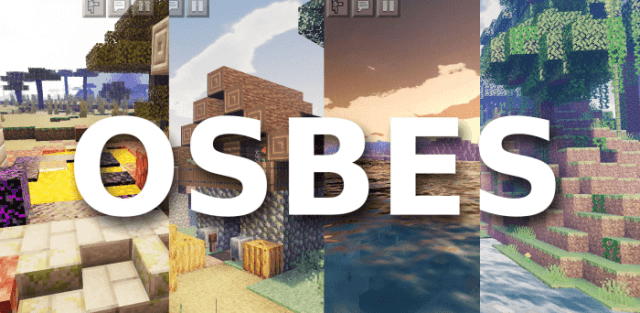
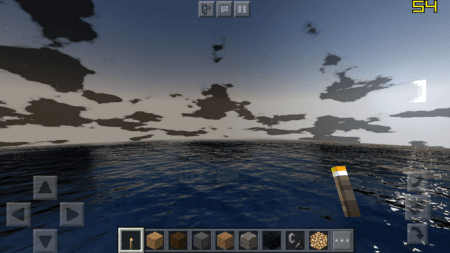
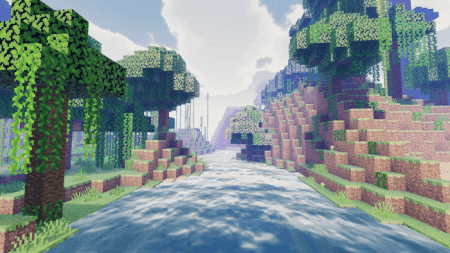
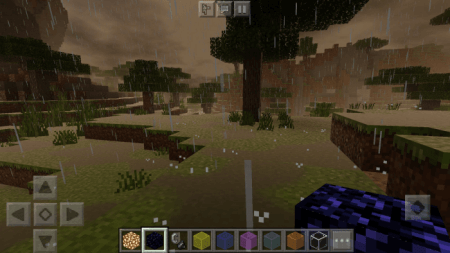
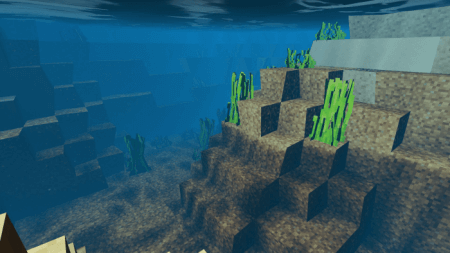
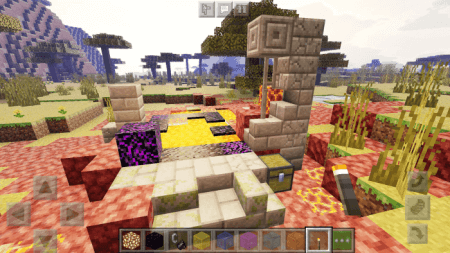
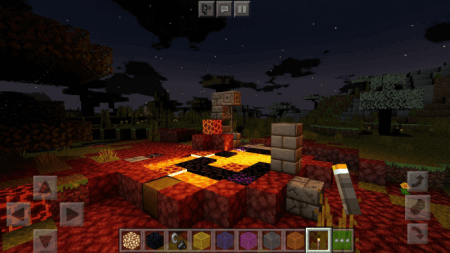
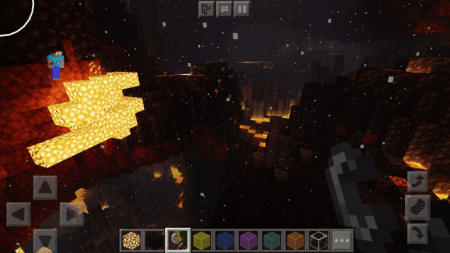
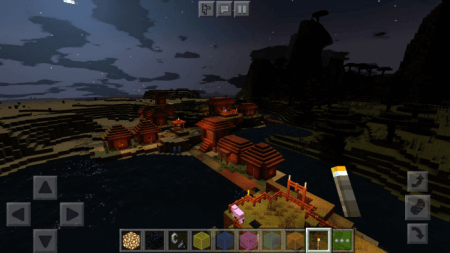
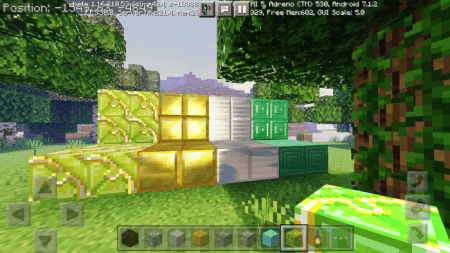
Features of this shader:
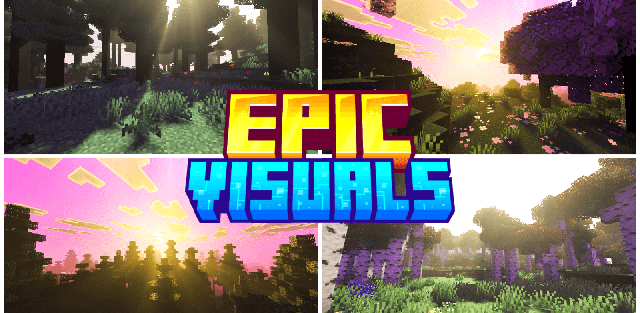
- advanced lighting
- PBR textures support
- reflections on water and metals (use PBR texture ^^^ to get reflections on different blocks)
- parallax mapping
- weather effects
- better clouds
- Better quality-to-lag ratio (better look less lag)
- presets and settings system
Windows 10 is not supported
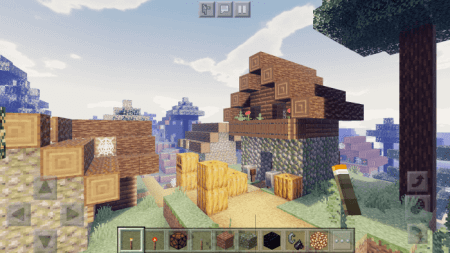
Installation
Download .mcpack file
Open it with minecraft
Select this shader pack in settings
Place PBR texture pack on top of OSBES
Go to main minecraft menu and wait for import
Relaunch minecraft!!!
How to install the shader
Download the .mcpack file, open it with Minecraft and wait for the import to finish. Enable the pack in the world's Resource Packs settings. Shader compatibility depends on the Minecraft version and graphics mode.
Supported Minecraft Versions
1.18, 1.17, 1.16
Related News