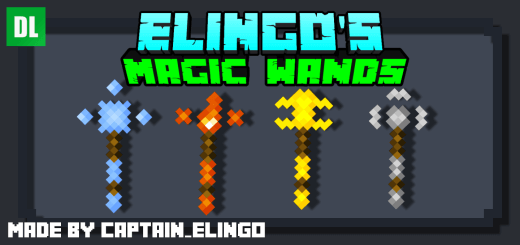
Did you ever think there wasn't enough magic in Minecraft? Well because this add-on features 4 magical wands which grant you the ability to defeat your enemies in style! When upgraded, these wands will get better stats like faster cooldowns, new effects and much more.
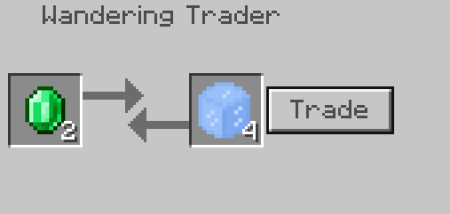
The first thing you need to do is craft a wizarding table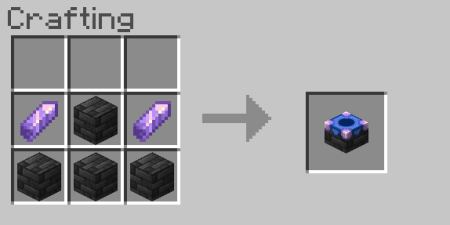 After that, you need to buy the elemental items from the wandering trader.
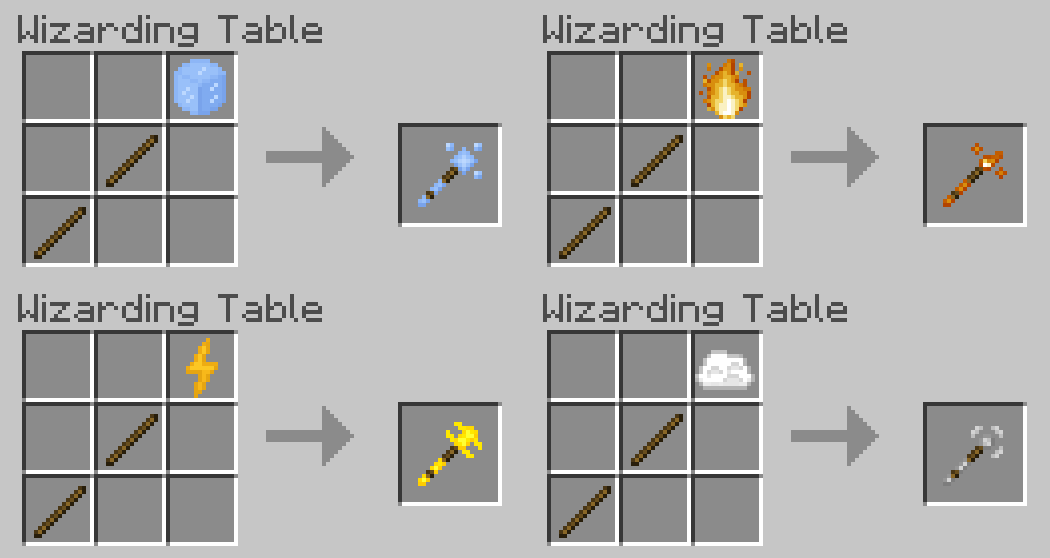
 When you crafted the wizarding table and bought the items, you'll need to place the items in this pattern shown below.
How do the wands work?
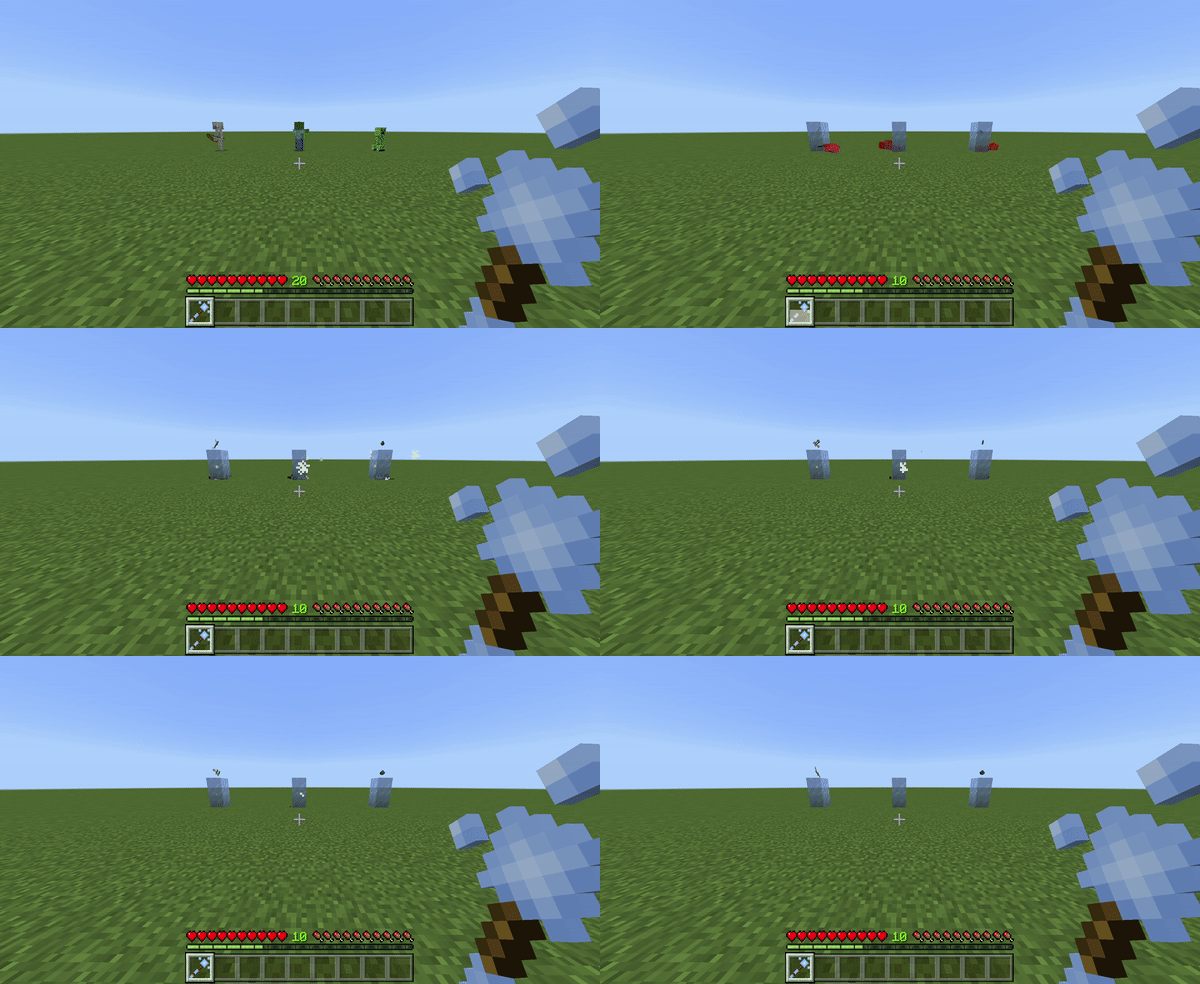
Every wand starts at level 0, which only has the basic shooting attack. Each time you upgrade your wand it gains a new ability, for example, when you upgrade the level 1 fire wand to level 2 you will be given the Magma Walker effect that transforms the lava under your feet into magma blocks.
How do I upgrade the wands?
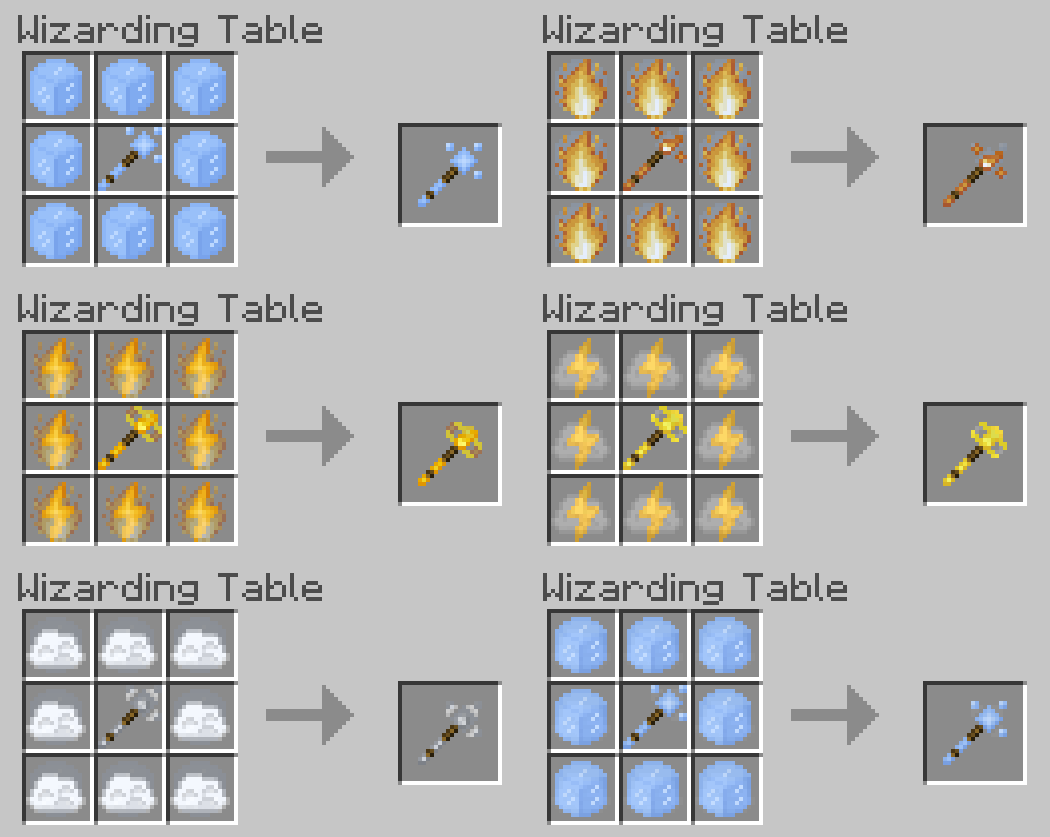
All you have to do is surround the wand with the item you crafted them with
How can I view all the different stats of the wands in game?
Yes, when you are in your world, all you need to do is type /function help_stats while holding the item you want to check.
Ice Wand

- Player effect: Frost Walker
- Special ability: Frost attack
Fire Wand

- Player effects: Fire Resistance & Magma Walker
- Special ability: Inferno attack
Electricity Wand
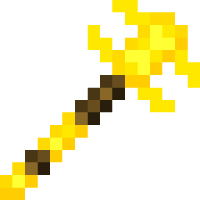
- Player effect: Speed
- Special ability: Thunder attack
Air Wand
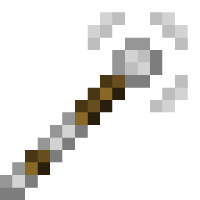
- Player effect: Levitation & Slow falling (Levitation only works when looking down!)
- Special ability: Float attack