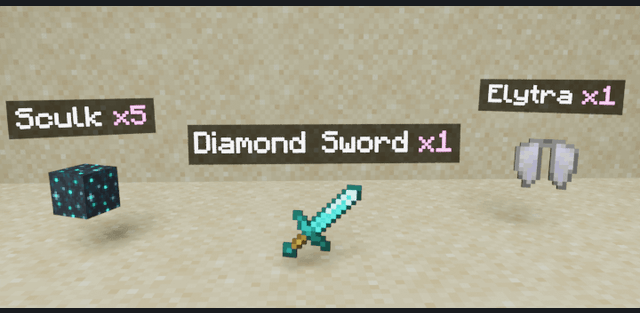
What Am I Looking At displays information about the block or entity you are looking at on the top of your screen.
Sneak to display more information about the block or entity. This works with all other addons as well.
Not sneaking: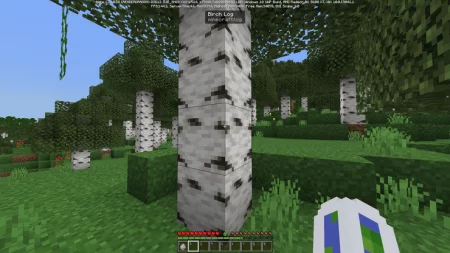
Sneaking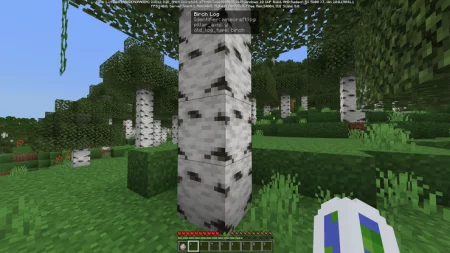
Not sneaking: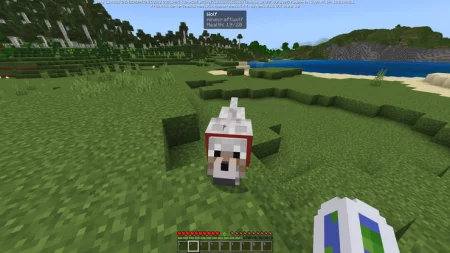
Sneaking: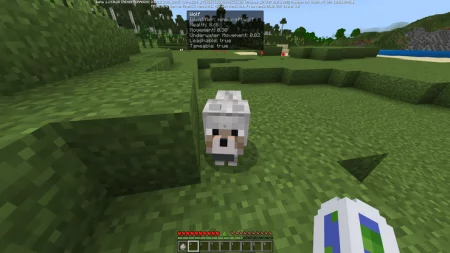
ENABLE GameTest Framework!
Download What Am I Looking At? (.mcaddon)
[17.66 Kb] Downloads: 486
Download & installation
Supported Minecraft versions
Requirement: Enable experimental features in the world settings before playing.
How to install the add-on
Download the .mcaddon or .mcpack file, open it with Minecraft and wait for the import to finish. Then enable the resource and behavior packs in the world settings. If the add-on requires experiments, turn them on before launching the world.
Published by: Steve
Category: Mods
OS: android, windows, iOS