Author: catyellow67
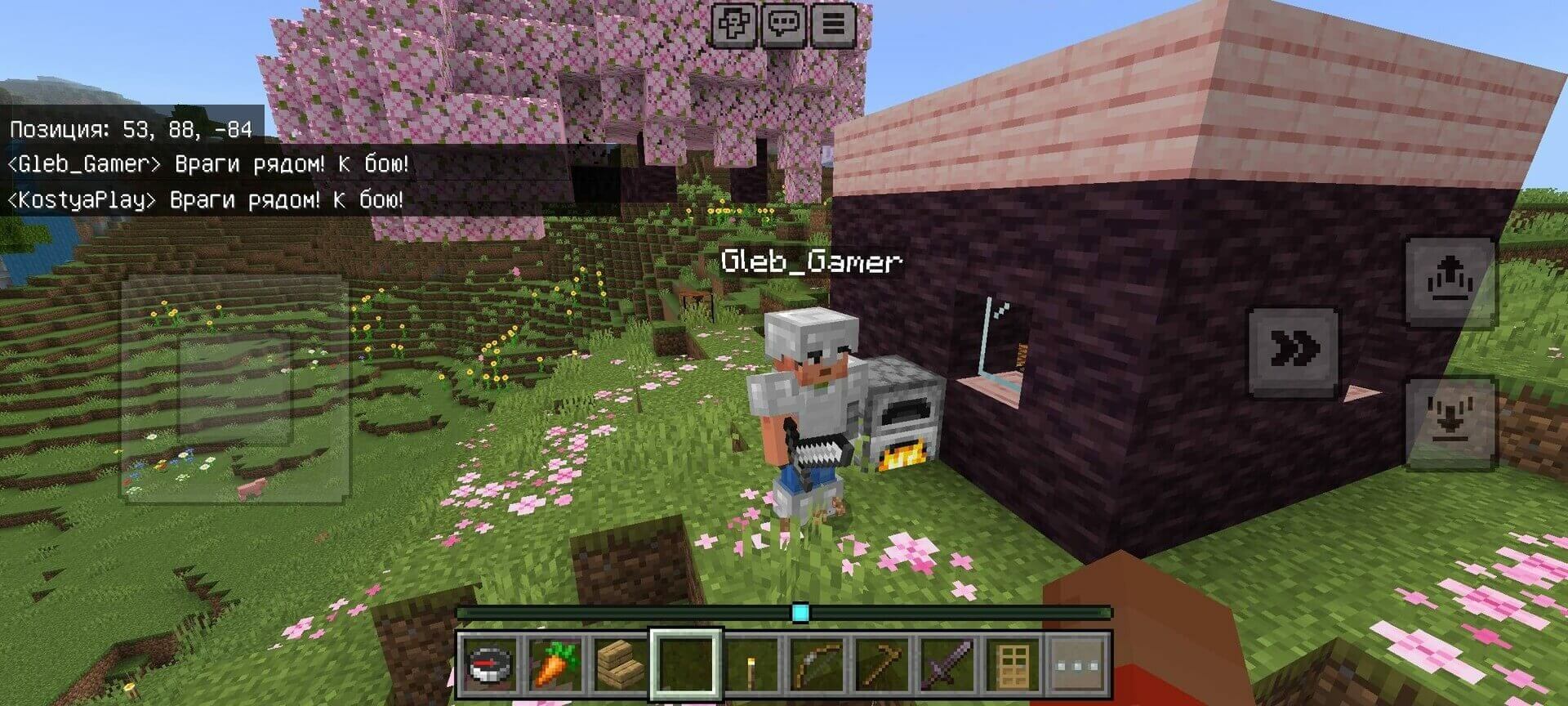
Smart AI Players adds computer-controlled companions with survival routines rather than ordinary passive villagers. Bots can collect resources, craft equipment, build shelter, farm, hunt and defend themselves. Seven professions specialize their work, while conversational behavior makes groups feel more active. This is the English 1.8 build for Minecraft 26.60-26.69.
Survival, companions and creative play
In normal survival behavior, bots make their own practical decisions. Companion mode instead focuses on following and protecting the owner, without autonomous gathering or construction. Creative bots can use unlimited materials for much larger projects, including multistory houses. Combat and duels give them another role beyond gathering supplies.
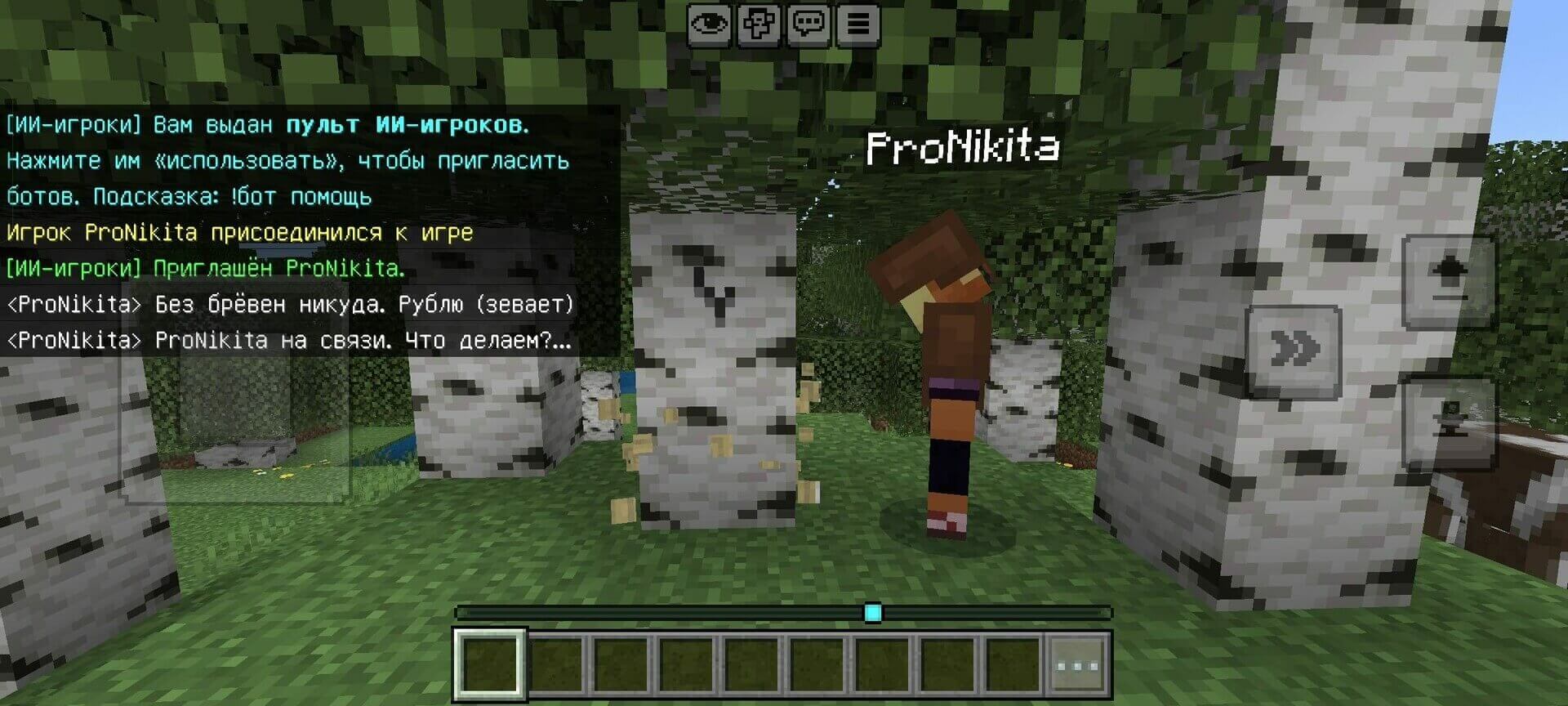
Version 1.8 expands conversations with pauses, occasional typos and gestures. Navigation improves around gaps, drops and lava, and bots can recover after death. Realm mode reduces activity and limits the group to six bots, but the author has not confirmed it through a real Realm test. Nether/End travel and dragon-related behavior also remain less mature than ordinary overworld routines.
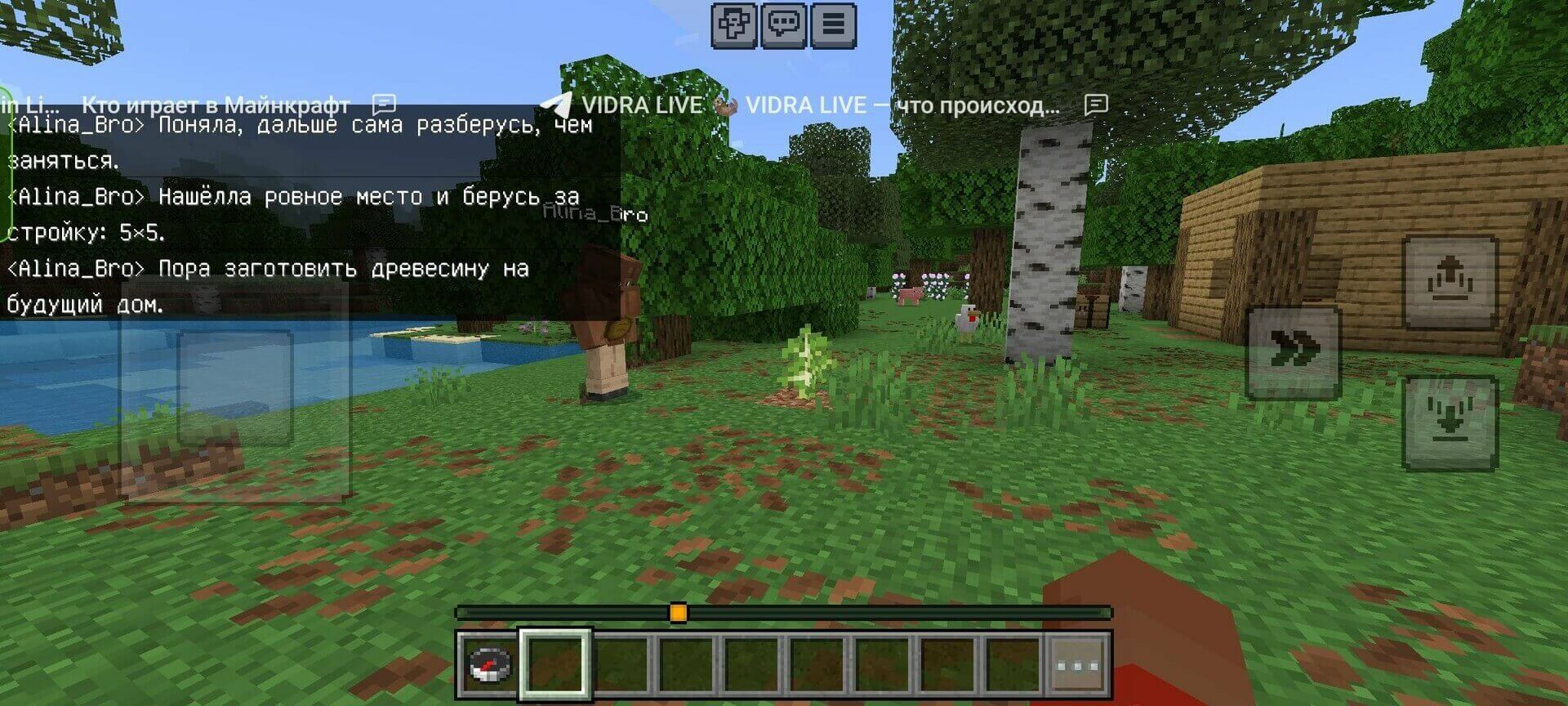
Enable Beta APIs and activate the behavior/resource packs. The included skin pack offers player skins; it does not let the script assign those skins freely to every bot. Begin with a small group and increase its size only if your device keeps a stable simulation speed.