This addon builds a long-form horror scenario around ordinary Bedrock survival. The danger does not begin as a constant stream of attacks. For the first seven in-game days, phase 0 remains quiet and gives the player time to gather supplies, explore the area and prepare a shelter. After that, the world begins to change.
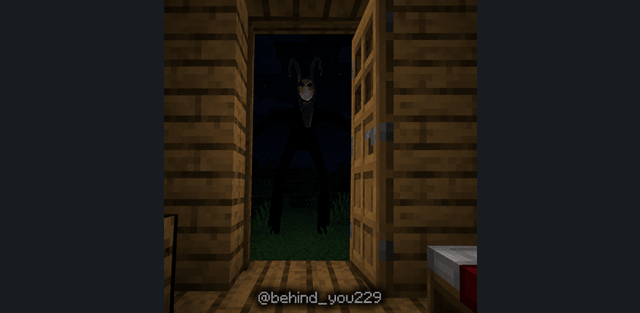
The haunting develops through seven phases. New anomalies appear as the progression advances, and the existing threats become more dangerous. Some creatures attack directly, while others watch from a distance and use uncertainty as their main weapon. Many of them prefer caves, so mining and underground exploration can be riskier than staying on the surface.
Sleeping frequently pushes the phase system forward. This makes rest a meaningful choice: it skips the night, but also brings the world closer to the next stage of the haunting. Players who want to bypass the calm opening can start the sequence with /anomaly:start.
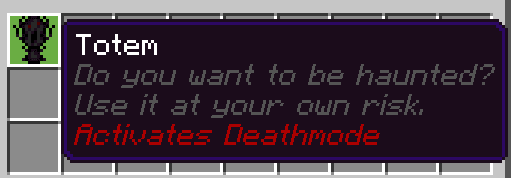
A Totem is given when the world begins. Using it activates Deathmode, an extreme version of the scenario with a much faster pace. It is intended for a direct challenge, while the standard progression is better suited to a longer survival world.
Two rare nighttime events can occur during play. Their details are deliberately left unexplained, but a changed moon texture warns that one of them is active. Separate sleep events appear under specific conditions and become more intense as the current phase rises. These events are tied to progression instead of being simple random scares.
The /anomaly:config command opens settings for spawn frequency and important events. This allows the experience to be adjusted without removing its phase-based structure. Beta APIs must be enabled before the addon is activated in a world.