Maze Engine builds procedural dungeons inside an Aztec temple or Egyptian pyramid. Sizes range from a small 11x11 layout to a 256x256 labyrinth, and the pathfinding algorithm creates a fresh route for every run. A repeated seed preserves the basic maze layout, while structure weathering and traps can still vary.

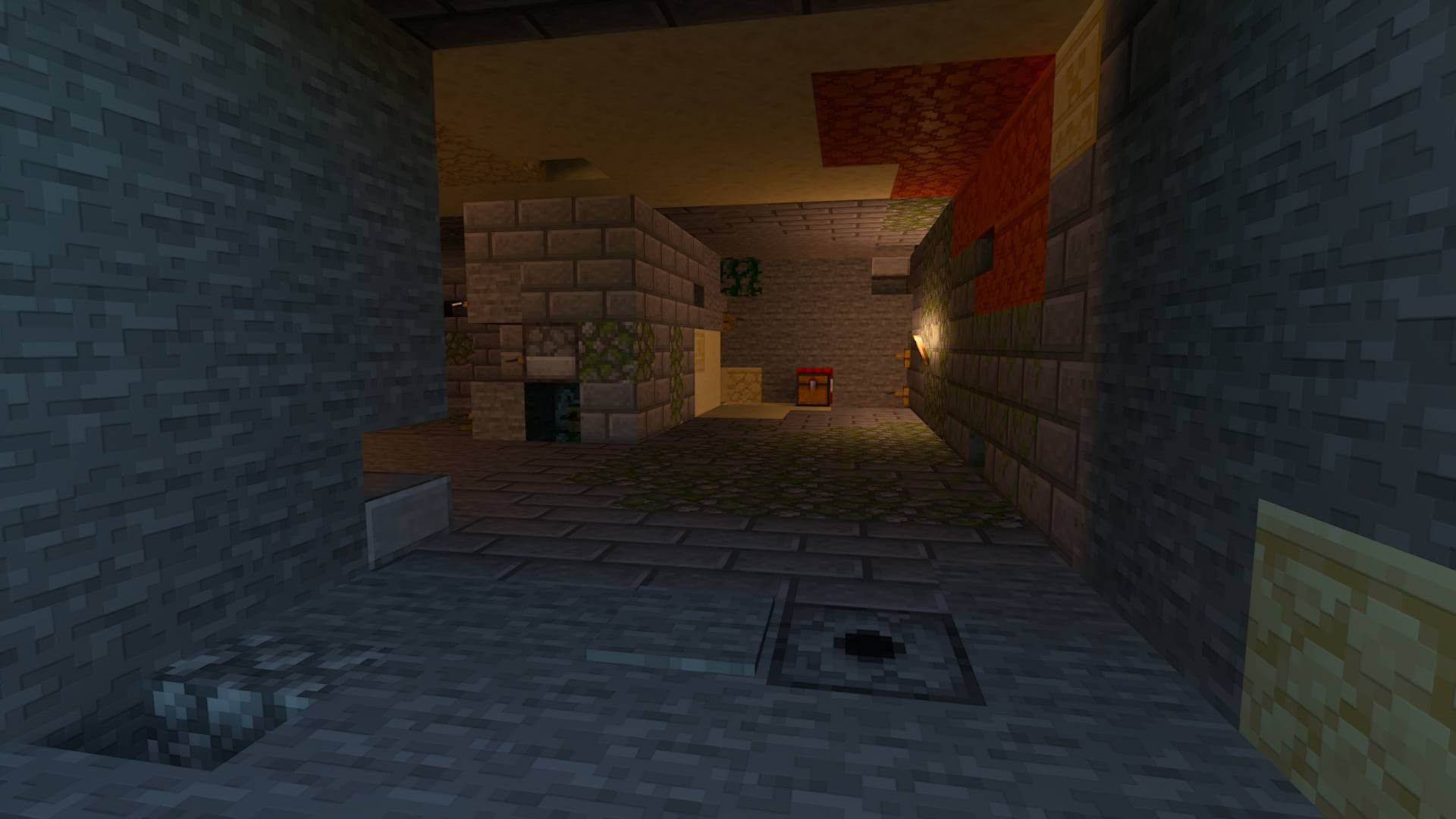
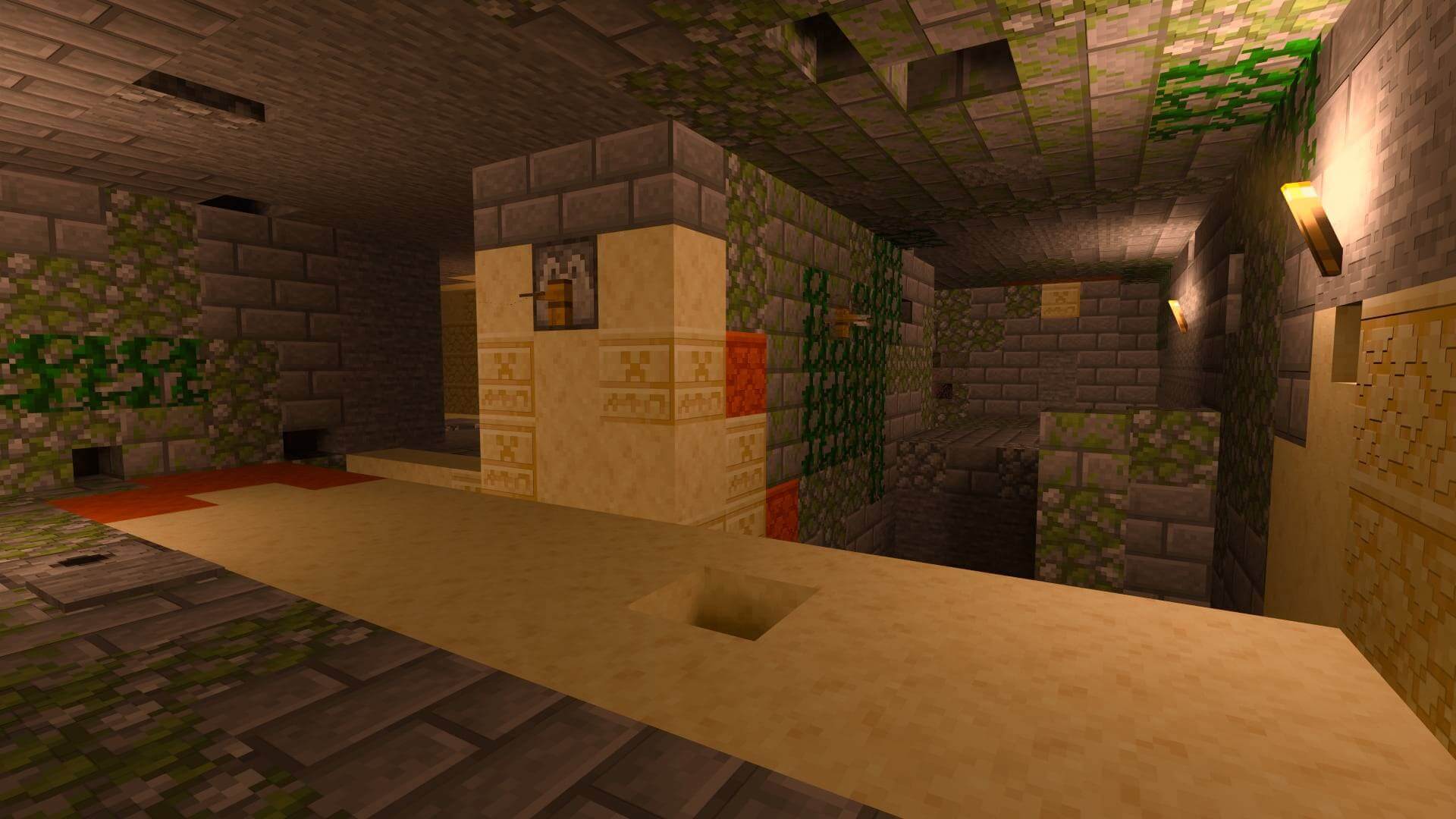
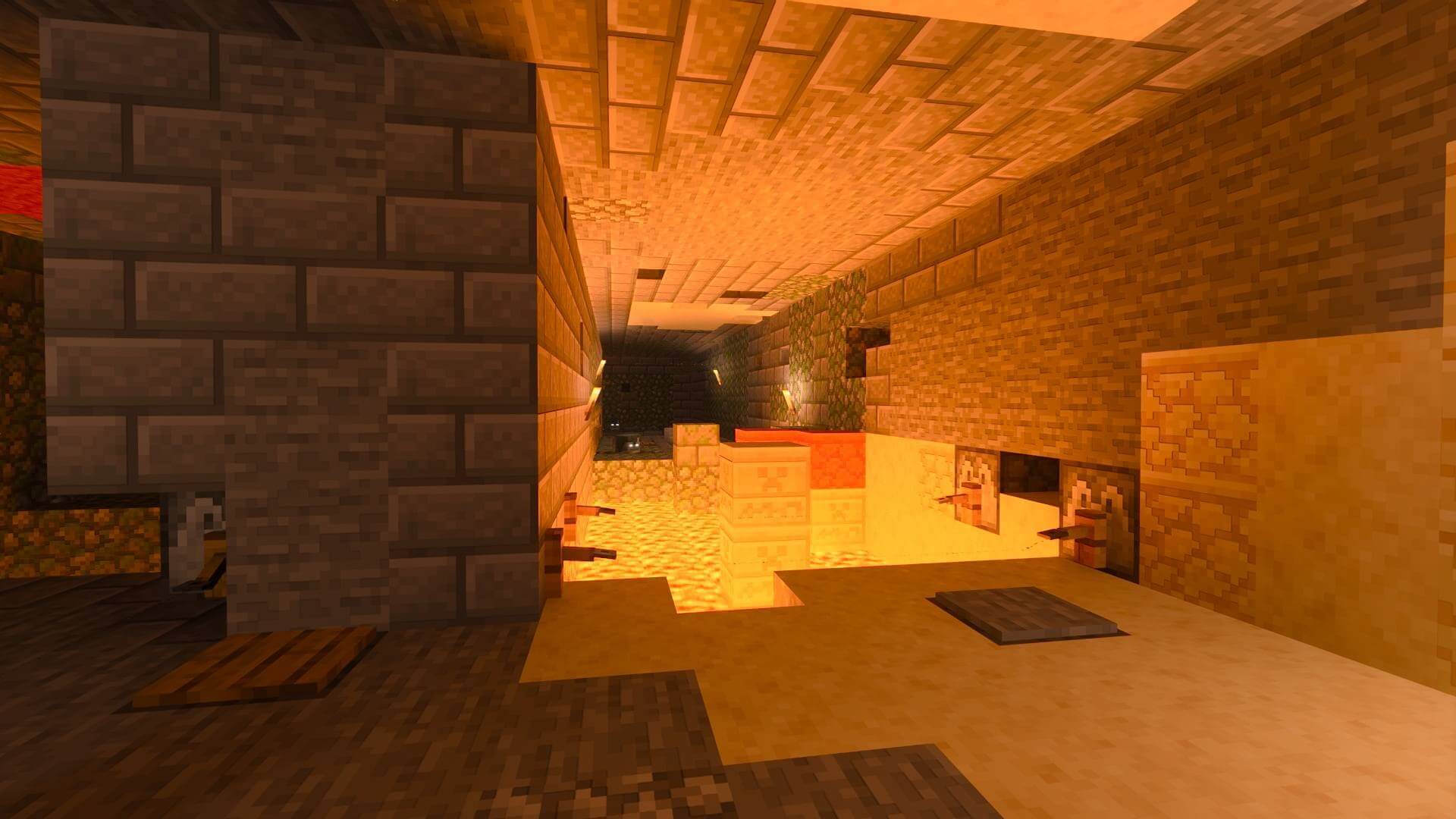
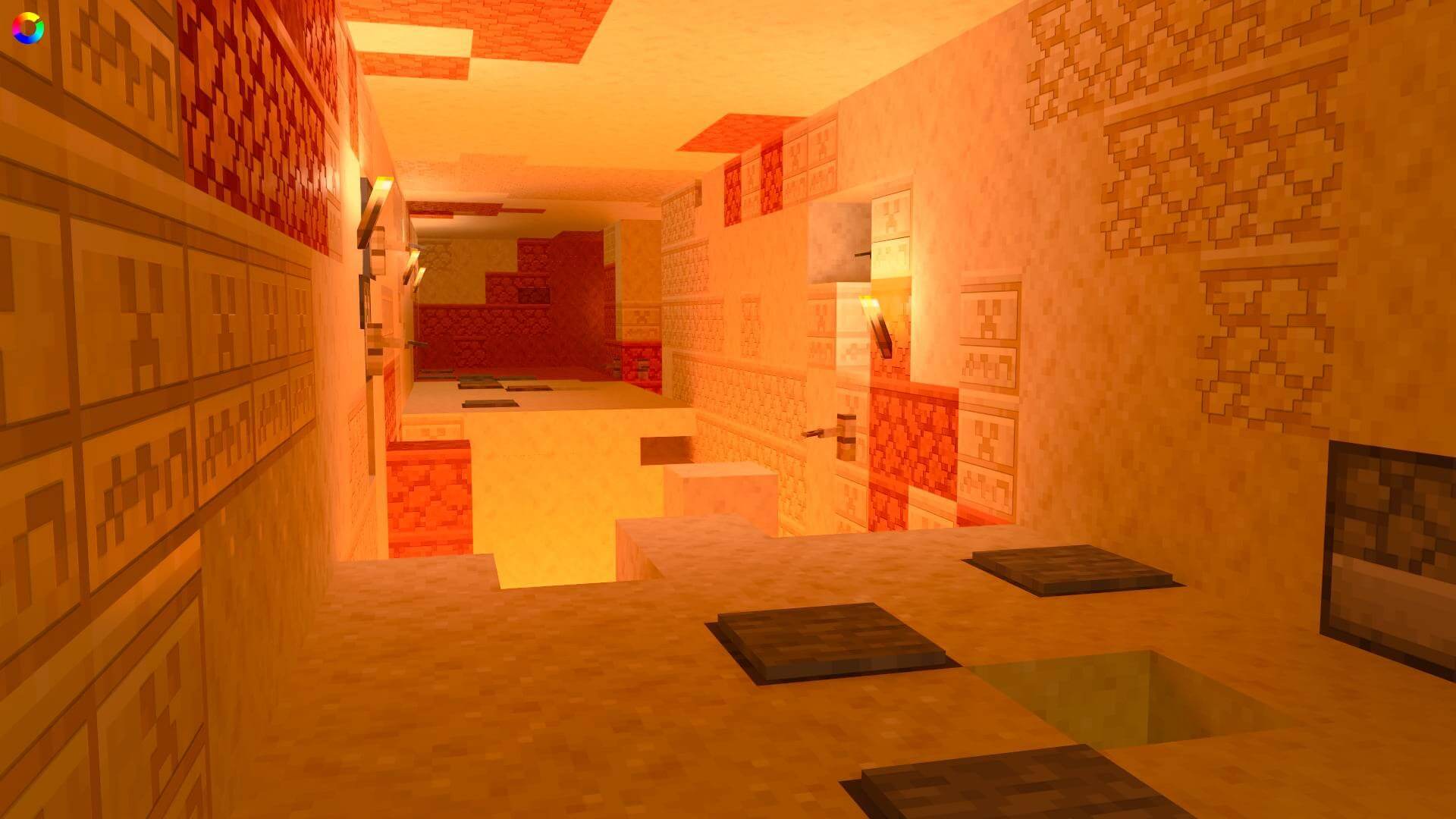
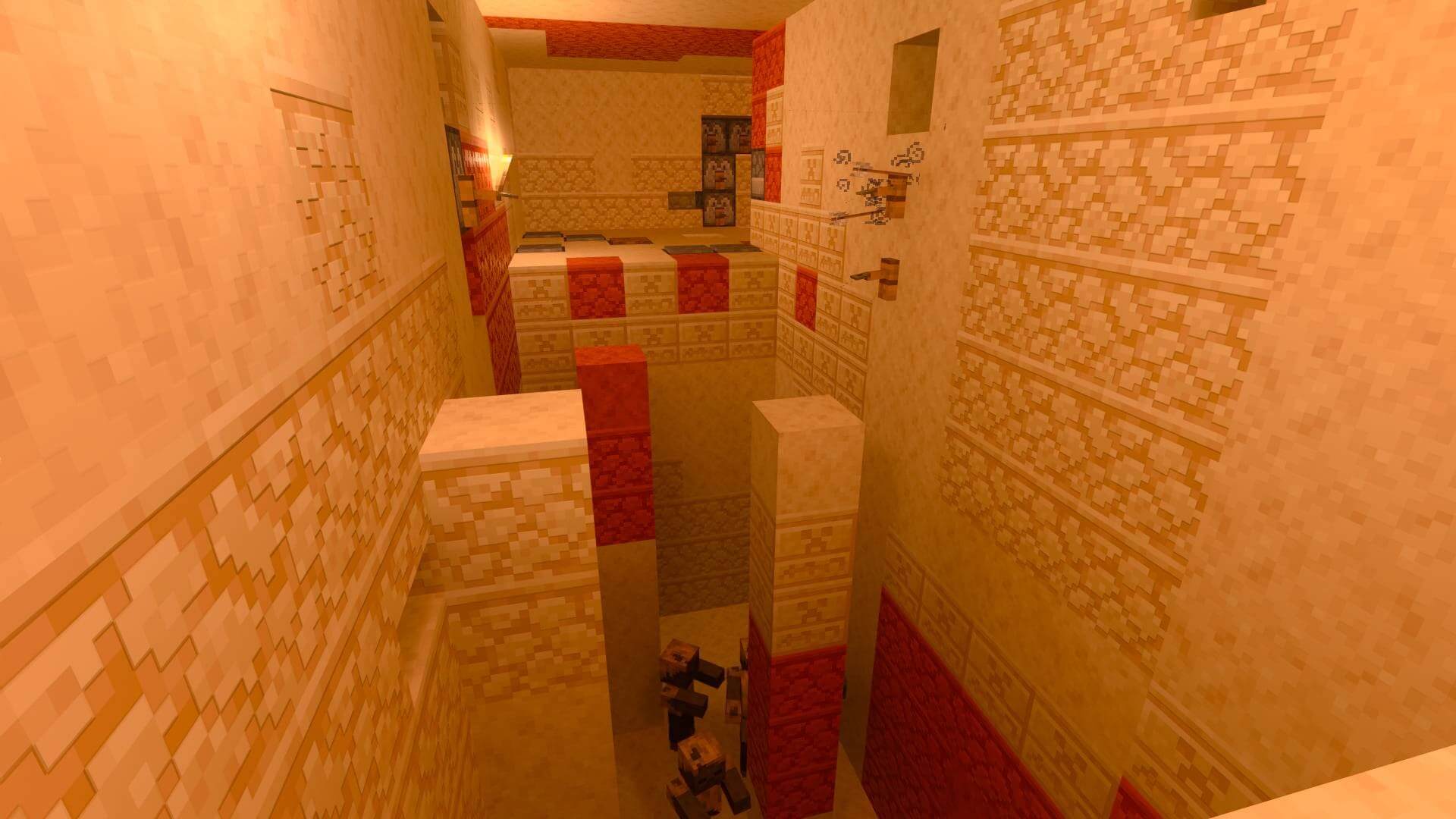
Dead ends may contain treasure, but the route is filled with independent trap systems. Lava or mob pits block corridors, hidden dispensers fire arrows and potions, tripwires summon enemies, floor plates release lava or harmful effects, and shallow cages allow skeleton variants to shoot at passing players. Several traps can overlap in the same section.
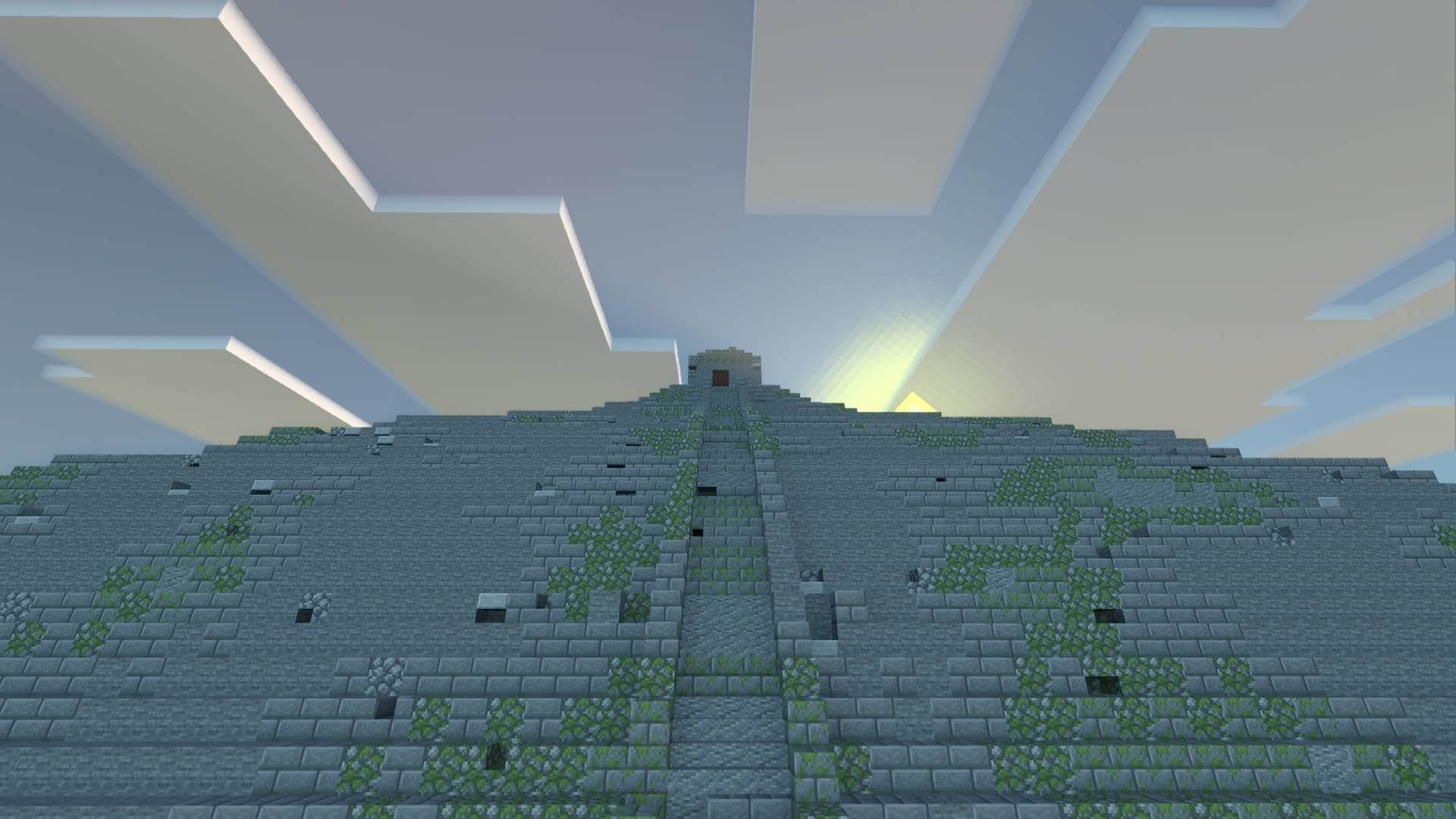
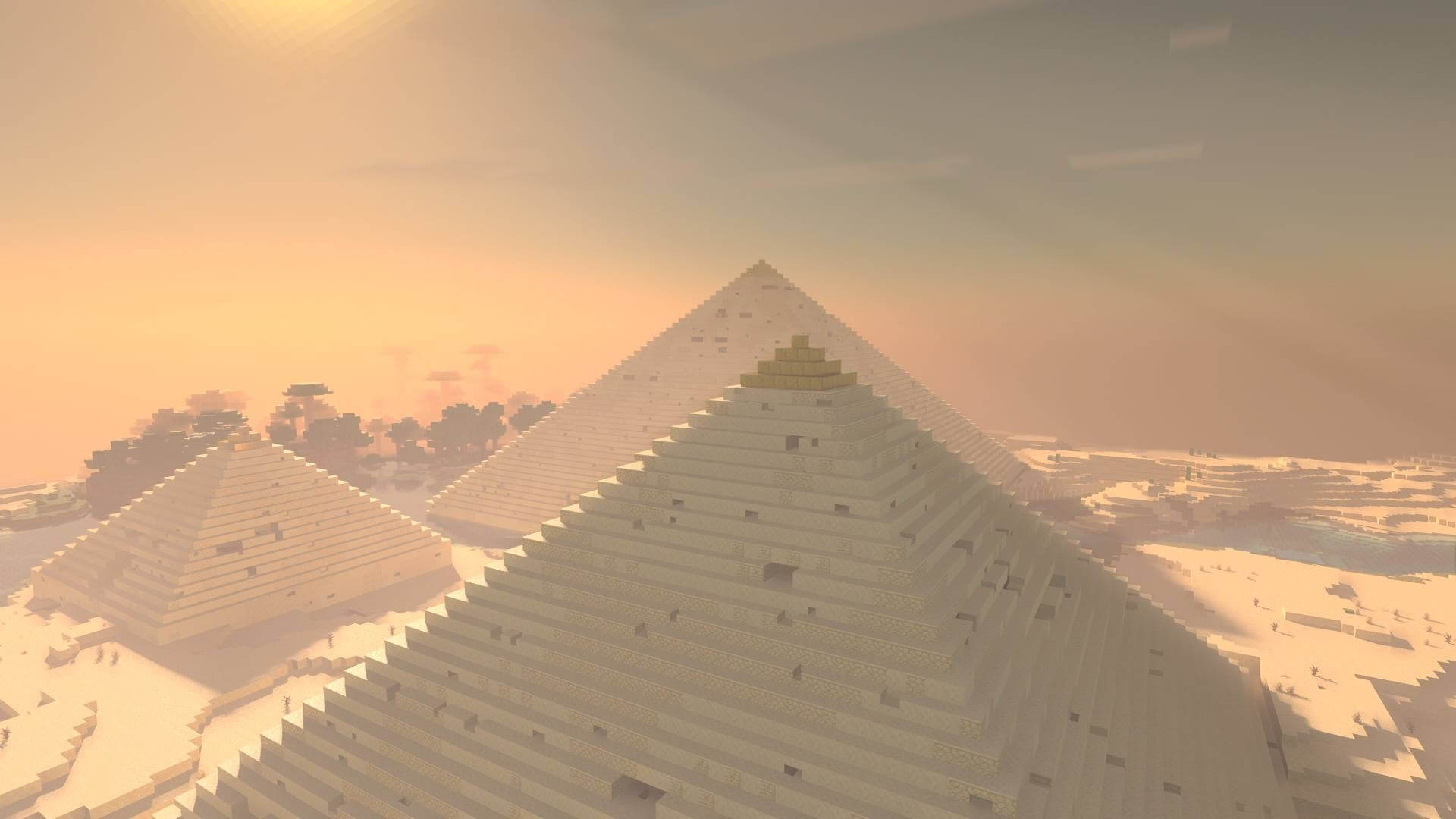
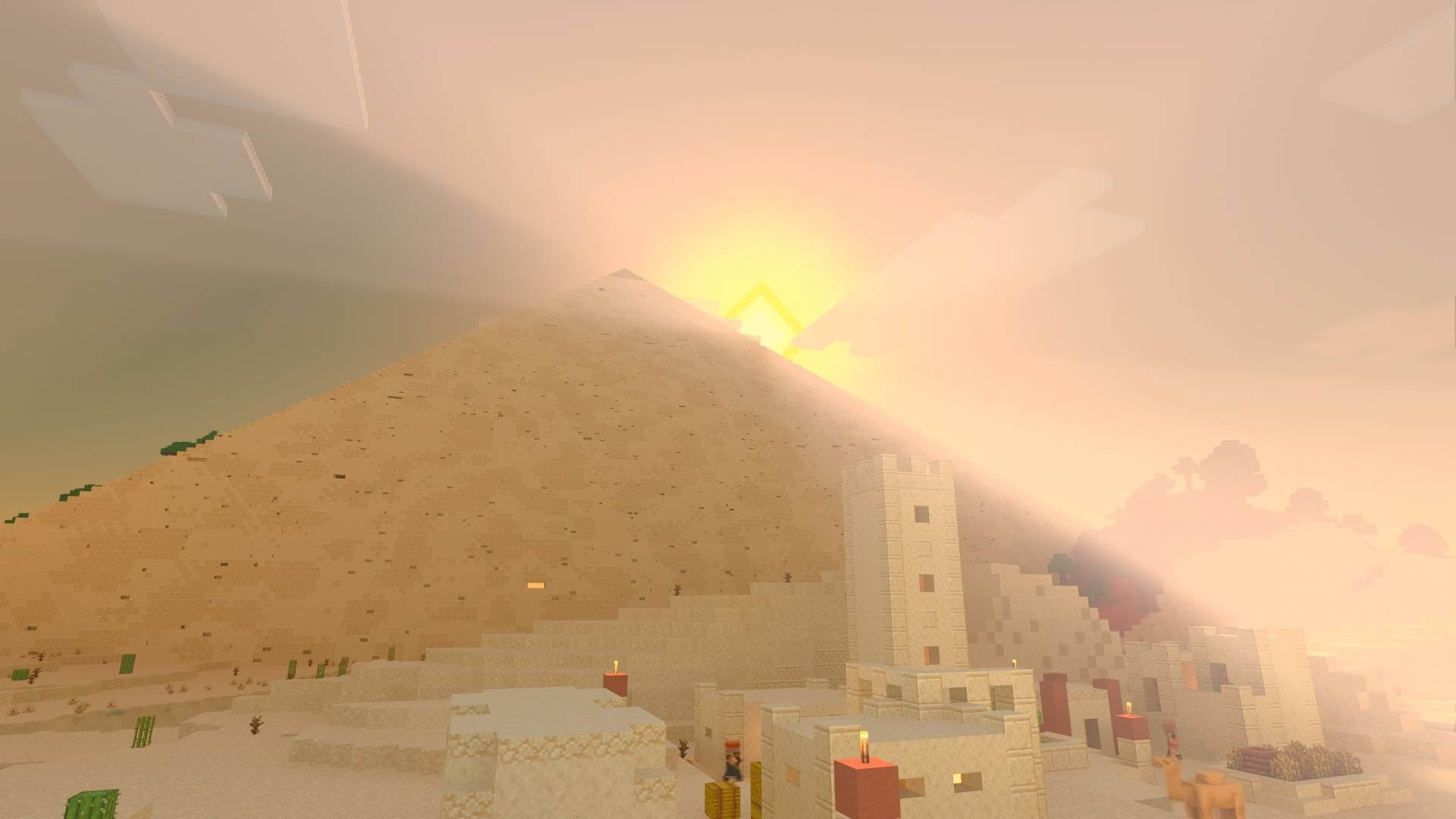
The exterior uses layered shapes, stairs, slabs and three-dimensional weathering noise to resemble an ancient structure. Egyptian and Aztec themes change materials, decorations, pressure plates and parts of the hostile entity pool.
Generation is divided into batches across multiple ticks so large mazes do not freeze a world or trigger the watchdog. Commands define theme, position, width, length and optional seed or delay. Structures do not generate naturally.
Very large builds require enough simulated chunks around the target position. Increasing simulation distance and standing near the center helps the generator keep every section active until construction is complete.