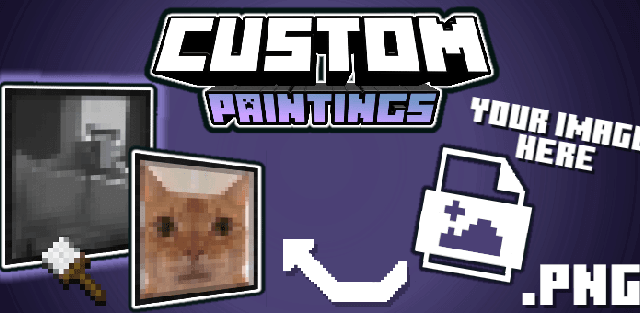
Custom Paintings lets you place your own images on walls inside Minecraft.
Prepare a personalized pack in the web editor by adding images from the device or by URL. In the game, place a Custom Painting and use the Brush to select an image and change its size from 1x1 up to 16x16.
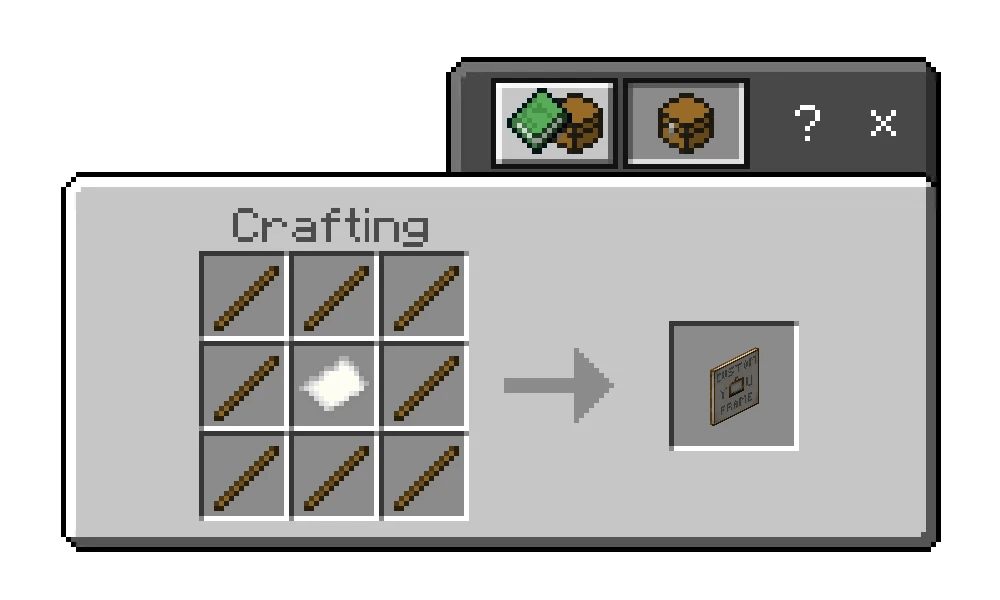
Craft a painting from paper surrounded by sticks. The Brush uses two sticks and one wool block. Custom pictures can become personal photos, server rules, maps, signs, logos or decorative art.
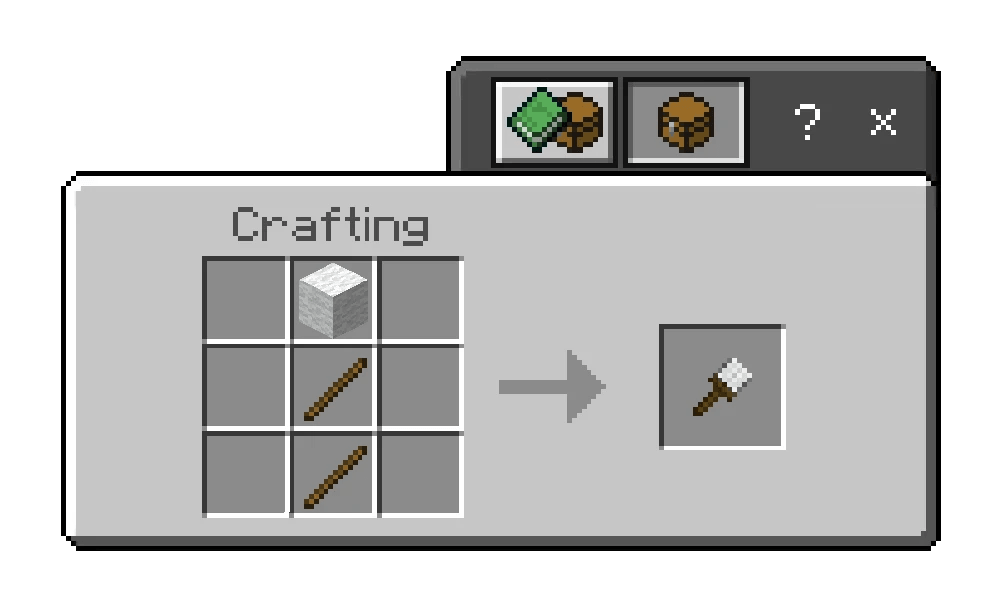
The Brush opens a user interface where the active picture and dimensions can be changed. Supported proportions range through many rectangular and square sizes up to 16x16 blocks.
The system is useful for private worlds and servers: display screenshots, family photos, local jokes, maps, rules or branded signs without replacing every vanilla painting.