Author: DoriosStudios
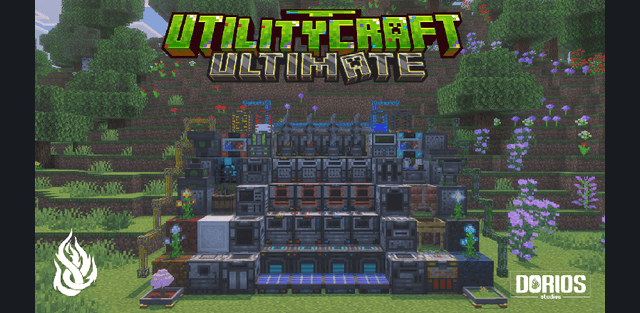
UtilityCraft builds a technical progression around processing machines, power generation, farming and item transport. Start with simple resource production, then connect powered machinery into a workshop that crushes materials, processes recipes and moves supplies between stations. Version 3.6.1 includes the updated Primitive Forge and recipe-book improvements.
Guide and machines
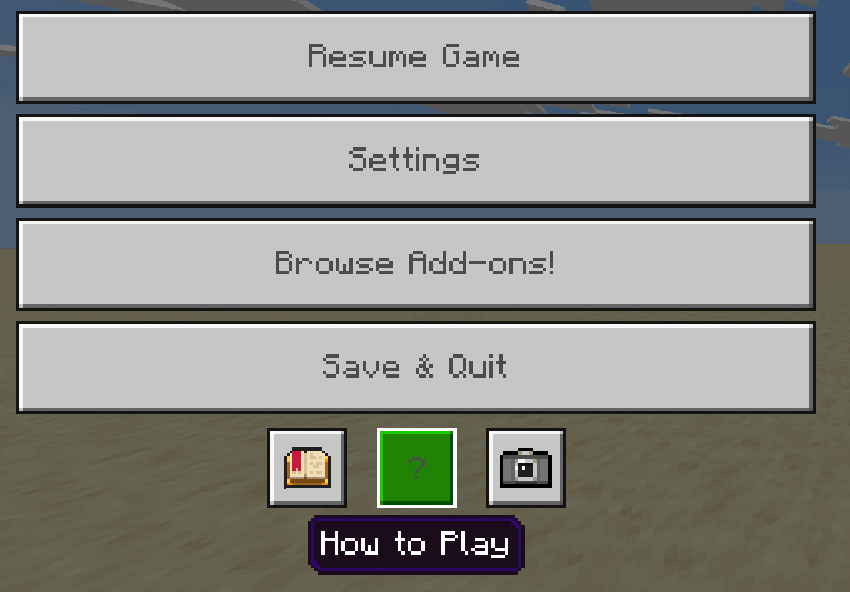
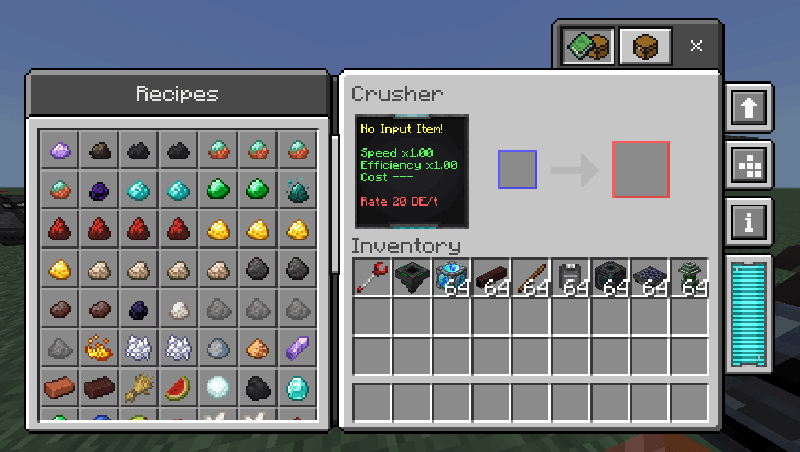
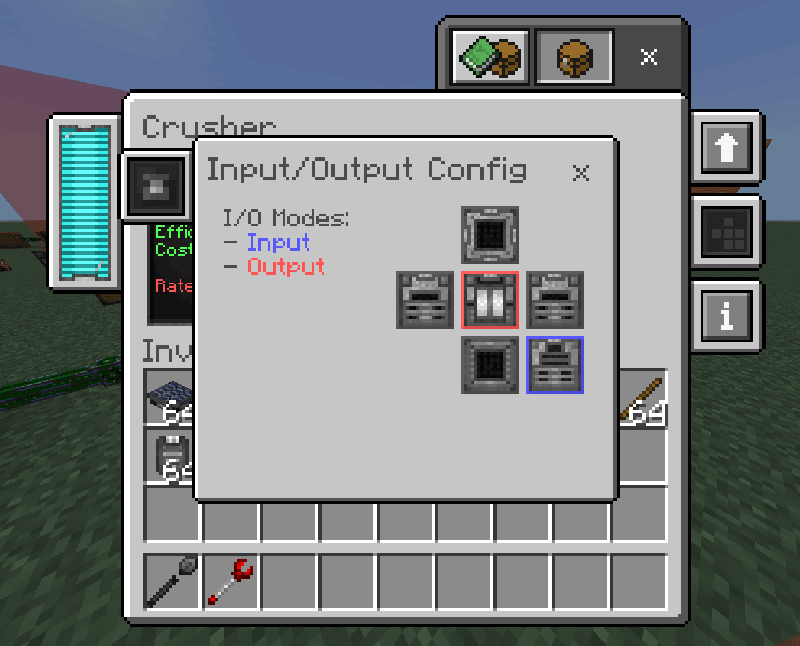
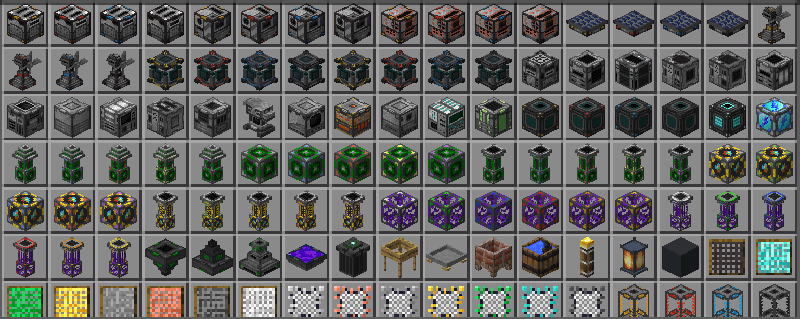
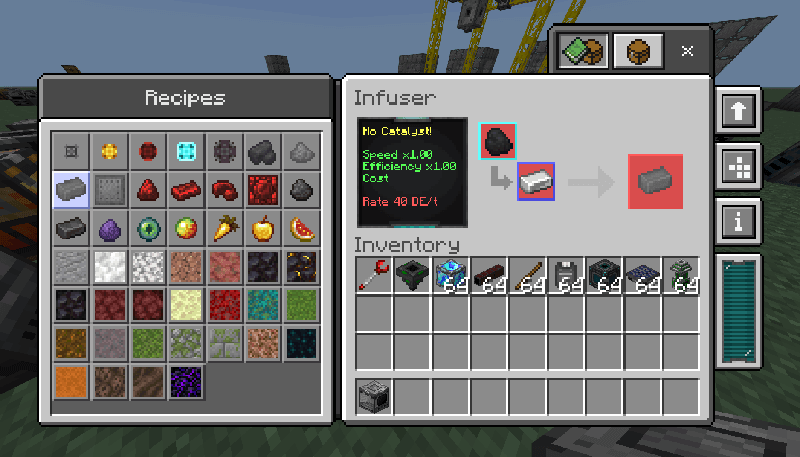
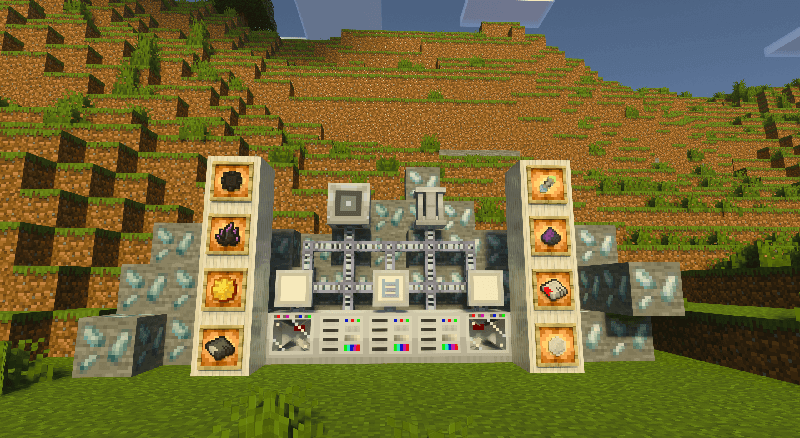
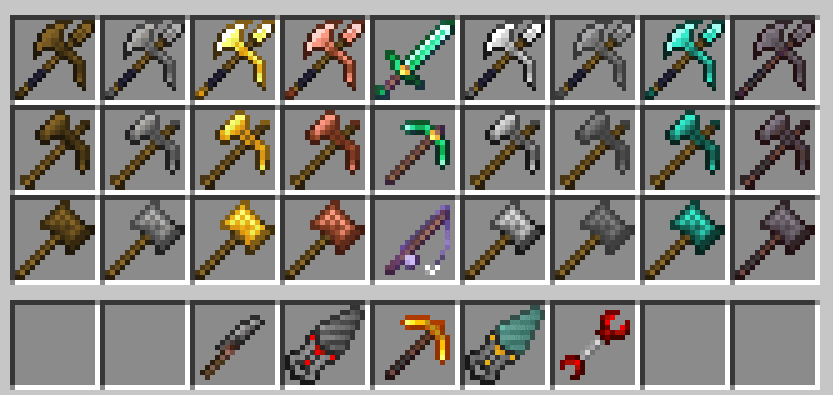
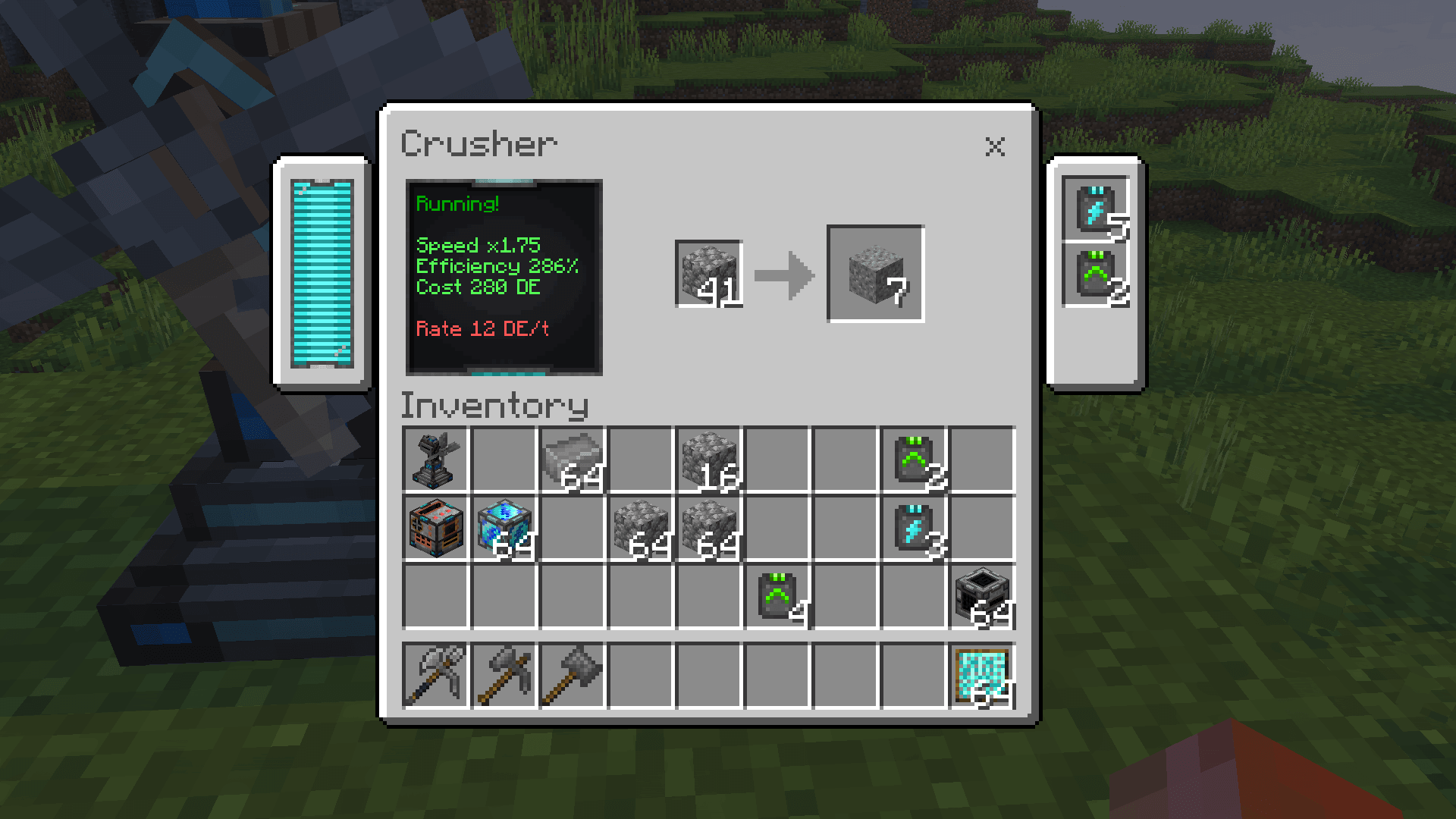
Open the pause menu and look at the top of How to Play for the UtilityCraft guide. It explains the machines and recipes inside the game. The collection includes crushers, infusers, presses and harvesters, with configurable input and output sides for connecting production lines.
Resource production
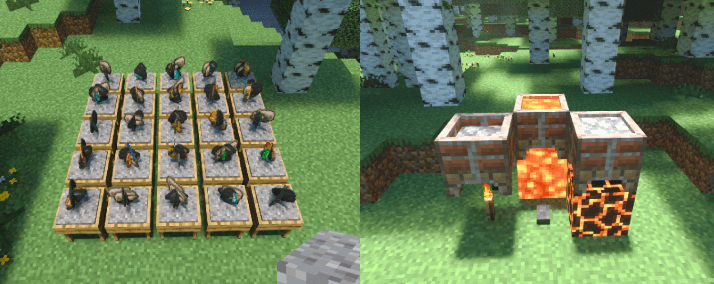
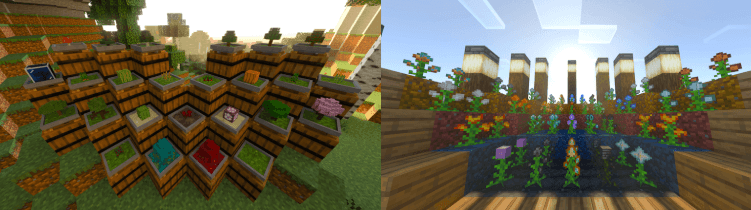
Insert a mesh into a sieve, then supply a suitable block such as dirt, gravel or sand. Adjacent sieves can work as a group up to 5 by 5 blocks, so one interaction operates as many as 25. Bonsai pots and ore crops offer another production route; their soil and growth conditions affect the result.
Power and transport
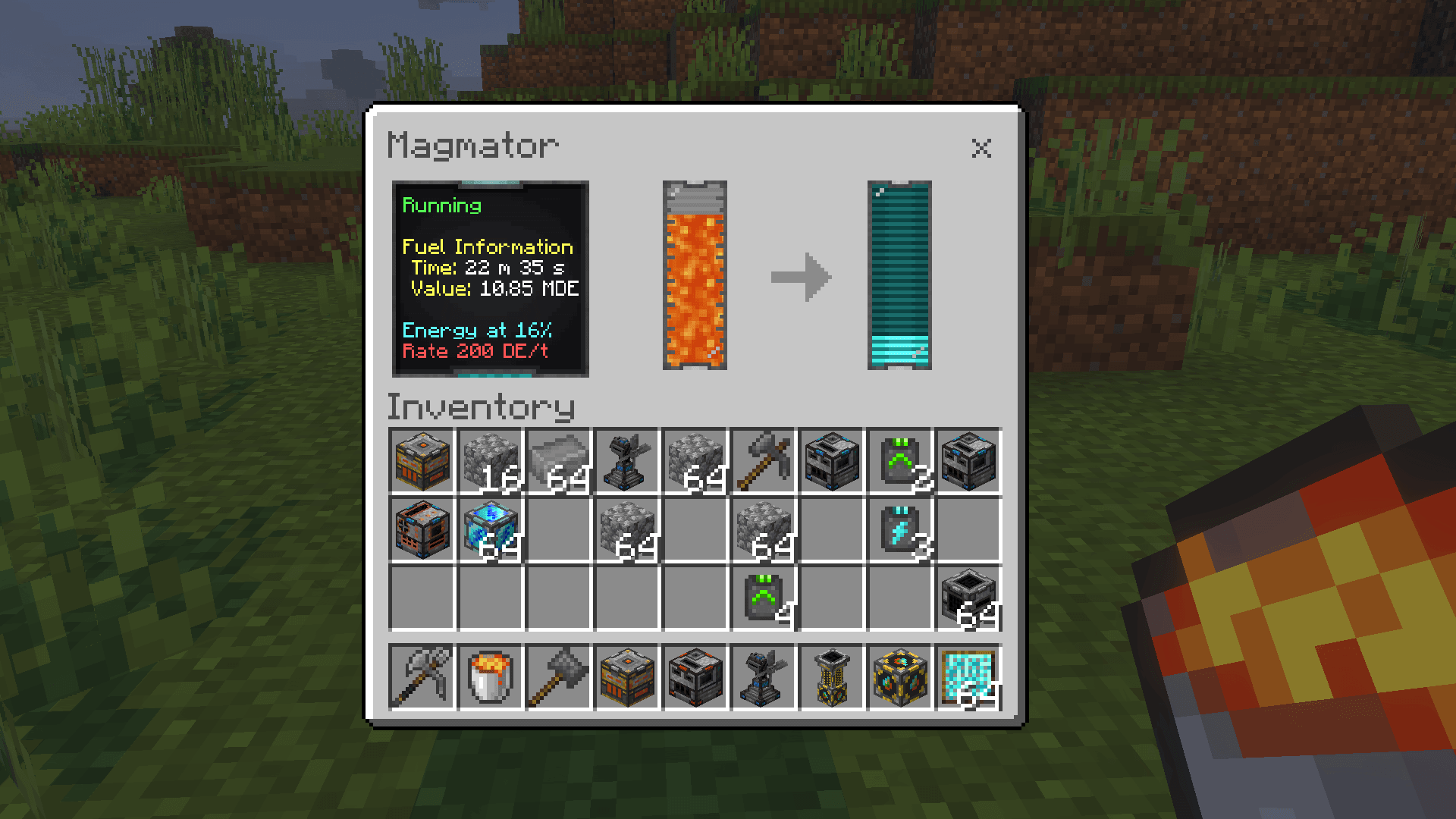
Machines use Dorios Energy. Solar, furnace and lava-based generators supply energy, while batteries provide storage. Connect production with conveyors, conduits, exporters and special hoppers, including upward transport. Plan the machine sides and available capacity before building a long chain.
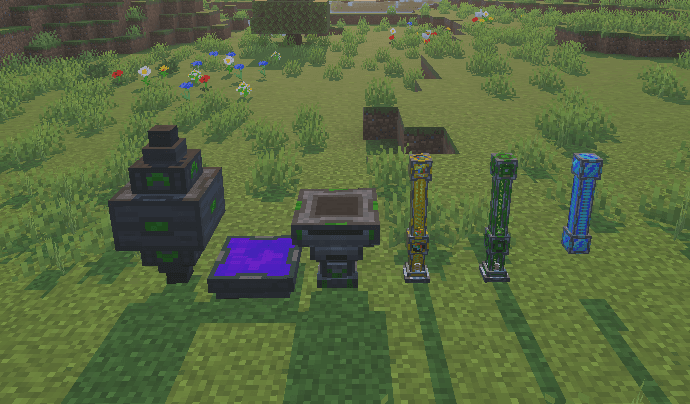
The Primitive Forge now handles two input slots in a shared processing cycle and has four output slots. The update also corrects interactions involving oil, petroleum and diesel tanks. Integrated Storage is optional compatibility with another add-on; it is not required for the basic UtilityCraft workshop.