Author: sirob
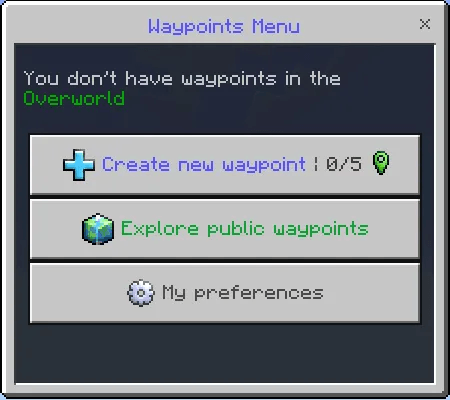
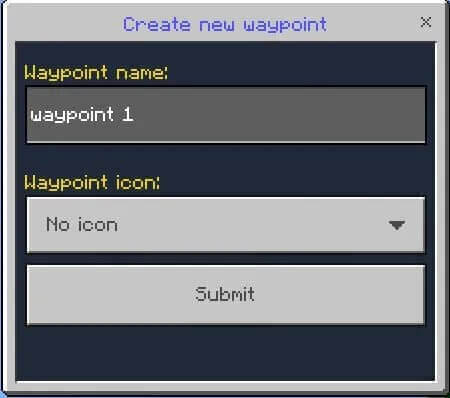
Multiplayer Waypoint System saves personal teleport destinations and lets players publish selected places for others. The Waypoint Menu item is given when joining for the first time. Use it, choose Create new waypoint, enter a name and select an icon. The destination records your current position.
Teleporting and sharing
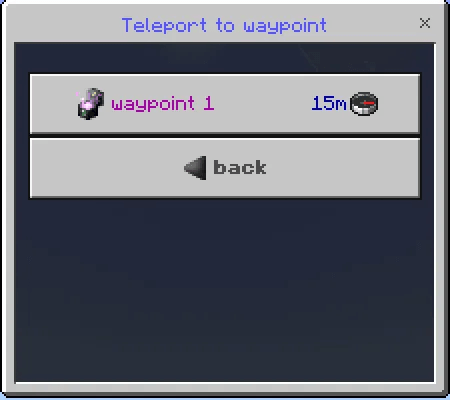
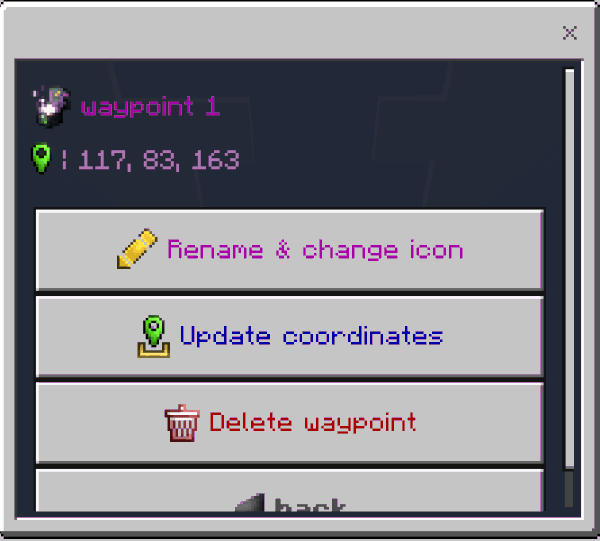
Select a saved point and remain still until the countdown ends; moving cancels the action. You can rename points, change icons, update coordinates or delete them. Teleportation works within the current dimension only. A point in another dimension cannot be used to jump directly between dimensions.
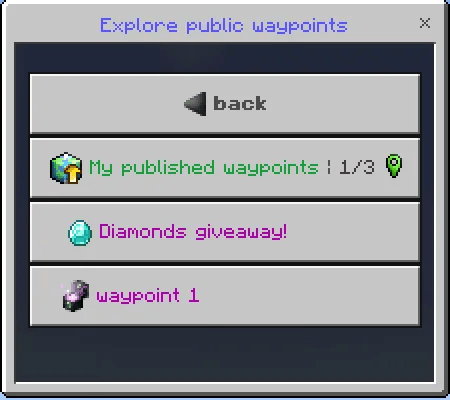
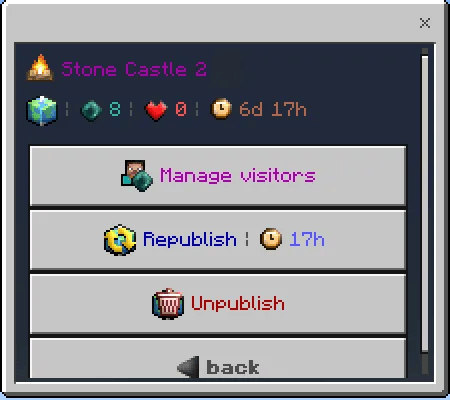
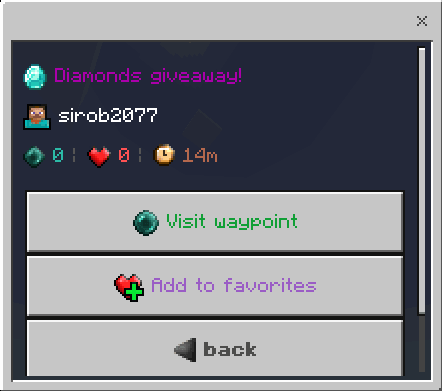
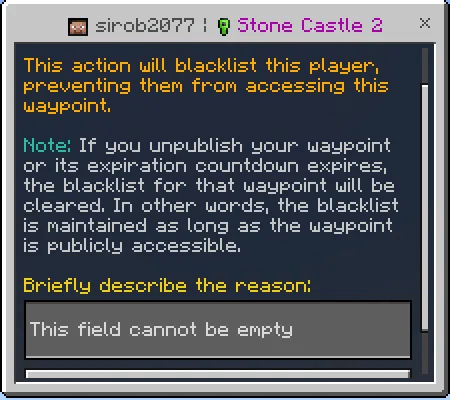
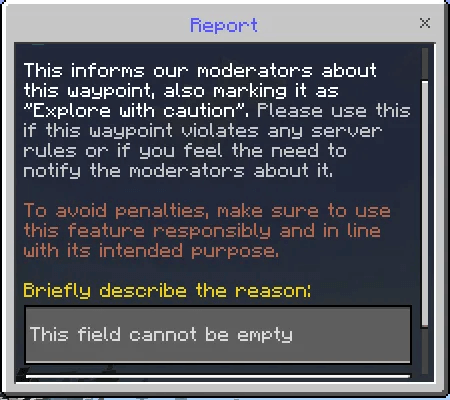
Published waypoints appear in a shared list and may have an expiration time. Visitors can add favorites and submit reports. Owners can inspect visits, block individual visitors, renew a publication or remove it from the public list. Administrators can create featured destinations such as spawn, shops or arenas.
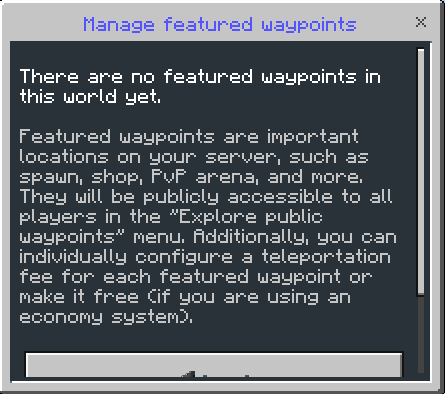
Administration and optional economy
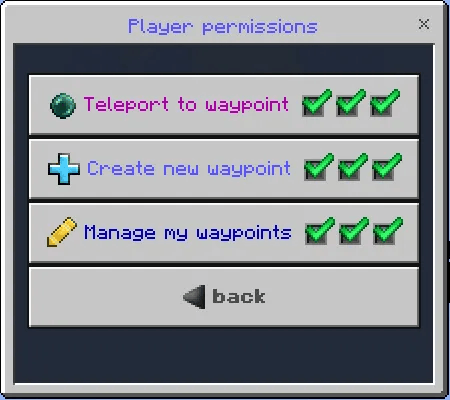
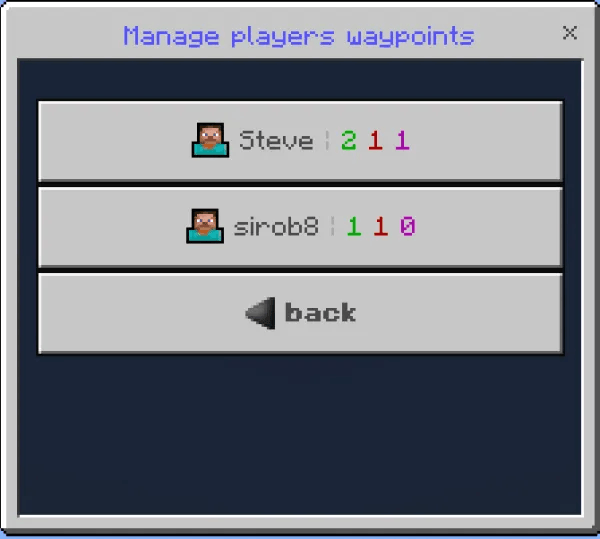
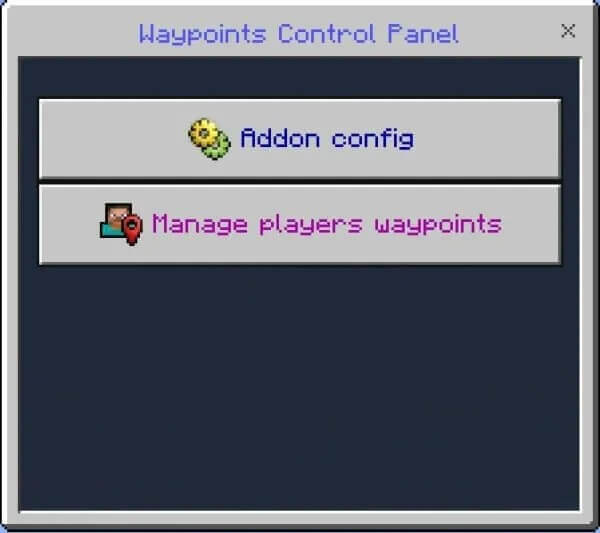
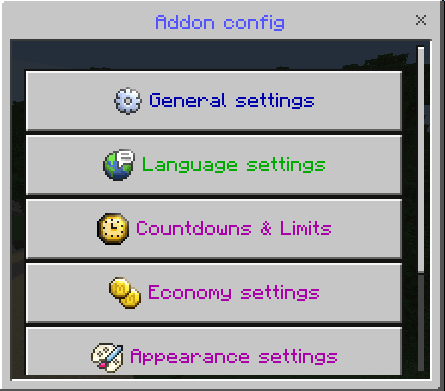
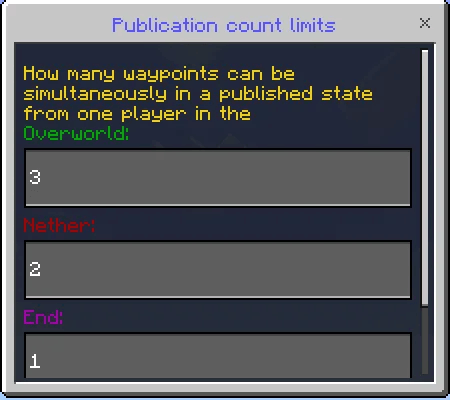
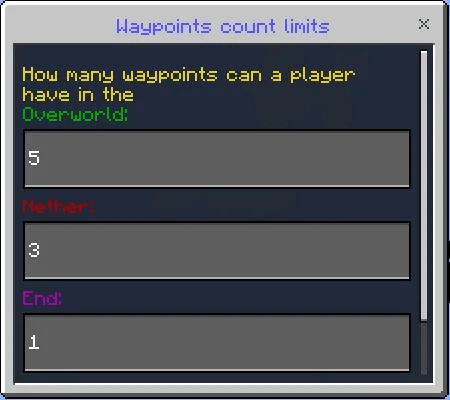
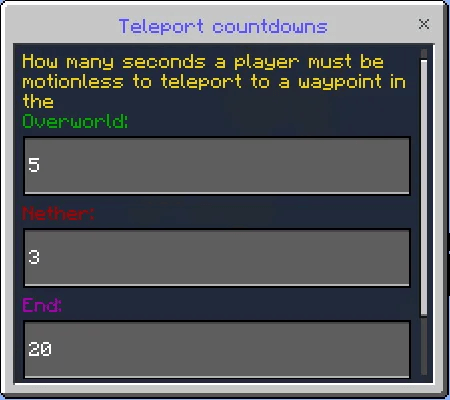
Use /function sirobwaypoints_admin to enable or disable administrator access and obtain the control panel. Configure point limits, countdowns and permissions separately for each dimension. A zero-second teleport countdown makes travel immediate and removes the corresponding animation. The panel also manages other players’ points and reports.
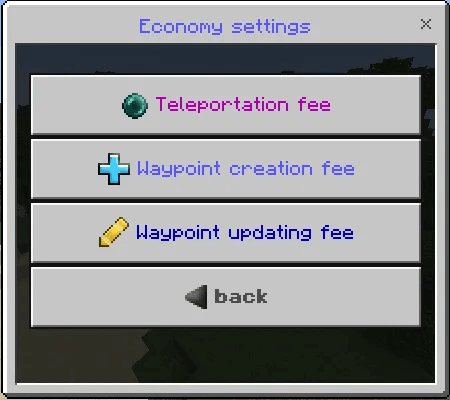
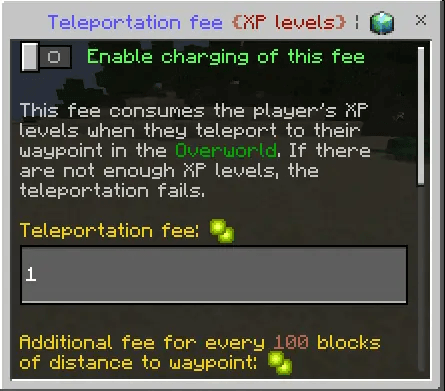
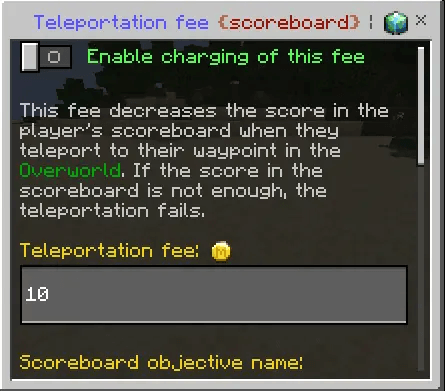
Travel, creation and coordinate updates can be free or charge experience levels or a scoreboard currency. Fees can depend on distance. For scoreboard payment, specify the existing objective’s internal name and ensure the player has a score in it. Economy features are optional; check their settings before enabling paid travel.
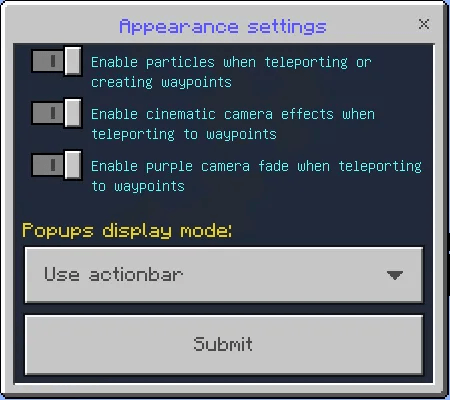
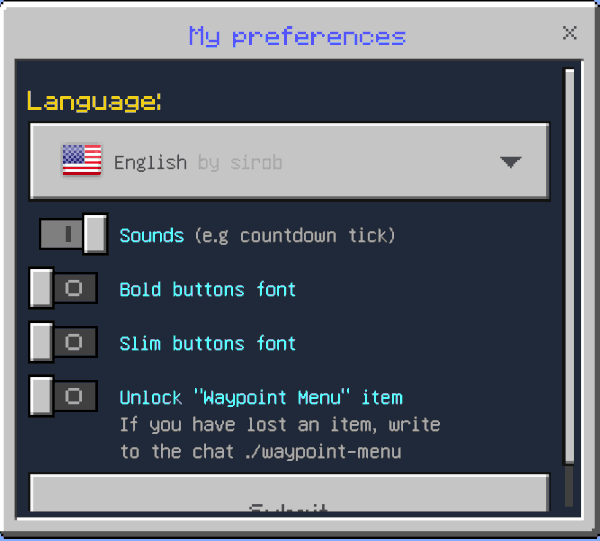
Personal preferences control language, sounds, fonts and whether the menu item can be dropped. If it is lost, type ./waypoint-menu in chat, including the initial dot. Administrators can configure particles, camera effects and popup style. Enable Beta APIs and both packs on a stable Minecraft release. The addon does not replace player.json.