This unofficial Bedrock port expands survival with a complete farming and cooking system. It adds new crops, dozens of dishes, shared feast foods, rich soil, mushroom colonies, knives, a cutting board, a cooking pot, a skillet, a working stove, and an in-game guidebook.
Port author: Pupy200mine
Food and feast dishes
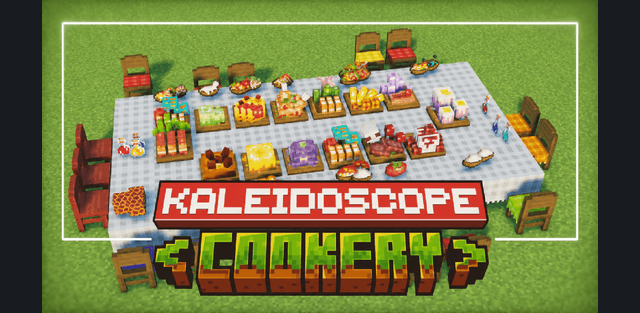
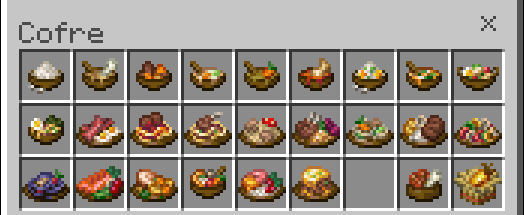
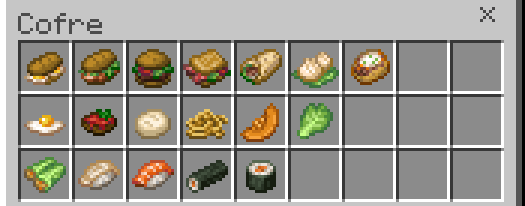
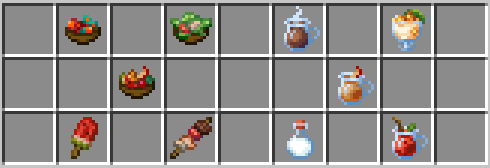
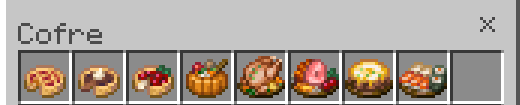
The food collection ranges from simple ingredients and sandwiches to soups, plated meals, desserts, drinks, and dishes intended for a developed survival kitchen. Several large feast foods can be placed and shared in portions, making them useful for multiplayer bases and dining rooms.
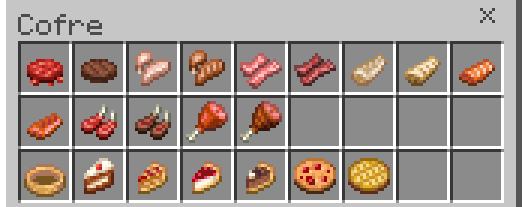
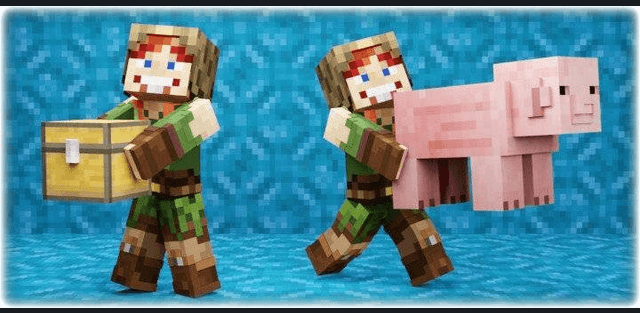
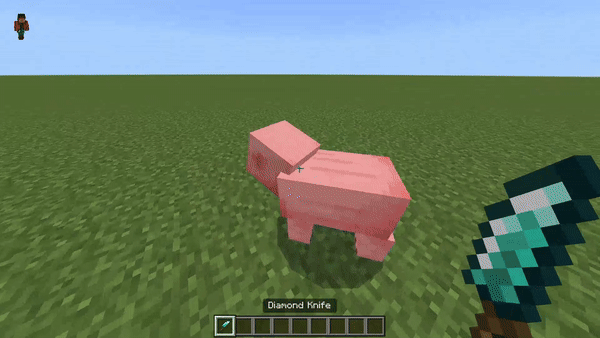
Knives also affect ordinary mobs. Defeating a pig with a knife produces ham, which is used in several recipes instead of behaving like a purely decorative item.
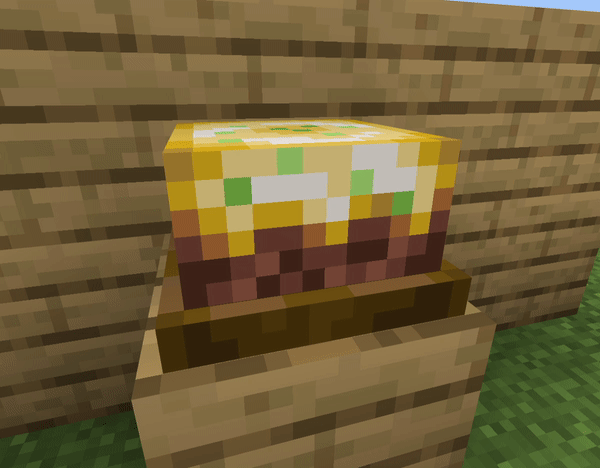
Feast dishes are placed as blocks and divided into servings for one player or a group.
Rich soil and mushroom colonies
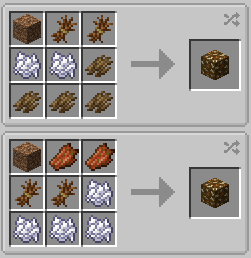
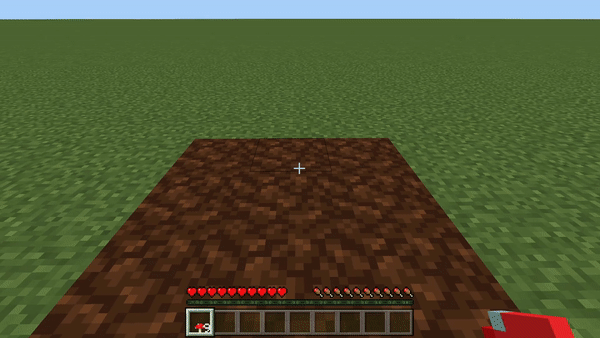
Organic Compost slowly turns into Rich Soil after being placed. Crops grow faster on the improved soil. Tree bark used in the compost recipe is obtained by putting a log on the Cutting Board and working it with an axe.
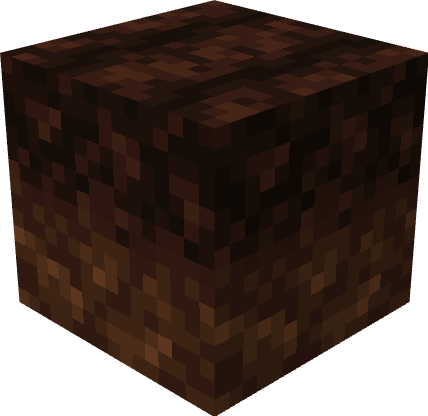
A mushroom placed on Rich Soil develops into a renewable Mushroom Colony. It grows like a crop and provides a practical mushroom farm without relying on random cave generation.
Crops and wild plants
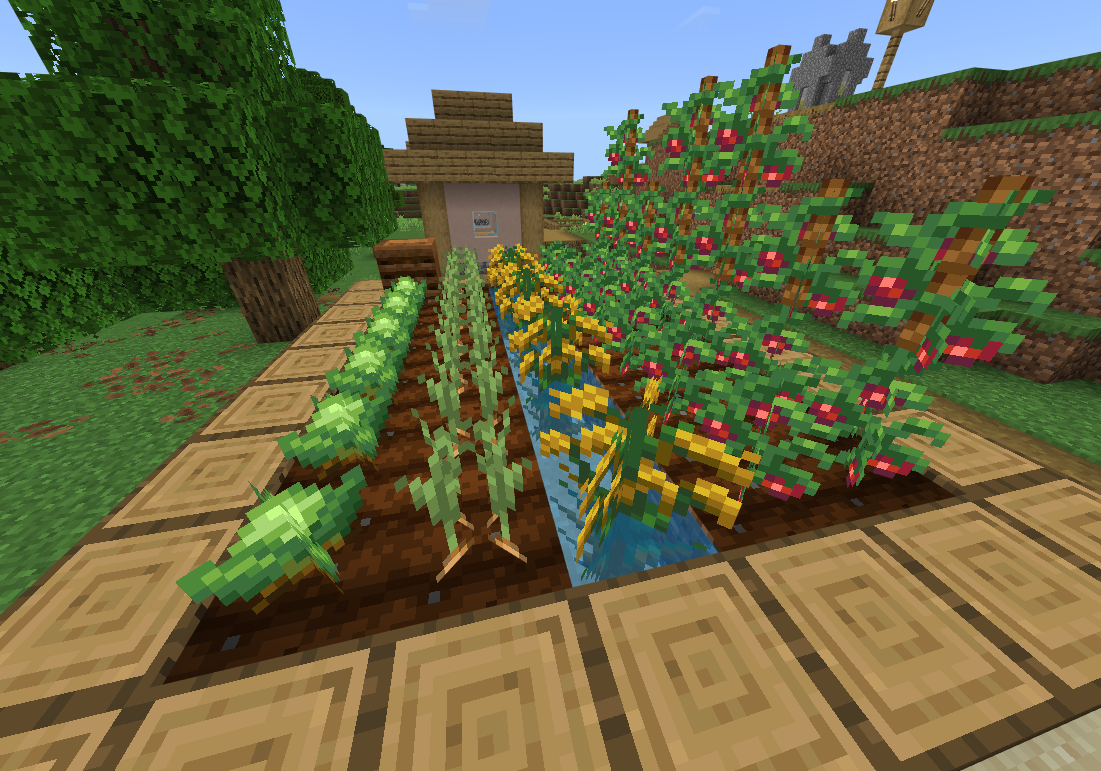
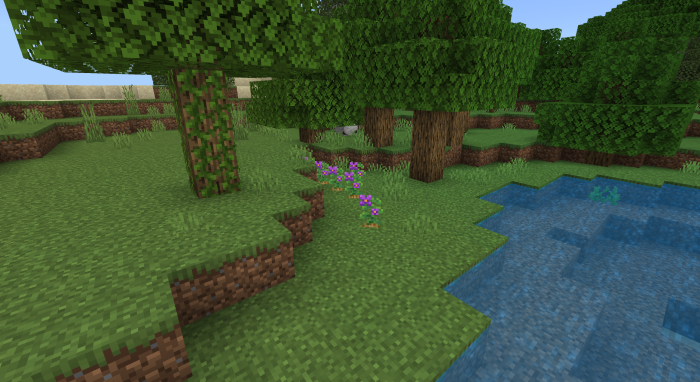
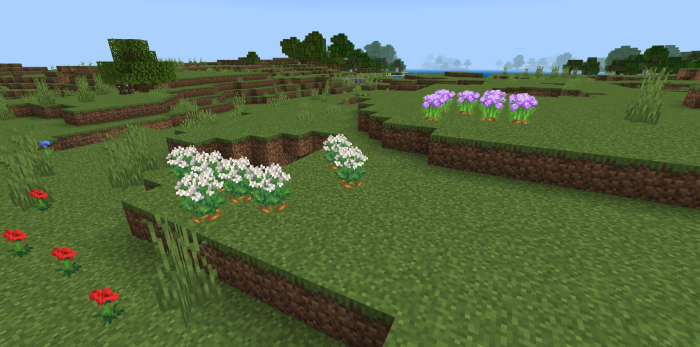
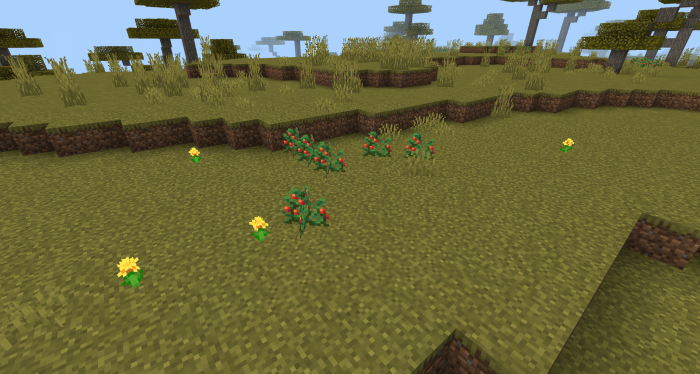
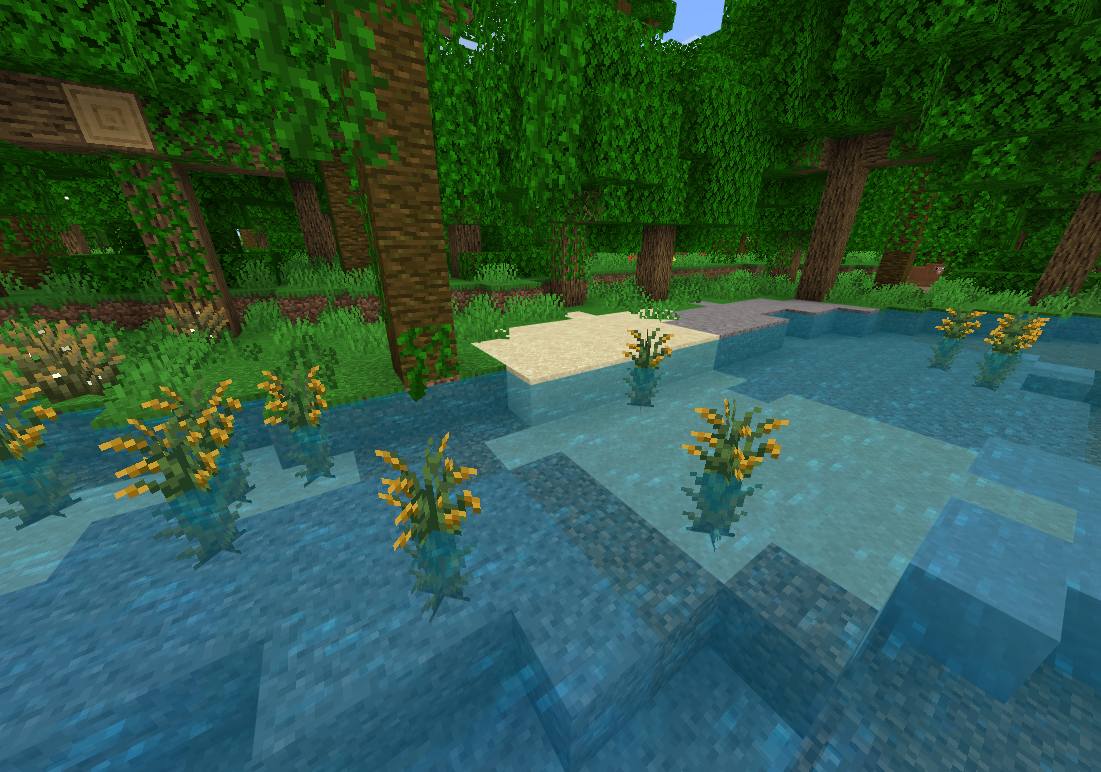
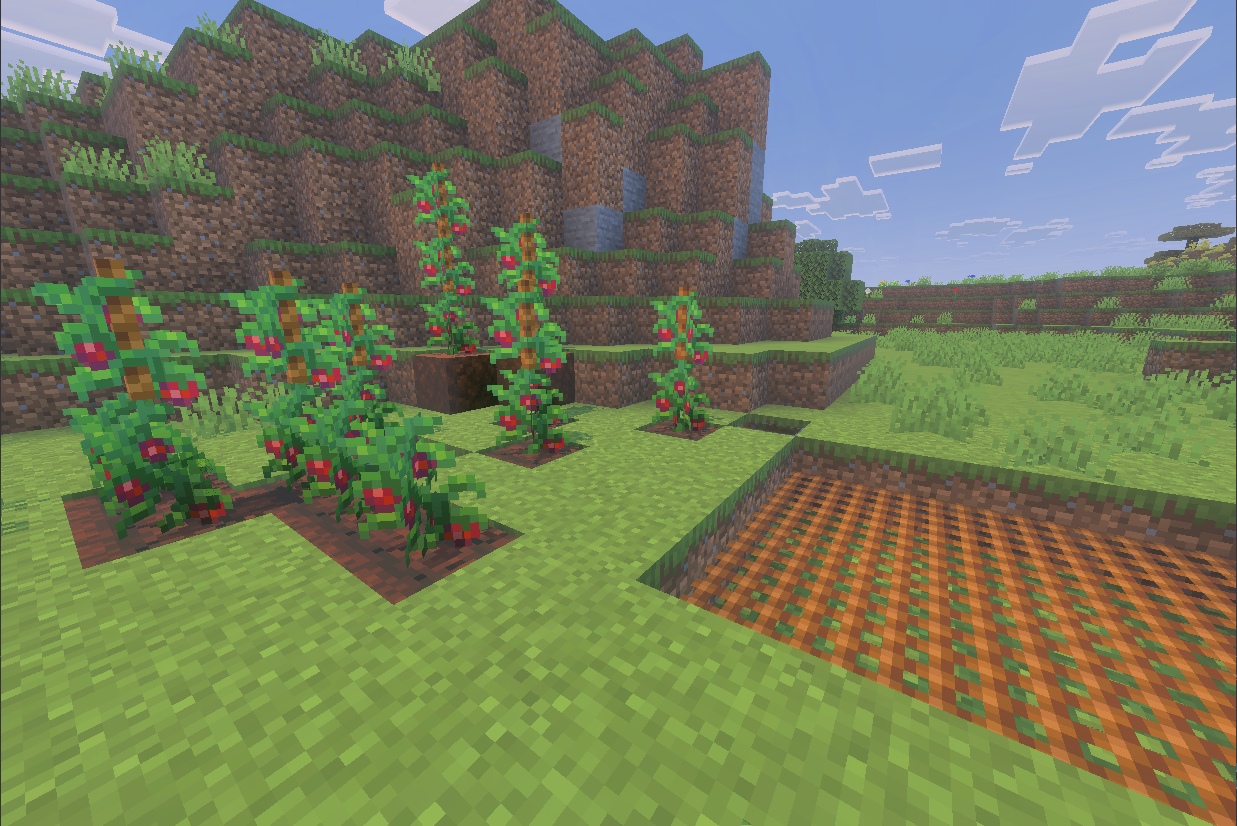
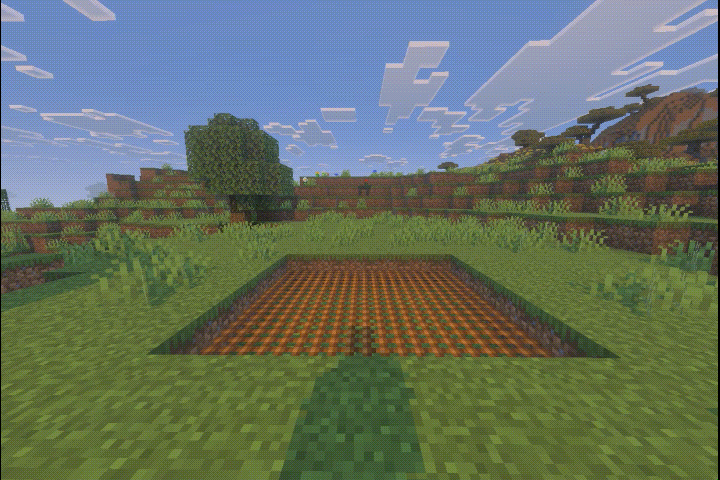
The main crop set introduces cabbage, onion, tomato, and rice. Wild plants are distributed across different biomes, so a complete farm requires exploration instead of obtaining every seed in one place.
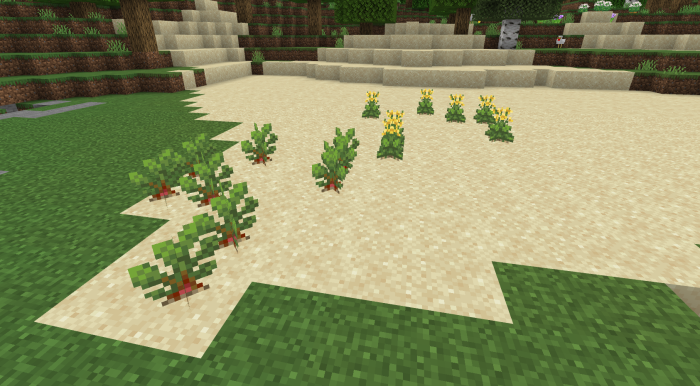
- Cabbage and beetroot plants are found mainly on beaches and sometimes near rivers.
- Potato plants grow in oak, birch, and dark oak forests.
- Carrots and onions are found in plains.
- Wild tomatoes grow in savannas.
- Wild rice appears in shallow water in jungles and swamps.
Rope and Safety Net
Rope can be climbed like a ladder. When it hangs above a tomato plant, the crop can grow upward along the rope. Recent versions also allow Rope to work as a fence and add matching fence connections. The Safety Net cushions falls in a way similar to a slime block and prevents fall damage.
Cutting Board and knives
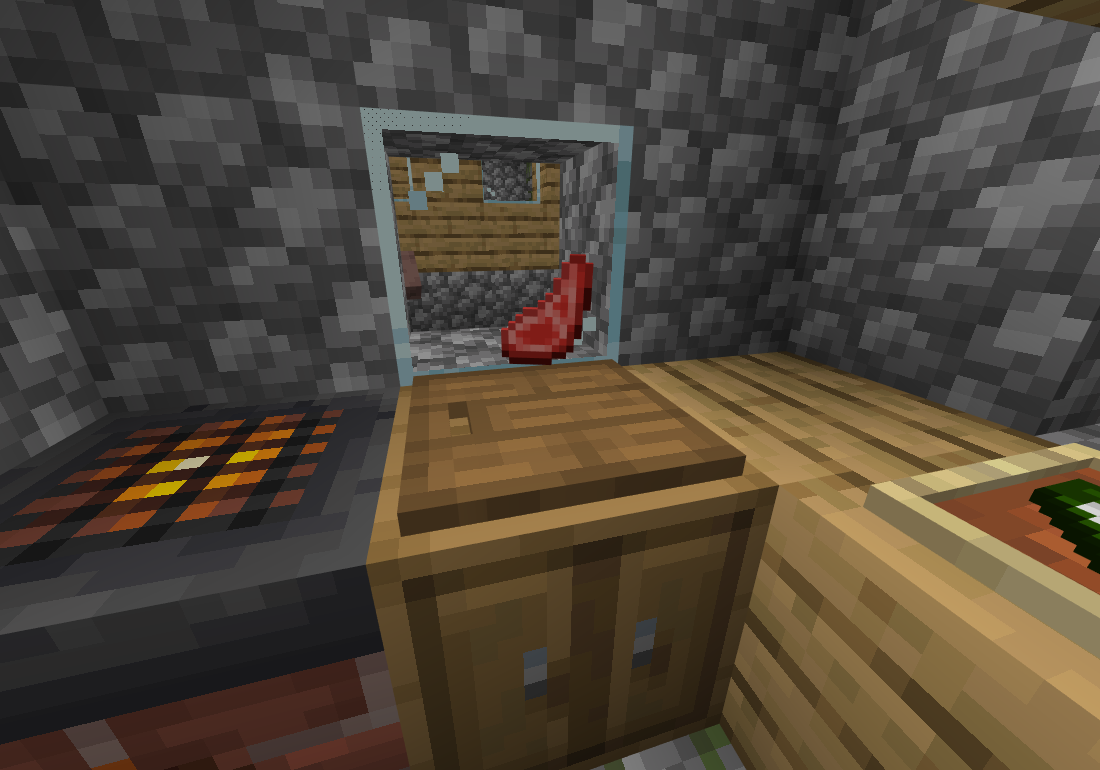
The Cutting Board processes food and materials with the correct tool. A knife slices ingredients and meat, while axes, pickaxes, shears, and shovels open their own groups of recipes for logs, blocks, and other materials. The displayed item remains visible on the board while it is being processed.
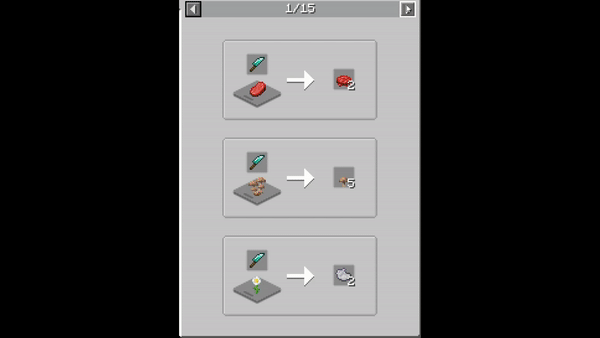
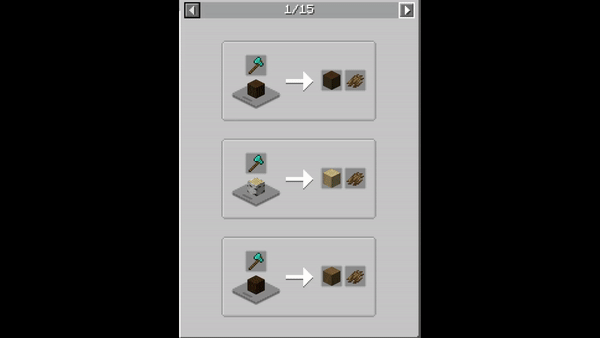
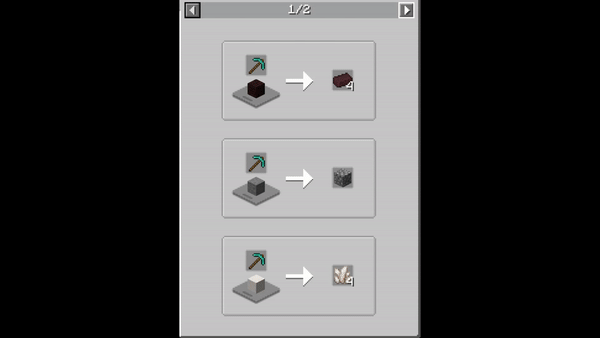
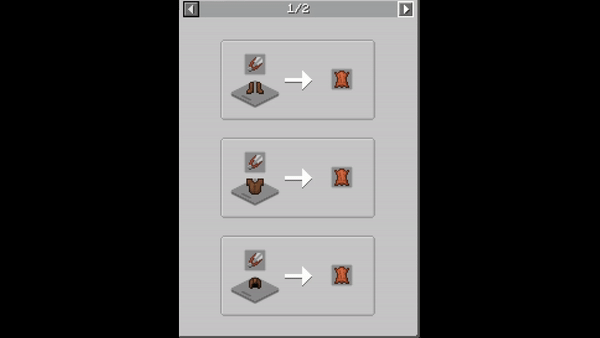
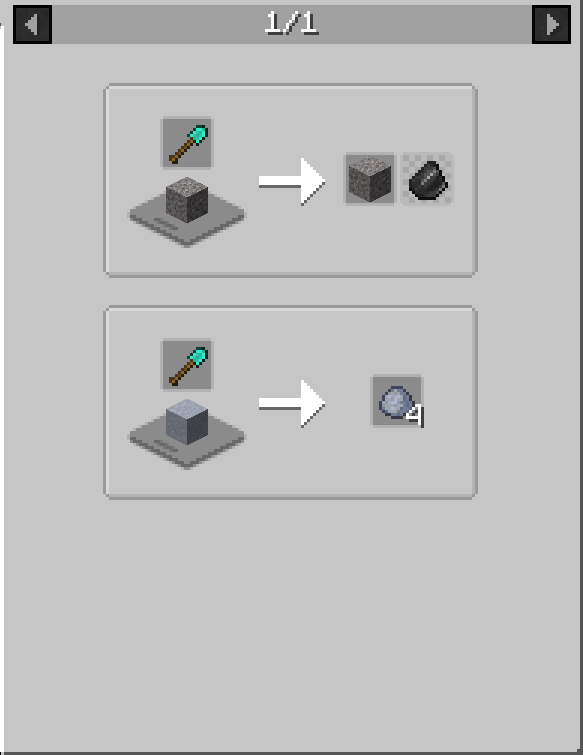
Knives are available in flint, iron, gold, diamond, and netherite variants. Their recipes use a stick and the matching material. Each cutting action consumes one durability point, so better knives last longer in a busy kitchen.

Cooking Pot
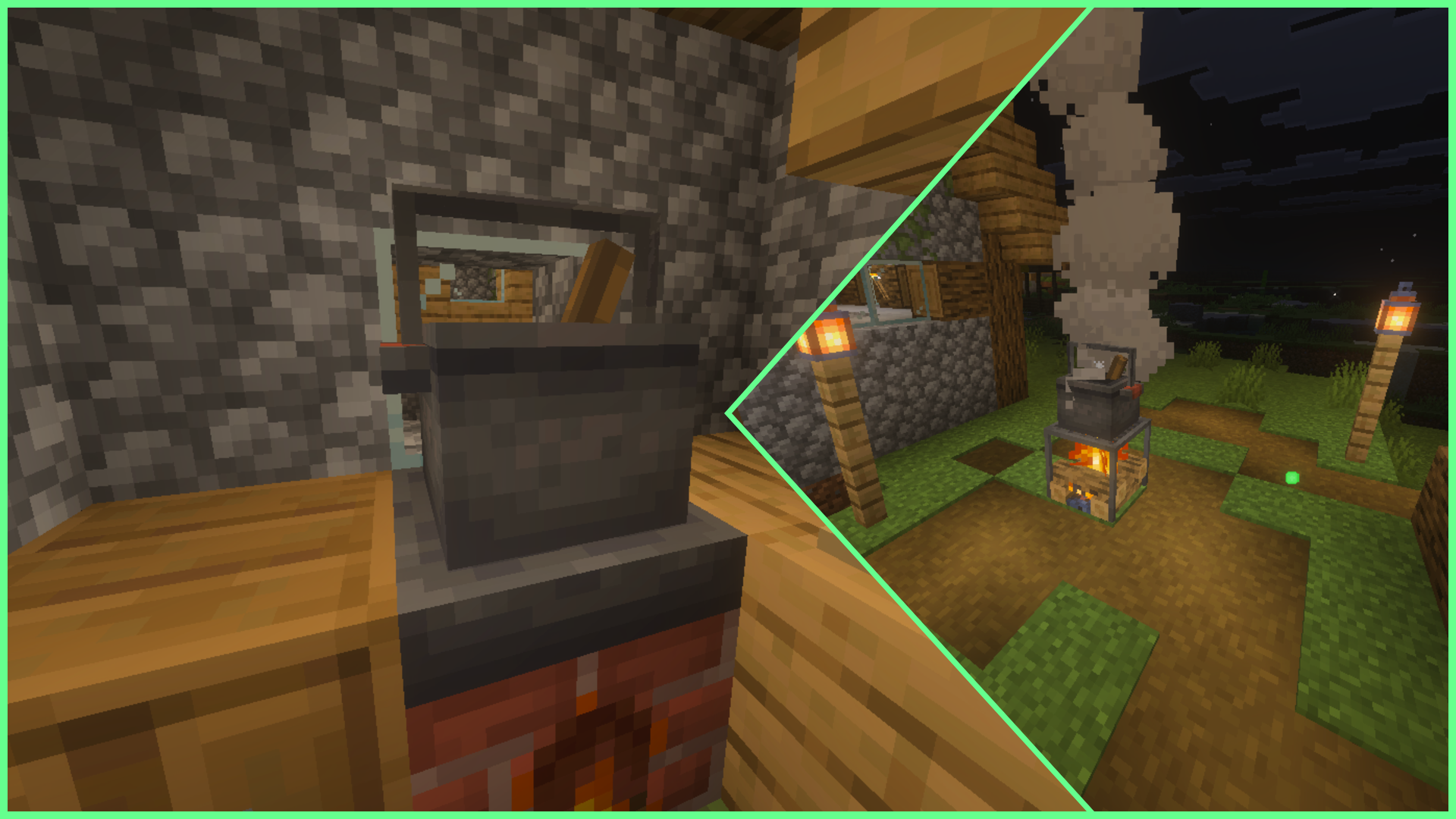
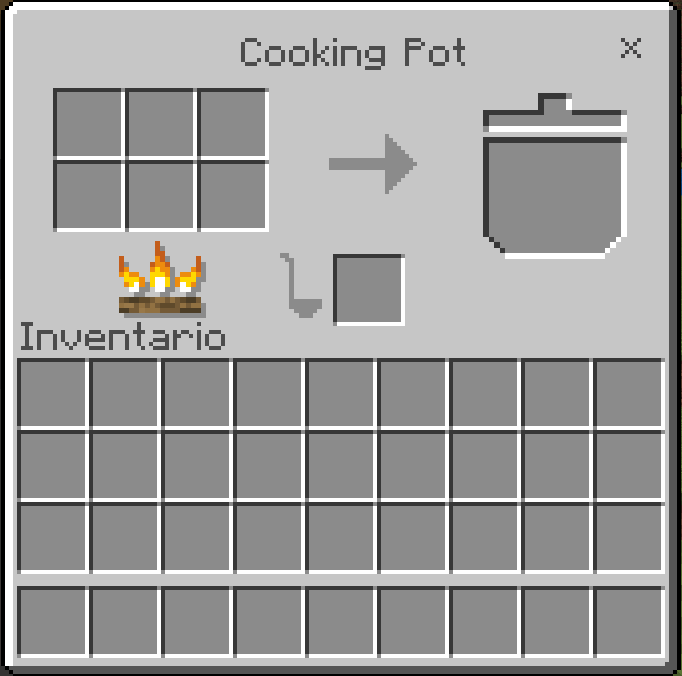
A Cooking Pot must be placed on top of a Stove. When the setup is correct, smoke and bubbles indicate that it is ready. Its dedicated interface accepts ingredients and produces finished meals in a process similar to crafting, but the Pot will not work away from a Stove.
Skillet and direct stove cooking
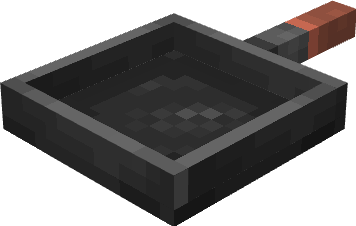
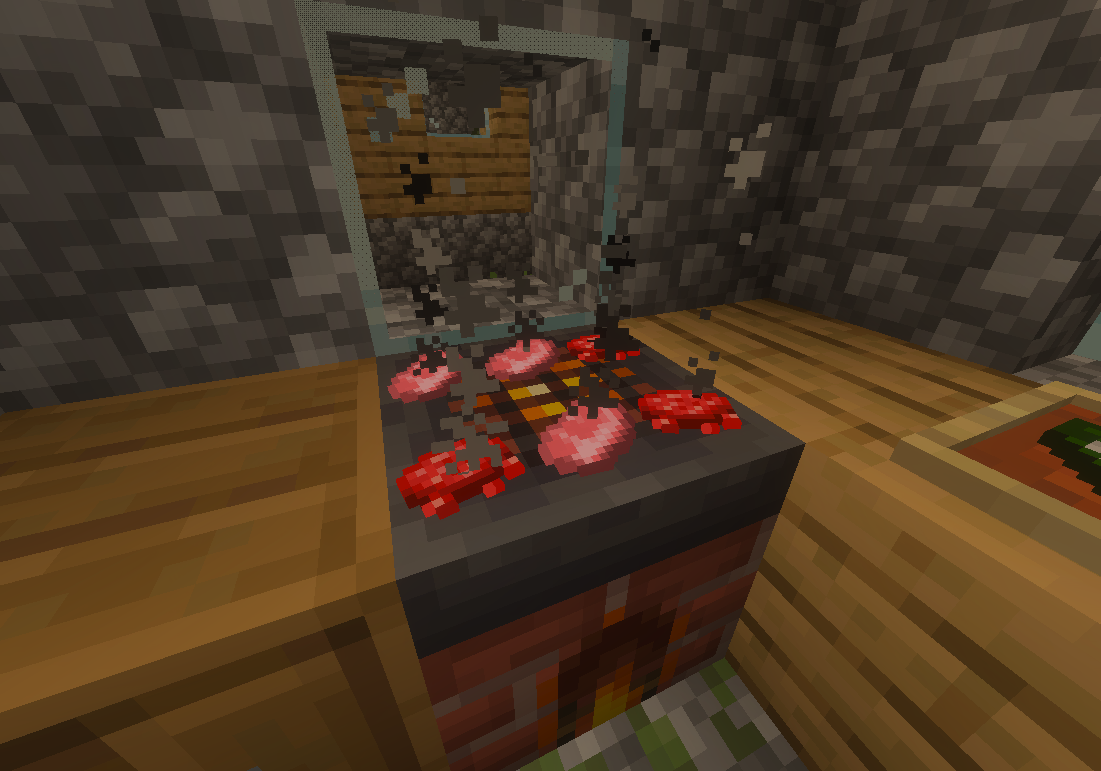
The Skillet is another Stove attachment and can cook up to four items at the same time. Ingredients are shown on its surface during cooking, which makes the station feel like part of the kitchen rather than a hidden menu.
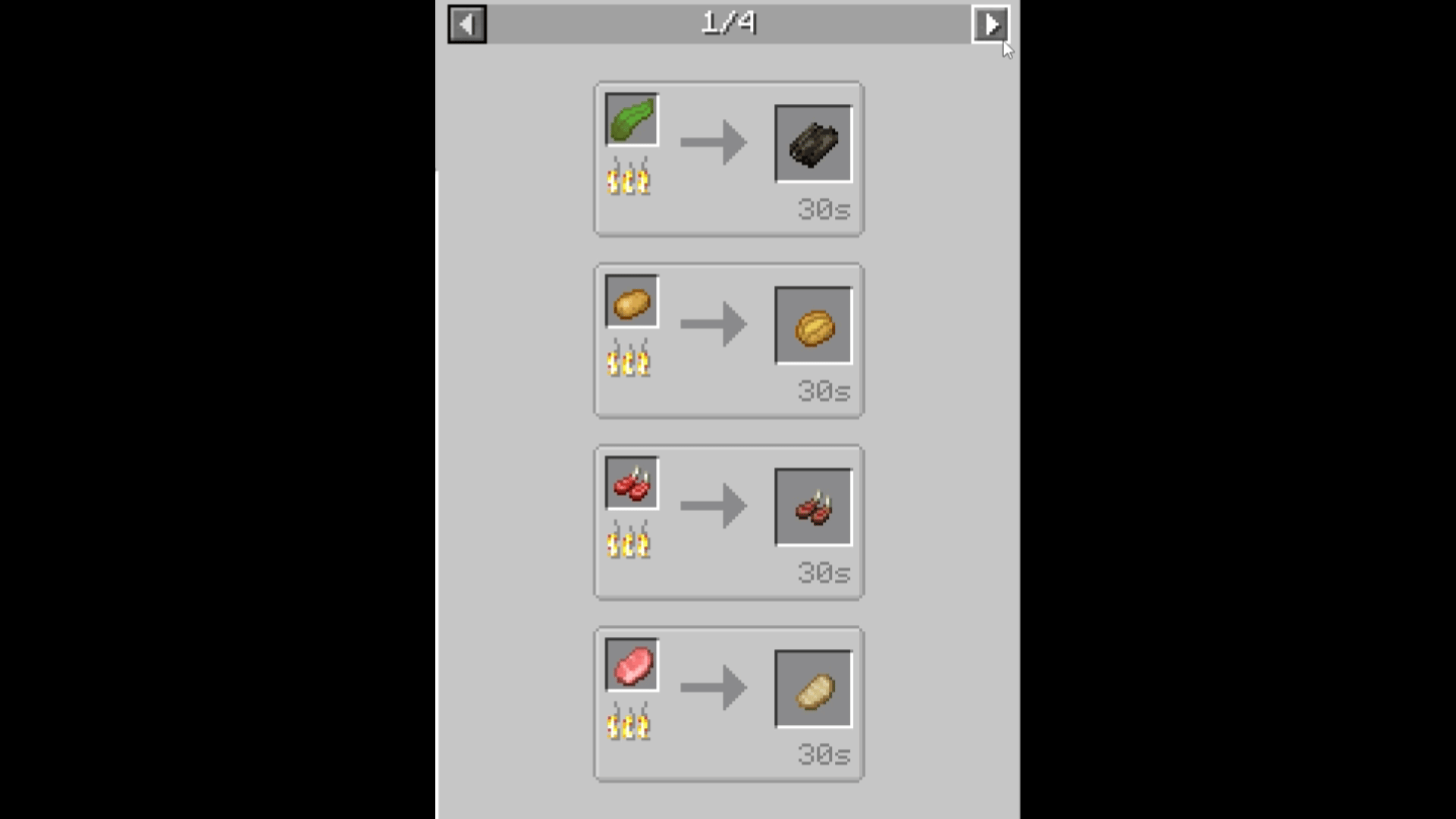
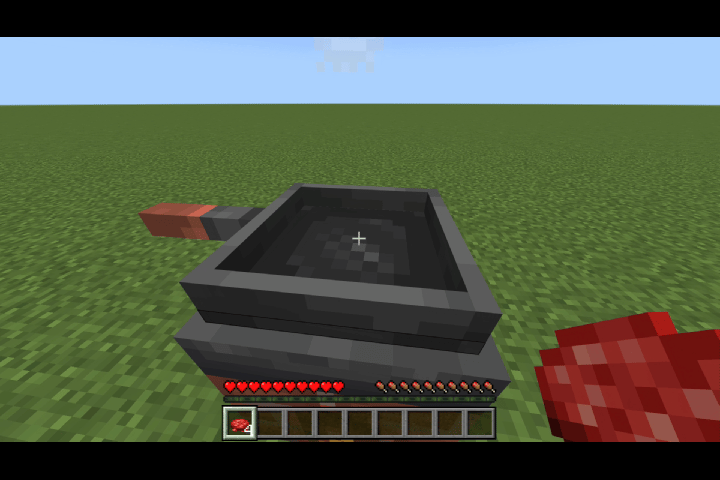
Food can also be placed directly on the Stove. This method holds more items than the Skillet, but each item takes longer to finish, so the two stations serve different types of kitchen workflow.
Farmer's Book
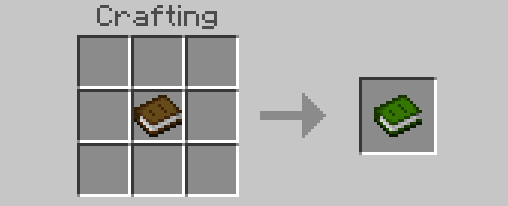
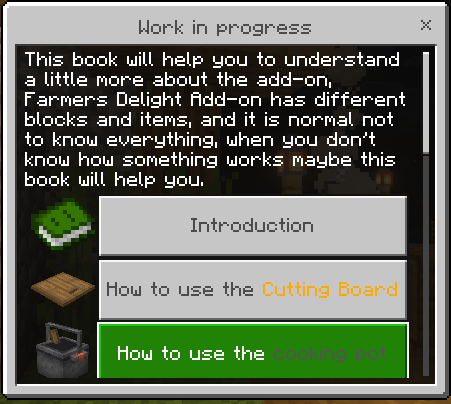
Every new world starts with the Farmer's Book, an in-game guide that explains blocks, cooking stations, plants, and where important resources can be found. A replacement copy is crafted by placing a normal book in the crafting grid.

Version 15.0.4
The current branch updates Rope and its fence behavior, improves the Cutting Board, Skillet, and Stove, and allows enchanted or damaged tools to be processed without losing their properties. It also includes Rich Soil support for rice, additional mats and rugs, direct Stove cooking, PBR textures for the main stations, Gleaming Salad, a placeable Pumpkin Pie, interface corrections, and localization fixes.
Experimental options are not required. Version 15.0.4 is intended for the current 26.x branch of Minecraft Bedrock, including 26.30.