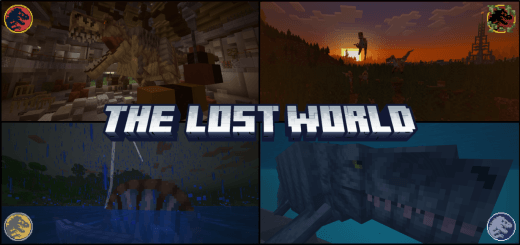
The Lost World Addon is an exciting addon that brings prehistoric creatures to life in the world of Minecraft Bedrock Edition. This addon expands the game's already vast ecosystem by introducing a variety of dinosaurs and decoration, even items adding a thrilling and immersive element to your gameplay.
Dinosaurs:
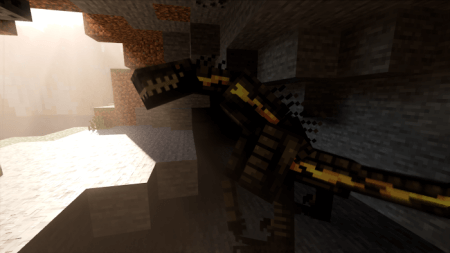
Indoraptor
- health : 150
- attack damage : 10
Tylosaurus
- health : 200
- attack damage : 15
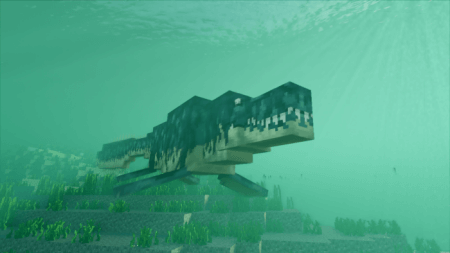
Mosasaurus
- health : 500
- attack damage : 50
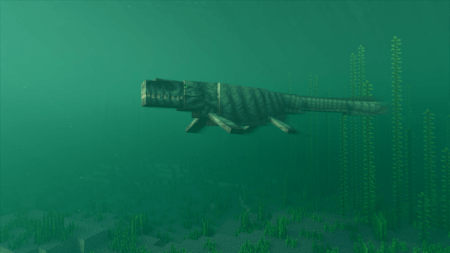
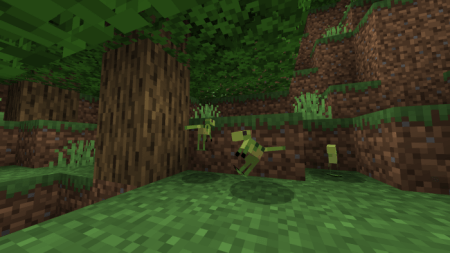
Compsognathus
- health : 2
- attack damage : 1
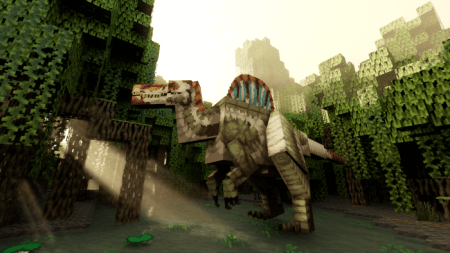
Spinosaurus
- health : 250
- attack damage : 20
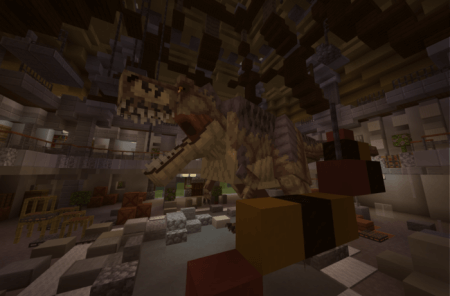
Tyrannosaurus Rex
- health : 200
- attack damage : 10
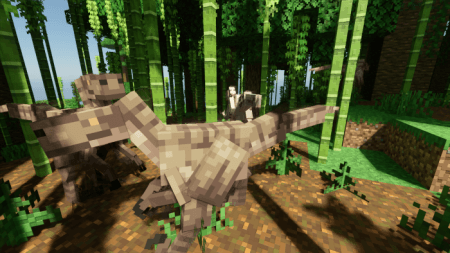
Velociraptor
- health : 50
- attack damage : 5
Triceraptor
- health : 250
- attack damage : 20
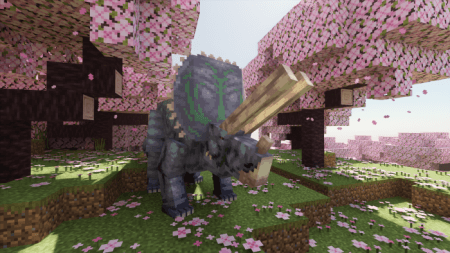
Pachycephalosaurus
- health : 20
- attack damage : 2.5
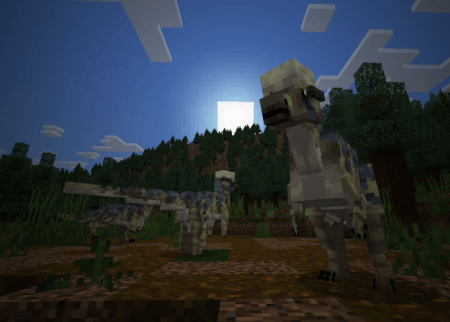
Indominus Rex
- health : 300
- attack damage : 15
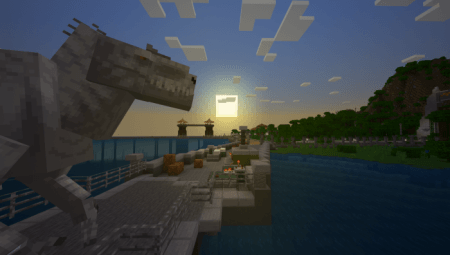
Giganotosaurus
- health : 300
- attack damage : 10
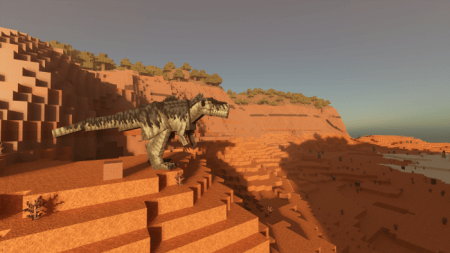
Gallimimus
- health : 50
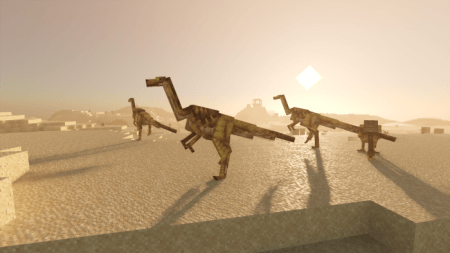
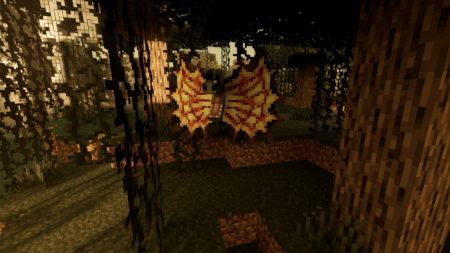
Dilophosaurus
- health : 50
- attack damage : 1.5
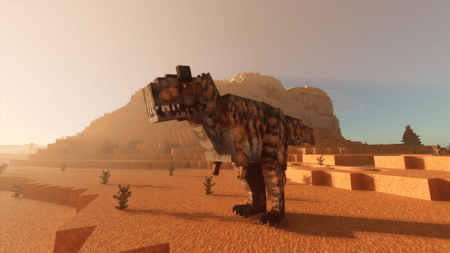
Carnotaurus
- health : 100
- attack damage : 7
Blocks :
- There are a few blocks added to this addon which can be for decoration or to create your very own dinosaur !
Items :
- Many different items for many different reasons, some can be used for the processing of creating a dinosaur
Decoration Blocks: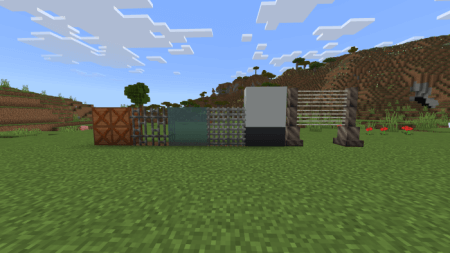
Dinosaur processing system:
- These dinosaur processing blocks can be used to create your very own dinosaurs:
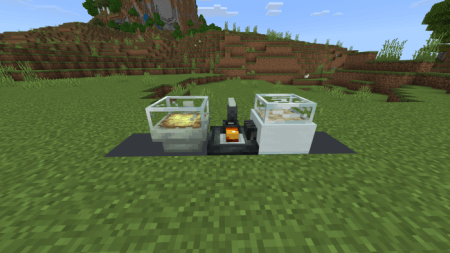
Craft:
DNA Sequencer :
- 1x iron sword
- 3x iron blocks
- 3x obsidian blocks
Egg Incubator :
- 1xhay block
- 5x iron blocks
- 3x white stained glass blocks
Amber ore & where to find it:
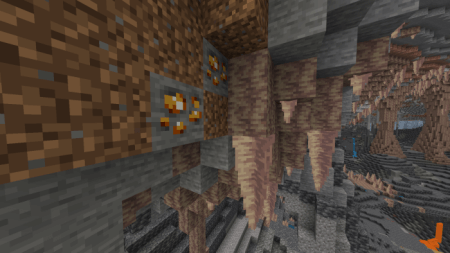
amber is necessary when creating dinosaurs, you can find it in ravines or caves.