How to enable: use a compatible RenderDragon shader loader, import the pack and activate it in Global Resources, then restart the game. Importing it into the standard client alone does not enable its shader effects. Use MB Loader on Android, Wyvern on Windows or Hynis on iOS. Use the pack settings to choose Lite, Low, Medium, Wisteria Edition or High.
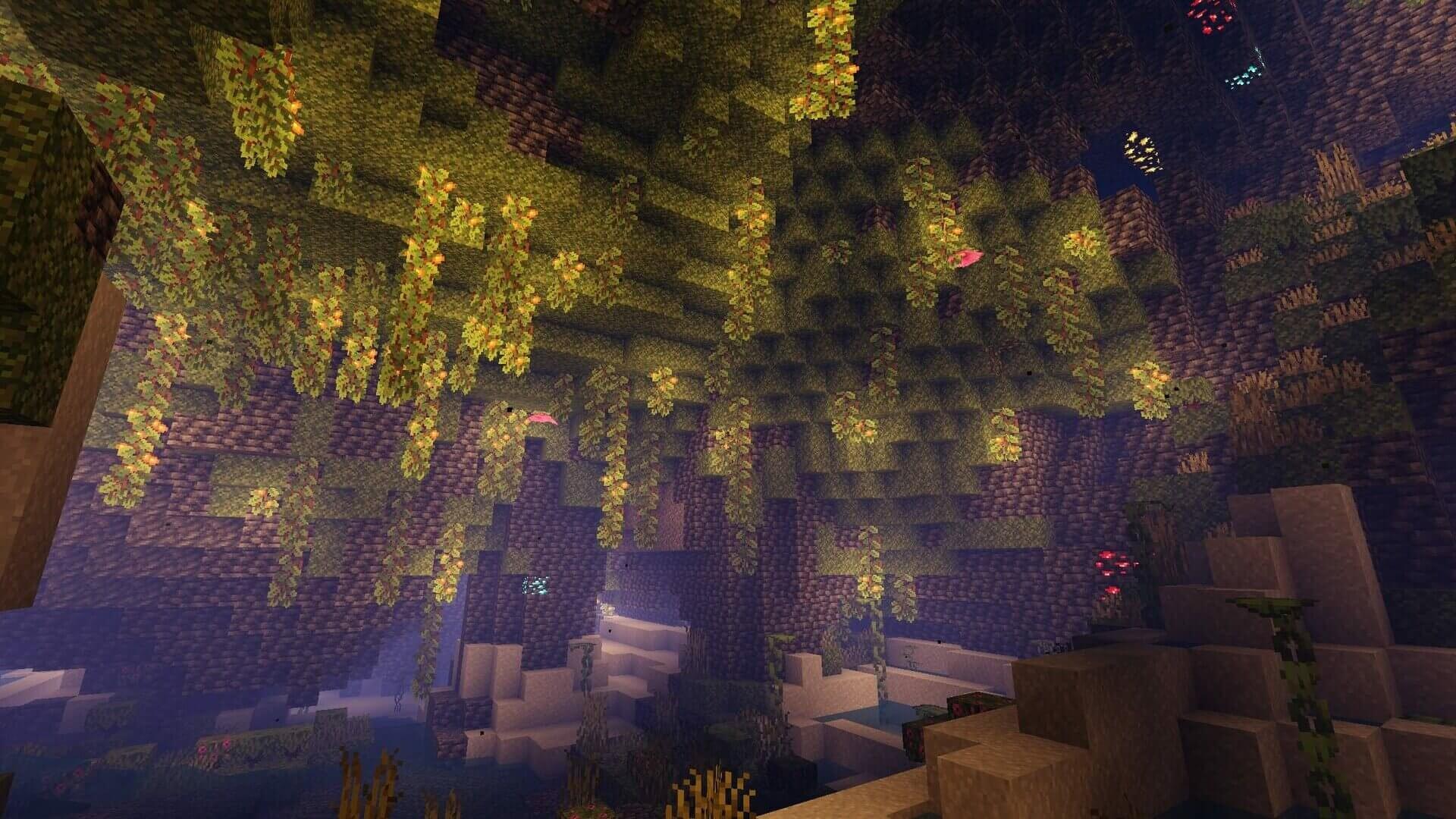
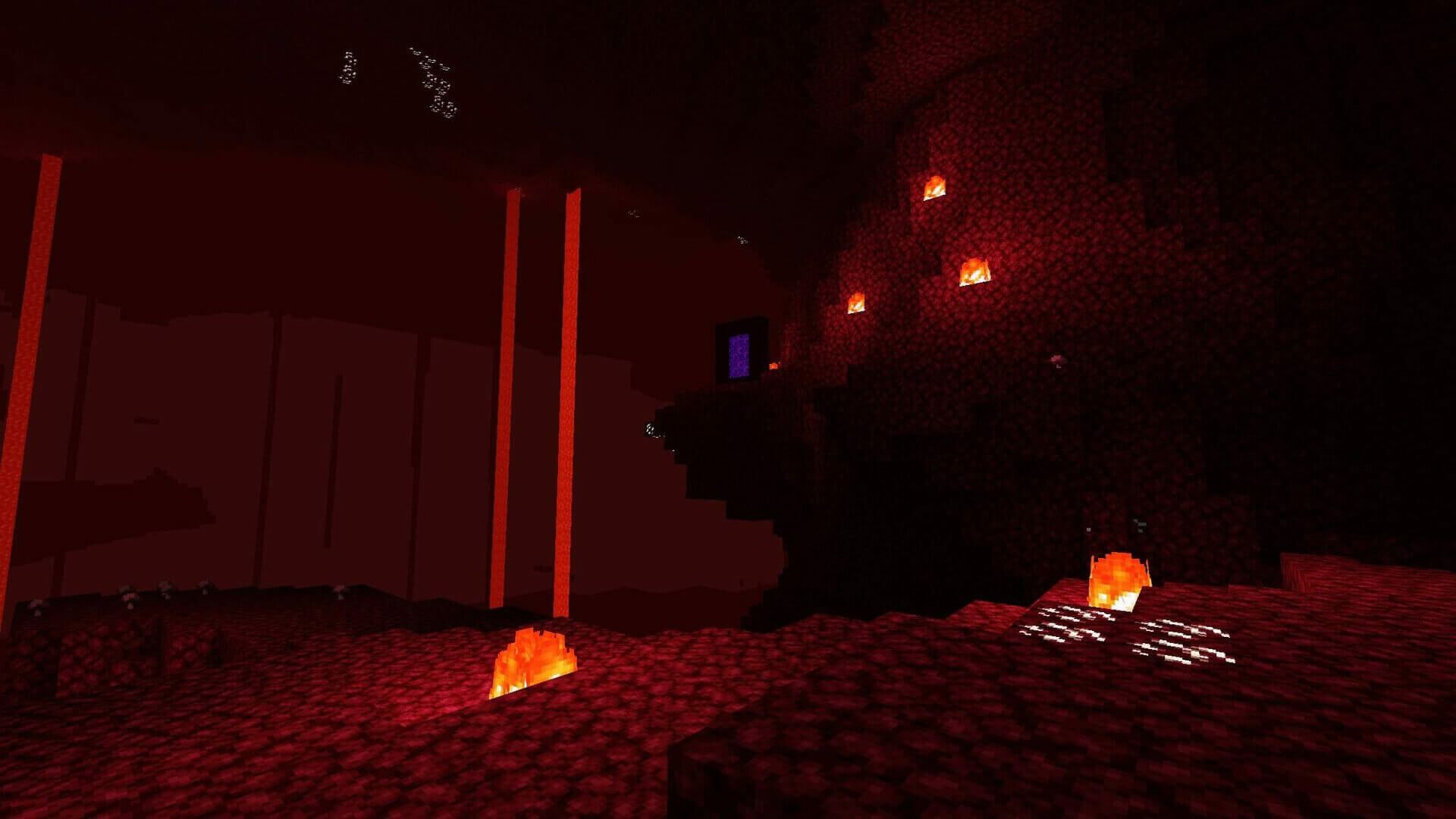
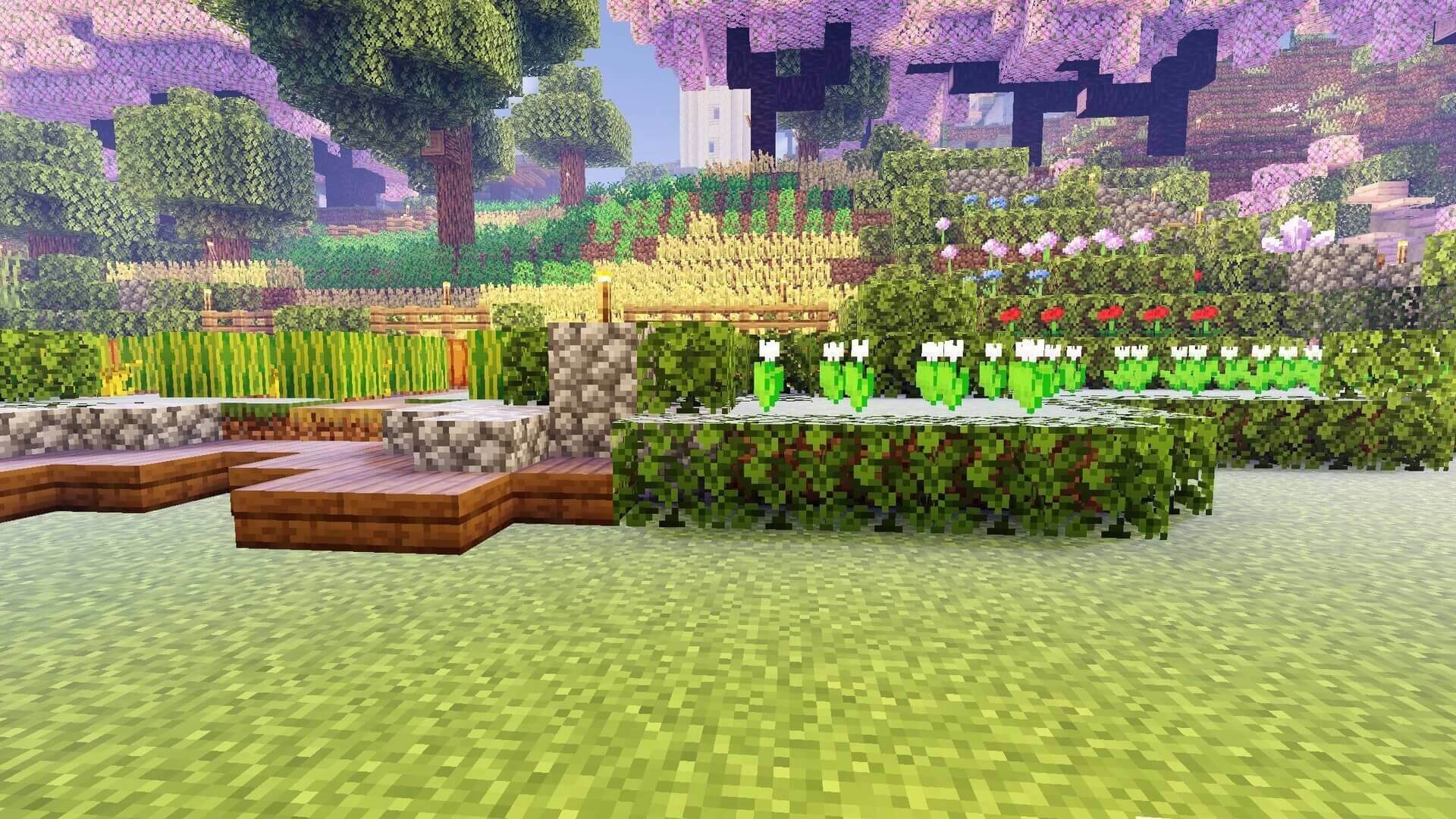
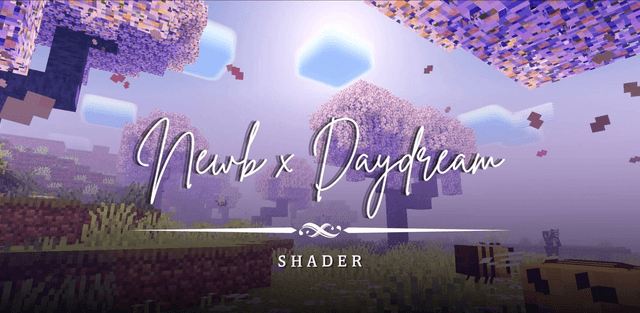
Newb X Daydream gives the world a soft fantasy style with pastel skies, warm light, rounded clouds and blue-green auroras. Sparkling stars, glowing ores and animated foliage add detail to day and night scenes.
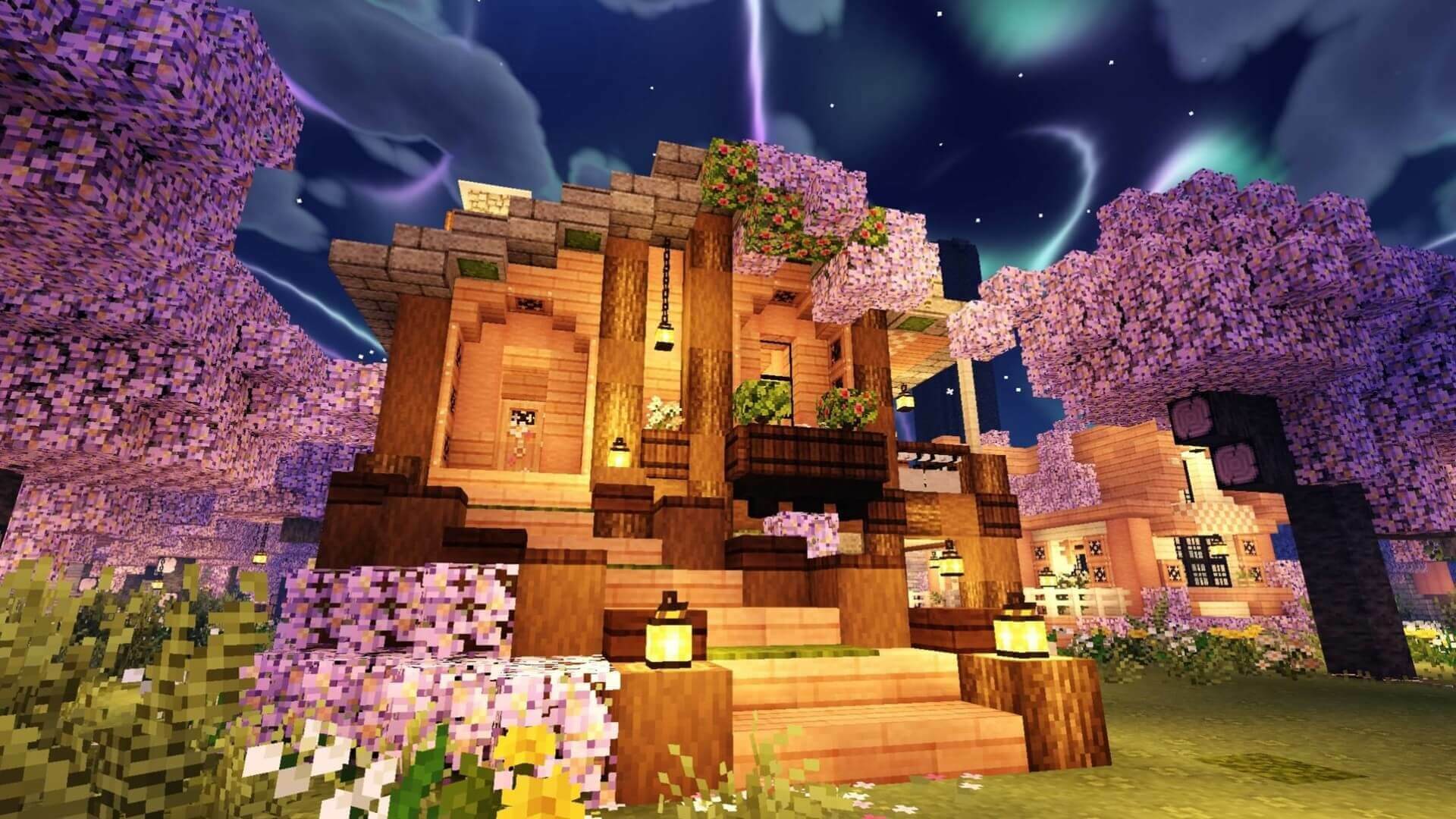
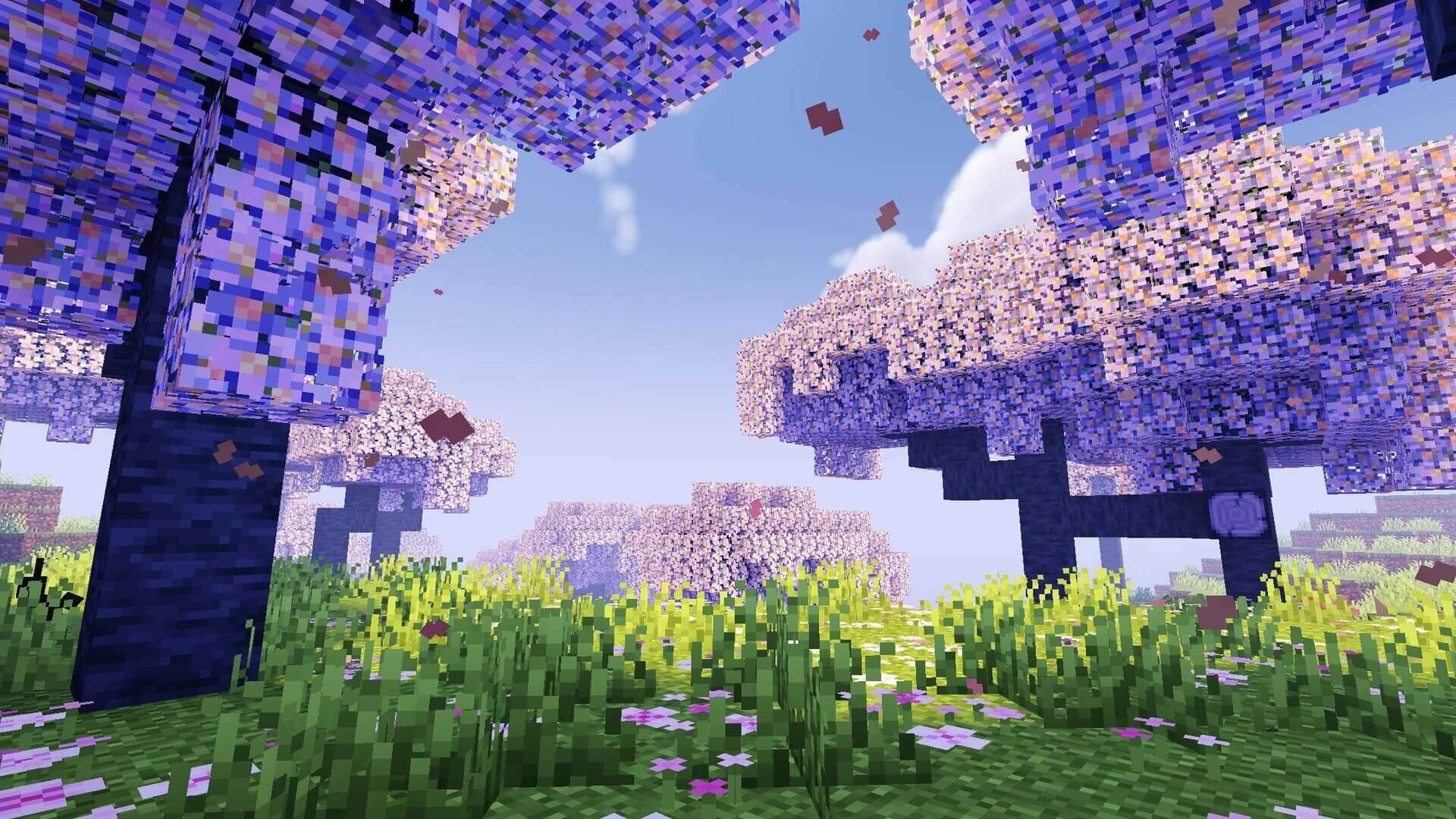
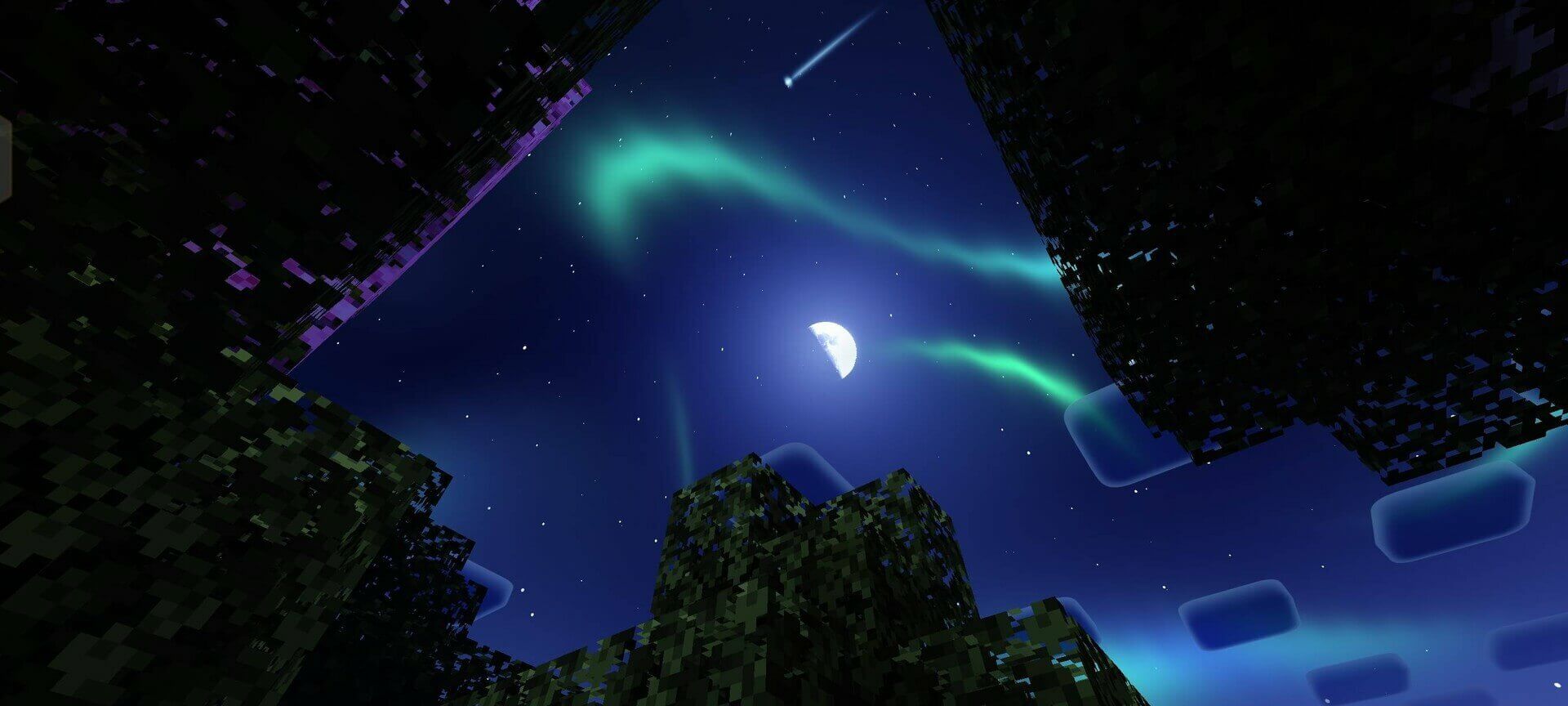
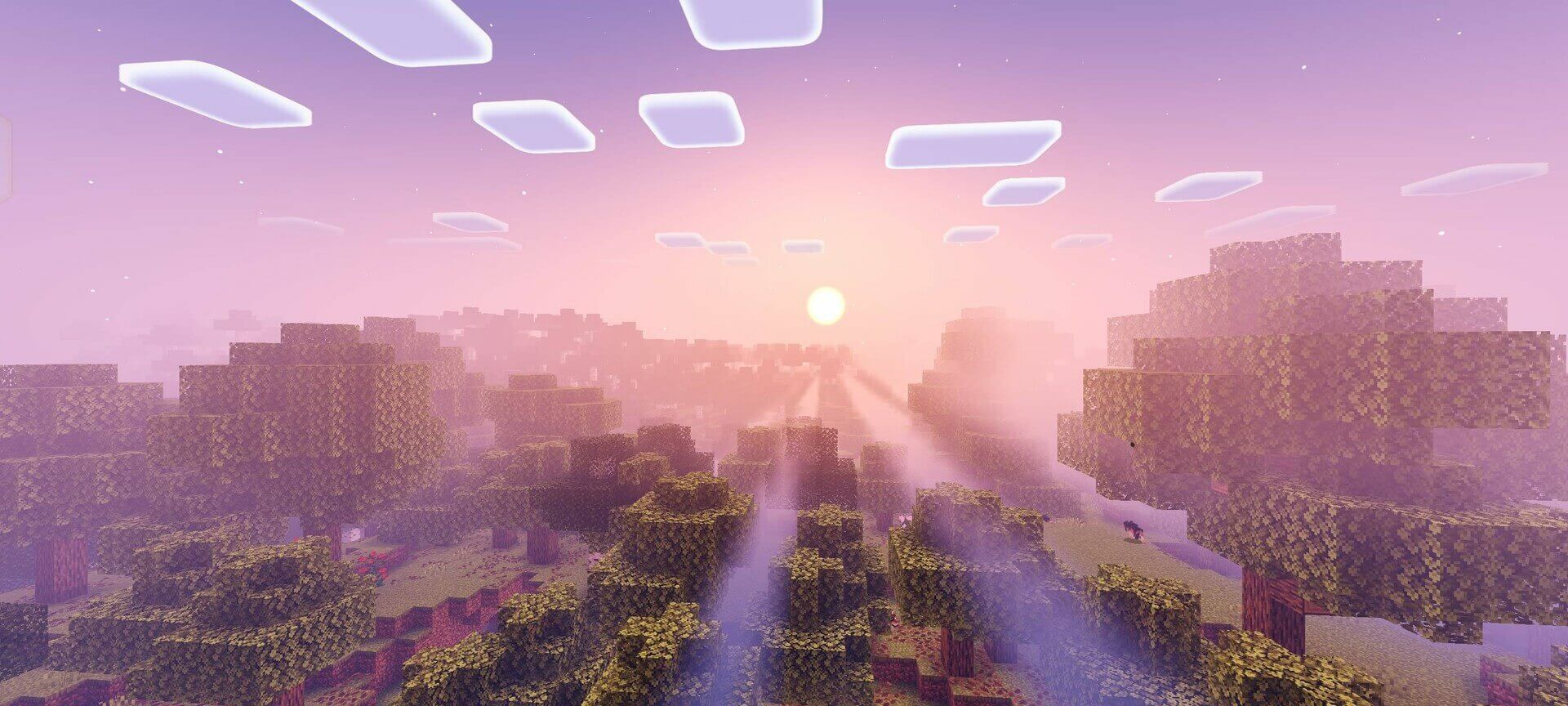
High enables ground reflections. Medium reduces cloud detail and removes reflections; Low also removes waves, while Lite simplifies more effects. Wisteria Edition changes the tree appearance without reflections. The supplied 2.18 release no longer includes the old Ultra preset or the removed galaxy and cloud variants.
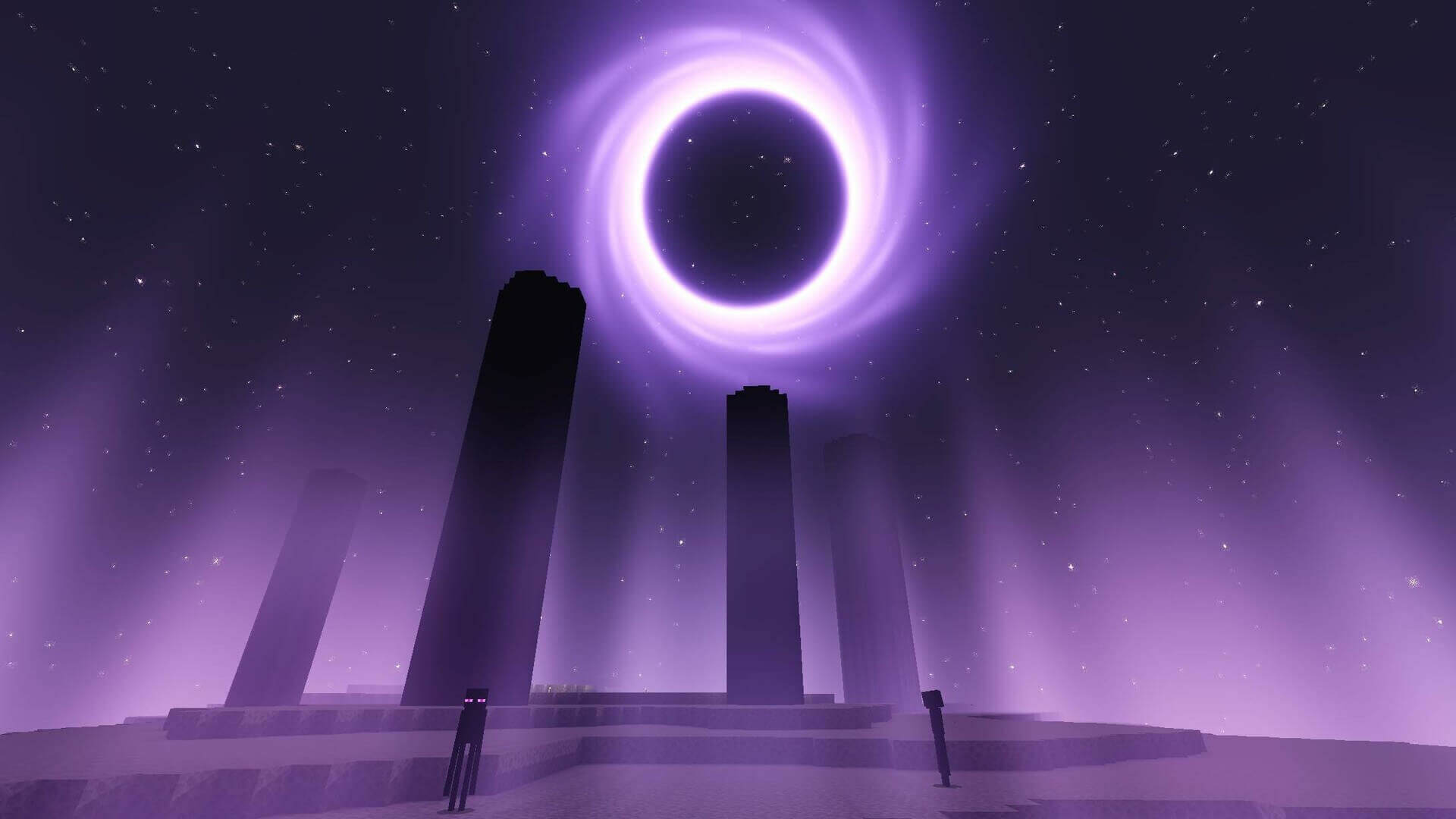
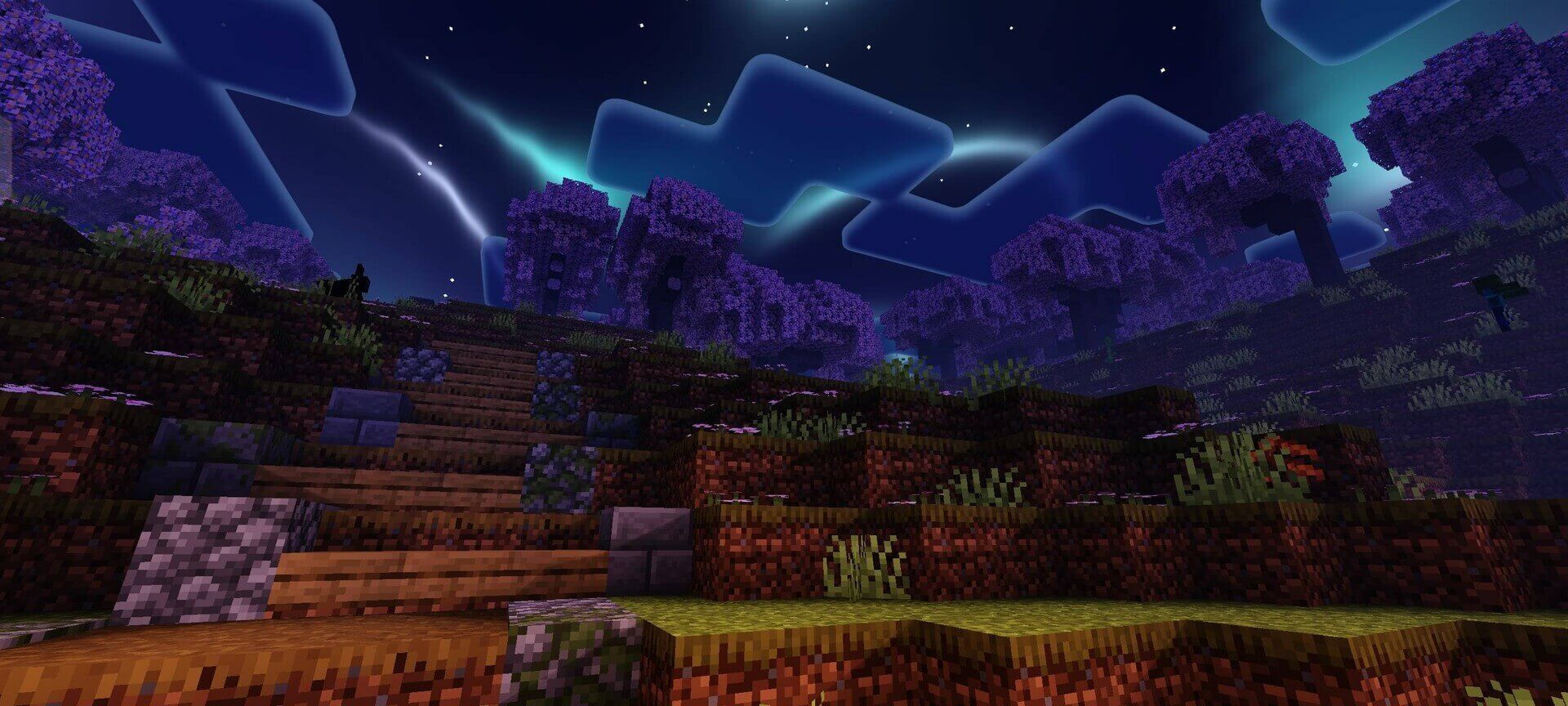
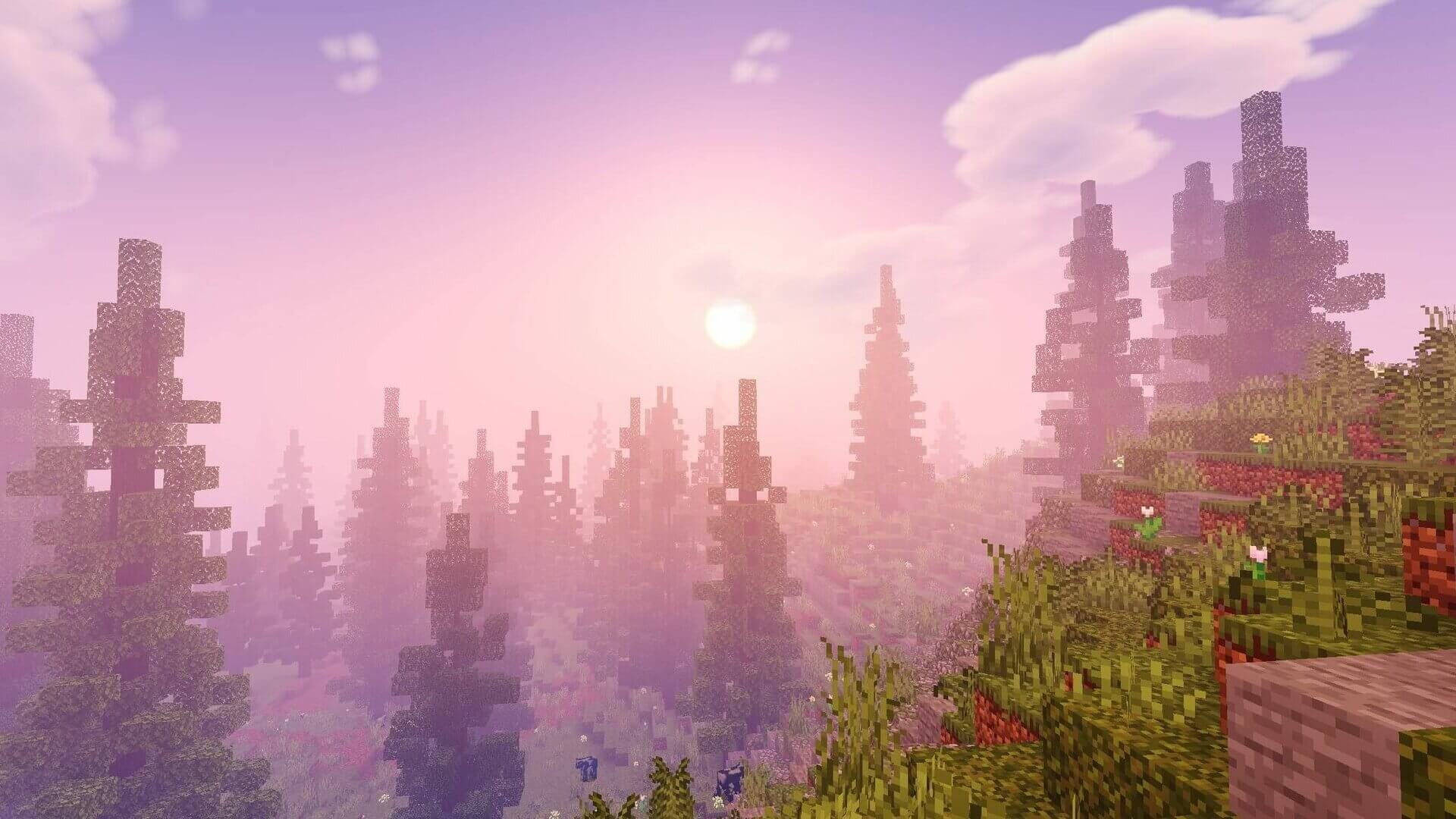
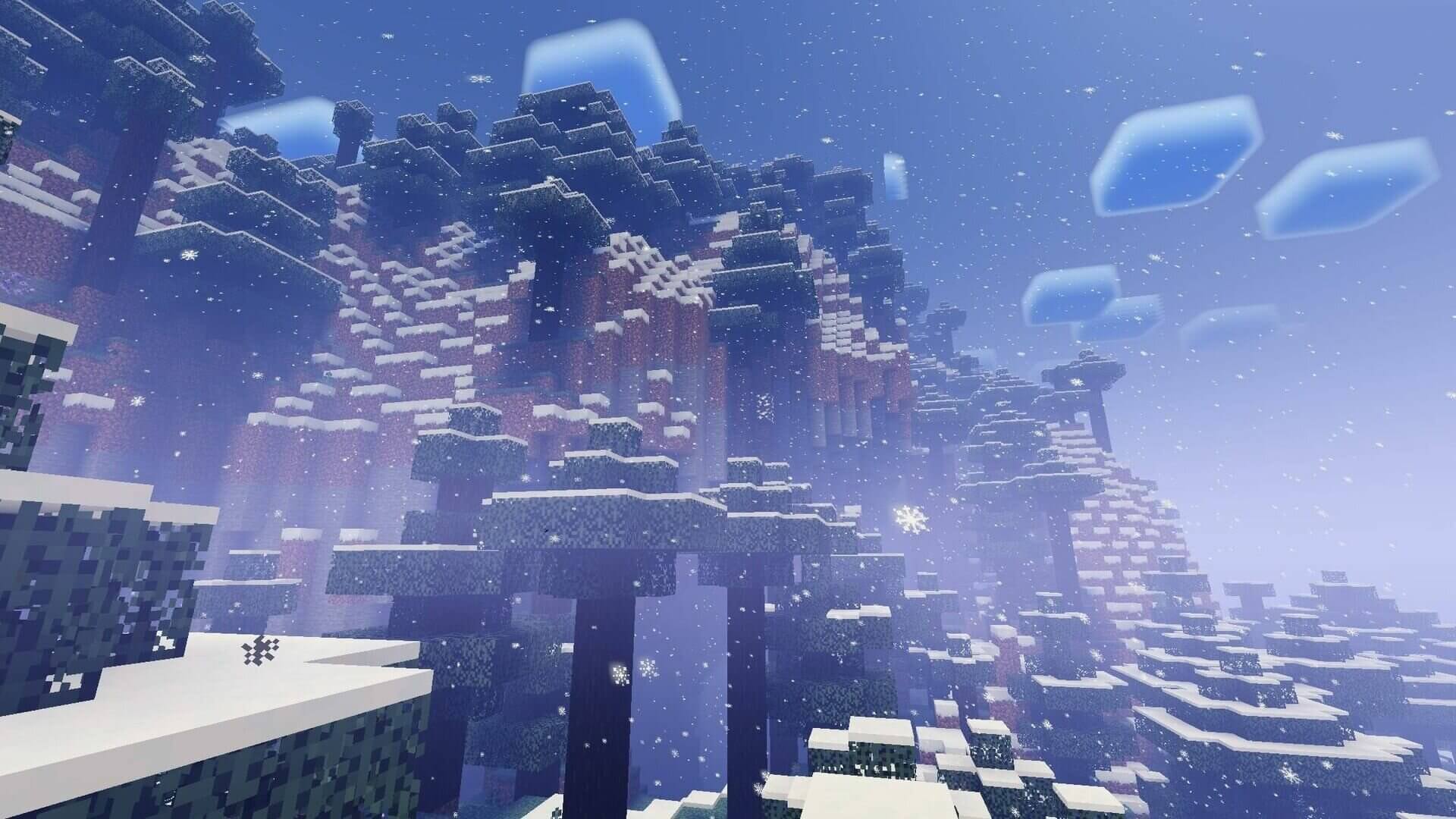
Some older screenshots and descriptions refer to options removed in 2.18. The actual available presets are Lite, Low, Medium, Wisteria Edition and High; choose among those rather than searching for Ultra.