How to enable: import the pack, activate it in Global Resources or in the world resource packs, then select Vibrant Visuals in Settings > Video > Graphics Mode. A device that supports this mode is required. Open the pack settings to choose default-resolution or 32x materials and either vanilla or BSLB clouds. The file requires Minecraft 1.21.120+.
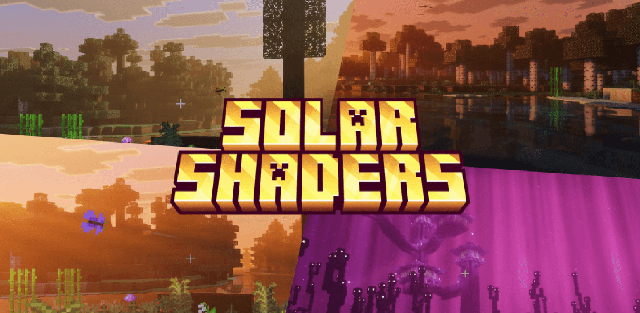
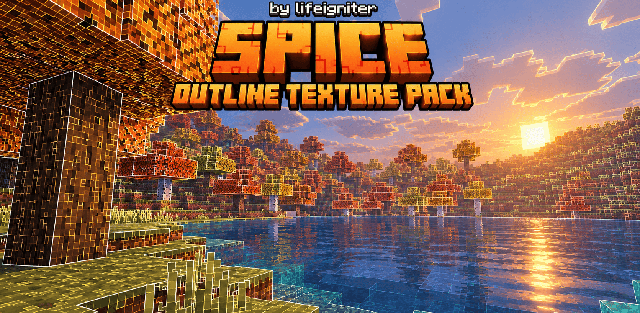
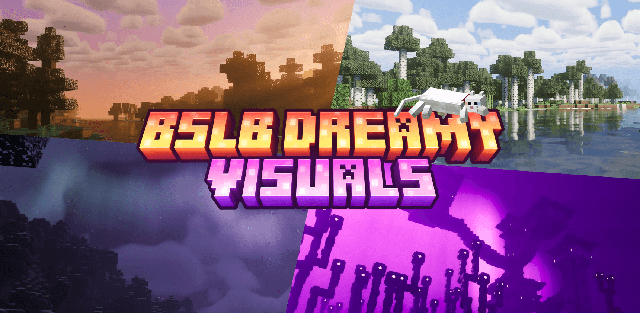
BSLB Dreamy Visuals combines golden sunbeams, pastel skies and biome-specific atmosphere. Forest canopies filter the light, cherry groves take on rose colors, and Dappled Forest uses a warmer amber mood.
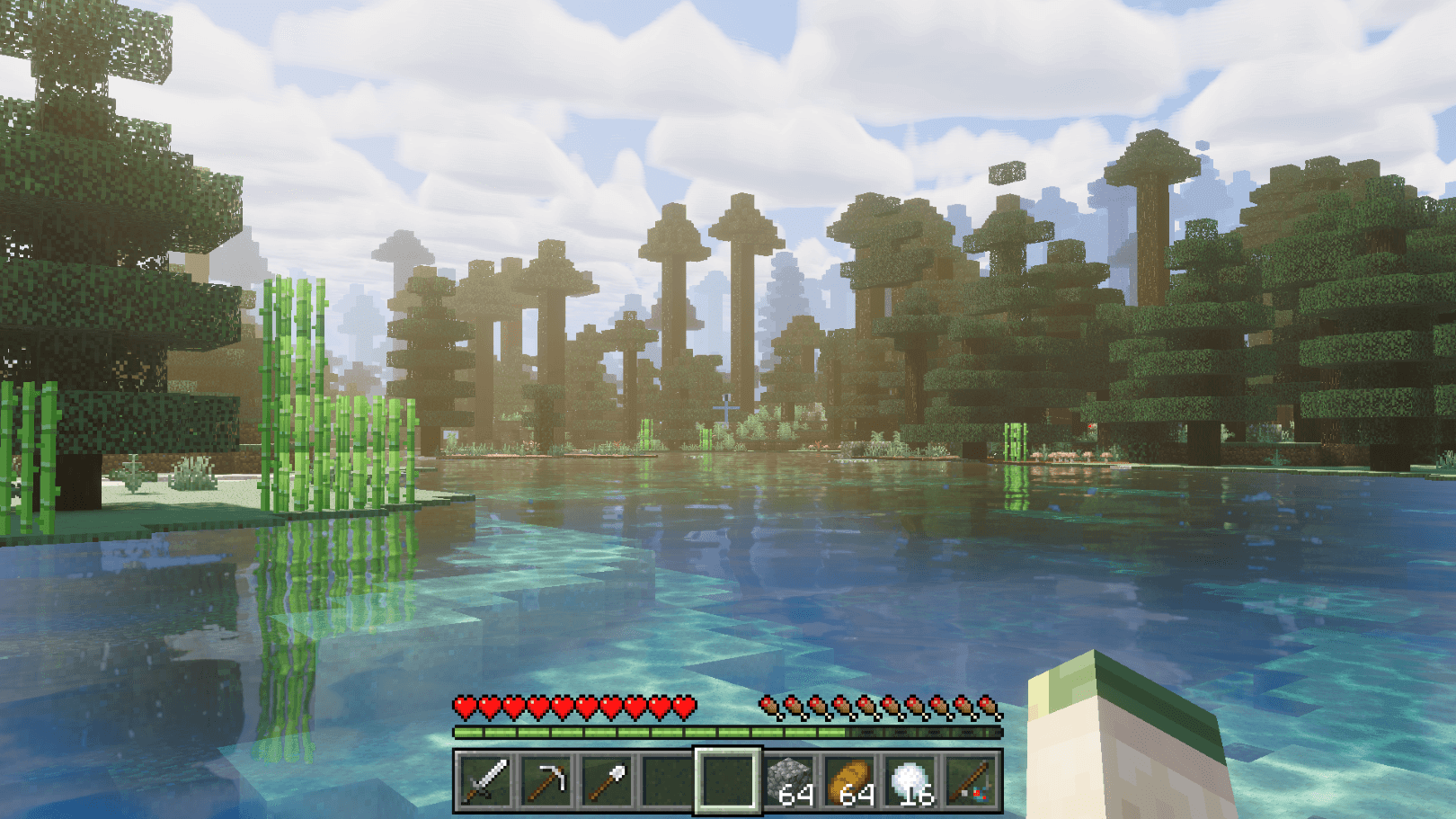
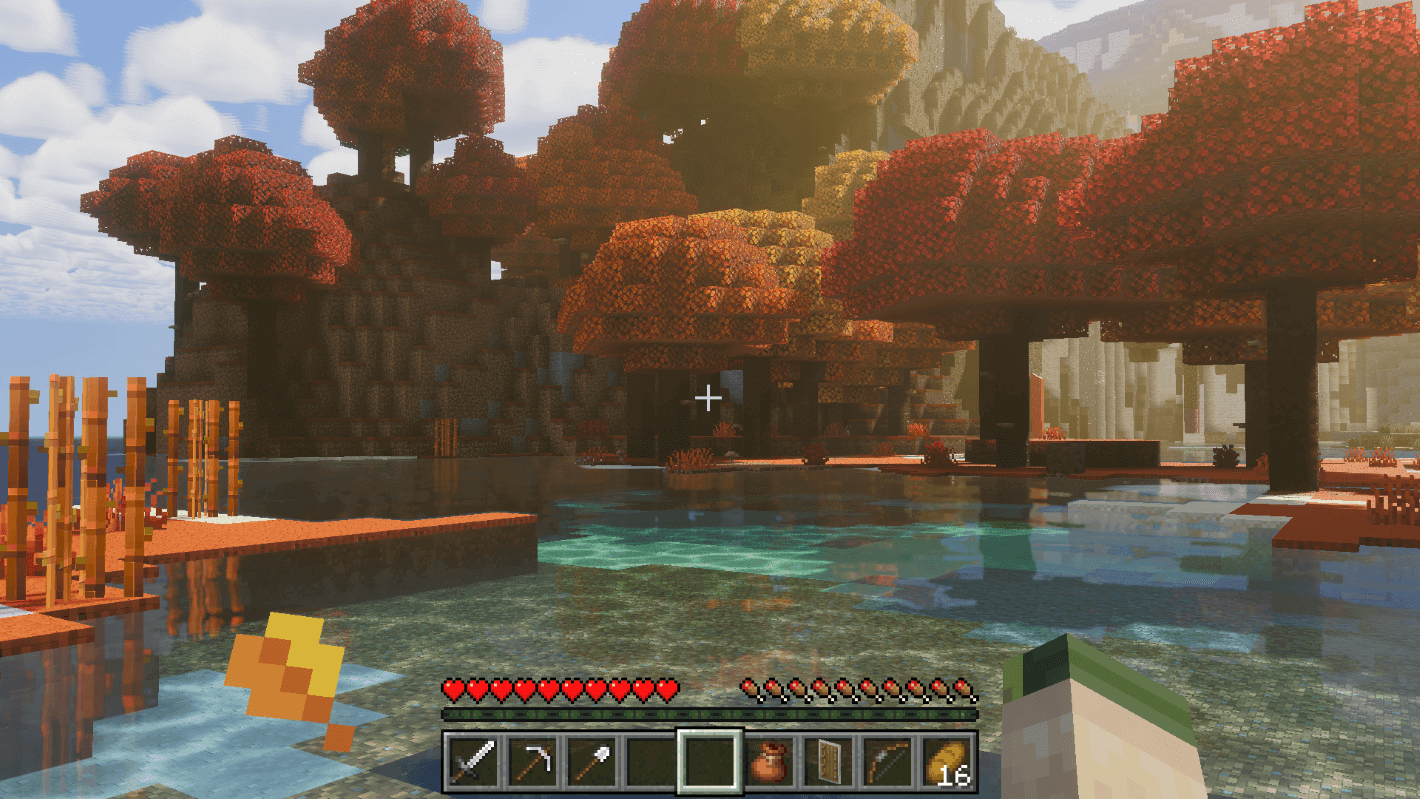
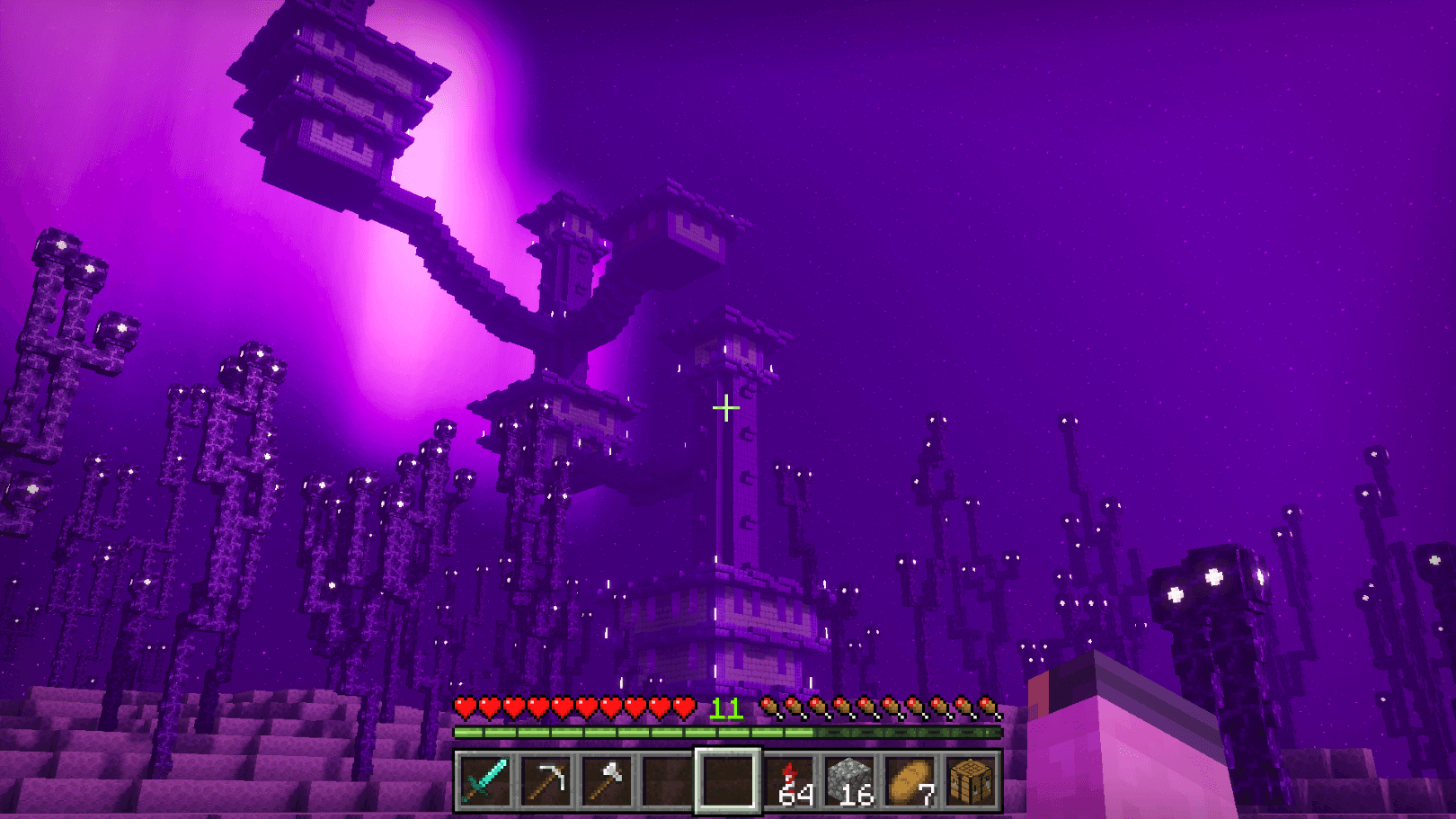
The pack includes custom looks for the Nether and End, cyan lighting in the Deep Dark and colored light settings for many luminous blocks. Water reflections and PBR surface detail complement the sky. Four built-in presets combine the two material resolutions with the two cloud styles.
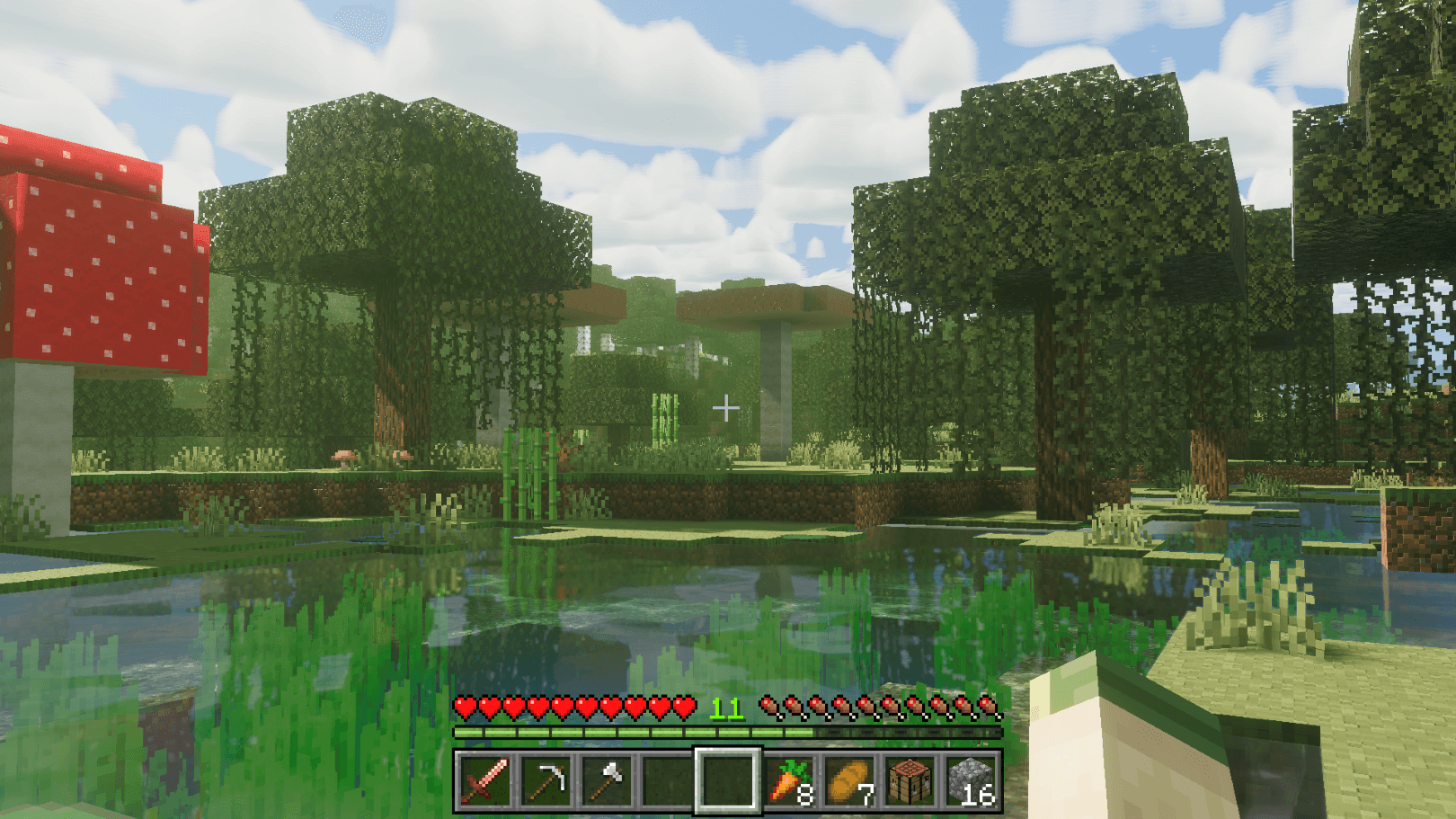
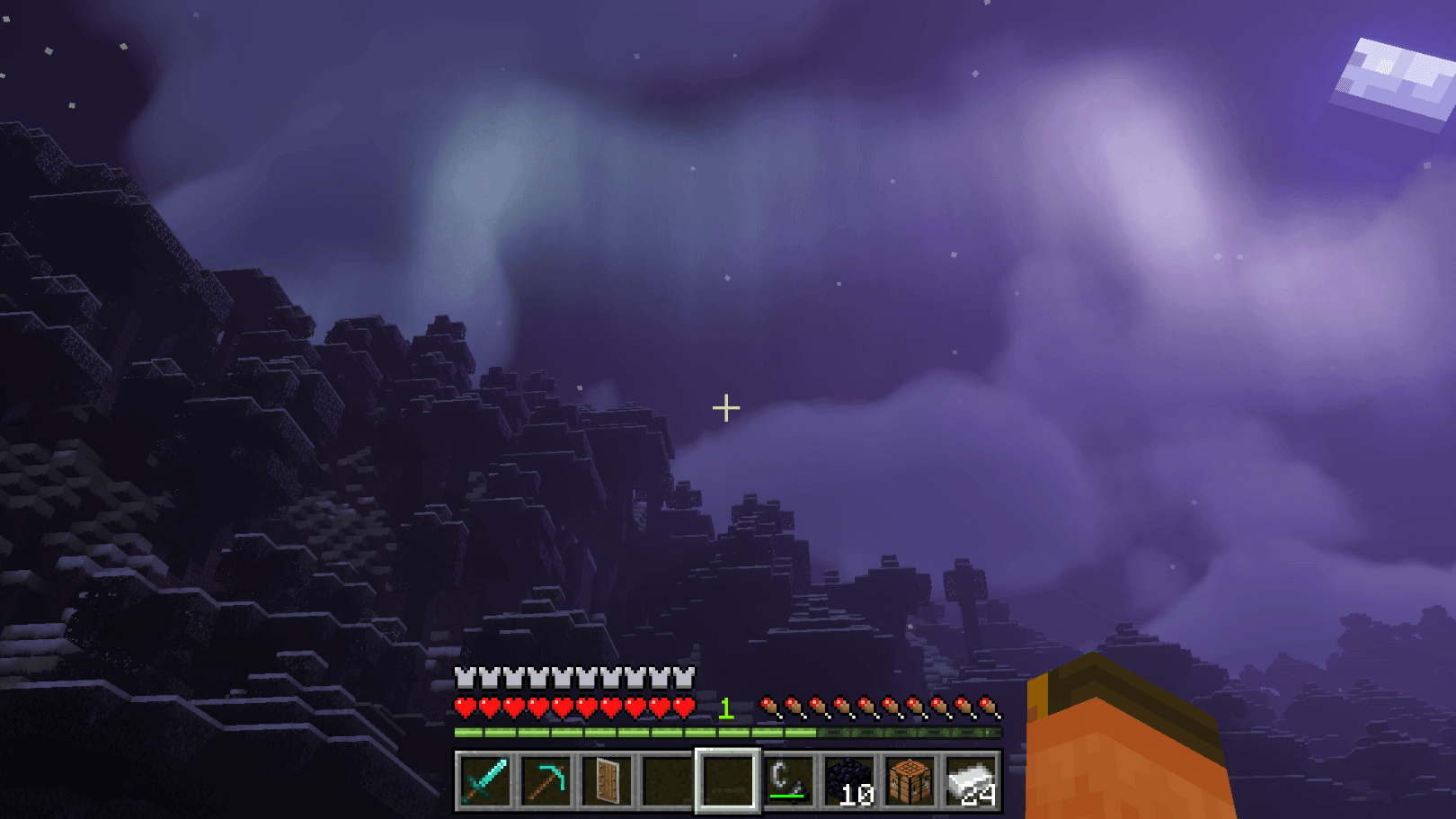
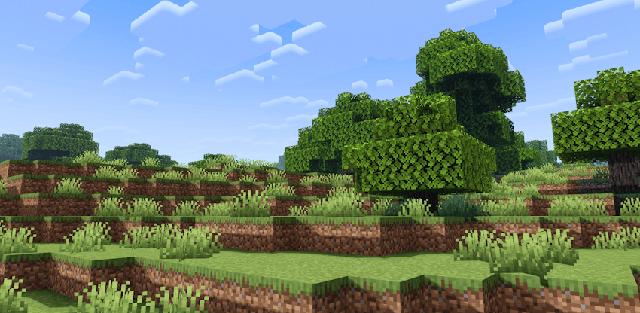
Choose a default-resolution preset for less material detail or 32x for more pronounced surface relief. Cloud style is a separate part of the preset choice, with both vanilla-shaped and custom BSLB options.