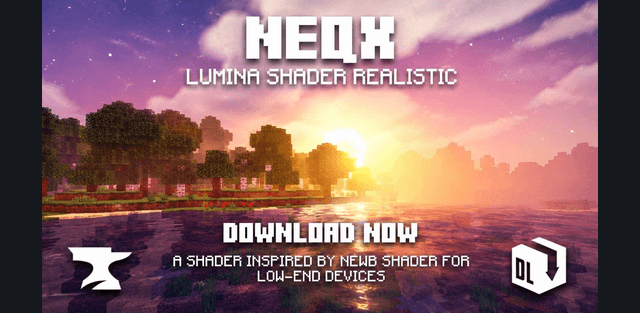
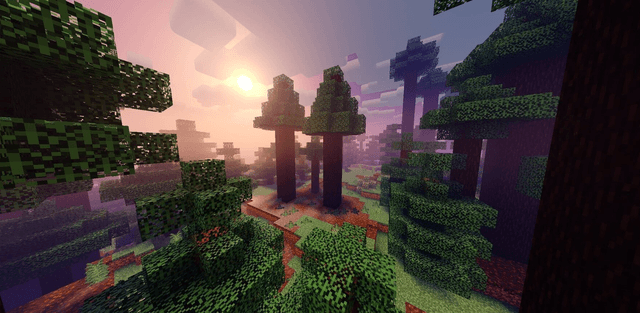
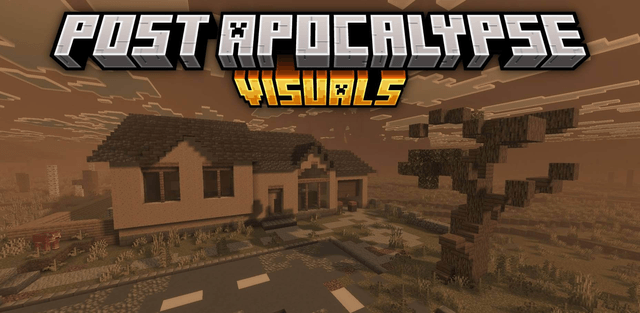
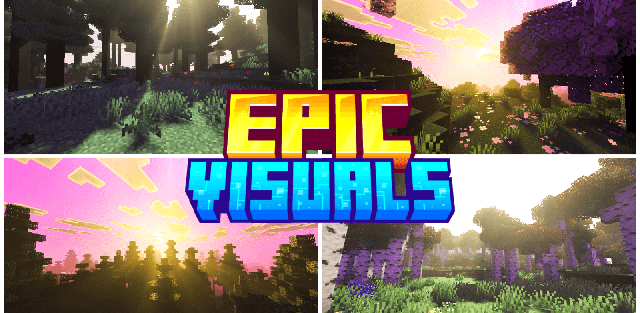
Shader: BiomeAura Visuals
Author: Baku_Studio
How to enable: import the pack, activate it in Global Resources or in the world resource packs, then select Vibrant Visuals in Settings > Video > Graphics Mode. A device that supports this mode is required. Requires Minecraft 1.21.120+. Disable other packs that override Vibrant Visuals atmosphere or color grading to avoid conflicting biome settings.
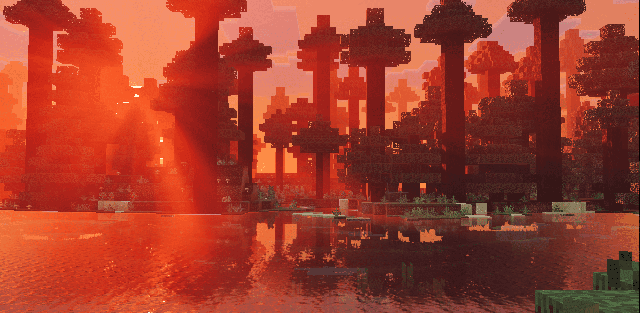
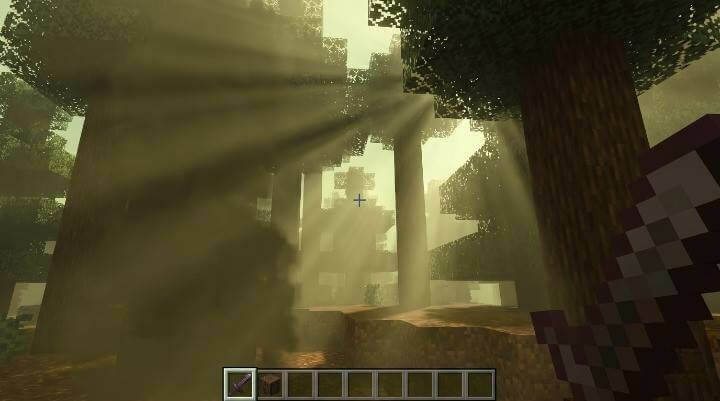
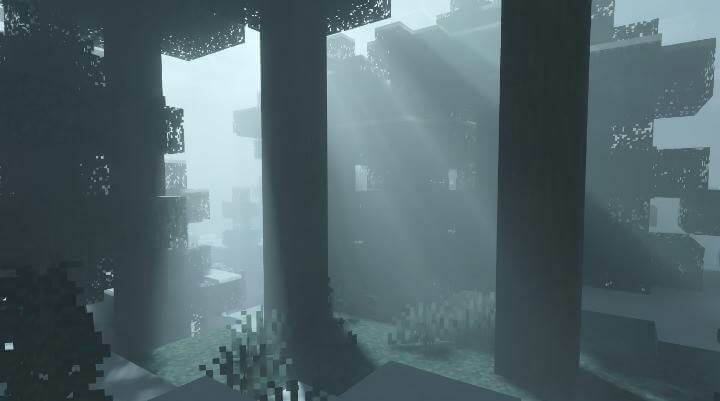
BiomeAura Visuals gives different biomes their own lighting, fog and sky mood. Jungles lean toward mossy green, cold taiga uses gray-teal tones, cherry groves turn pink, and birch forests receive warm golden light.
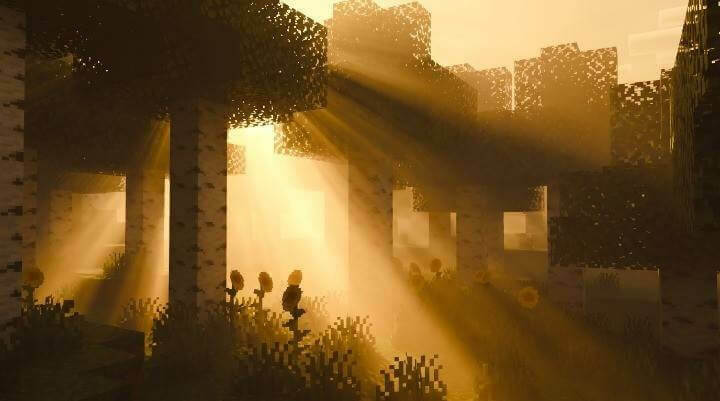
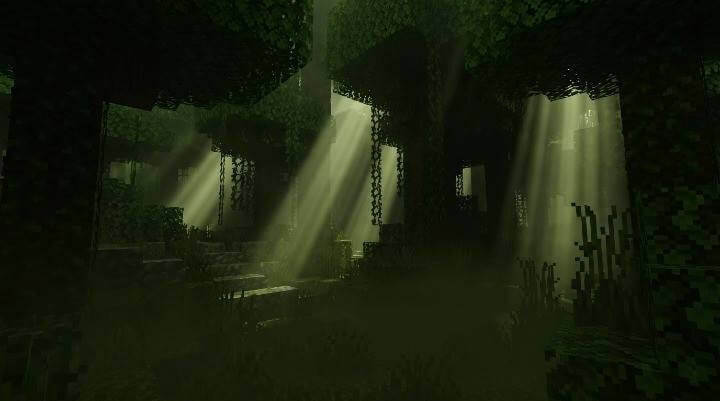
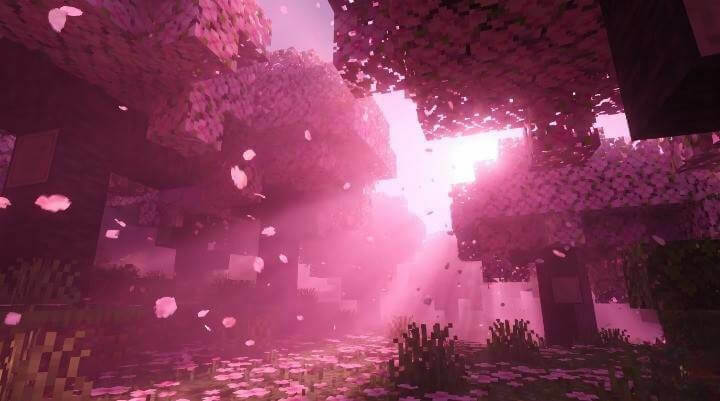
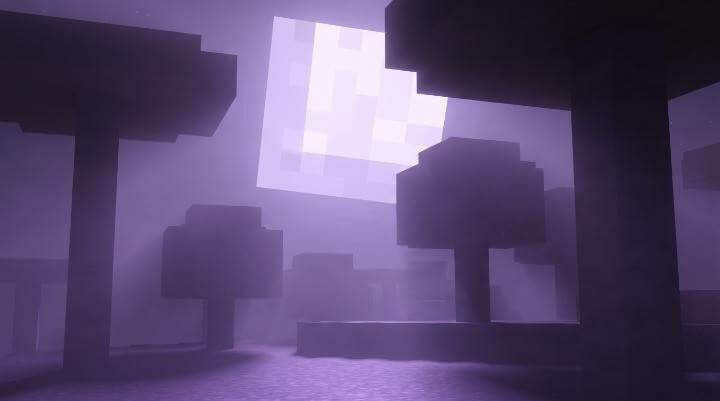
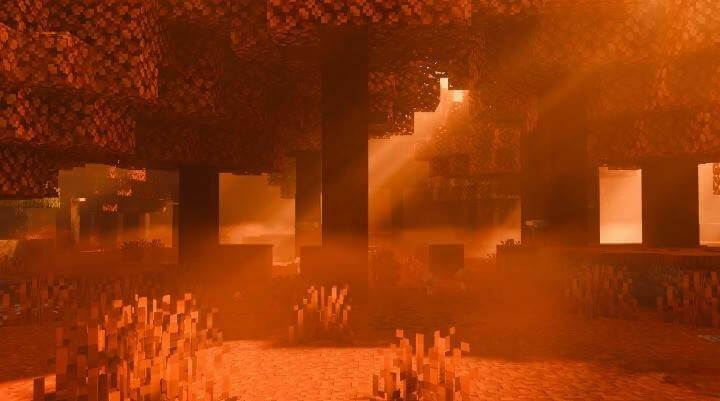
Mushroom islands have a violet nighttime atmosphere, while Dappled Forest uses orange-red colors. Version 1.1 also extends the treatment to Nether biomes and the End. Day and night are tuned separately so the environment changes as time passes.
It is best used as the main atmosphere pack in a resource stack. Another pack changing the same biome definitions may hide part of its design even if both appear active.
How to install the shader
Download the .mcpack file, open it with Minecraft and wait for the import to finish. Enable the pack in the world's Resource Packs settings. Shader compatibility depends on the Minecraft version and graphics mode.