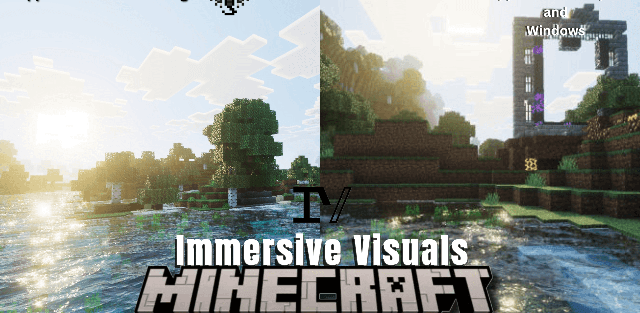
How to enable: import the pack, activate it in Global Resources or in the world resource packs, then select Vibrant Visuals in Settings > Video > Graphics Mode. A device that supports this mode is required.
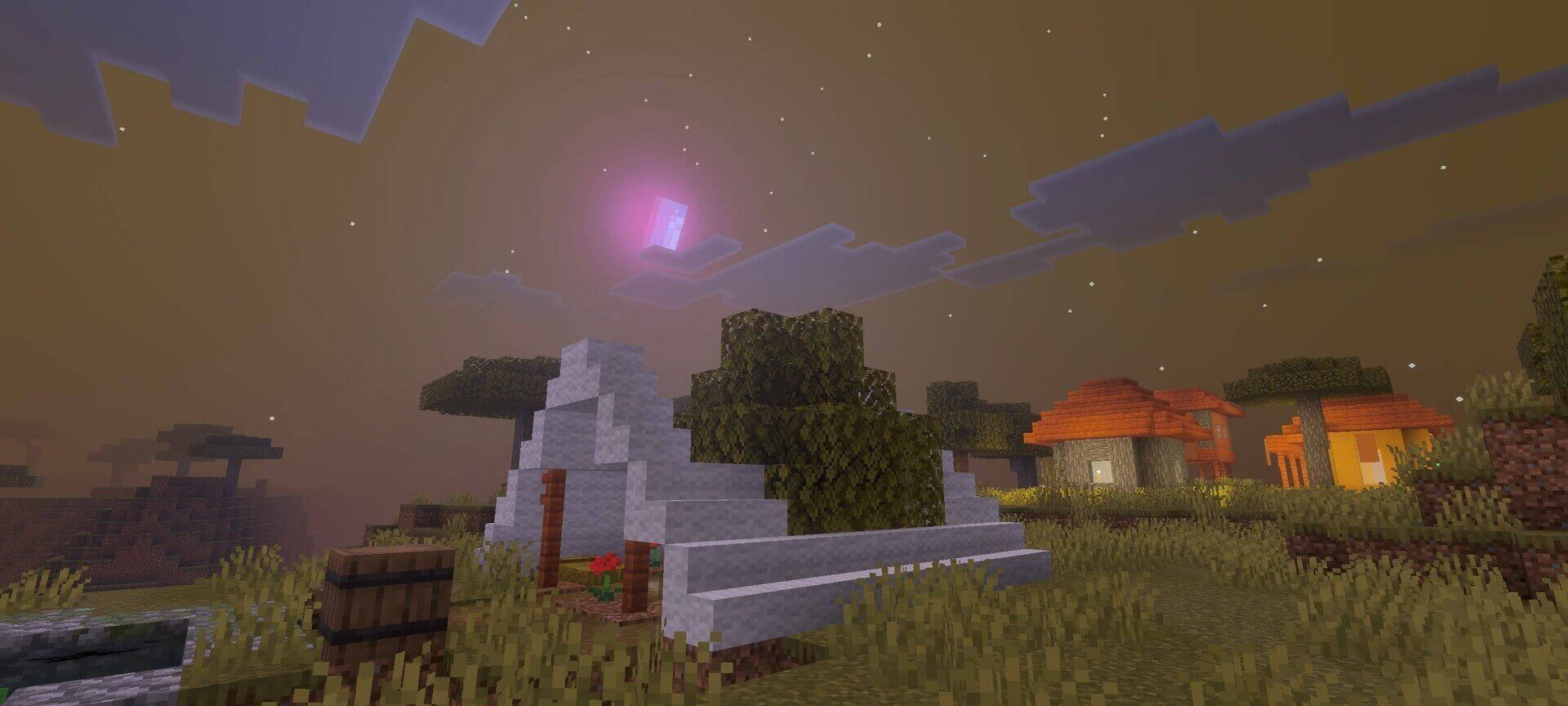
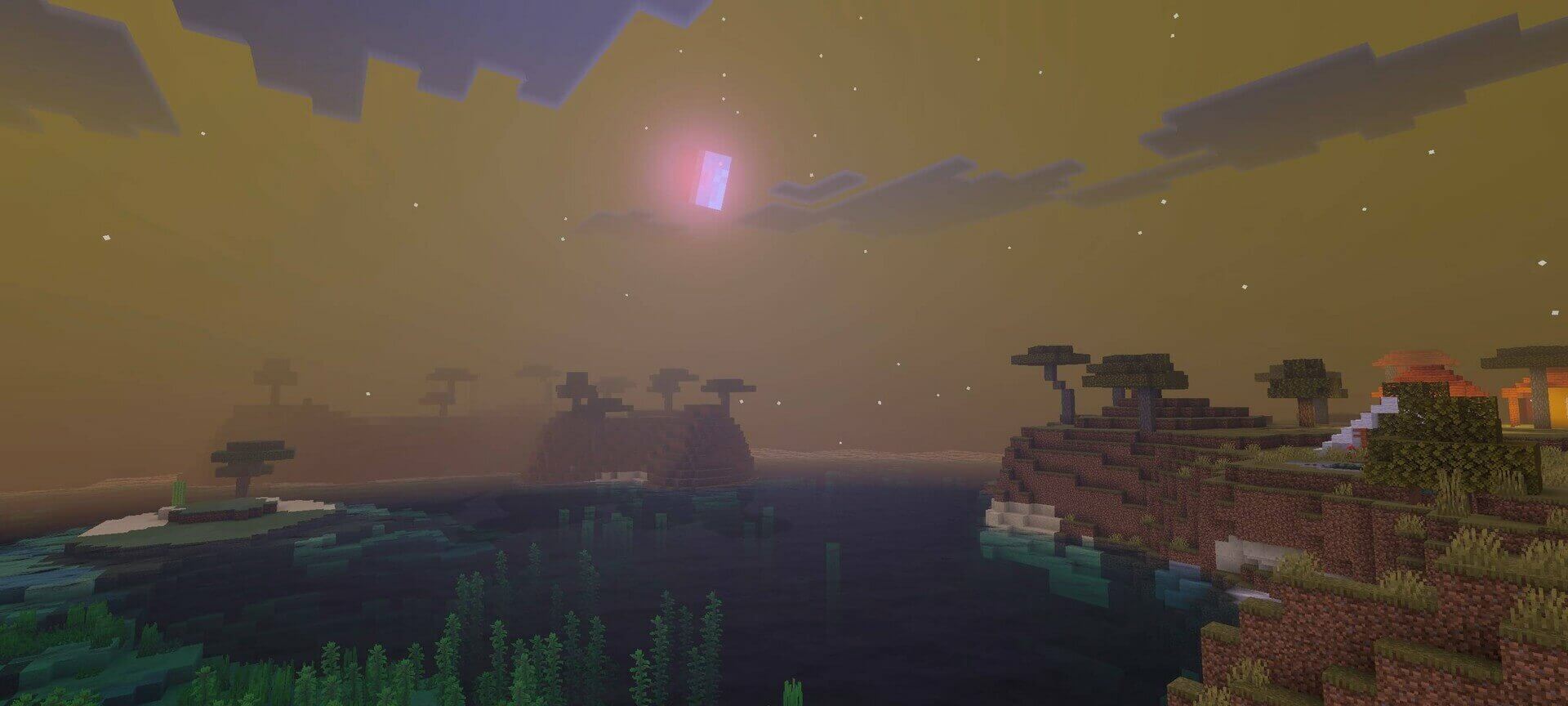
Cozy Shader gives Minecraft a warmer, calmer appearance. Mornings use soft golden light, afternoons stay bright, and sunsets spread orange tones over water, buildings and vegetation.
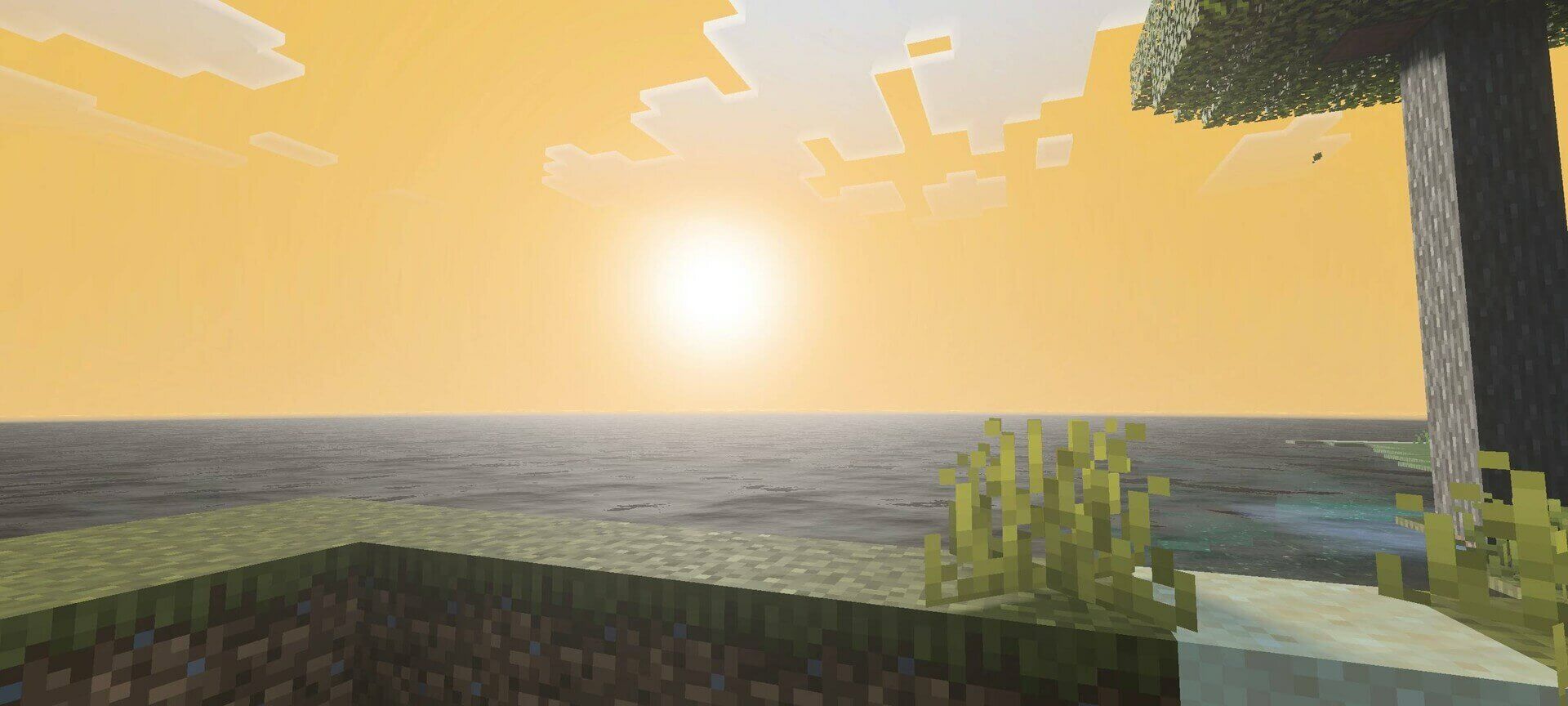
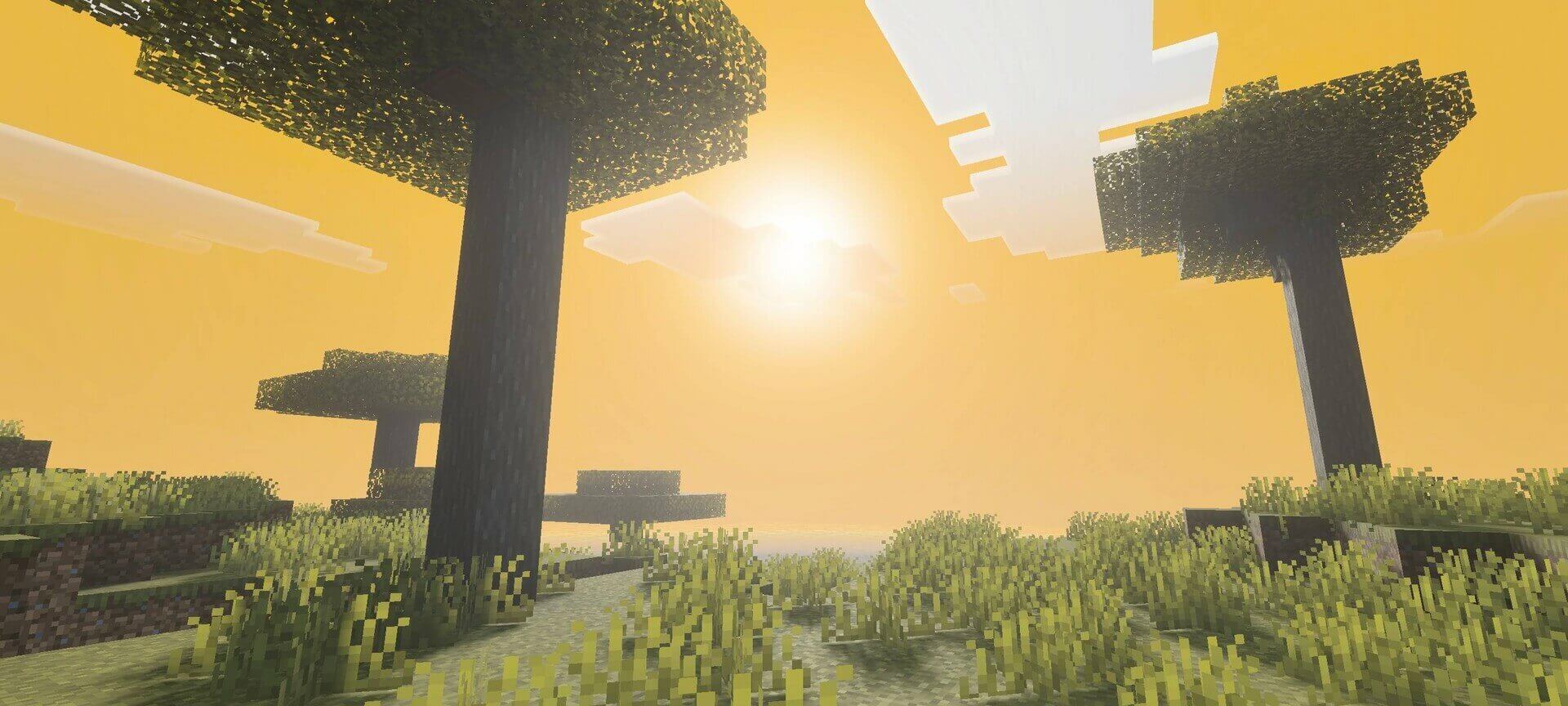
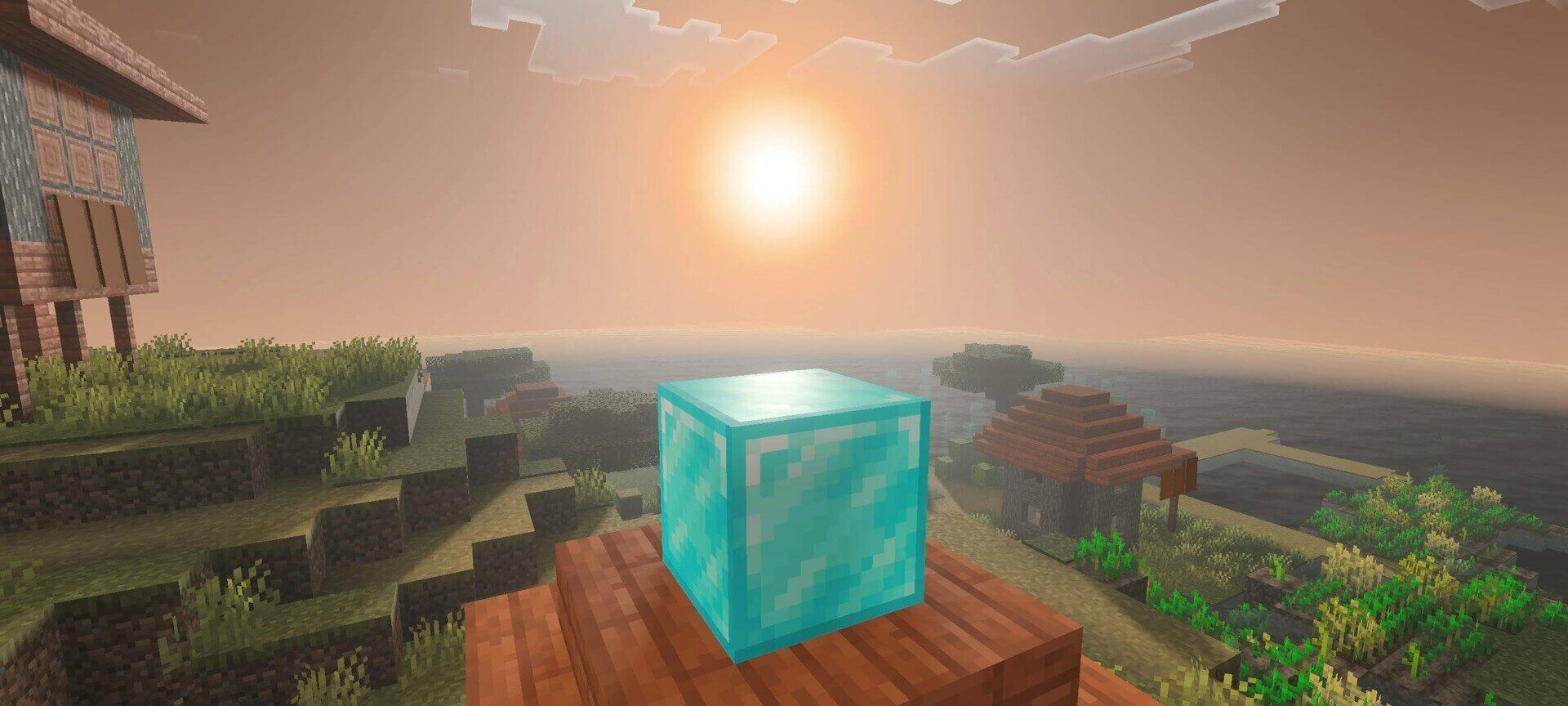
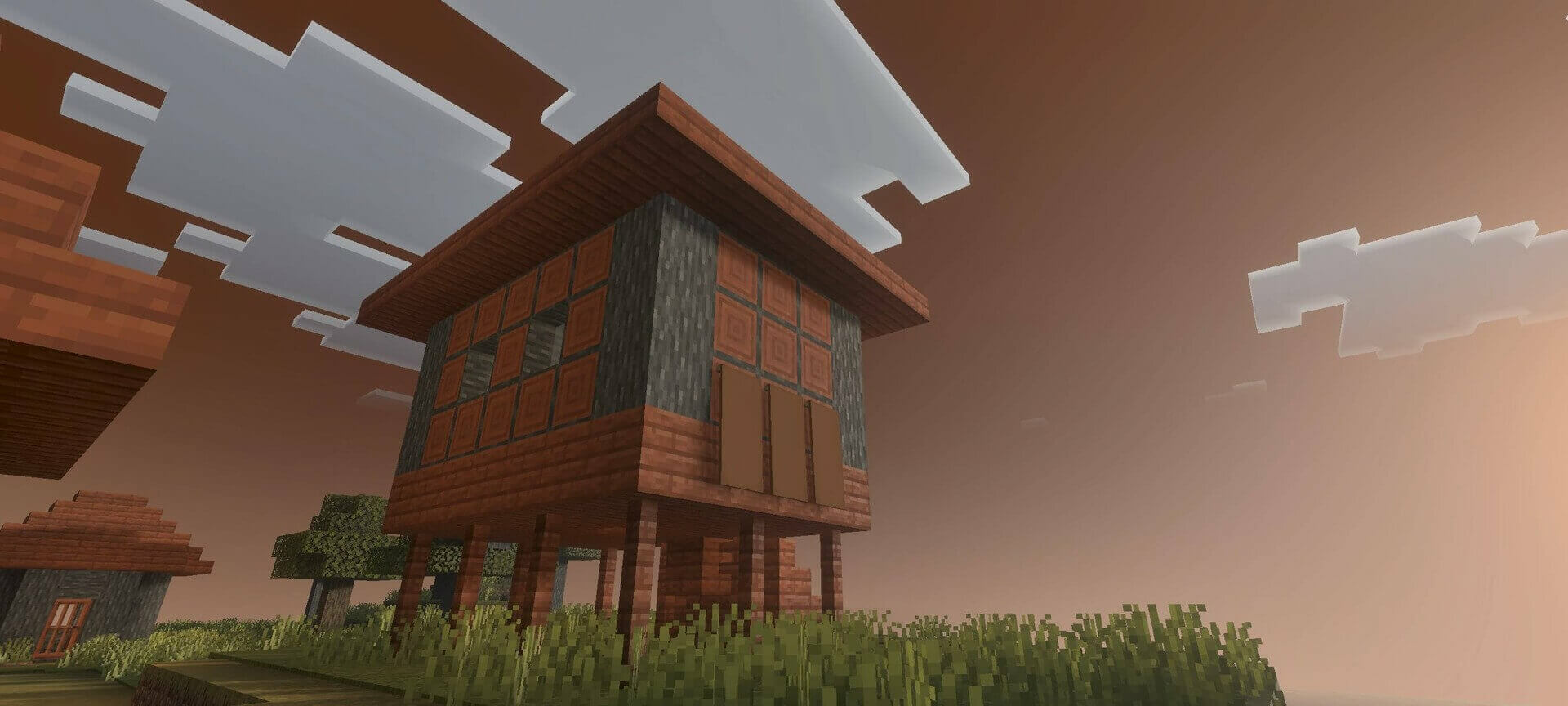
At night the palette becomes deeper, with stars and illuminated village windows standing out against the dark sky. The changes follow the time of day rather than keeping a single color filter active. Version 1.1 also refines the appearance of different biomes.
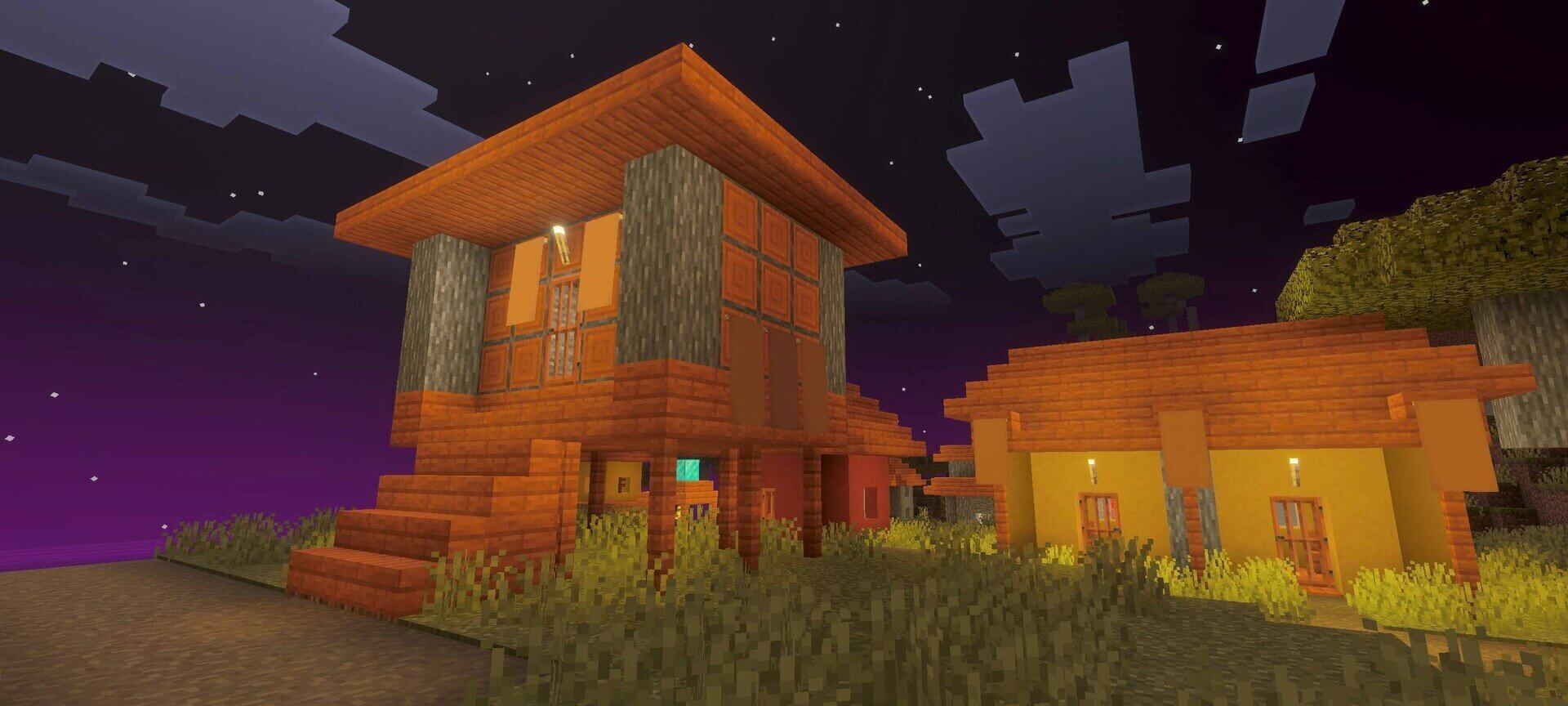
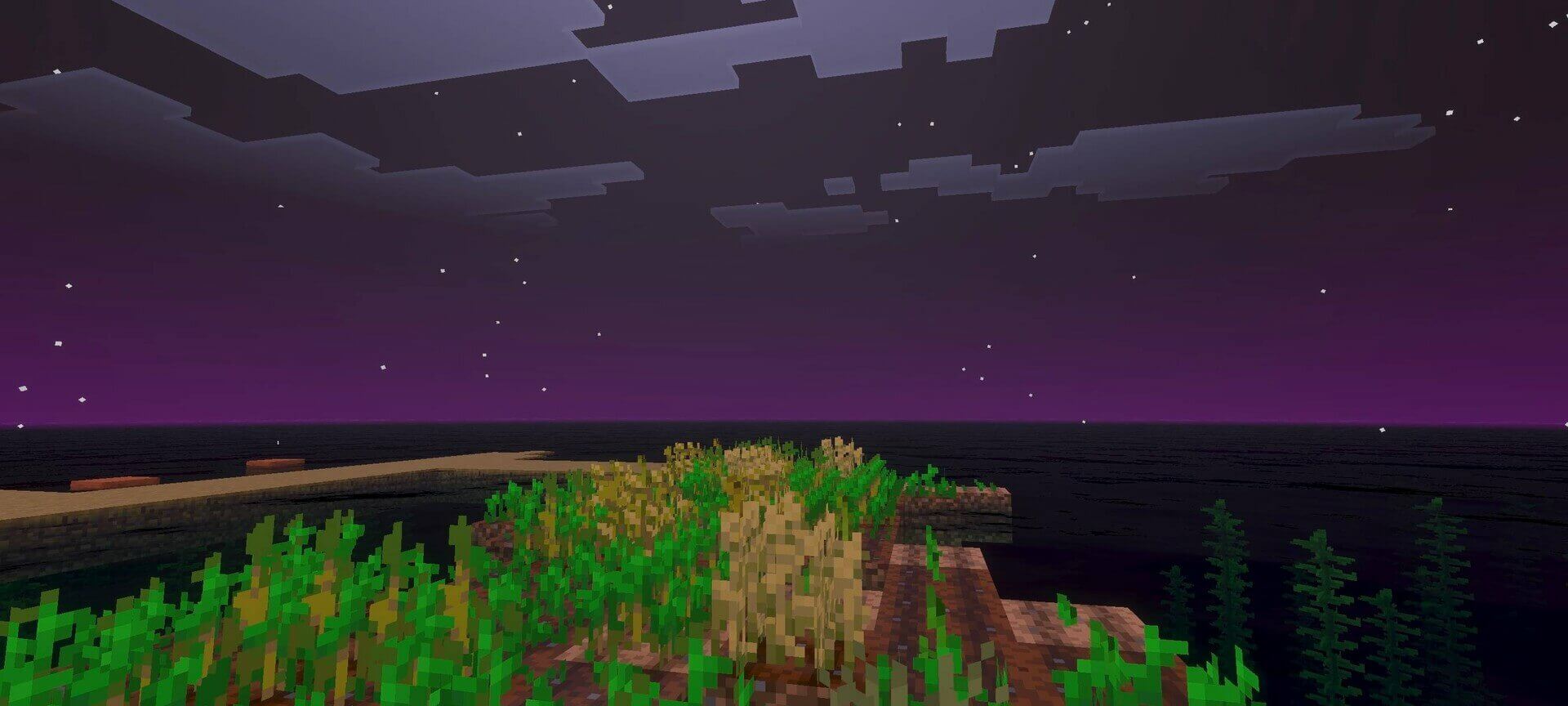
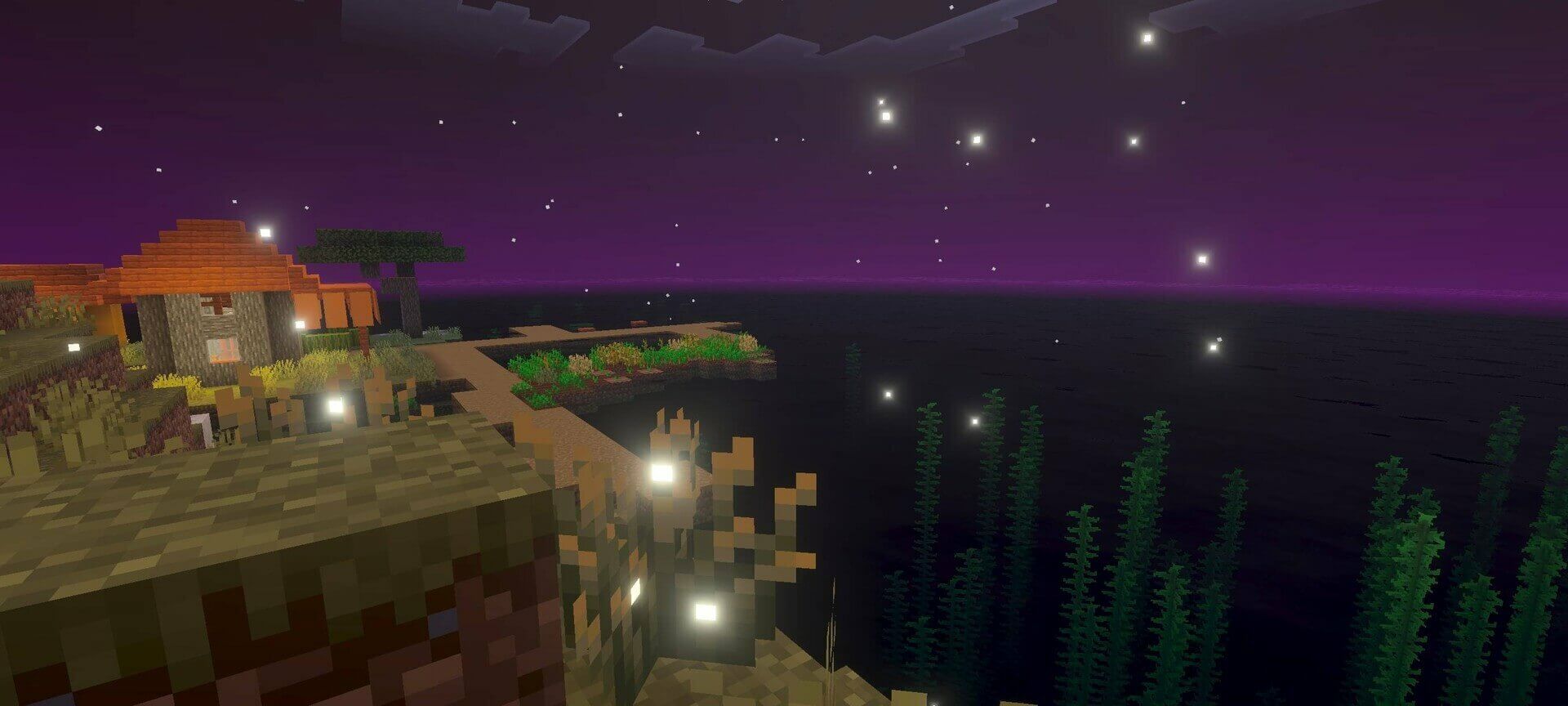
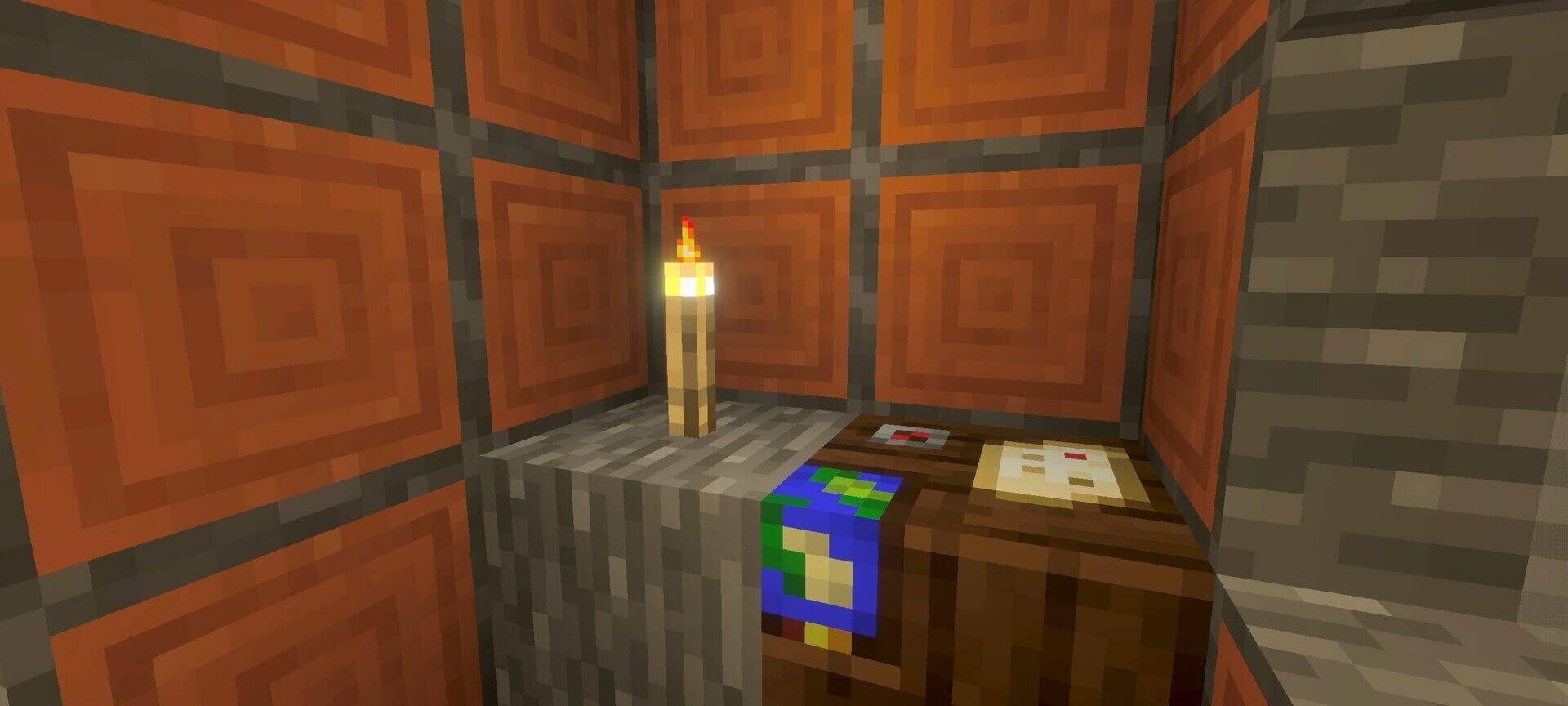
It is a Vibrant Visuals resource pack, not a material-bin loader shader. Enable the graphics mode after activating the resources; changing only the brightness slider will not apply the intended lighting.