Shader: NEQX Lumina Shader
Author: Neq-gamerz
How to enable: use a compatible RenderDragon shader loader, import the pack and activate it in Global Resources, then restart the game. Importing it into the standard client alone does not enable its shader effects. Minecraft 26.40 or newer is required. Select the desired variant with the resource-pack settings button.
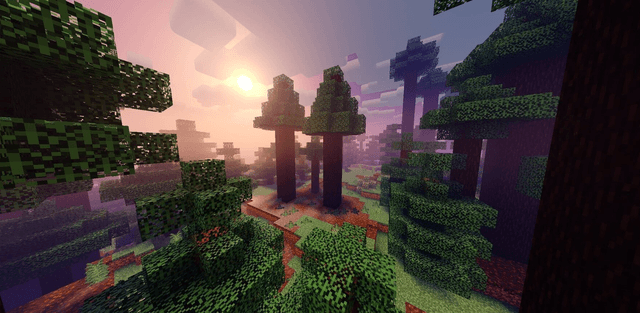
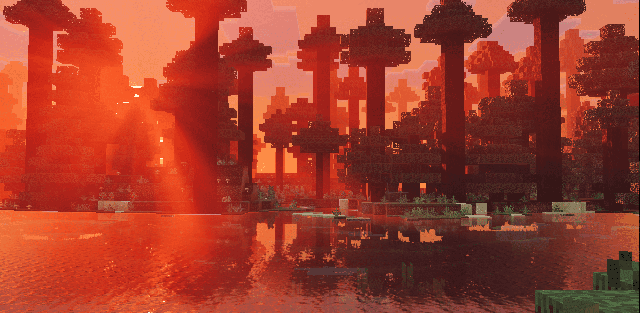
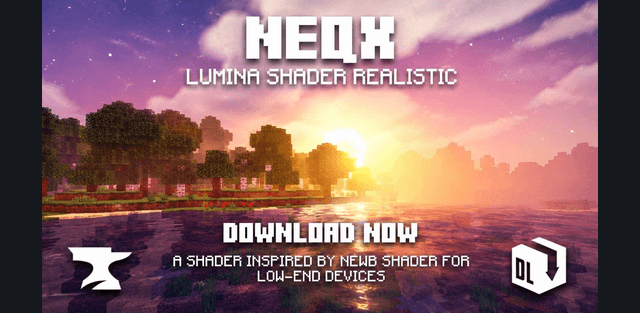
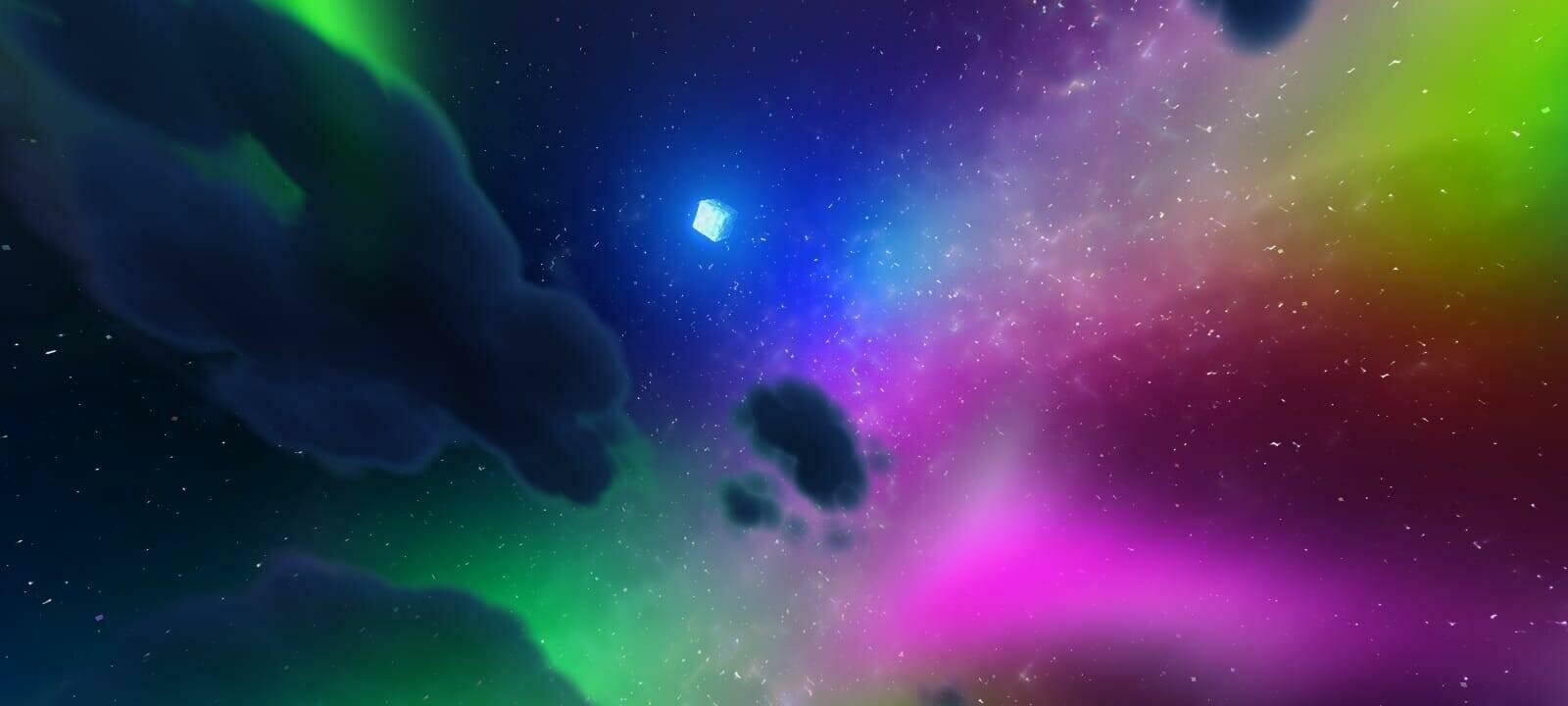
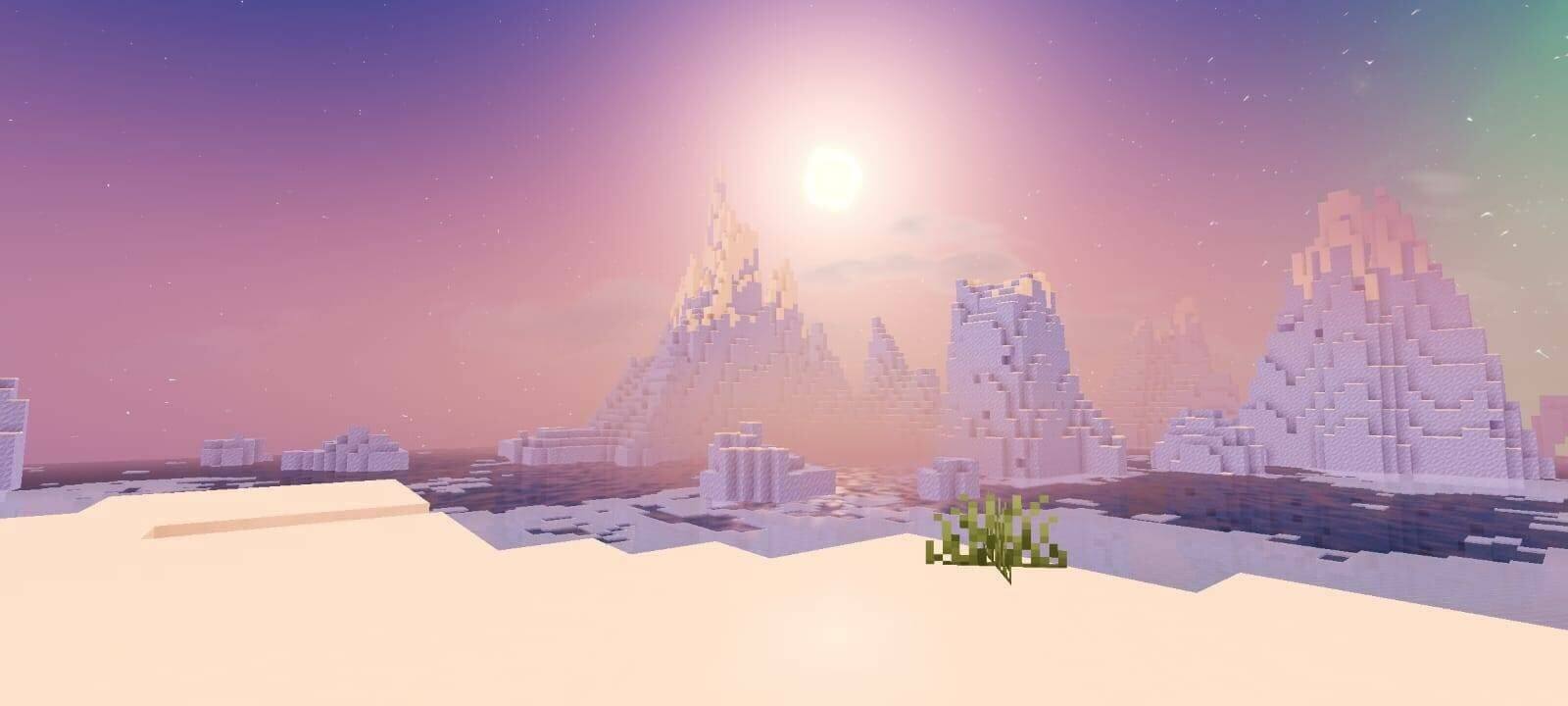
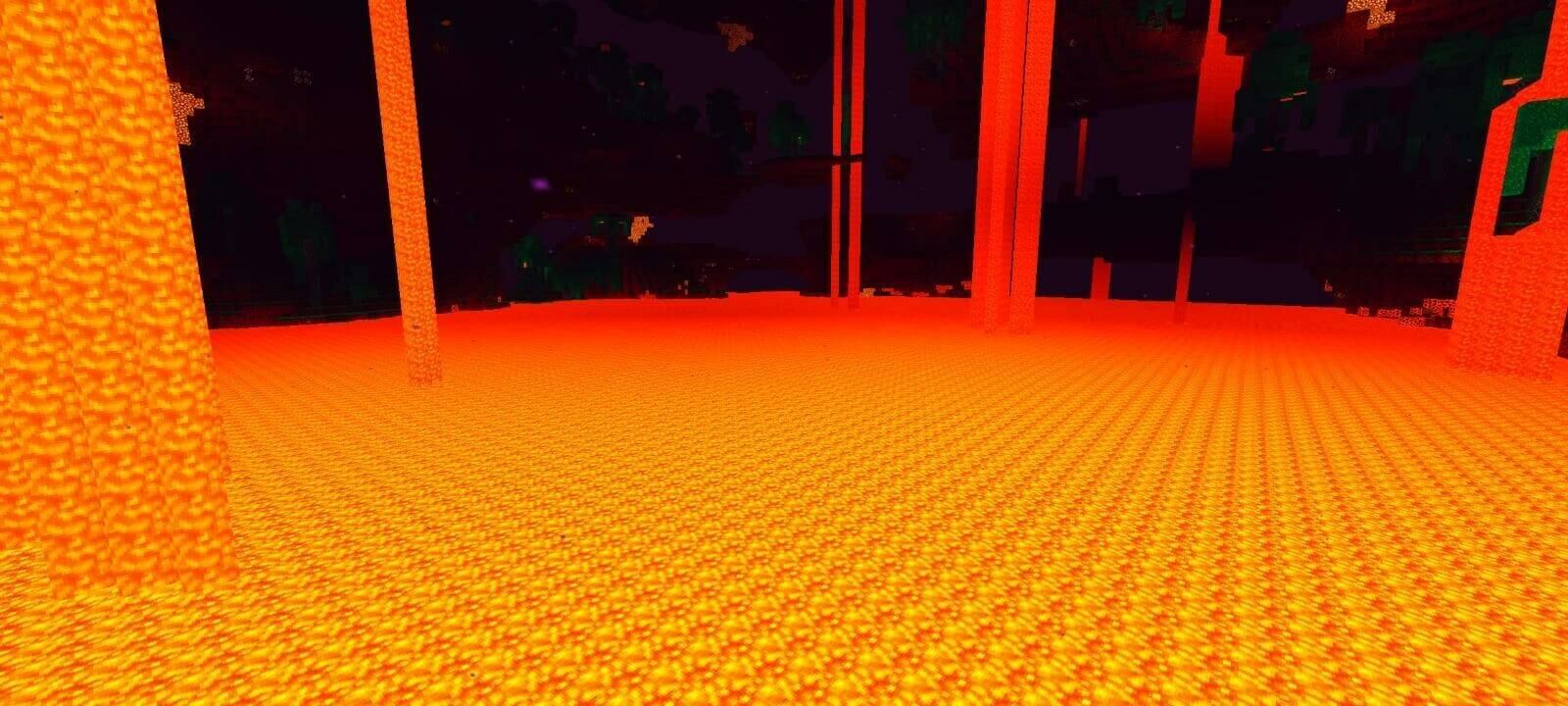
NEQX Lumina Shader adds richer lighting, colored fog and a more detailed sky while retaining the vanilla landscape style. Water moves in waves, clouds have several different forms, and nighttime scenes use colorful stars and atmospheric effects.
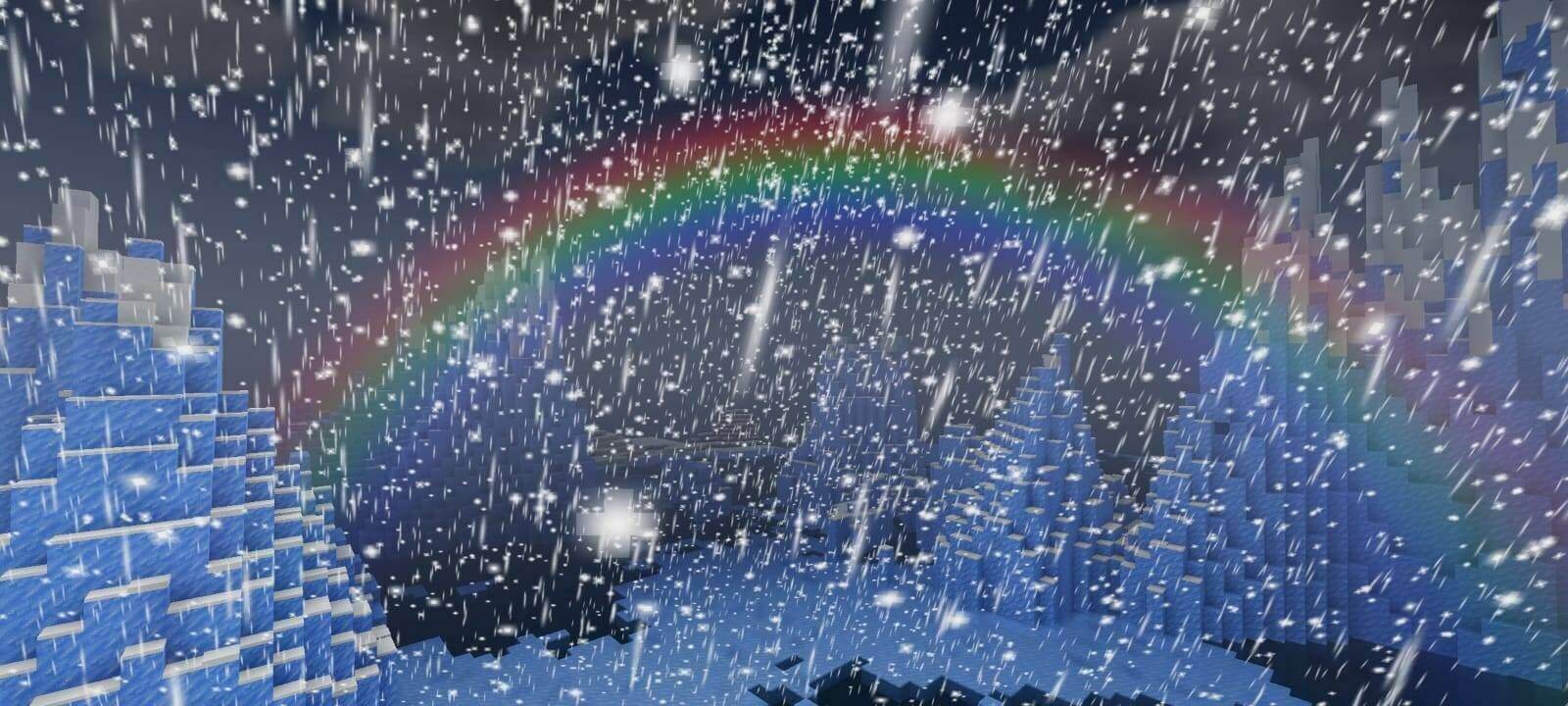
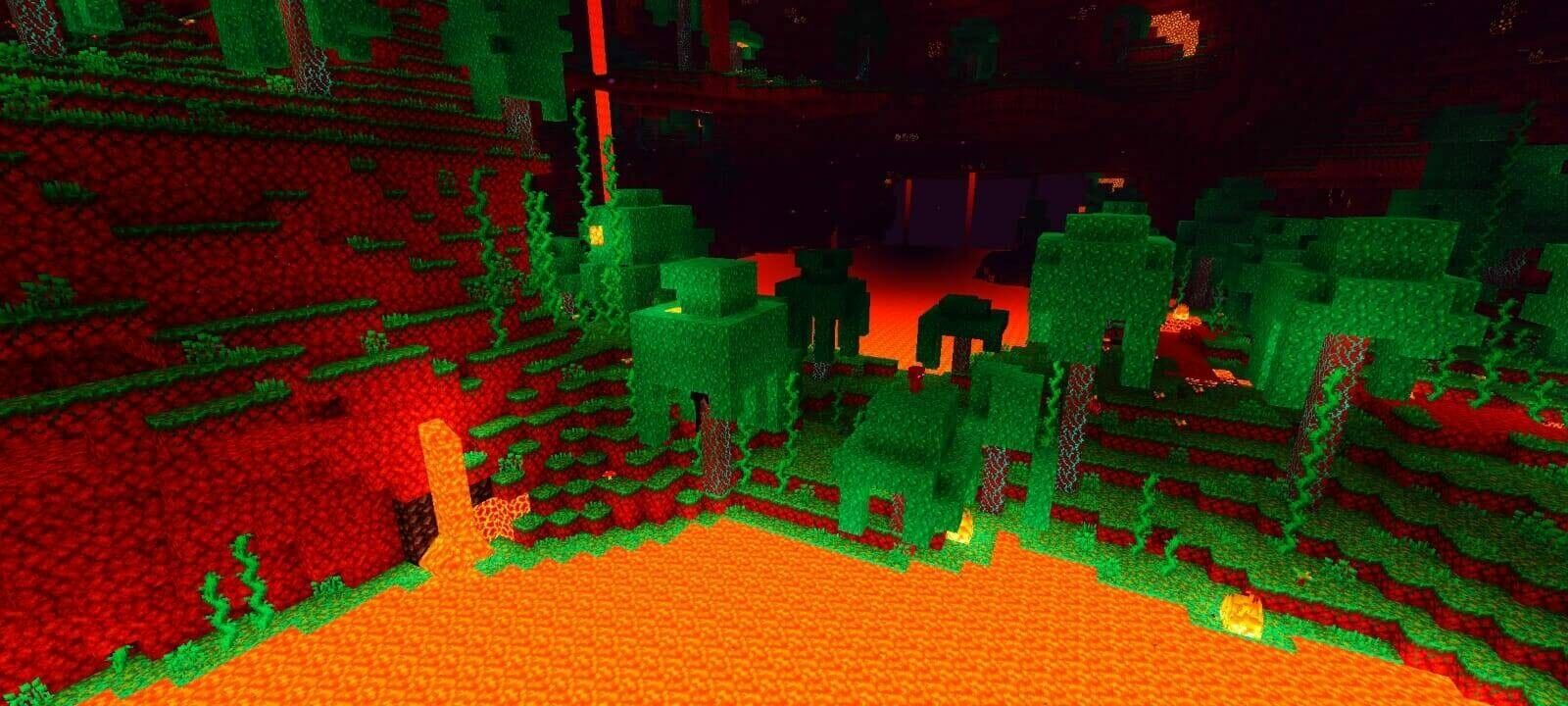
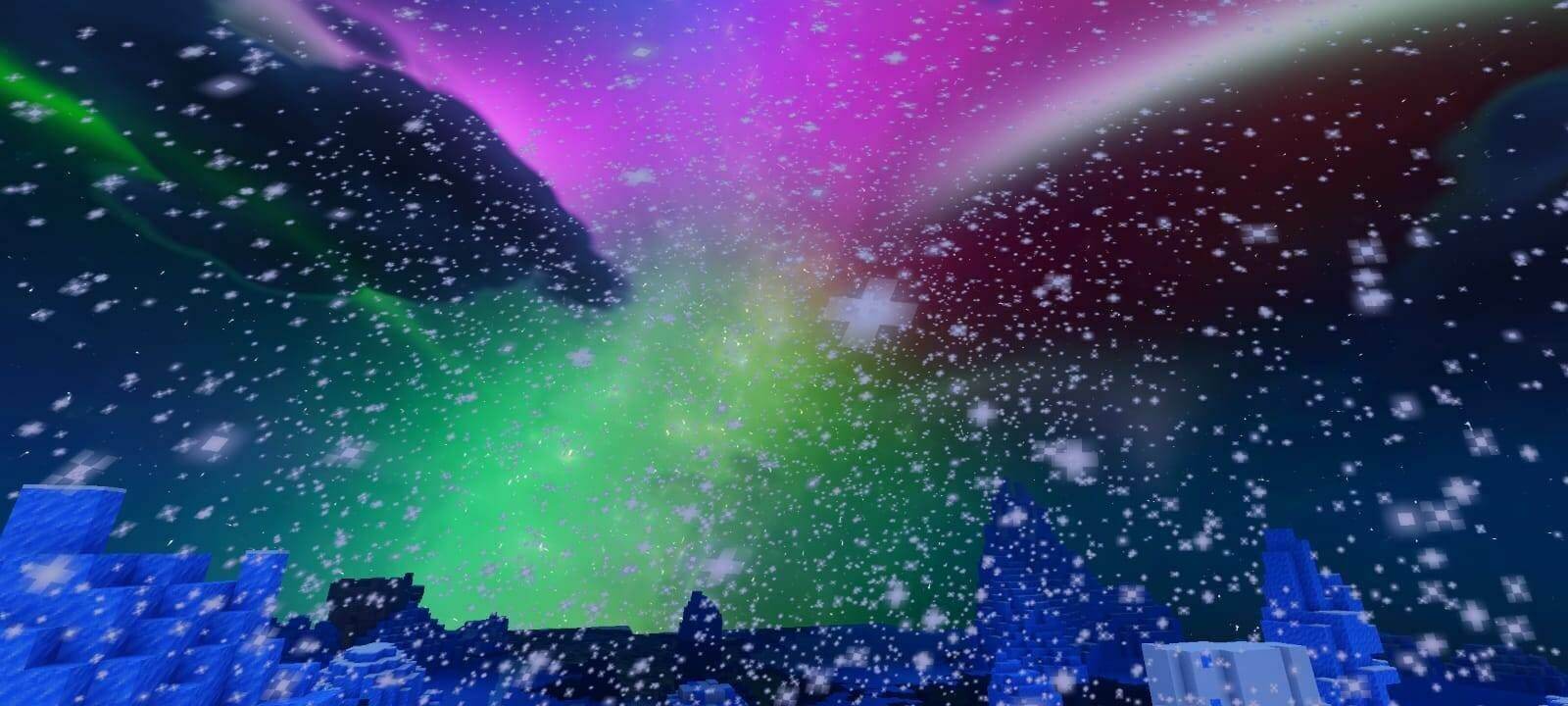
The settings offer Realistic, Rounded, Box and Default clouds, a chunk-loading animation, and modes without fog, waves or both. Lite disables a number of effects for a simpler presentation. These are built-in options rather than separate downloads.
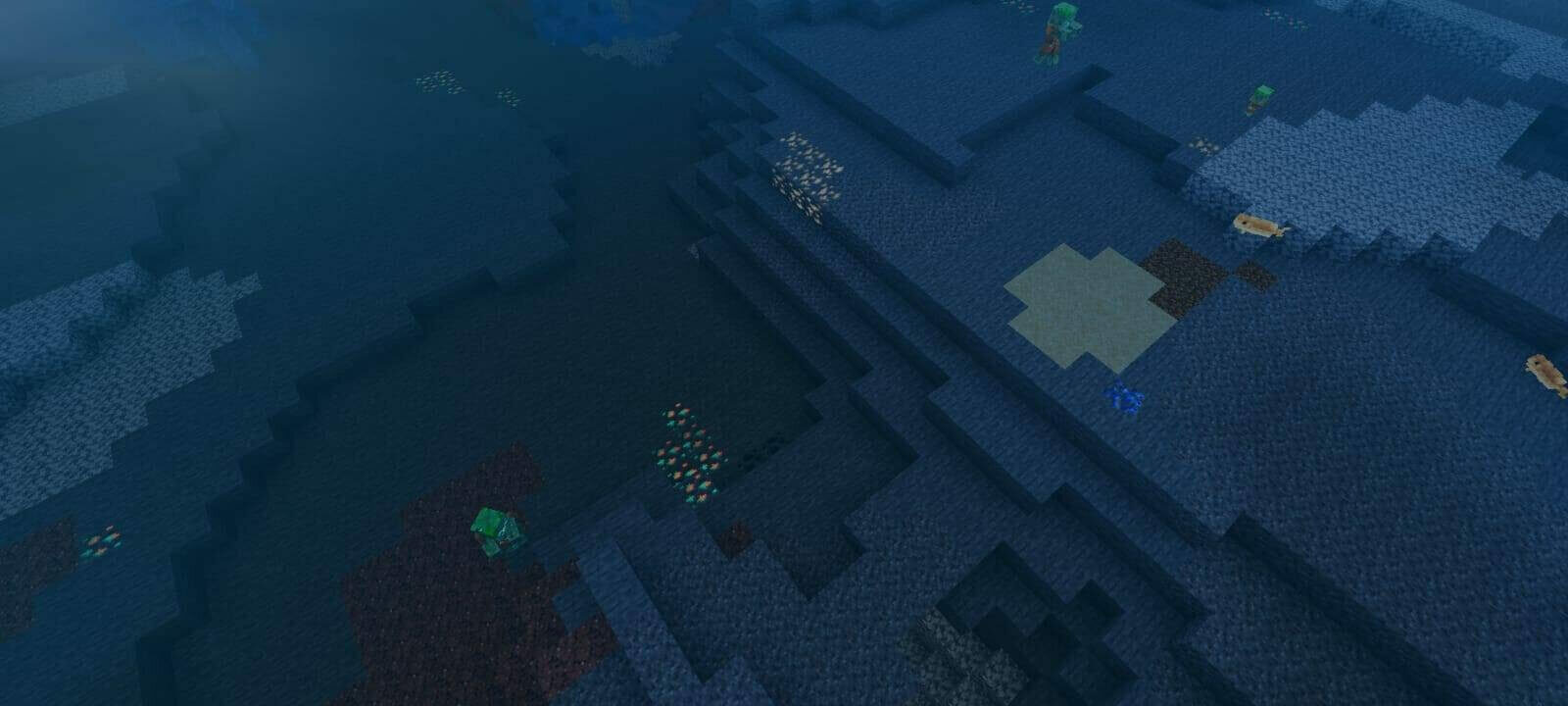
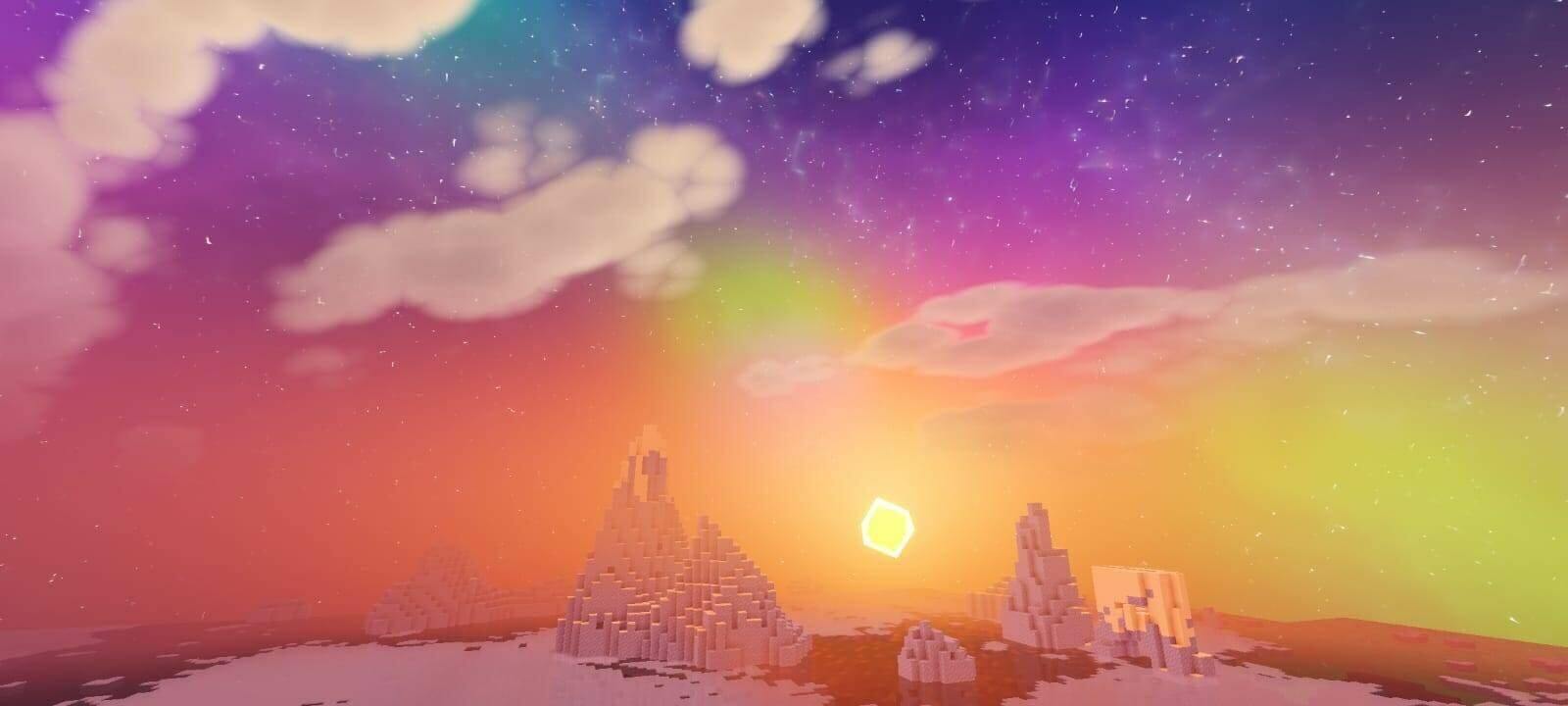
A compatible RenderDragon loader is still necessary even when Lite is selected. Choosing a lighter preset does not turn it into a standard-client resource pack.

How to install the shader
Download the .mcpack file, open it with Minecraft and wait for the import to finish. Enable the pack in the world's Resource Packs settings. Shader compatibility depends on the Minecraft version and graphics mode.