Shader: Epic Visuals
Author: Ghoulcat_studios
How to enable: import the pack, activate it in Global Resources or in the world resource packs, then select Vibrant Visuals in Settings > Video > Graphics Mode. A device that supports this mode is required. The author lists Minecraft 1.21.80+ and devices in the Snapdragon 855/Adreno 640 or Dimensity 1000 class, or a PC with DirectX 12 feature level 11 support.
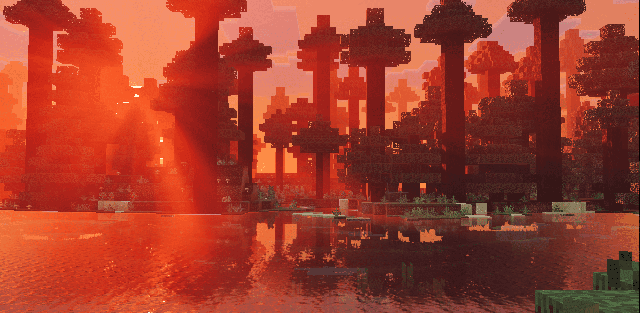
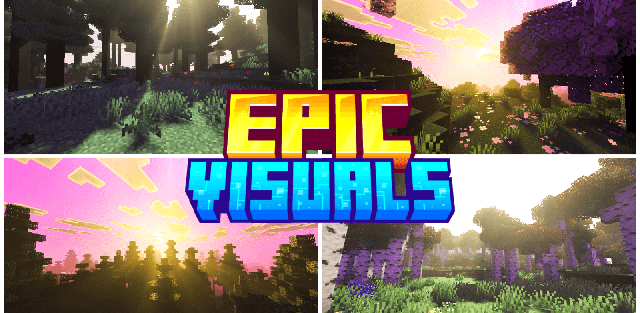
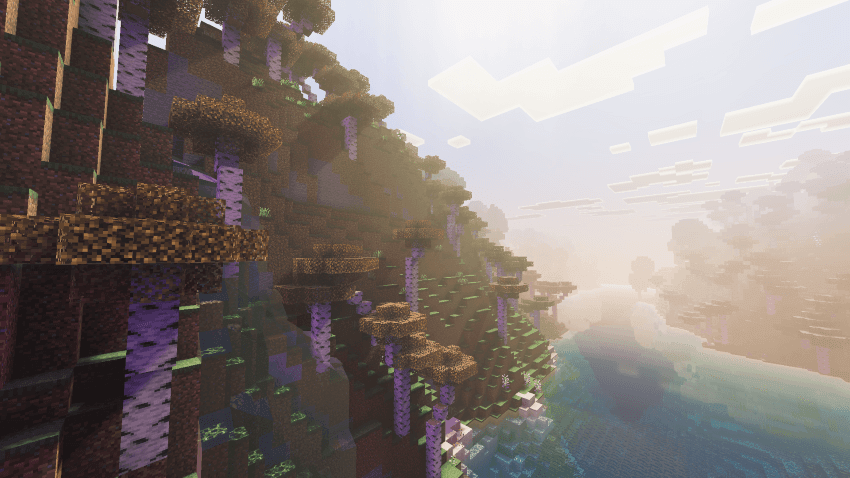
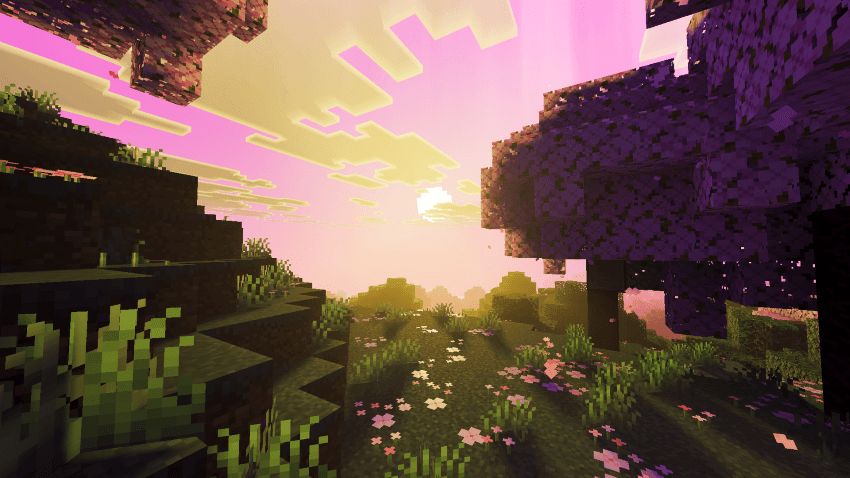
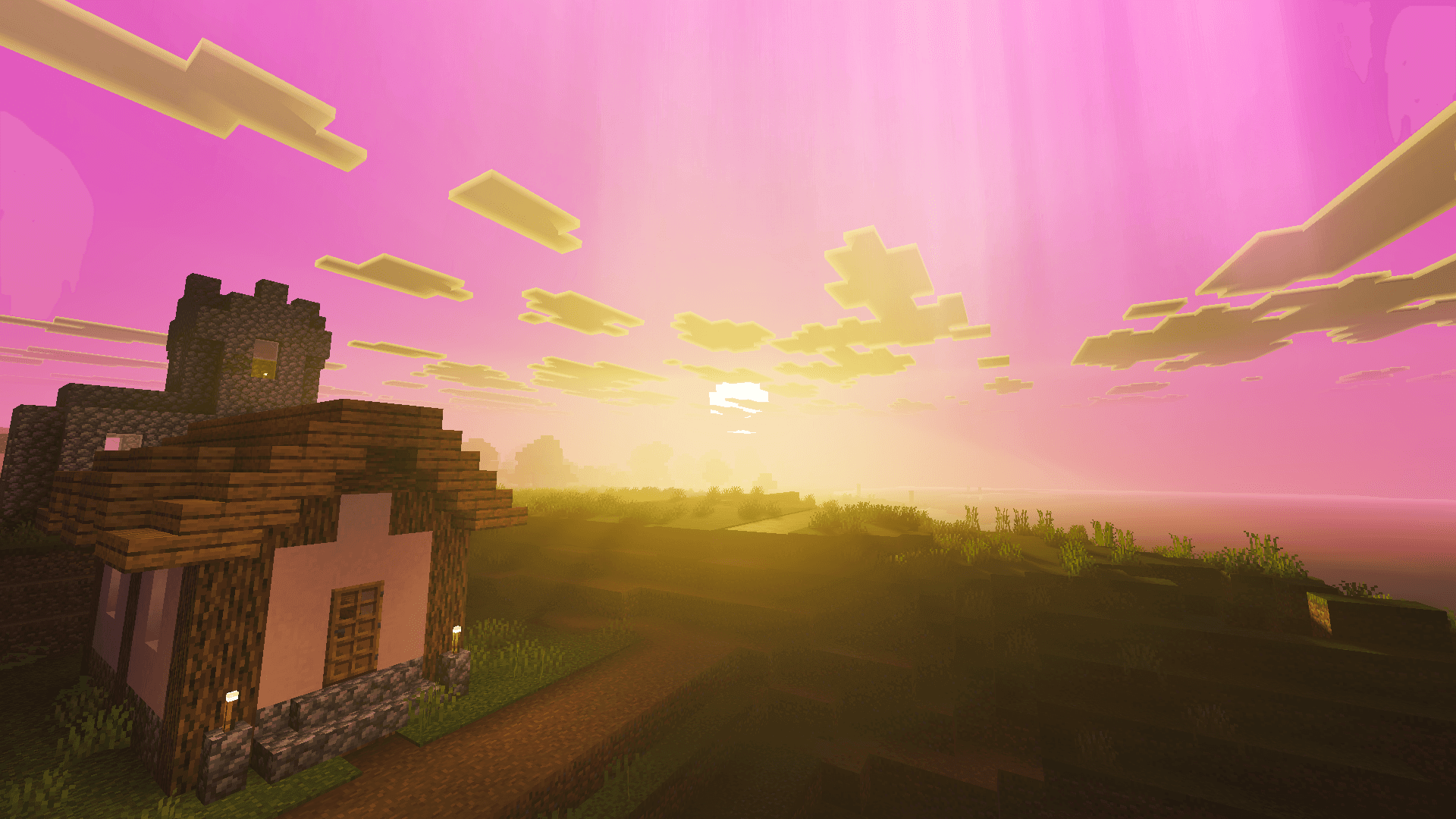
Epic Visuals creates a fantasy atmosphere with golden sunlight, violet twilight and luminous night skies. Biome-dependent fog gives distant trees and hills depth, while reflective water picks up the changing sky colors.
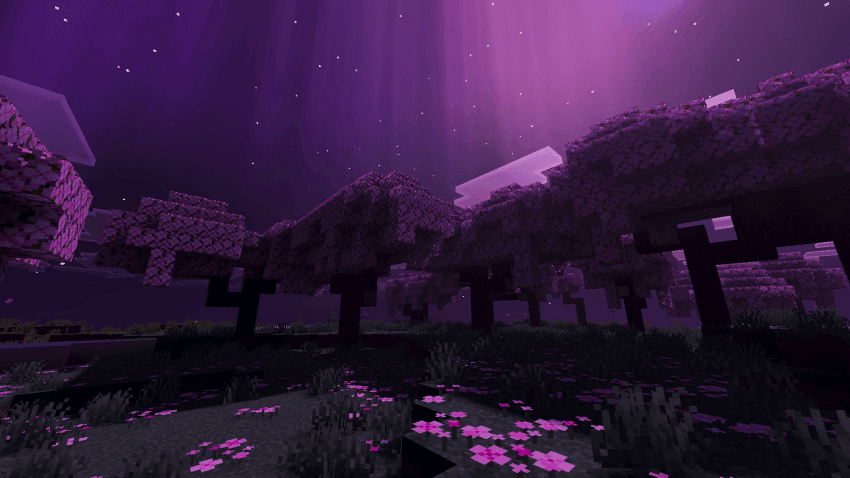
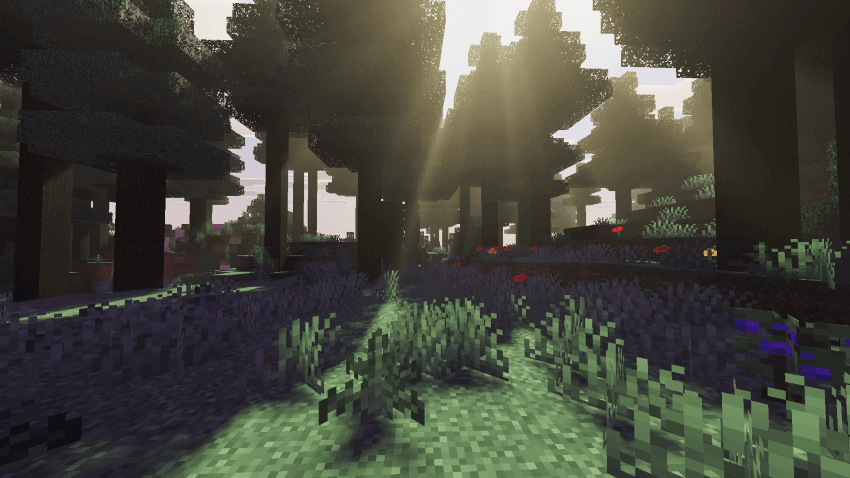
Purple moonlight, aurora-like particles and glowing ores carry the same style into nighttime and underground scenes. The pack keeps the familiar block shapes but makes the overall palette much more expressive, especially in forests and cherry groves.
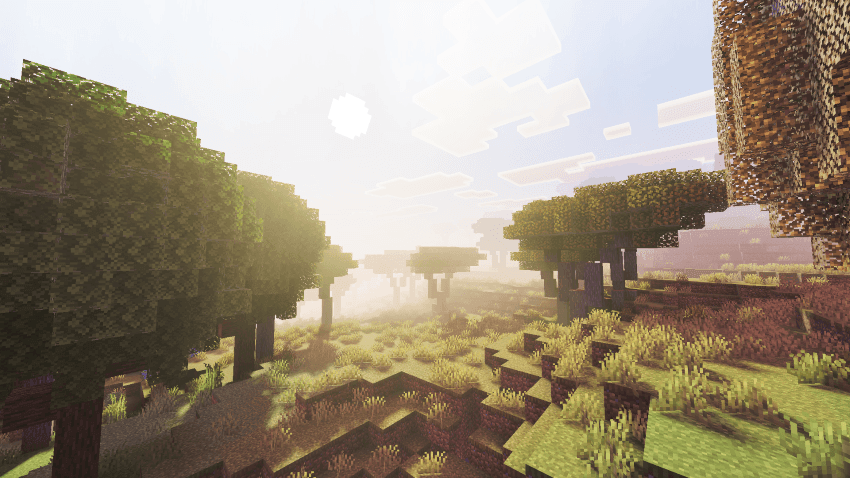
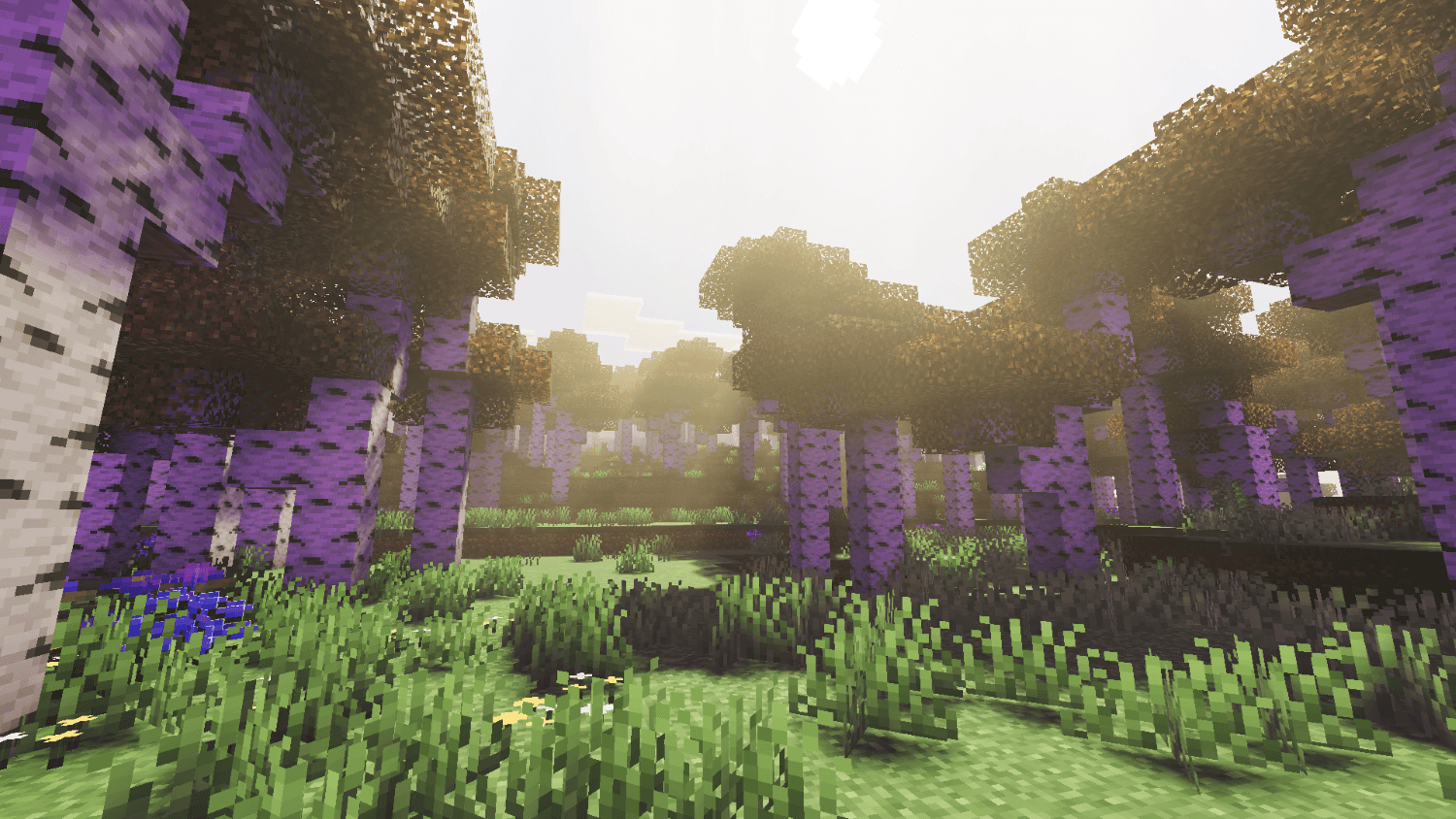
The hardware classes listed by the author are guidance, not a guaranteed frame rate. If Vibrant Visuals is unavailable in the game settings, this pack cannot enable that renderer by itself.
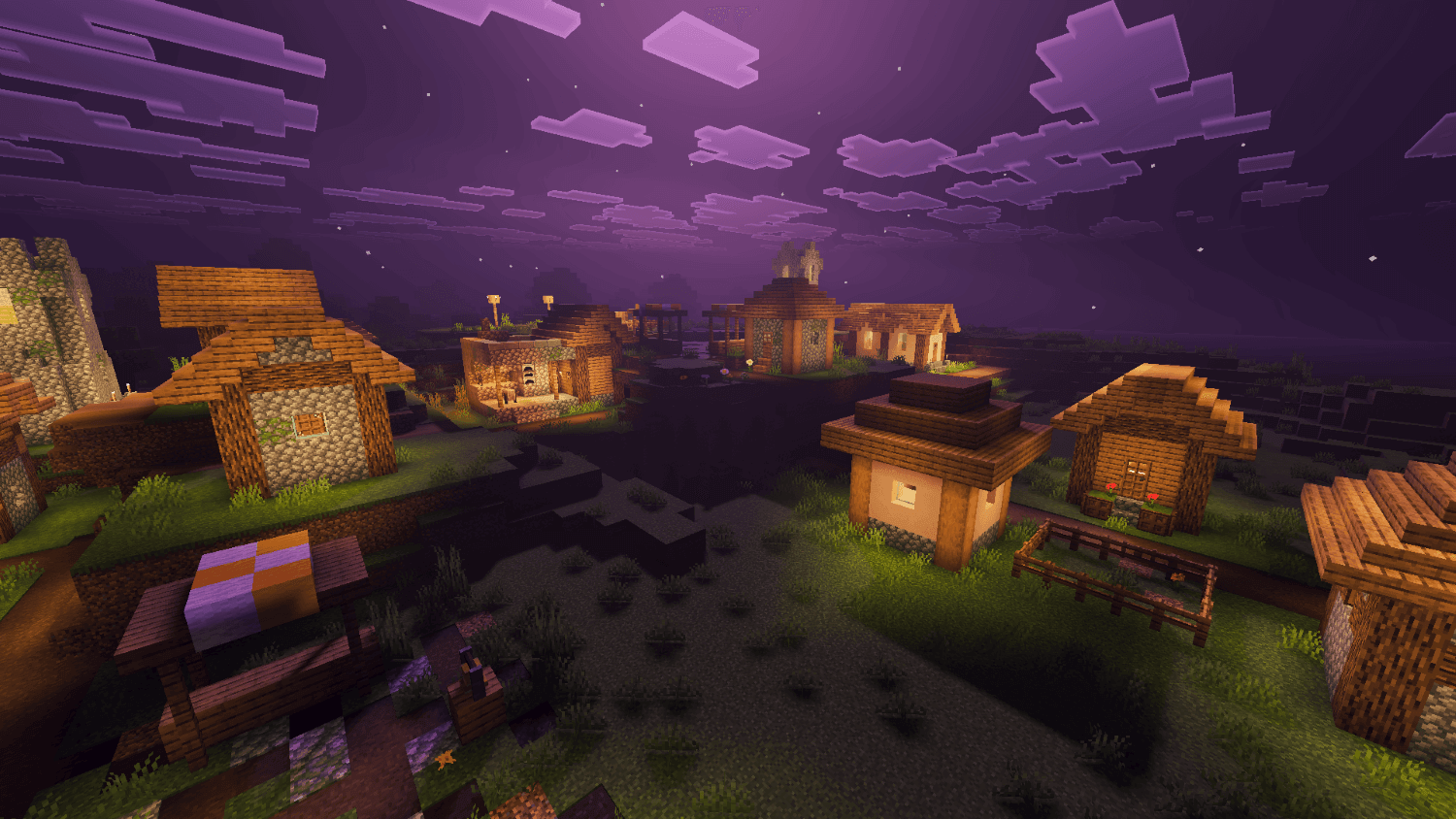
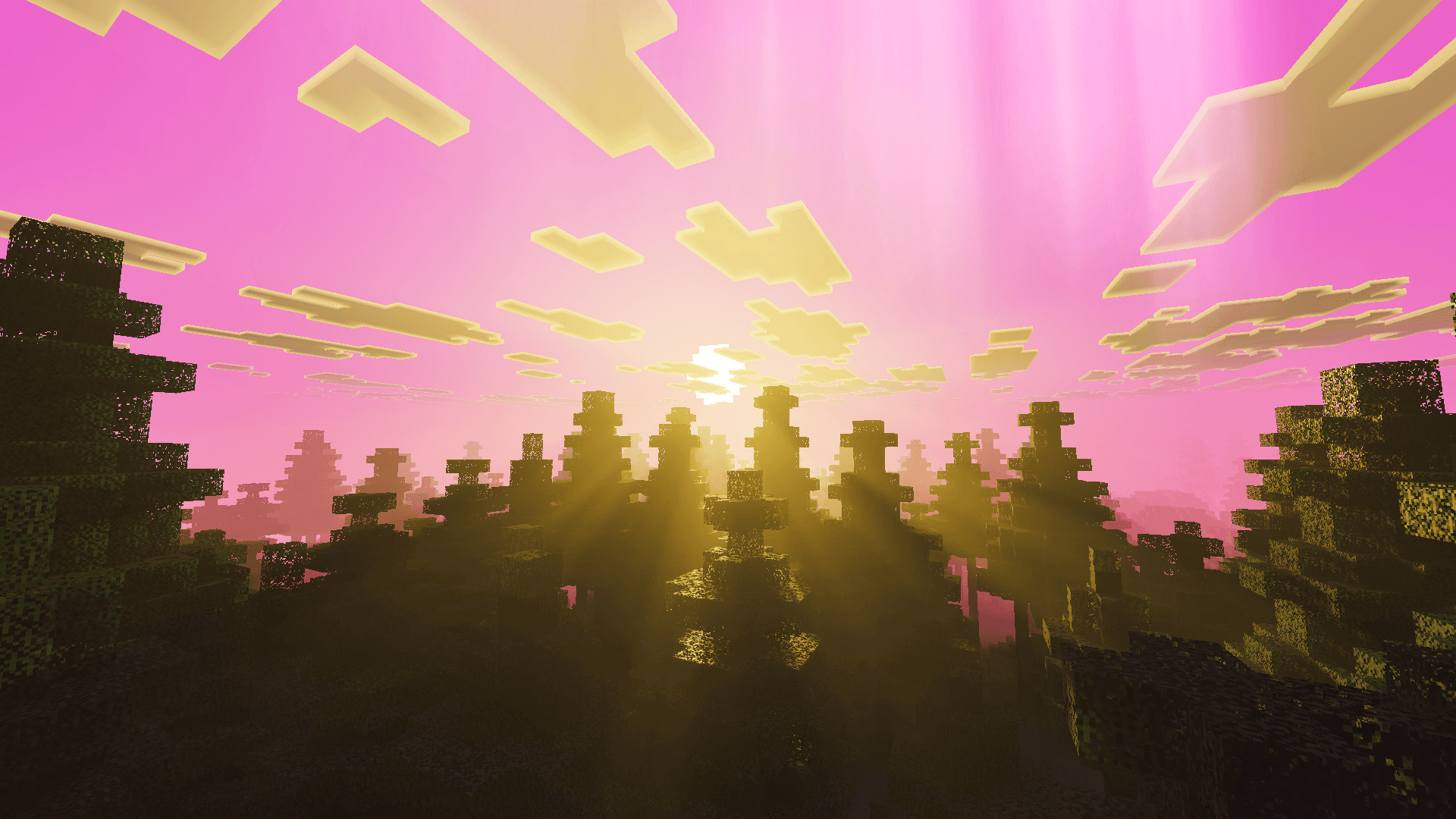
How to install the shader
Download the .mcpack file, open it with Minecraft and wait for the import to finish. Enable the pack in the world's Resource Packs settings. Shader compatibility depends on the Minecraft version and graphics mode.