How to enable: use a compatible RenderDragon shader loader, import the pack and activate it in Global Resources, then restart the game. Importing it into the standard client alone does not enable its shader effects. Use a loader for Android, iOS, Windows or Linux. Select Fancy graphics, turn on Clouds and Smooth Lighting, and set brightness to 50-90. If using Simple graphics, turn Clouds off.
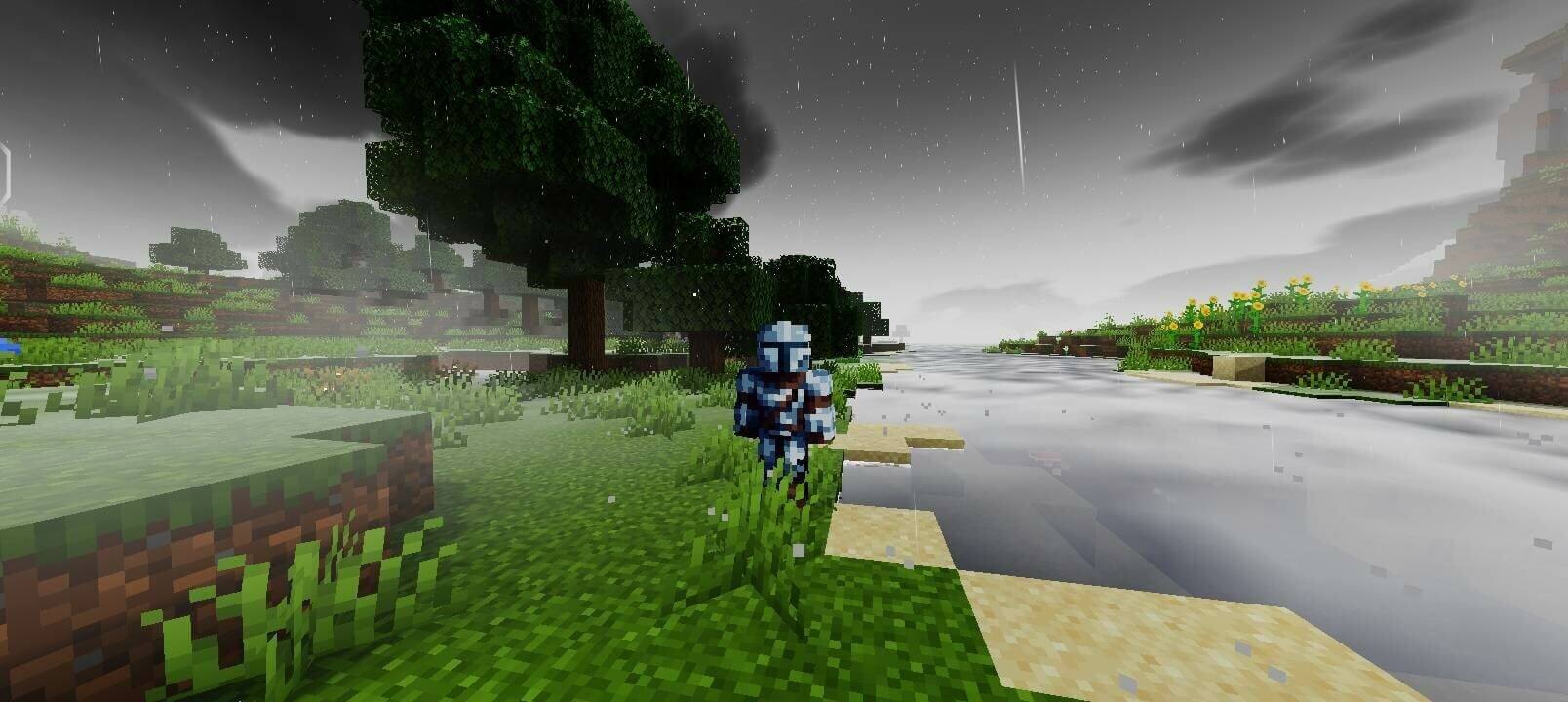
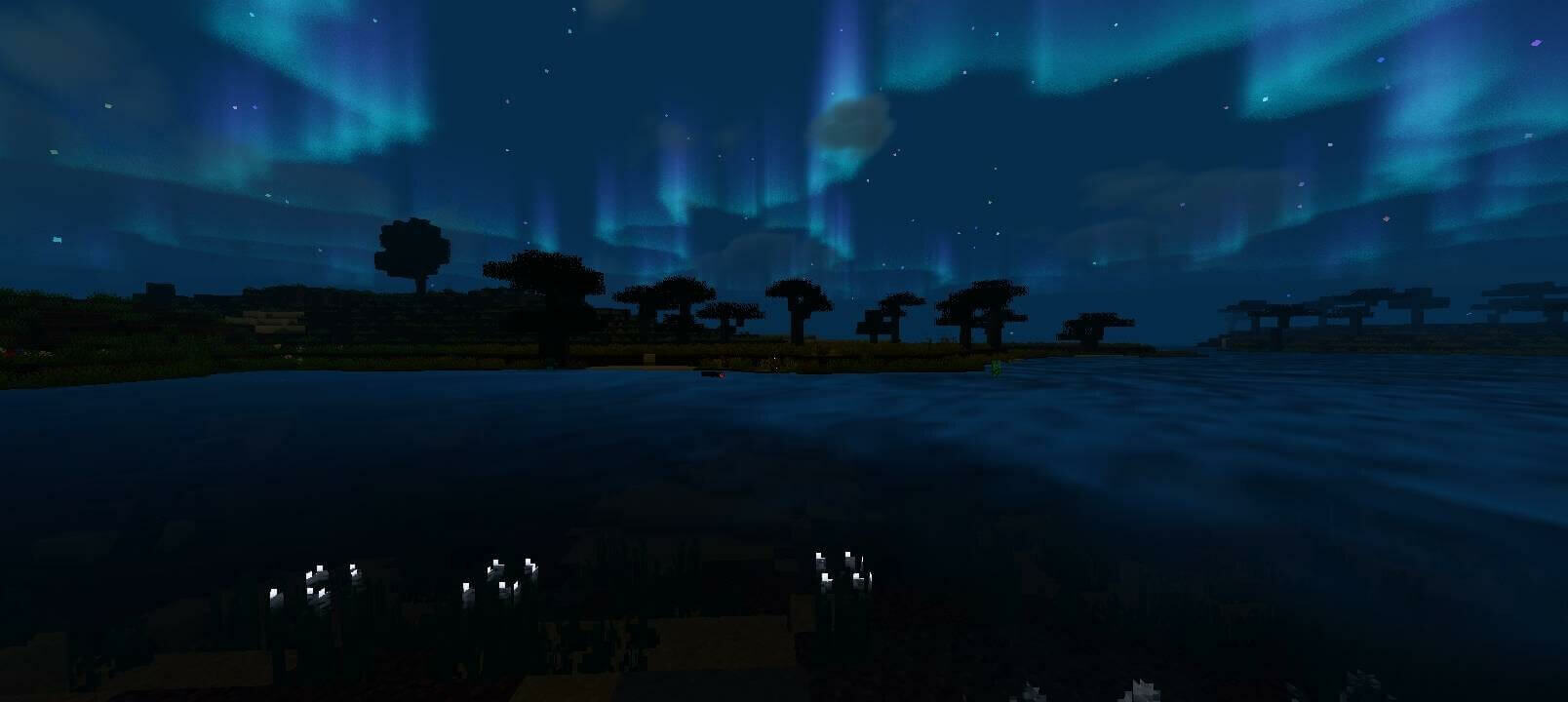
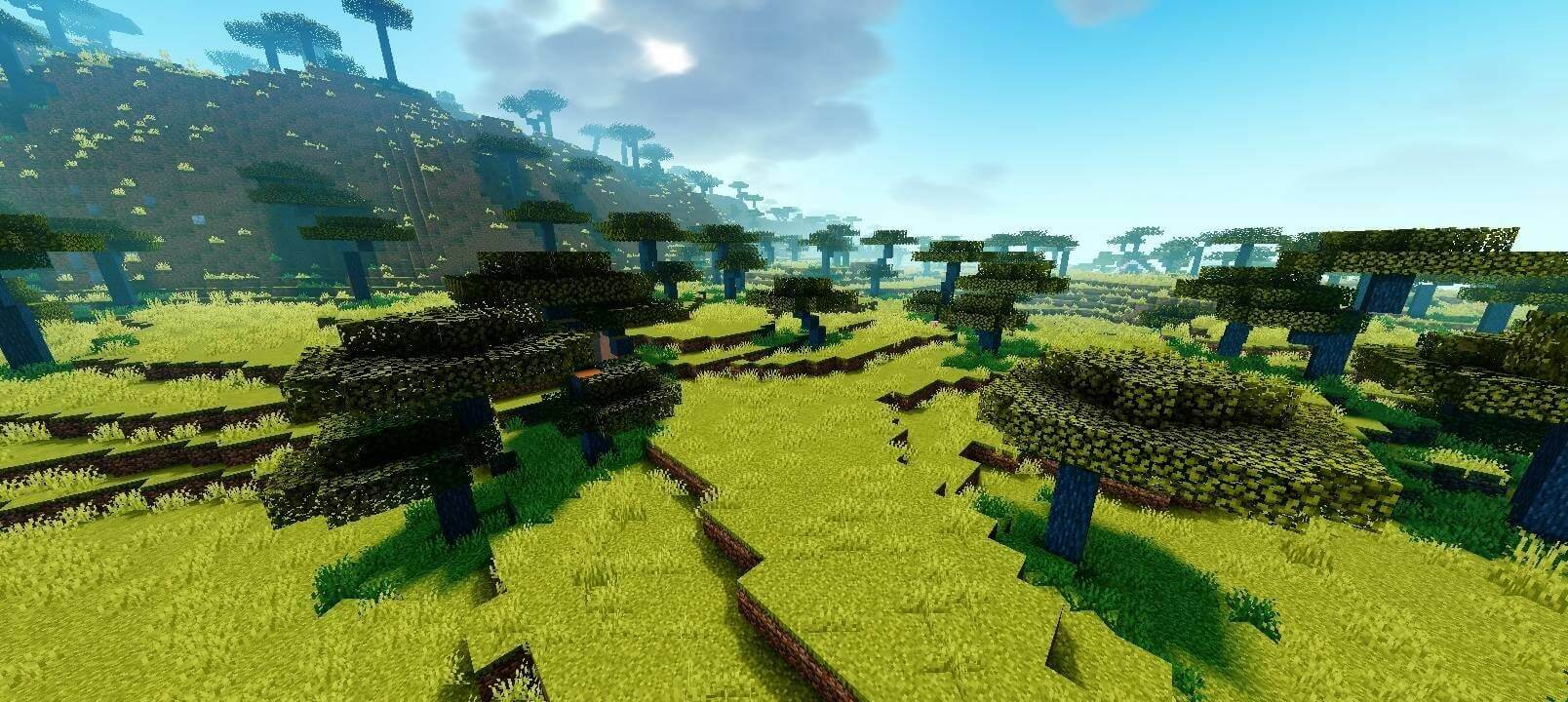
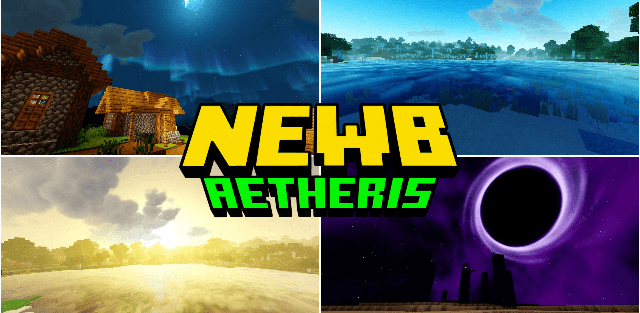
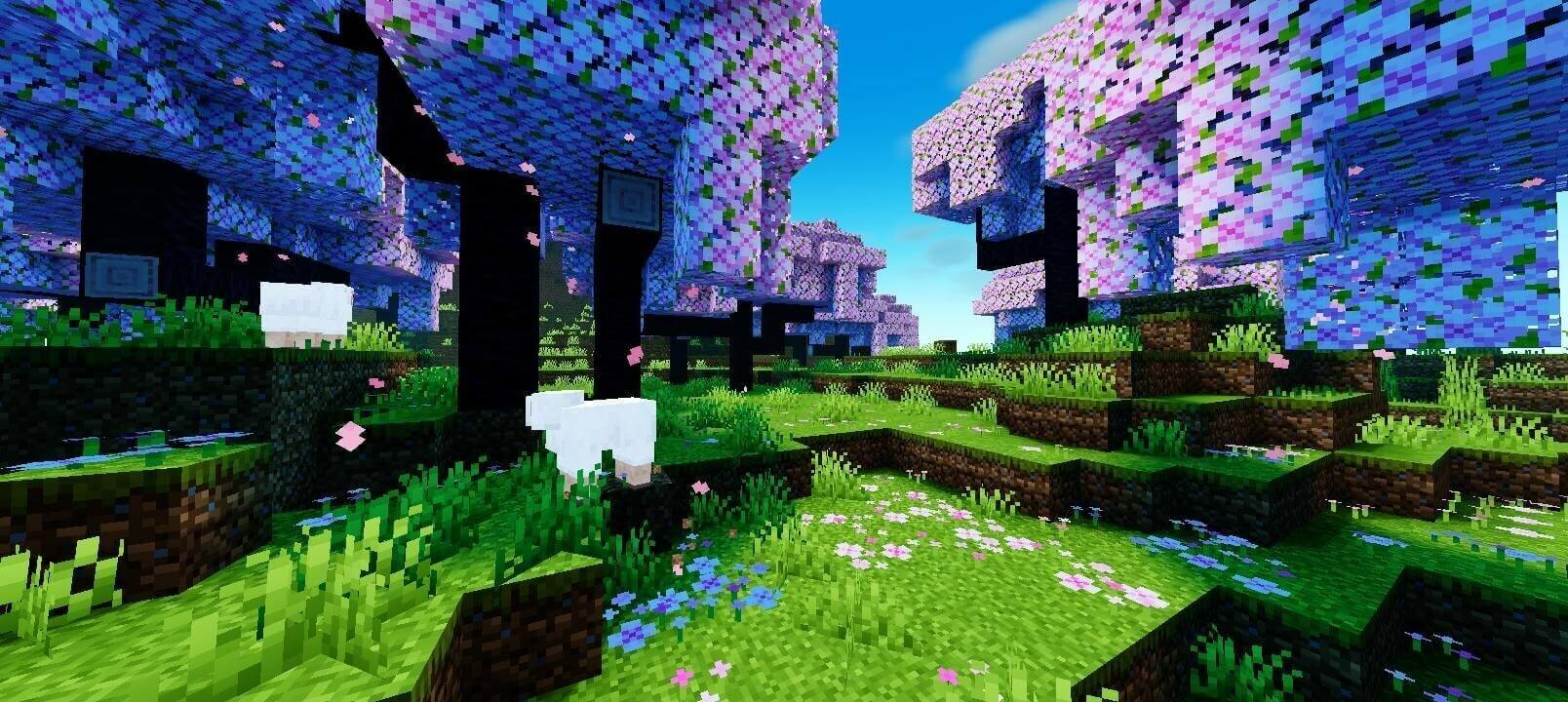
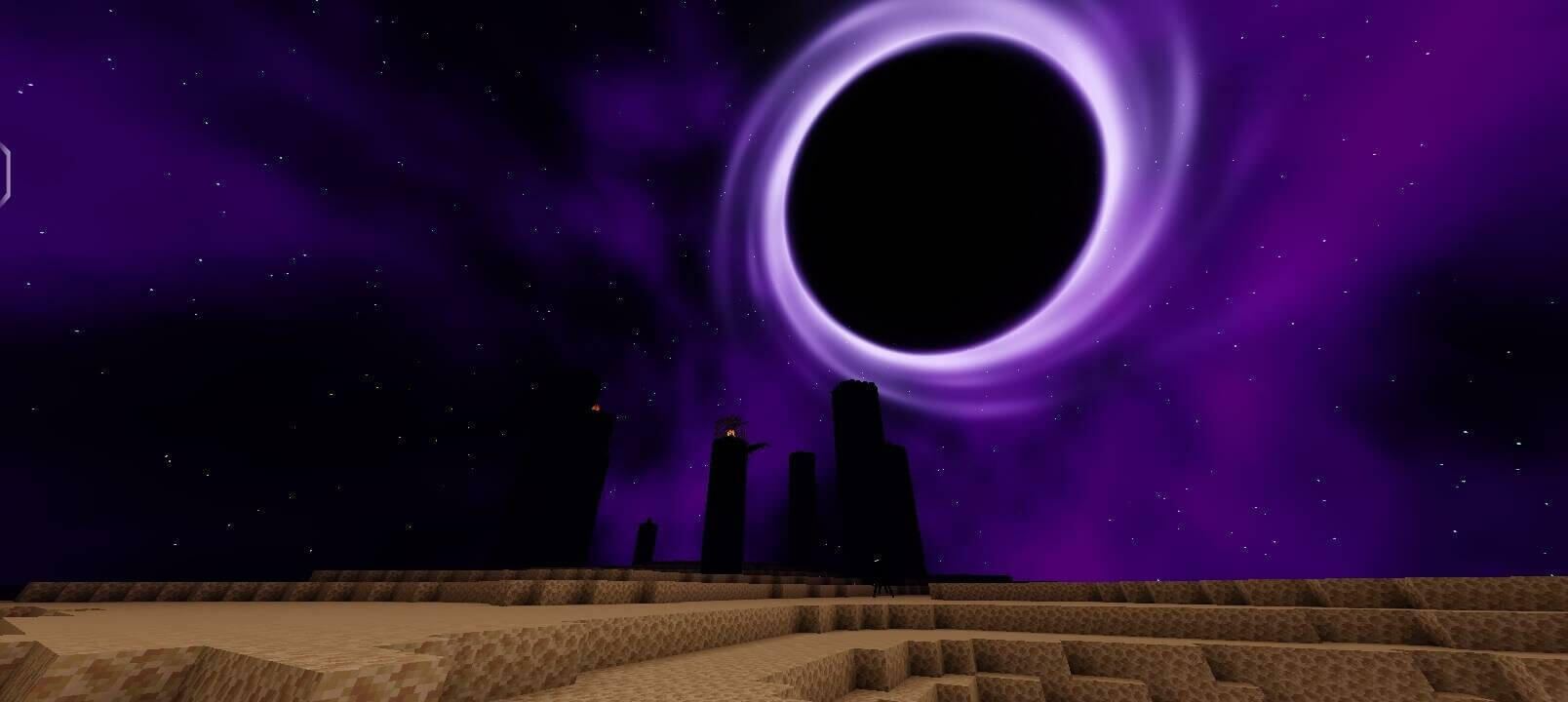
Newb Aetheris combines colorful daylight with dynamic water, atmospheric fog and animated surroundings. Reflective surfaces, moving foliage and warm torchlight give ordinary landscapes a more vivid appearance. Nights feature auroras, while the End receives a nebula-like cosmic backdrop.
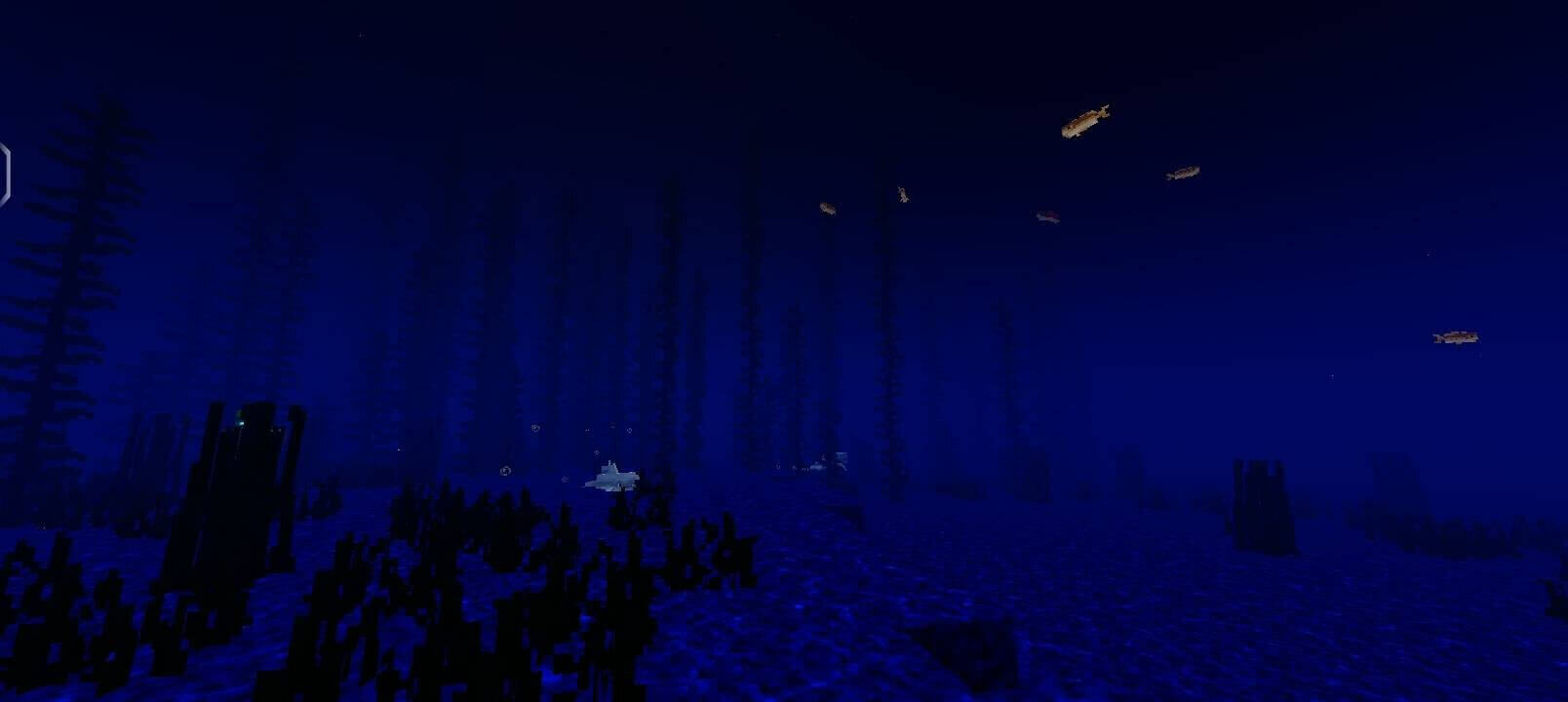
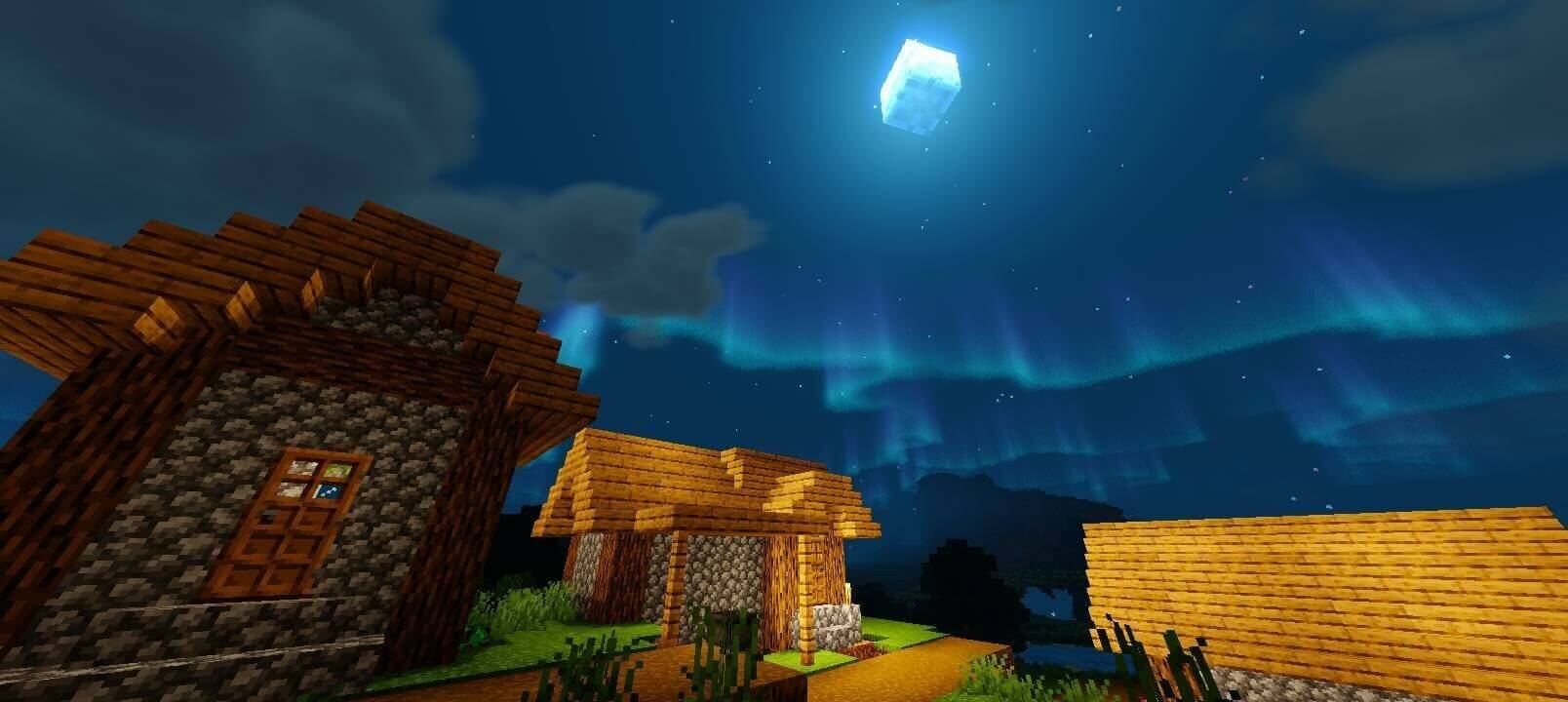
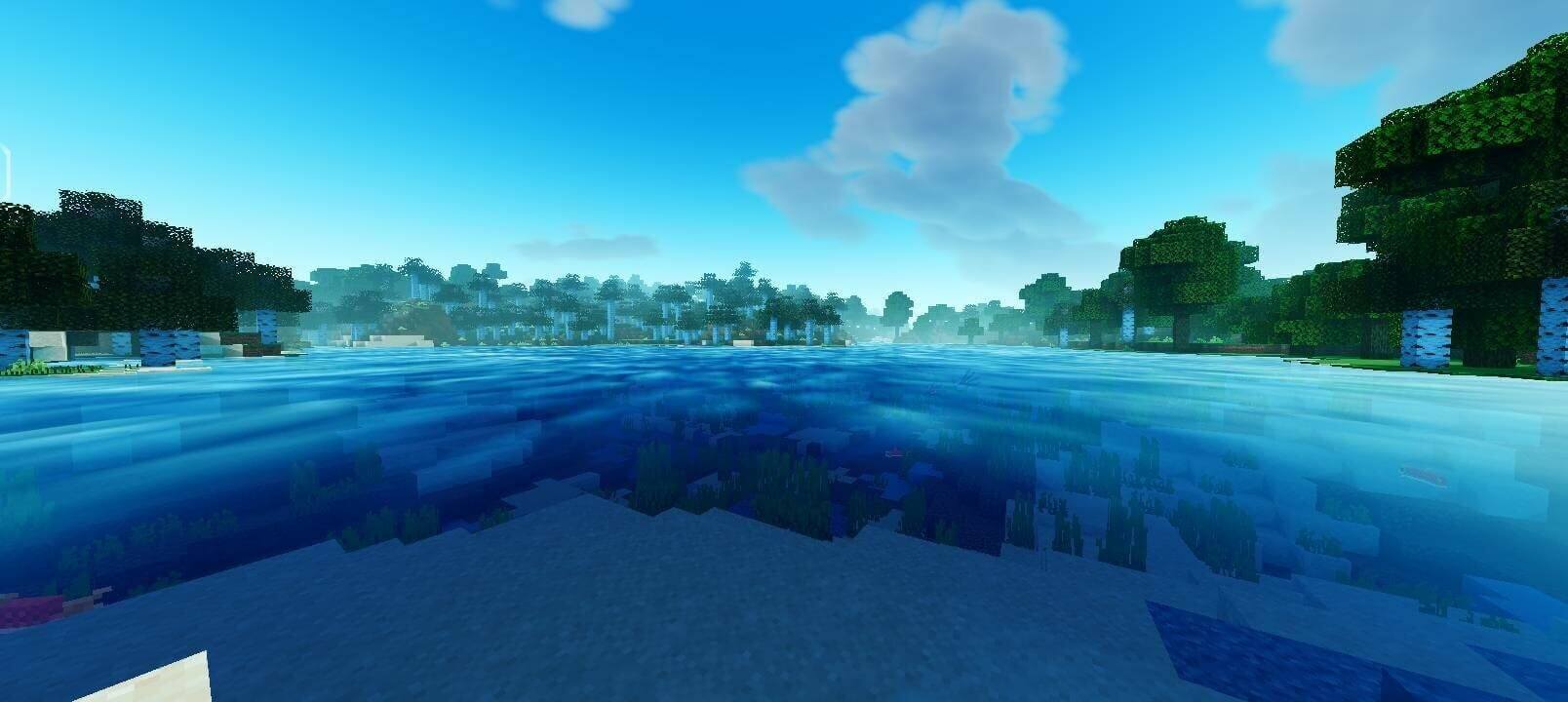
The Default preset enables the complete set of effects. Low simplifies clouds, water, reflections, weather and other demanding details. This publication contains v1.1.2 for Minecraft 26.50+, not the older release whose page title mentions 26.45.
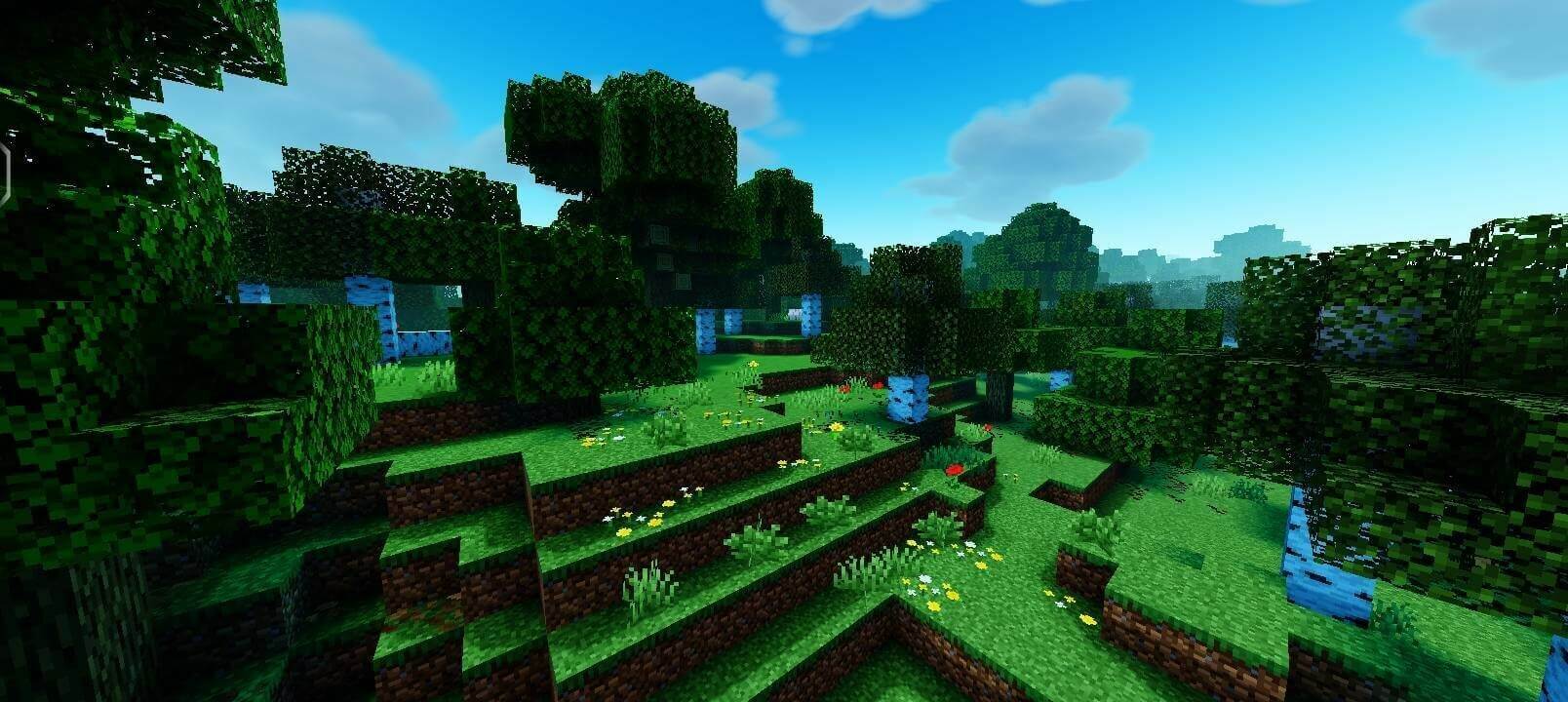


Cloud rendering depends on the game graphics setting. Fancy with Clouds enabled is the recommended combination; Simple needs Clouds disabled. Use the Low subpack if the full Default effects are too demanding.