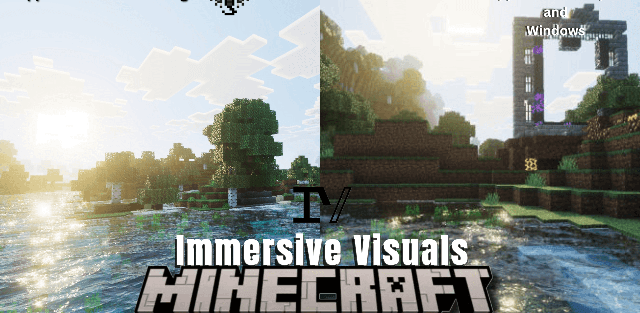
How to enable: import the pack, activate it in Global Resources or in the world resource packs, then select Vibrant Visuals in Settings > Video > Graphics Mode. A device that supports this mode is required.
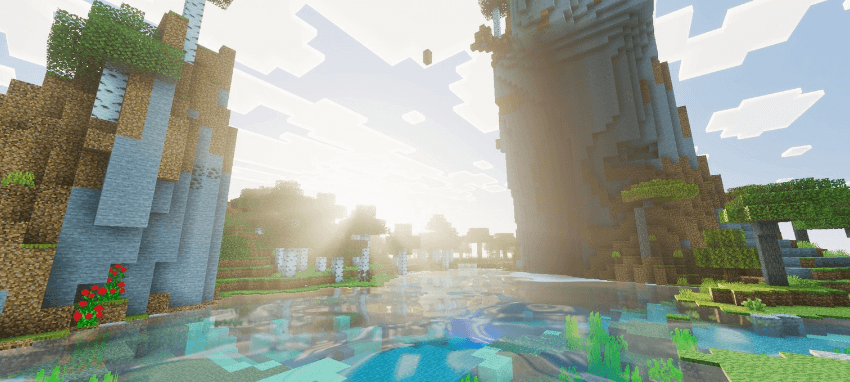
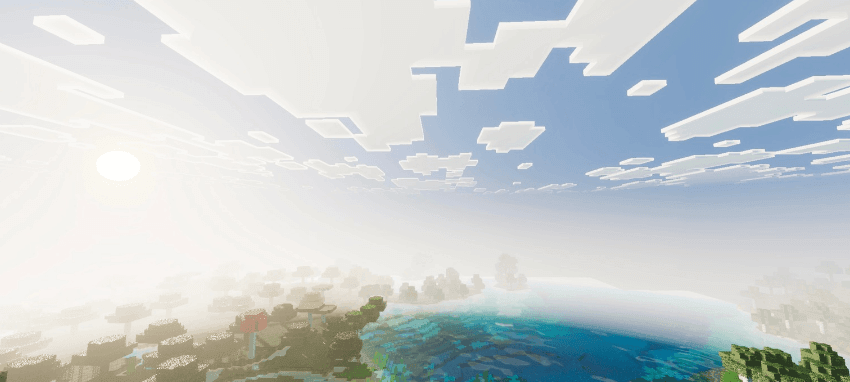
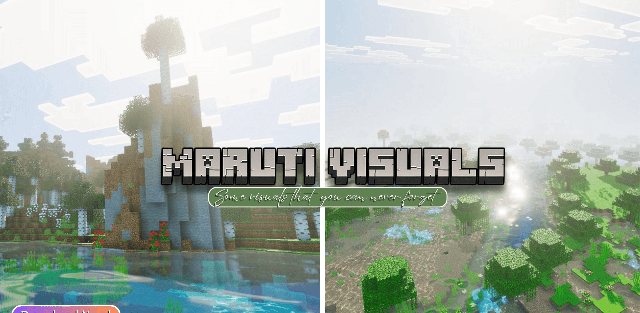
Maruti Visuals refreshes sunlight, shadows and water while keeping Minecraft landscapes recognizable. Volumetric lighting makes rays stand out in the air, and biome-specific colors and fog give forests, coasts and open plains different moods.
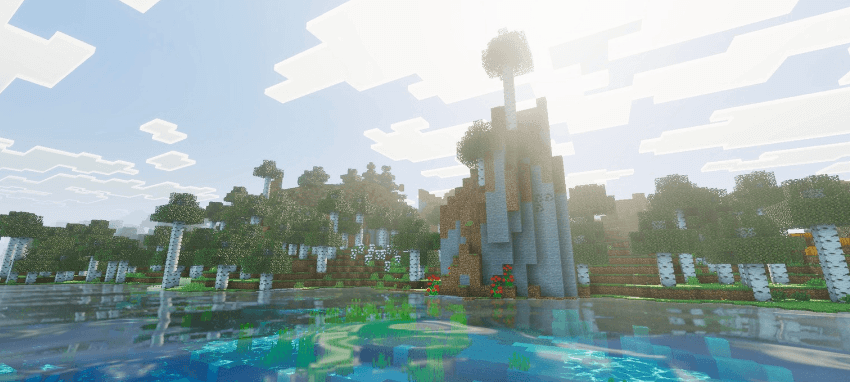
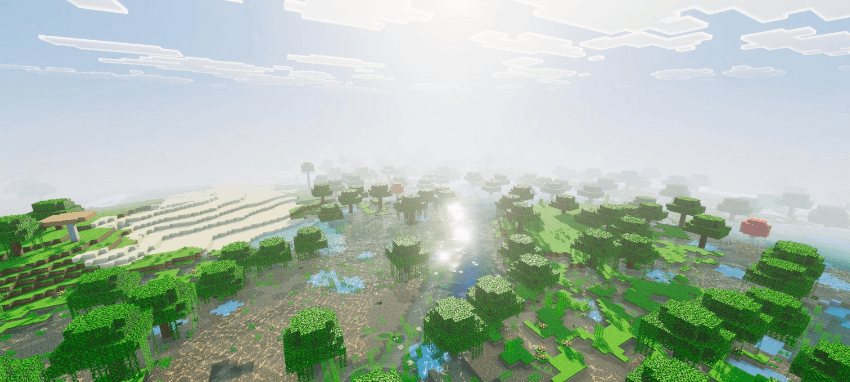
PBR materials add surface detail and reflections. Water receives caustic light patterns, while the sky uses revised sun and moon textures. Higher-resolution shadows give buildings and trees a clearer outline under direct light.
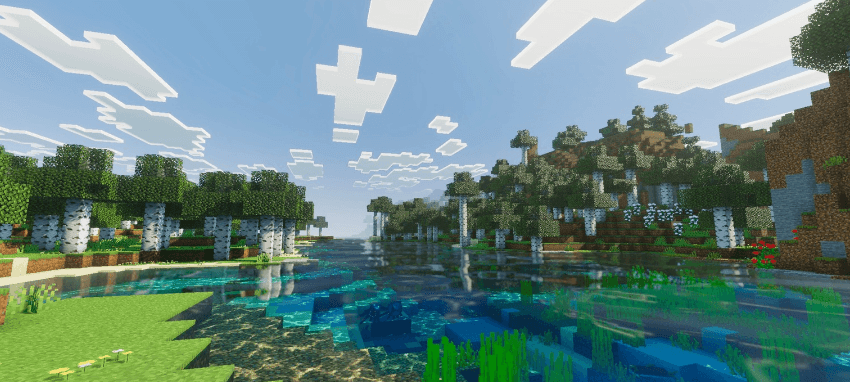
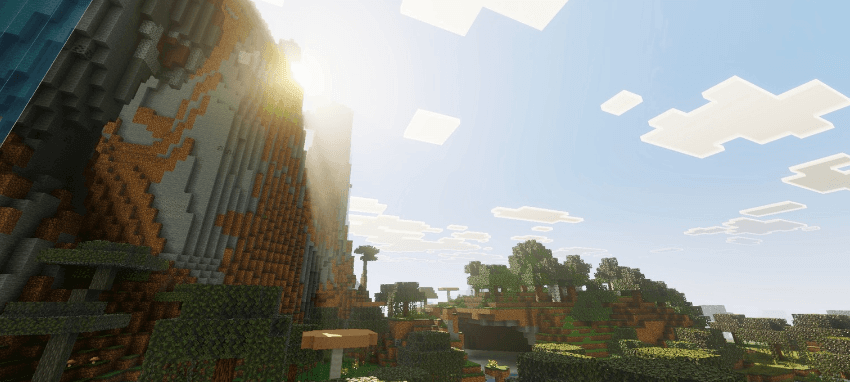
The complete appearance needs Vibrant Visuals. If that option is unavailable on the device, simply increasing brightness or enabling Fancy graphics will not reproduce the lighting shown in the screenshots.