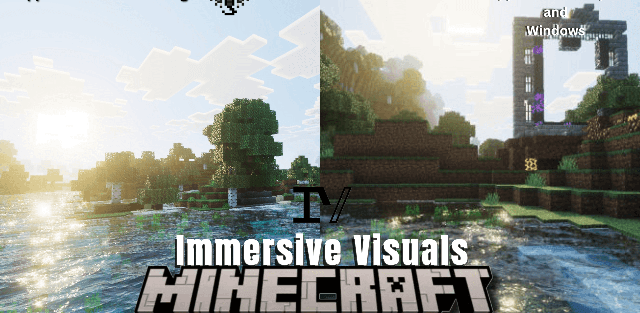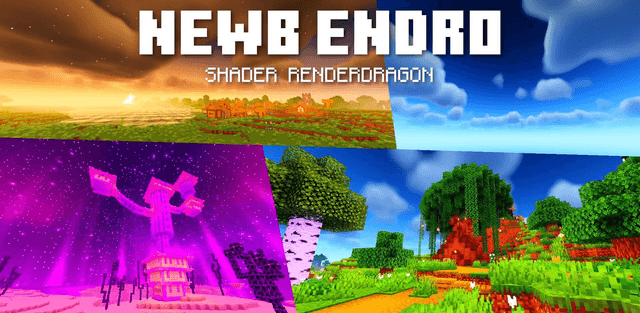
How to enable: use a compatible RenderDragon shader loader, import the pack and activate it in Global Resources, then restart the game. Importing it into the standard client alone does not enable its shader effects. The author specifies MB Loader or a shader-patched client. The supplied file is the multiplatform edition.
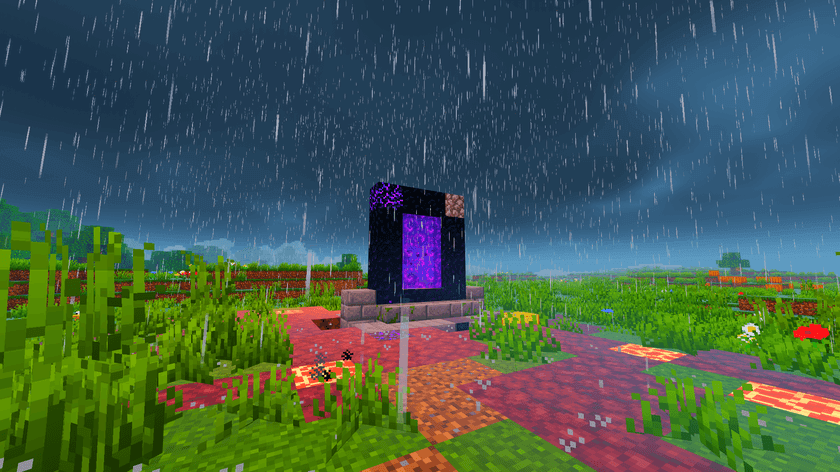
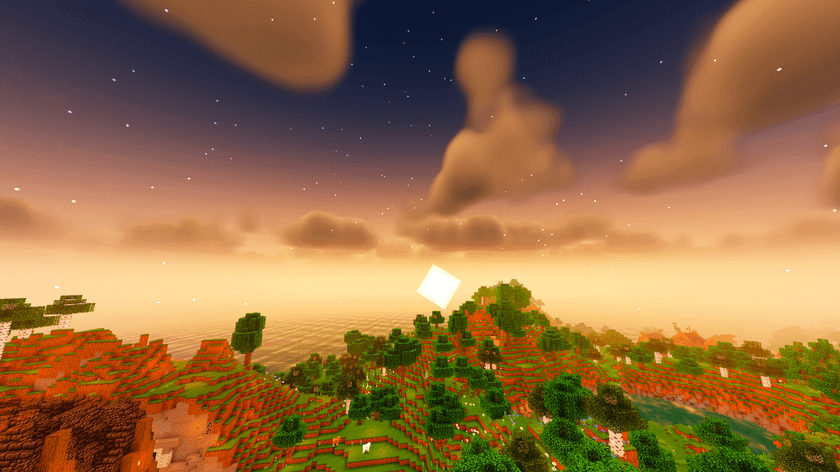
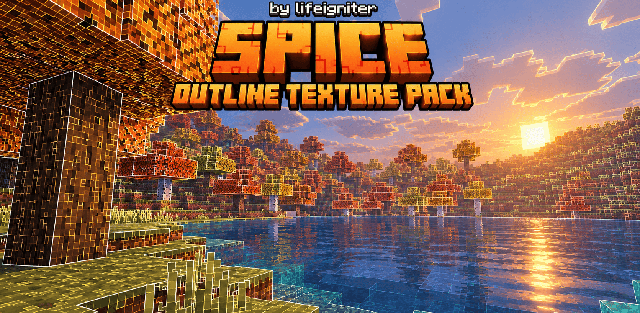
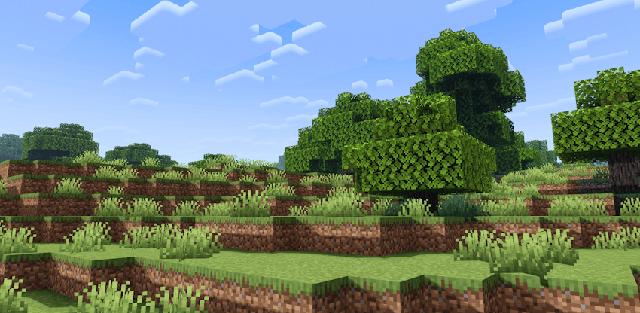
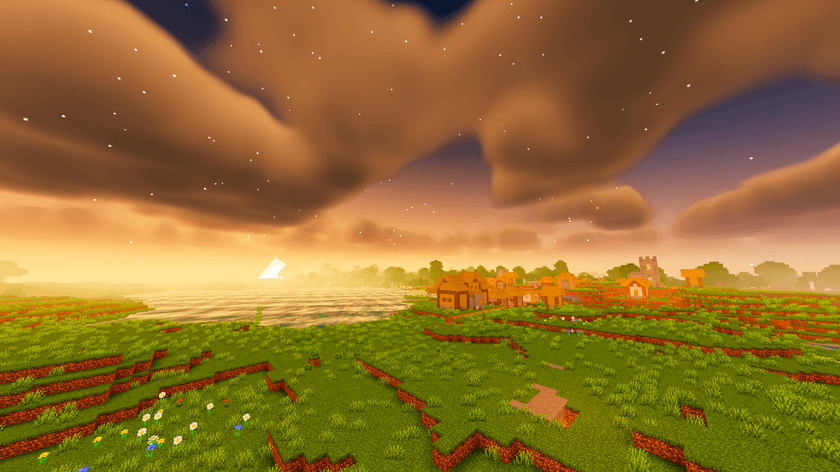
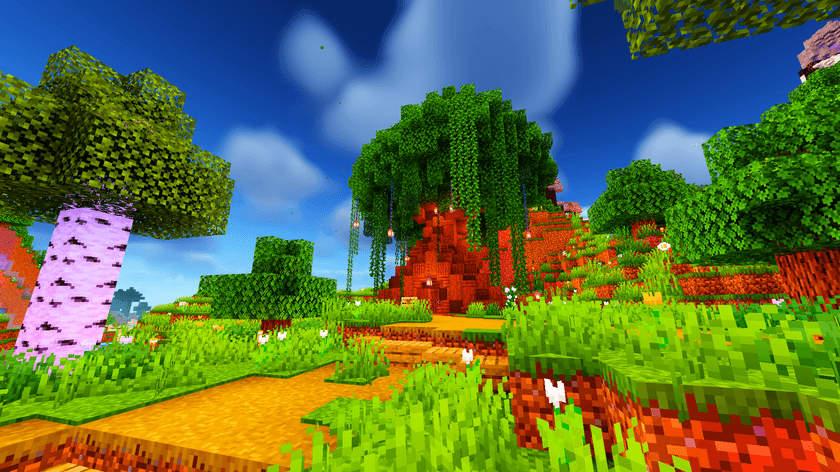
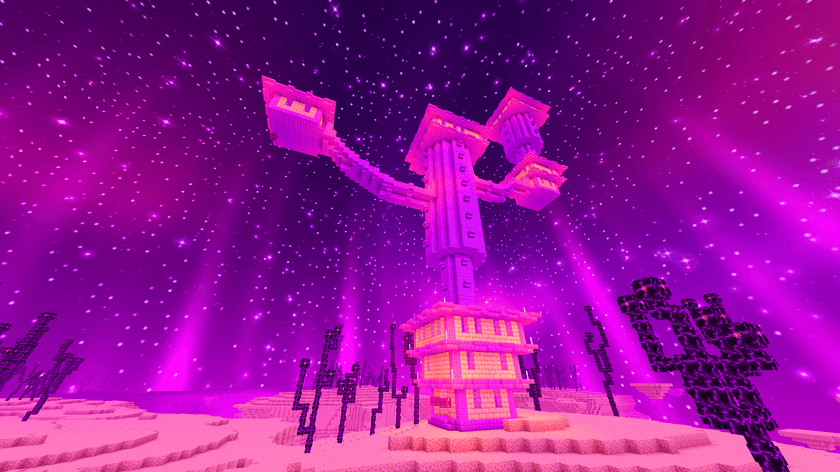
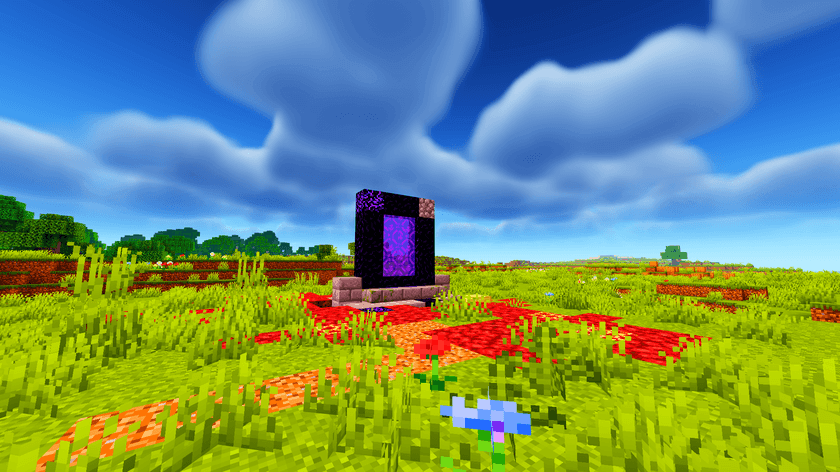
Newb X Endro gives the world golden sunrises, a rich blue daytime sky and softly moving clouds. At night, stars and auroras provide a colorful backdrop without replacing the familiar block textures.

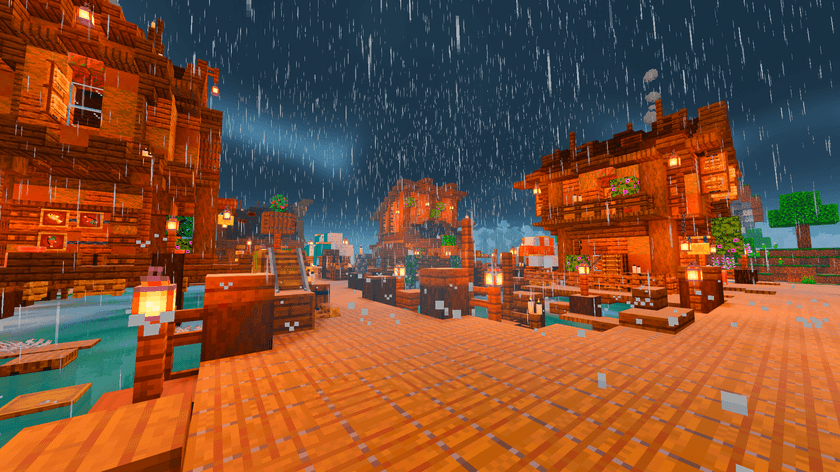
Water and foliage move with the weather, ores glow in caves, and torches and lanterns cast warmer-looking light. Rain adds wet-surface reflections. The End gains a purple star-filled sky, while the Nether keeps a fiery atmosphere.
The Windows instructions also describe manual installation of the renderer folder into the game Content/data directory. Back up the original renderer folder before replacing it; do not mix files intended for different game versions.