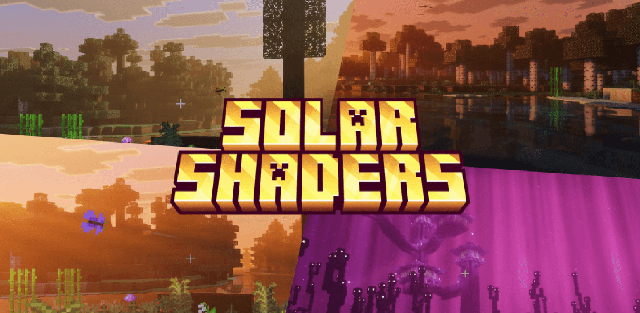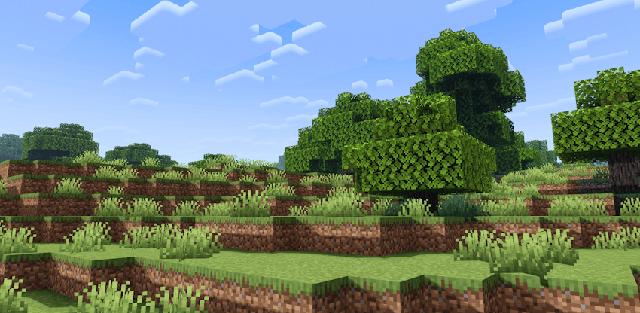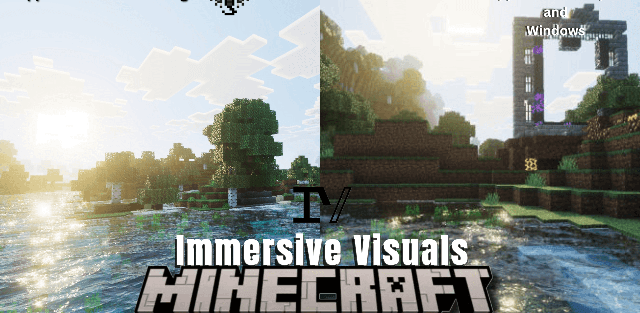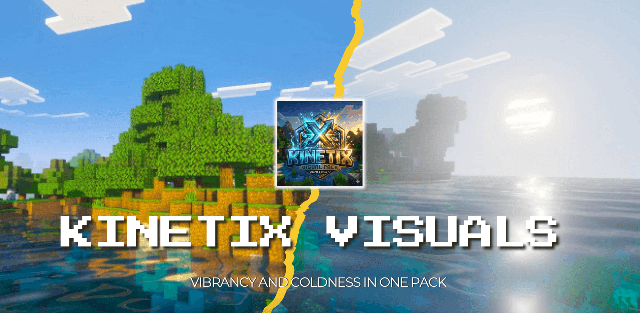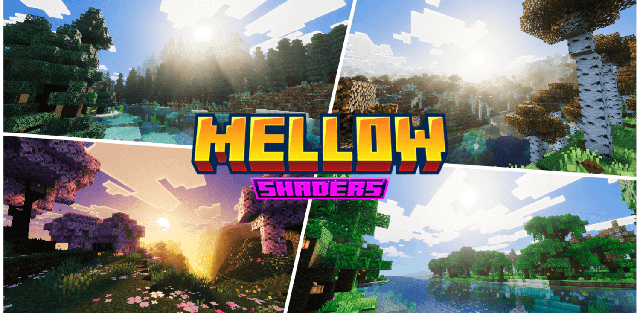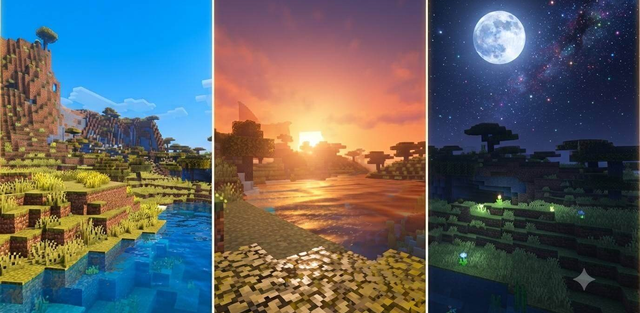
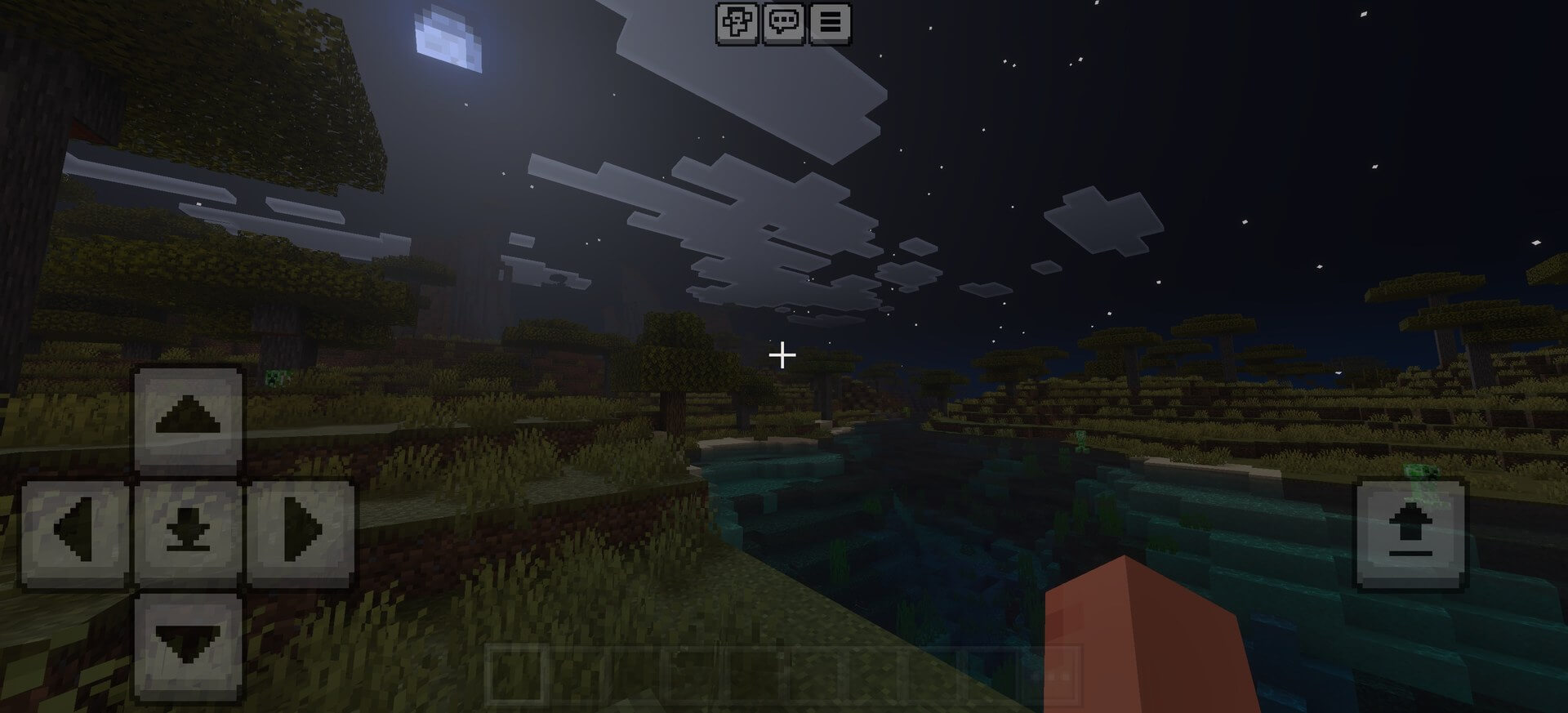
Solmira Shader uses warmer color grading and increased saturation to make ordinary landscapes feel brighter and more expressive. Sunlight becomes softer, sunsets gain an orange glow, nights remain atmospheric, and water reflects the new palette without losing visibility.
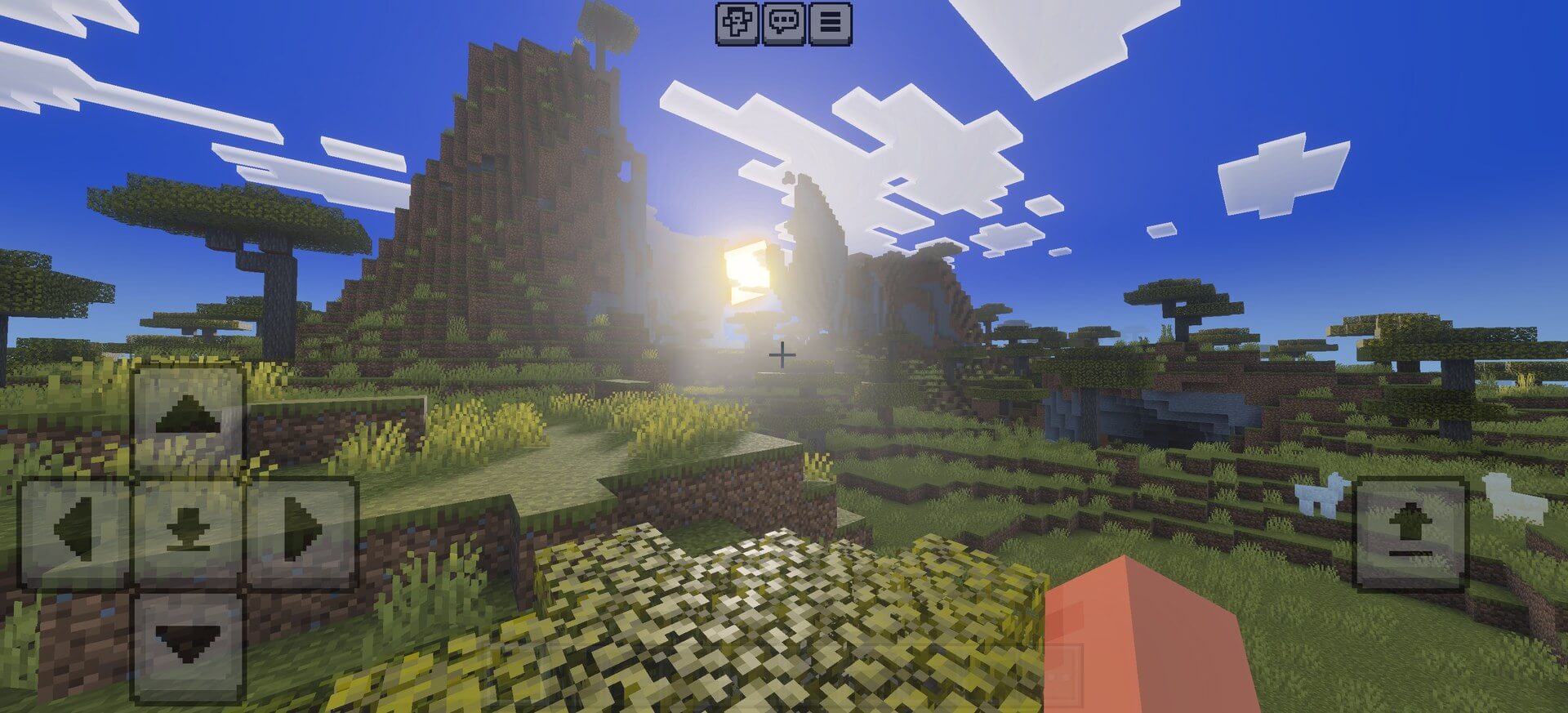
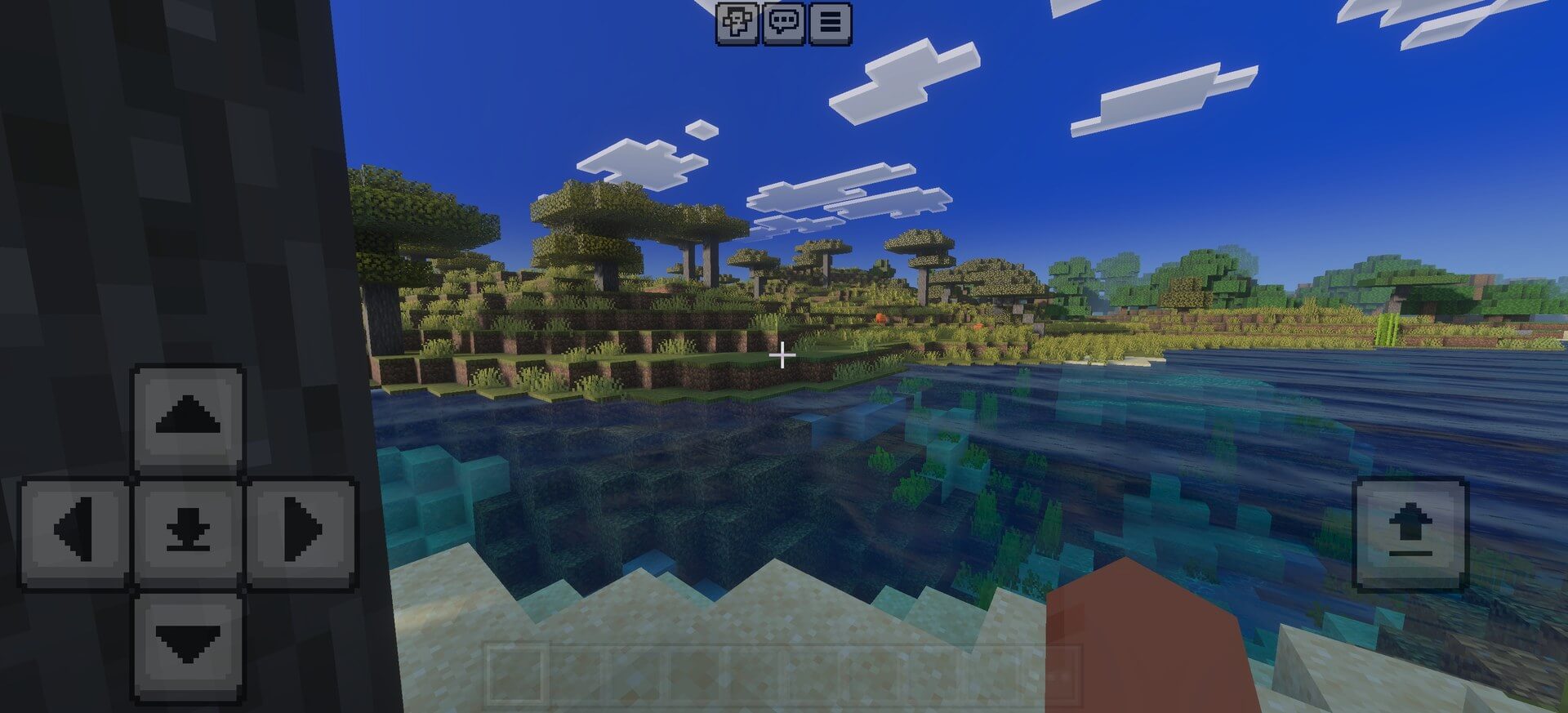
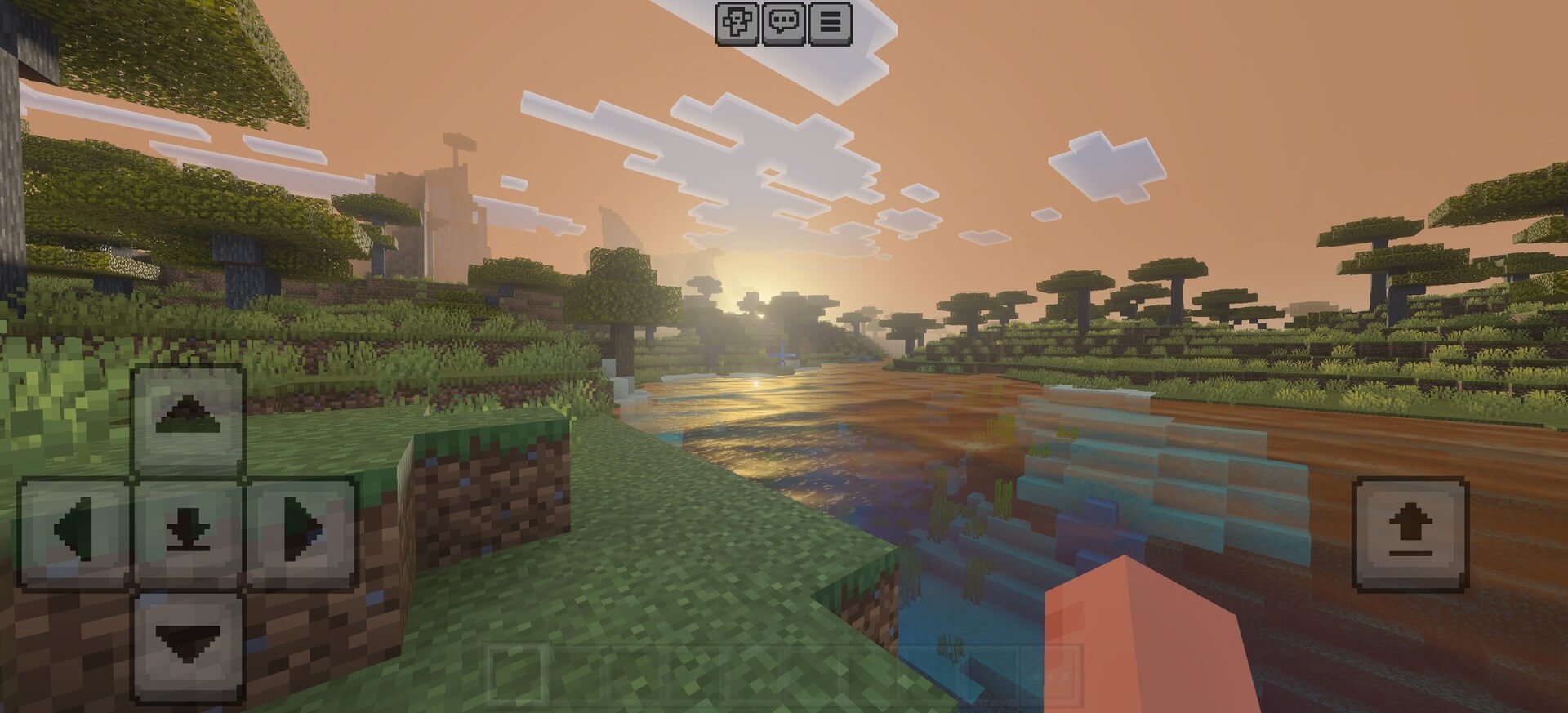
The effect is intentionally simple compared with heavy PBR packs. It is aimed at players who want a visible graphical change on a mobile interface without turning every block into a high-resolution material.
Enable the pack in the resource settings of a world or through Global Resources. If several graphics packs are installed, place Solmira high enough in the active list to prevent another pack from overriding its sky and lighting files.