Shader: Nexora Visuals
570
0
1
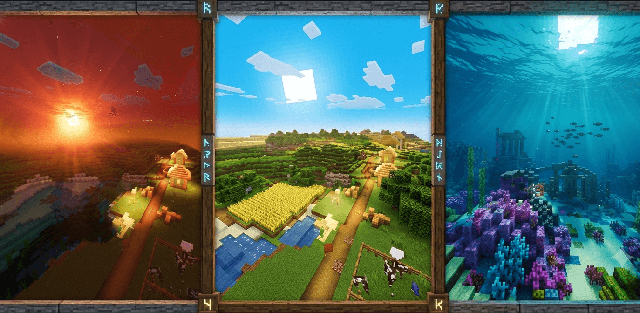
How to enable: Activate the resource pack in the world and enable Vibrant Visuals for its lighting and PBR effects.
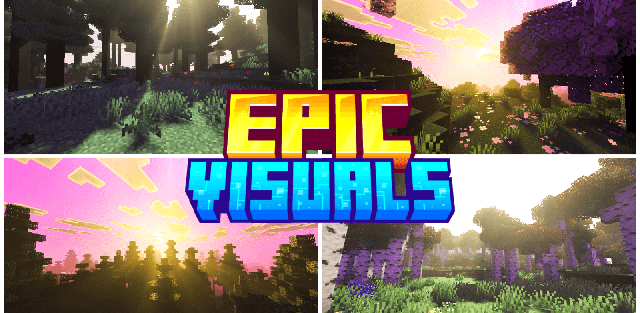
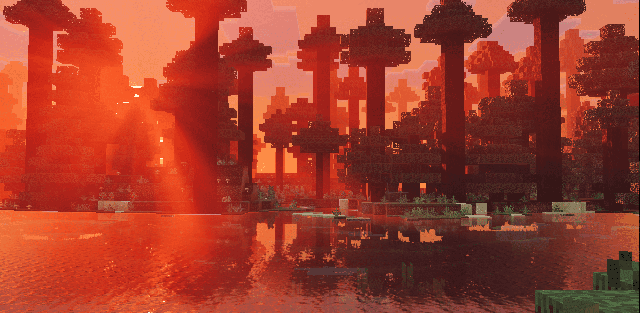
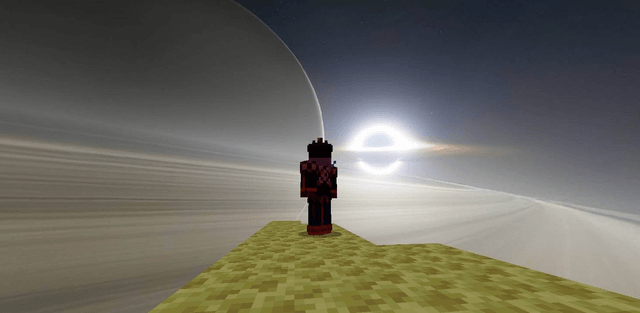
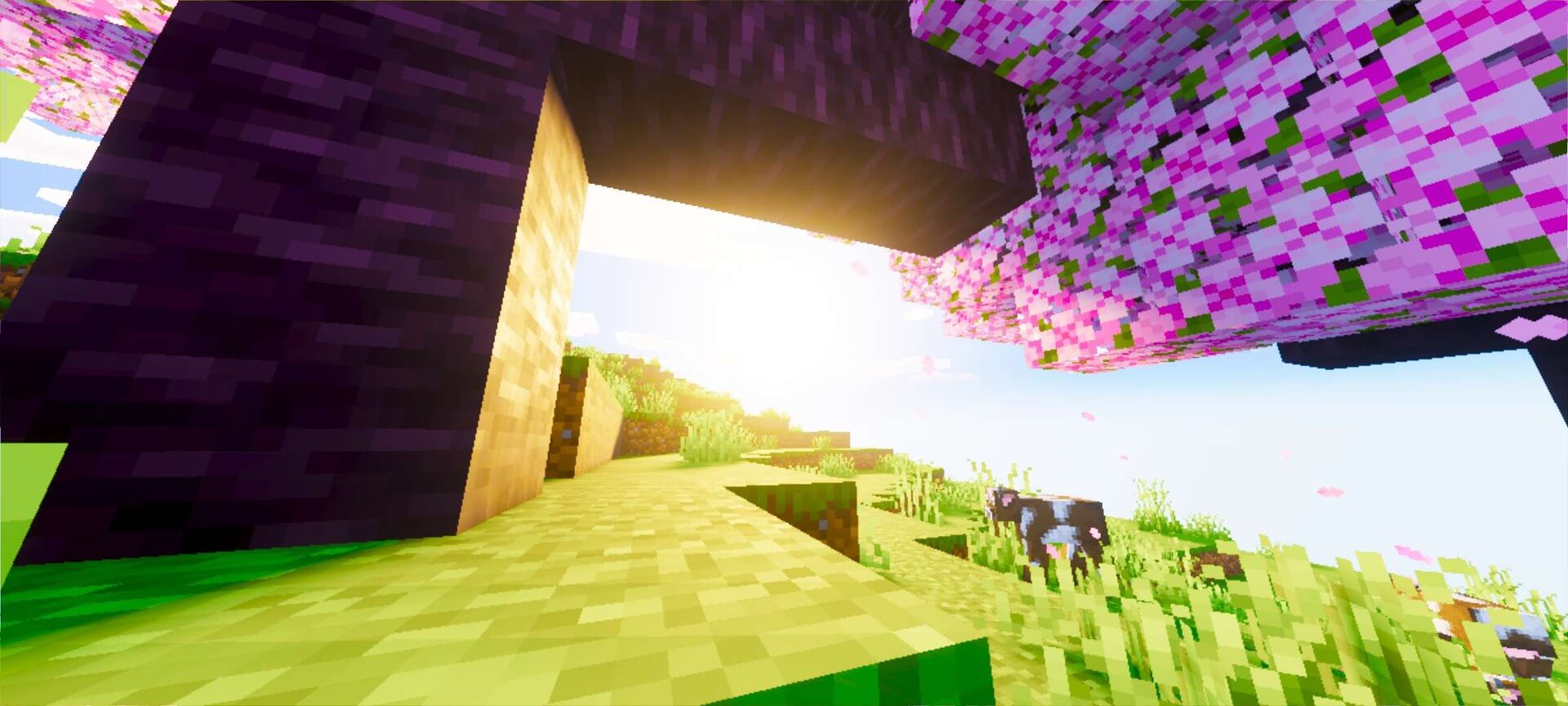
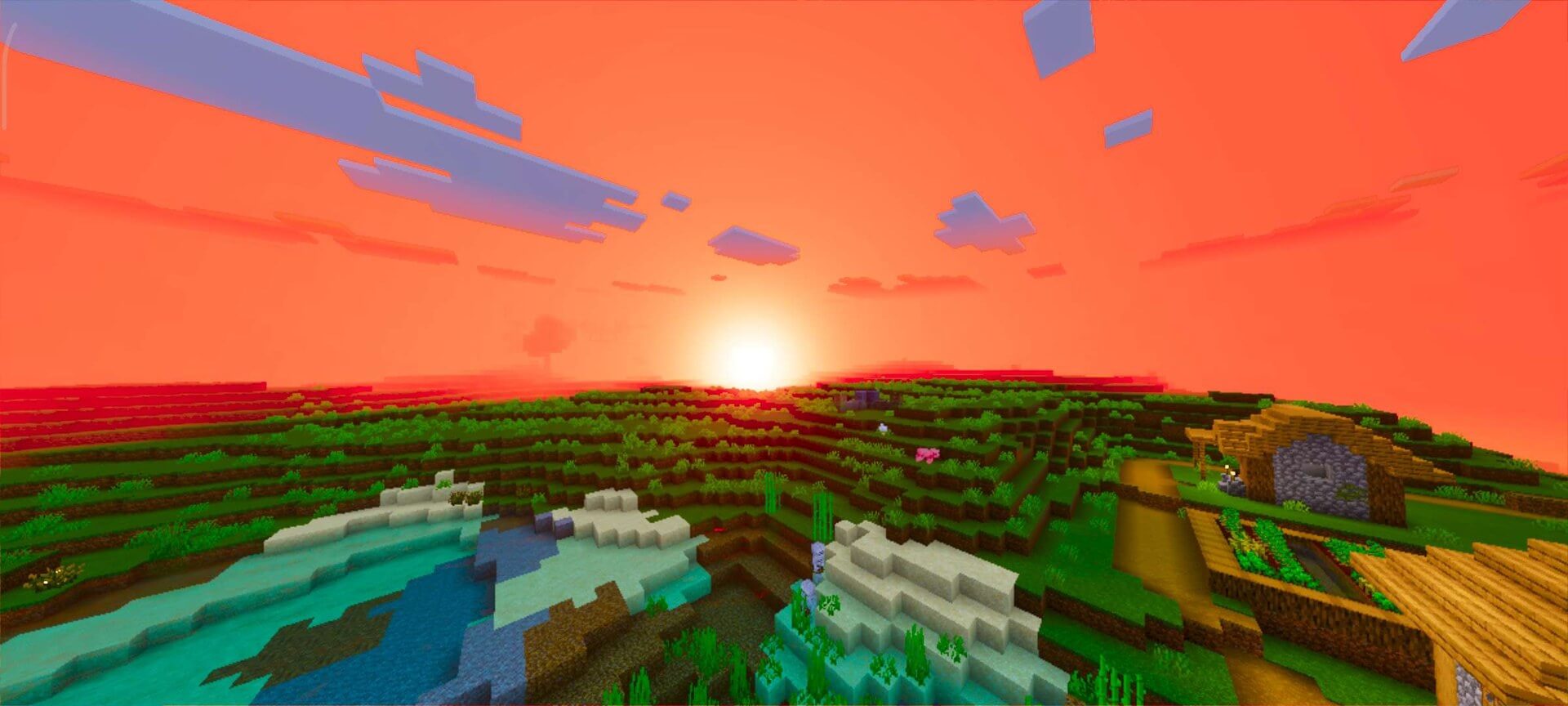
Nexora Visuals gives the world a warmer, more saturated look with richer lighting and atmosphere while preserving the familiar style.
Author: Blocky_Studio.
Features
- warm saturated color grading
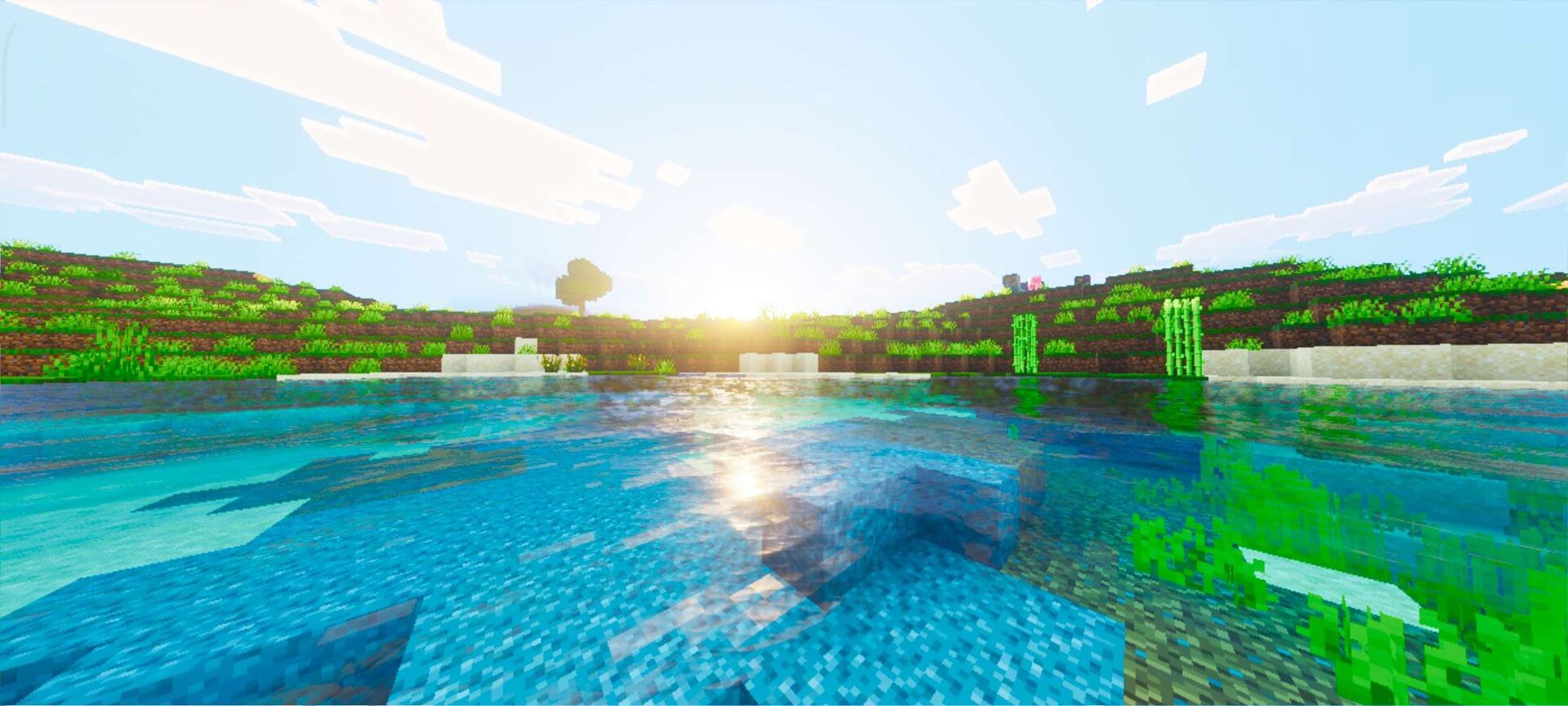
- enhanced PBR lighting
- dynamic underwater light caustics
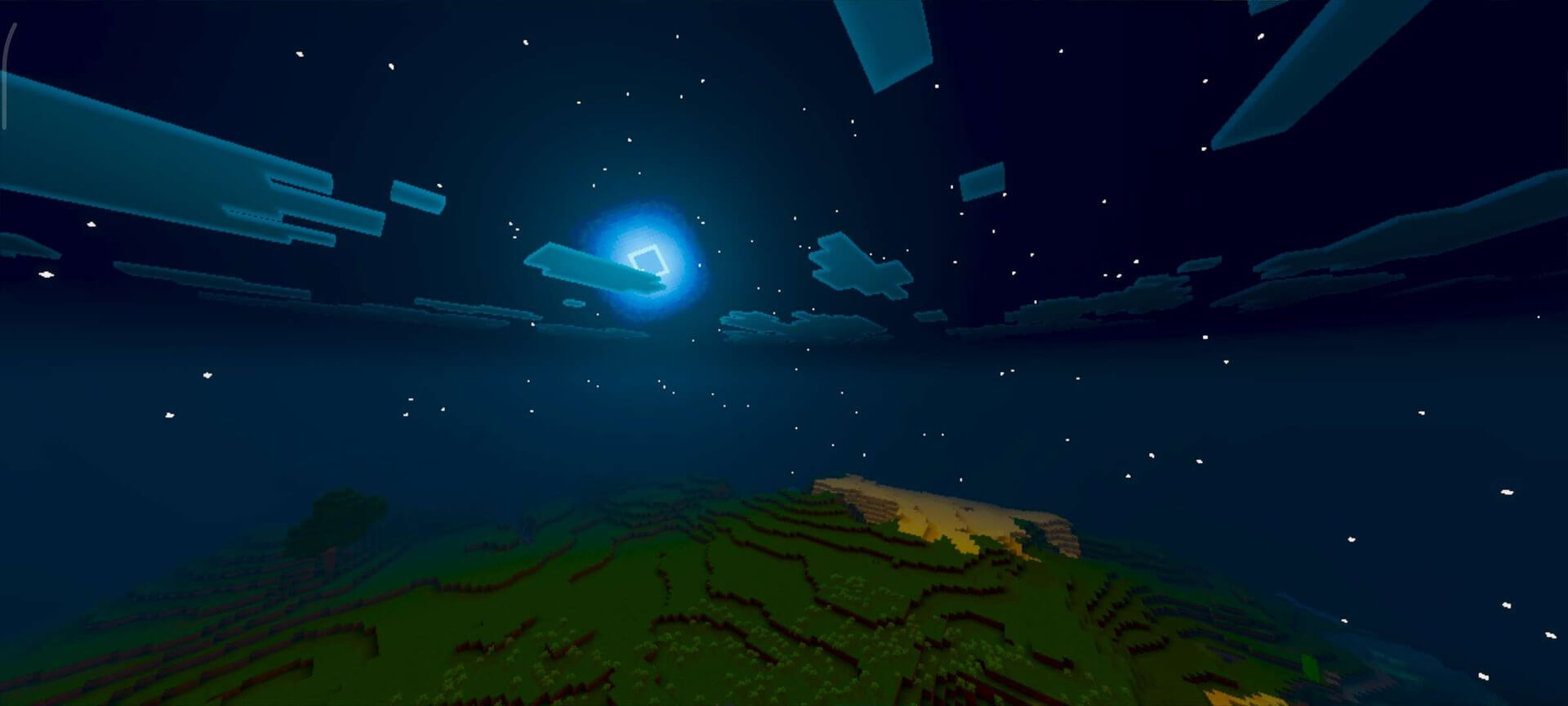
- soft shadows and a cinematic atmosphere
Screenshots
How to install the shader
Download the .mcpack file, open it with Minecraft and wait for the import to finish. Enable the pack in the world's Resource Packs settings. Shader compatibility depends on the Minecraft version and graphics mode.
Supported Minecraft Versions
26.30
Related News