Shader: Dark Fantasy Visuals
566
0
1
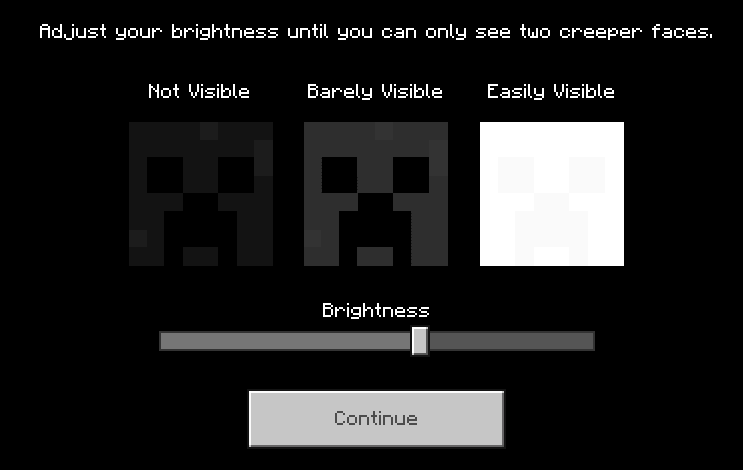
How to enable: Activate the pack in the world and enable Vibrant Visuals. Lower brightness is recommended for a darker atmosphere.
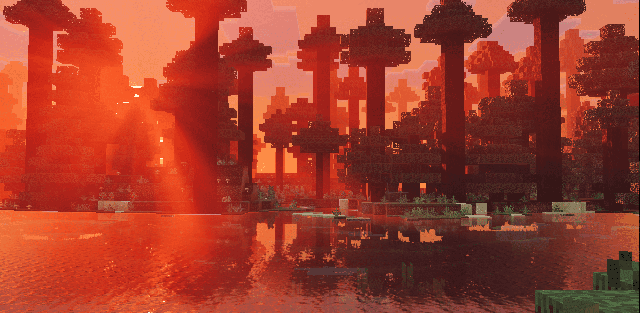
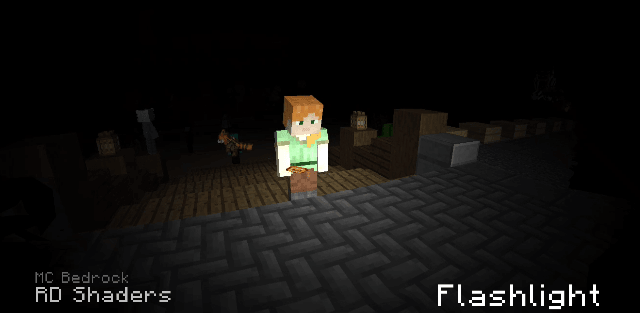
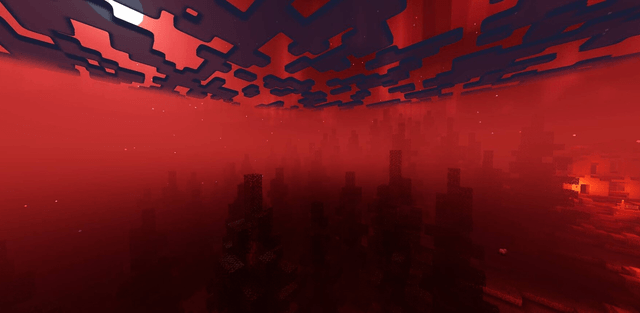
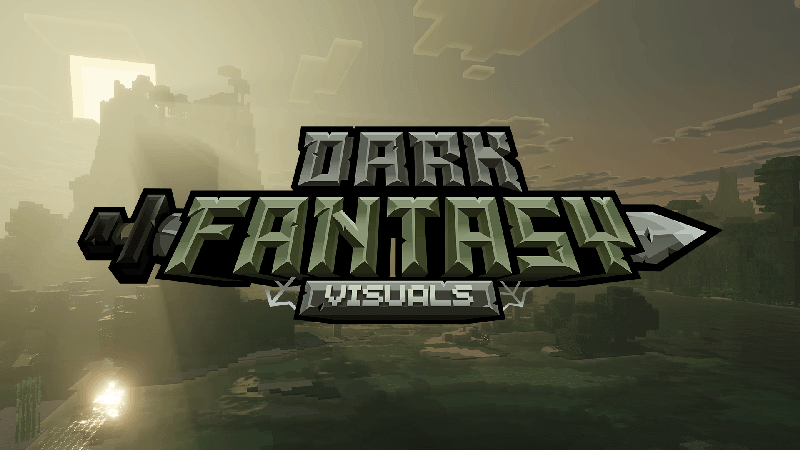
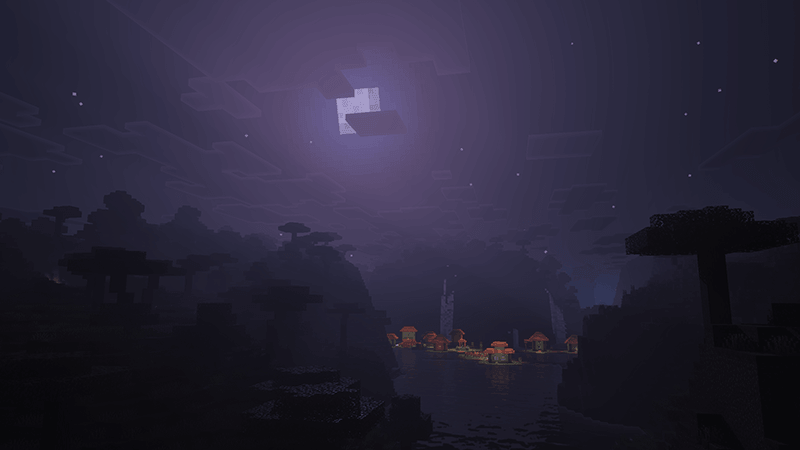
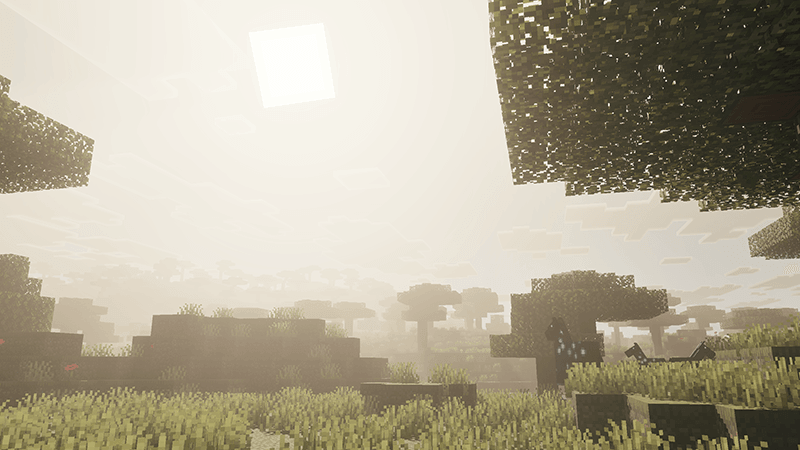
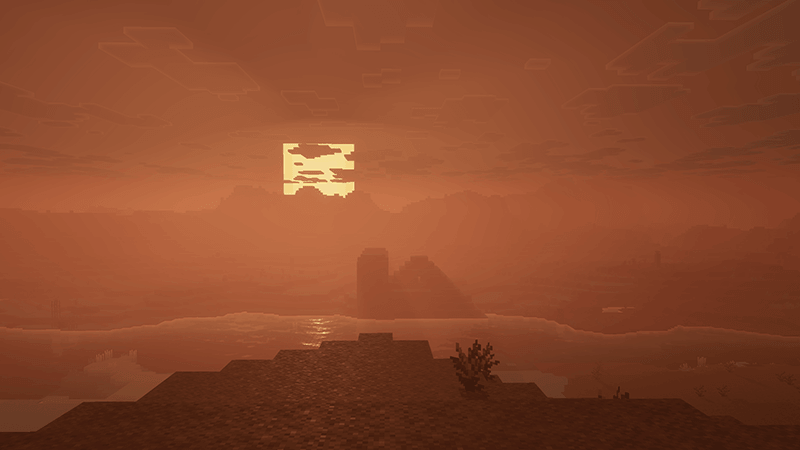
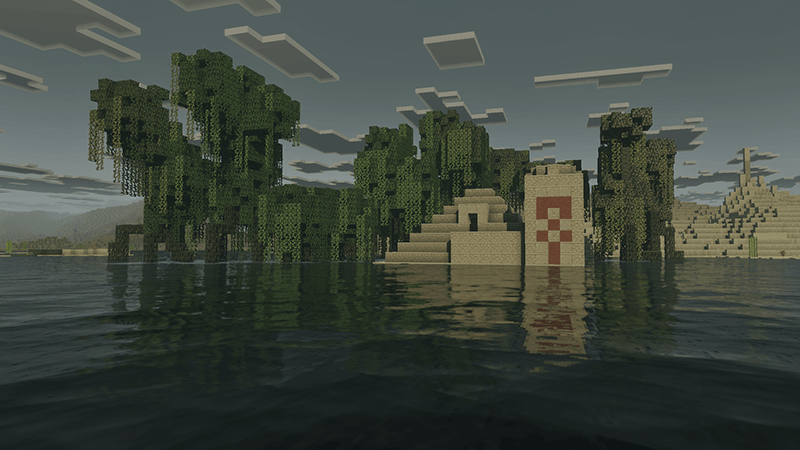
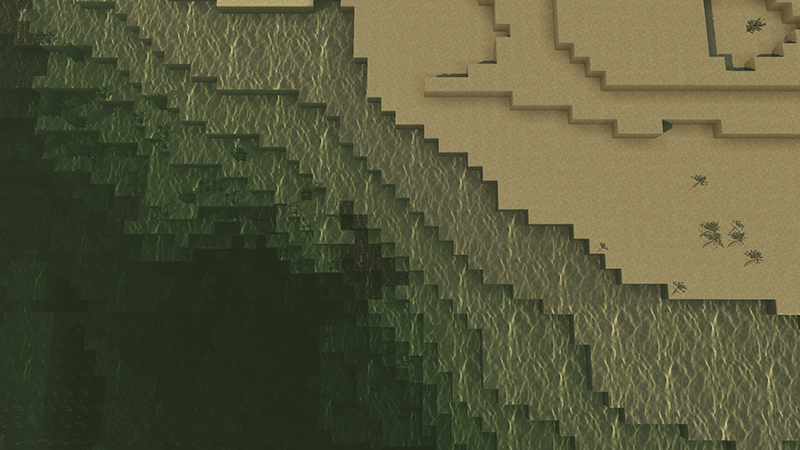
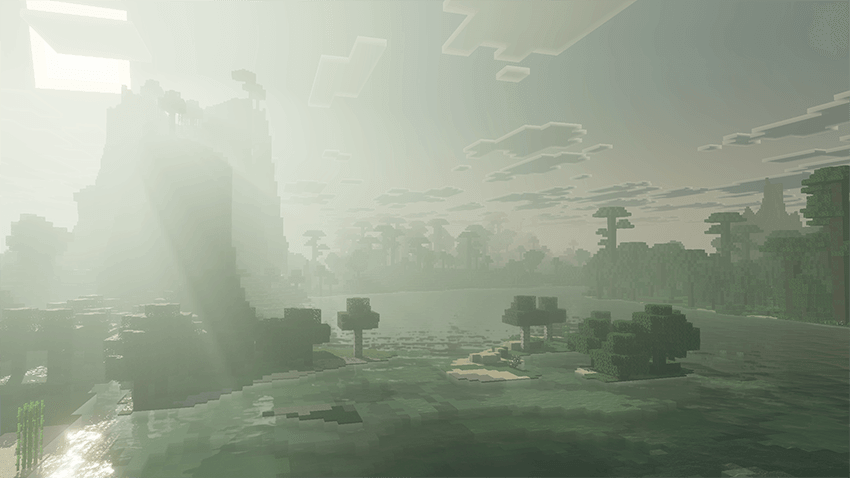
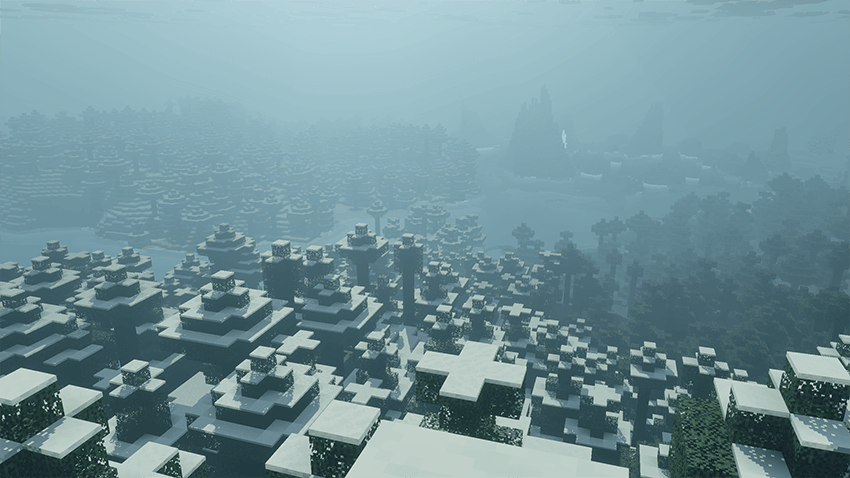
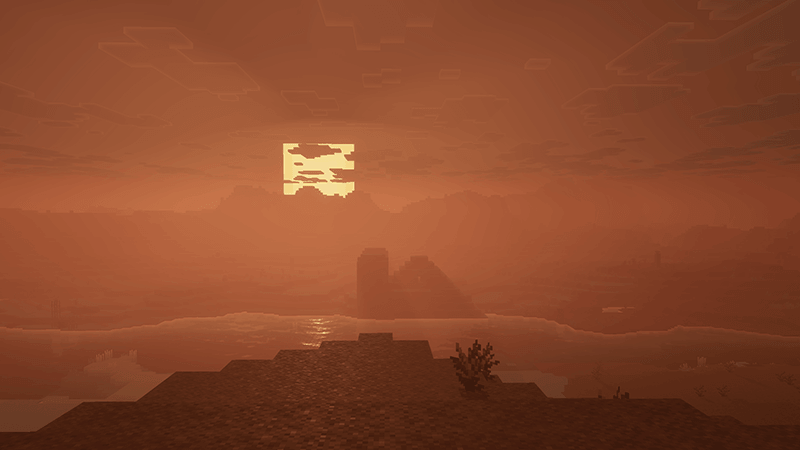
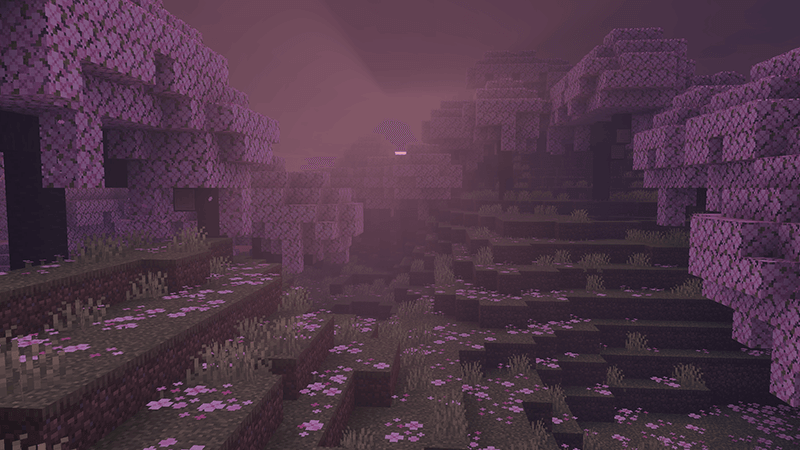
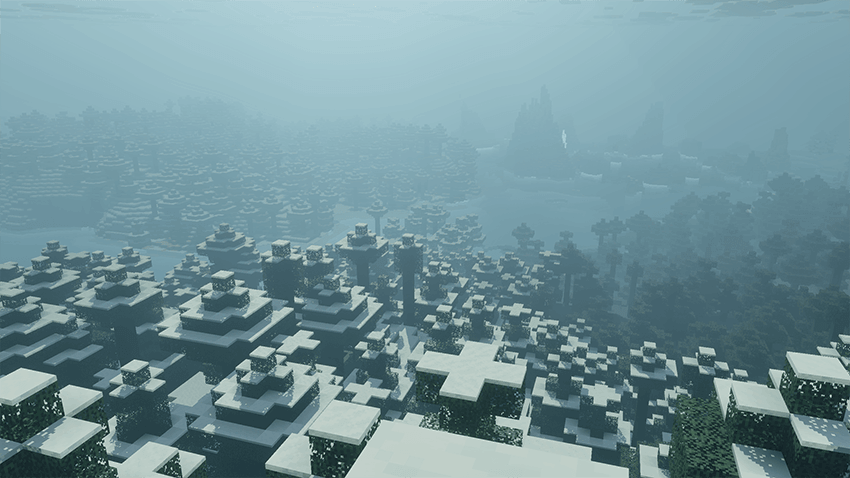
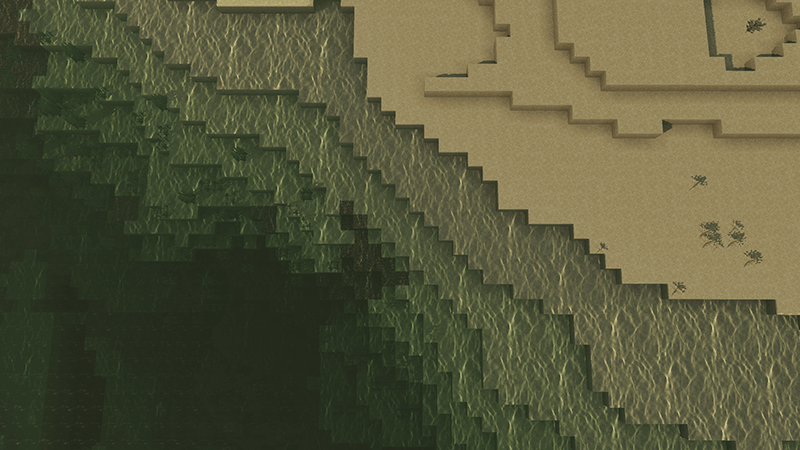
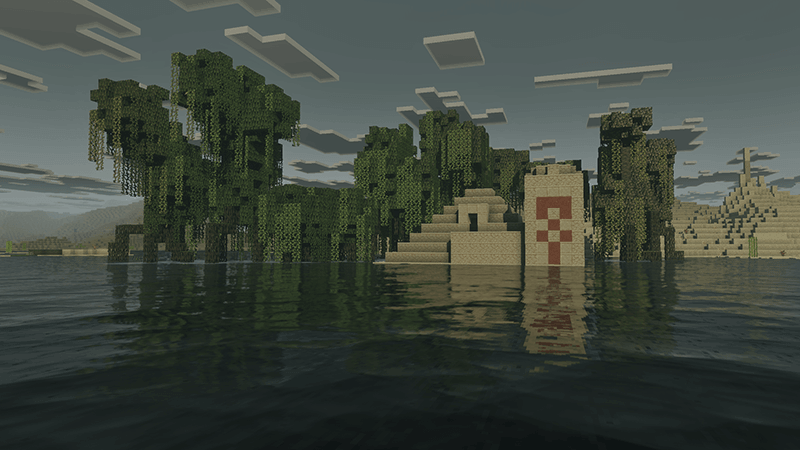
Dark Fantasy Visuals creates a grim fantasy atmosphere inspired by dark action RPGs. Shadows become deeper, colors more muted, and familiar biomes feel mysterious.
Author: Starfish_Studios.
Features
- dark color grading without abandoning the vanilla style
- deep shadows and muted colors
- reworked atmosphere across different biomes
- cinematic fog and lighting
- a strong fit for horror packs and medieval worlds
Screenshots

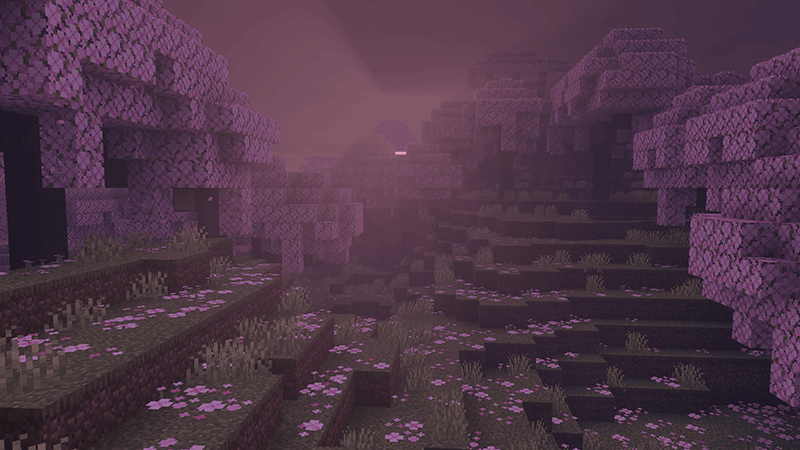
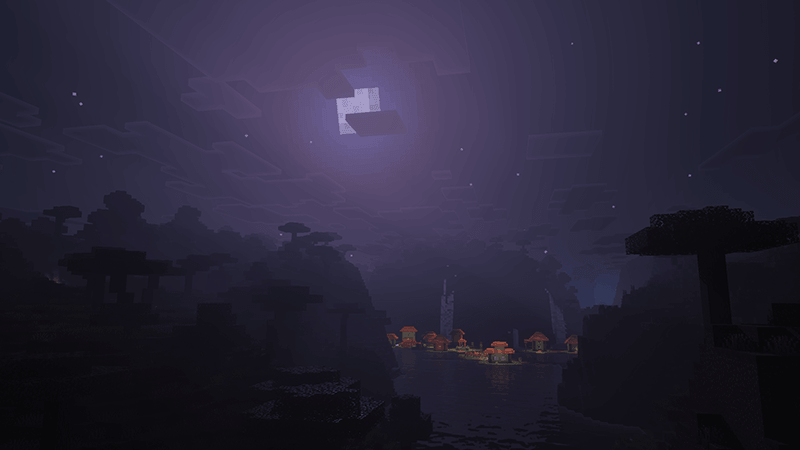
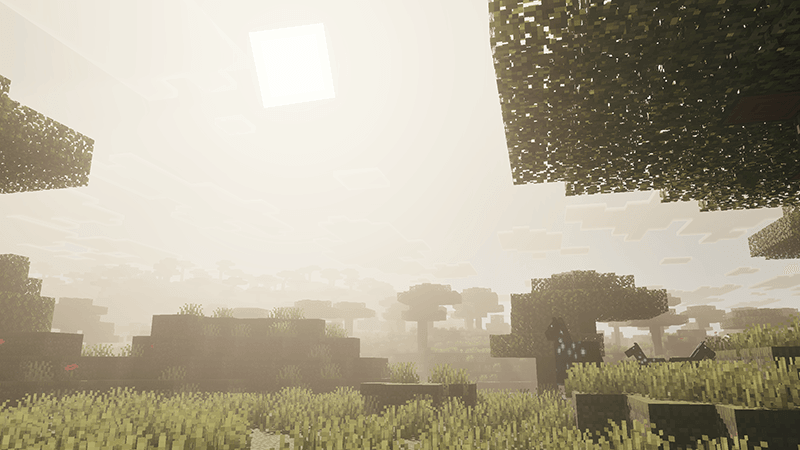
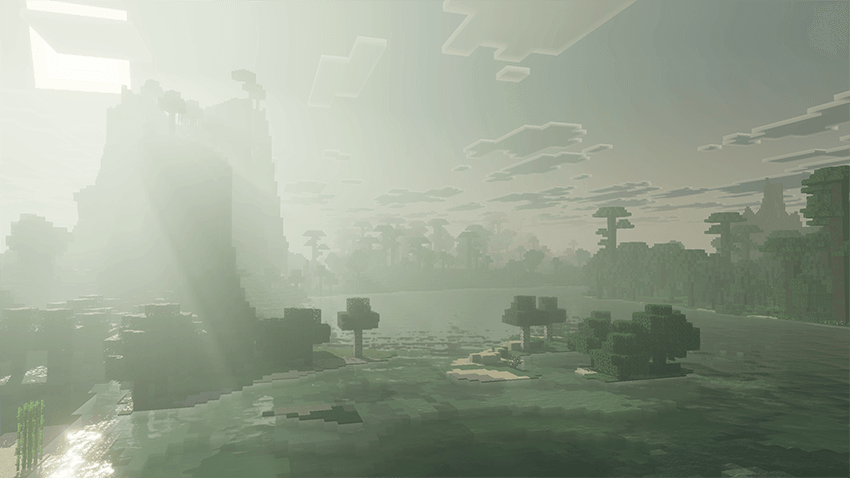
How to install the shader
Download the .mcpack file, open it with Minecraft and wait for the import to finish. Enable the pack in the world's Resource Packs settings. Shader compatibility depends on the Minecraft version and graphics mode.
Supported Minecraft Versions
1.21.111
Related News