Shader: Glowing Ores
618
0
1
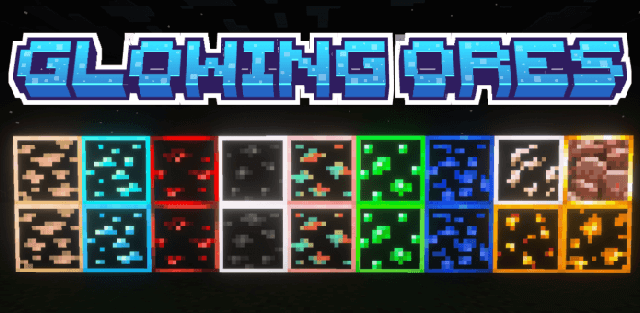
How to enable: Activate the resource pack, enable Vibrant Visuals, and choose the preferred subpack in its settings.
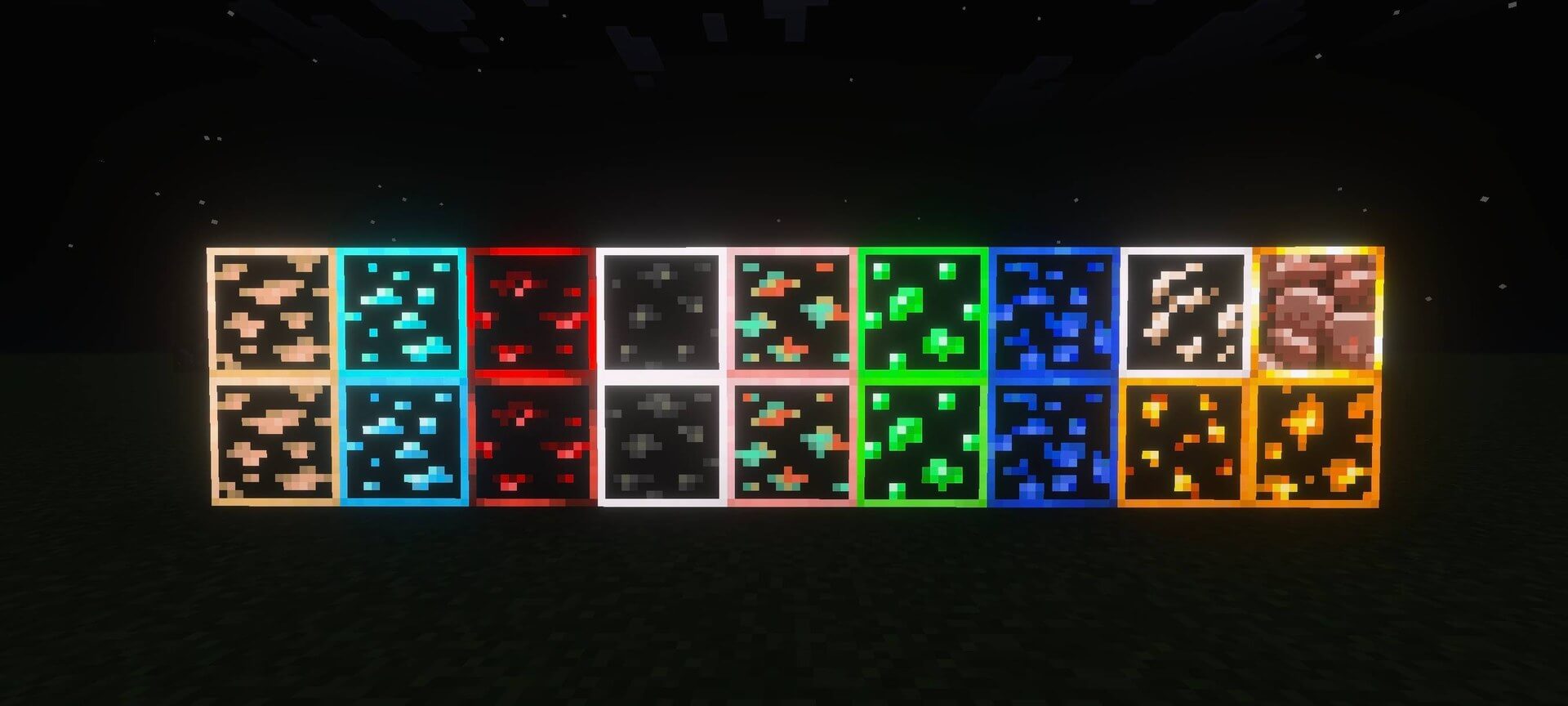
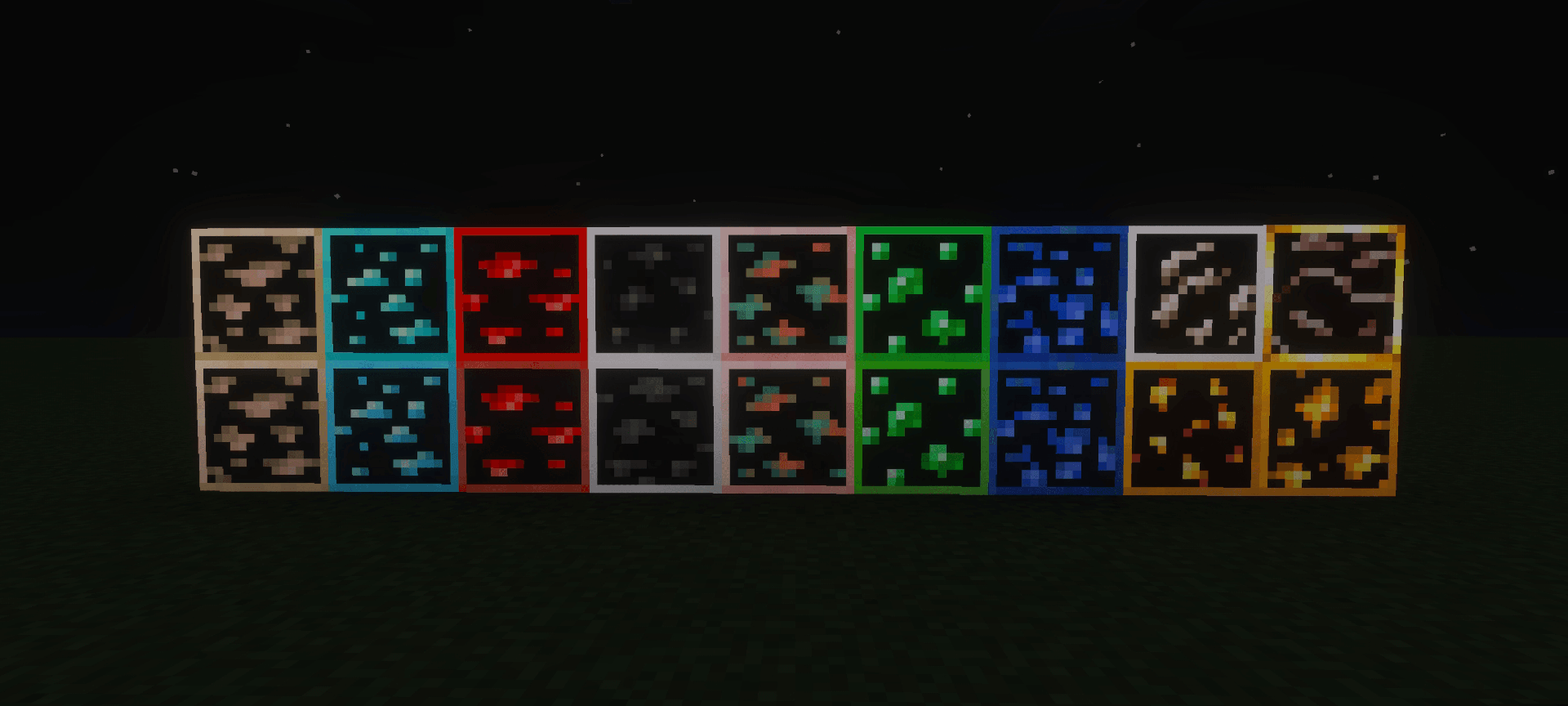
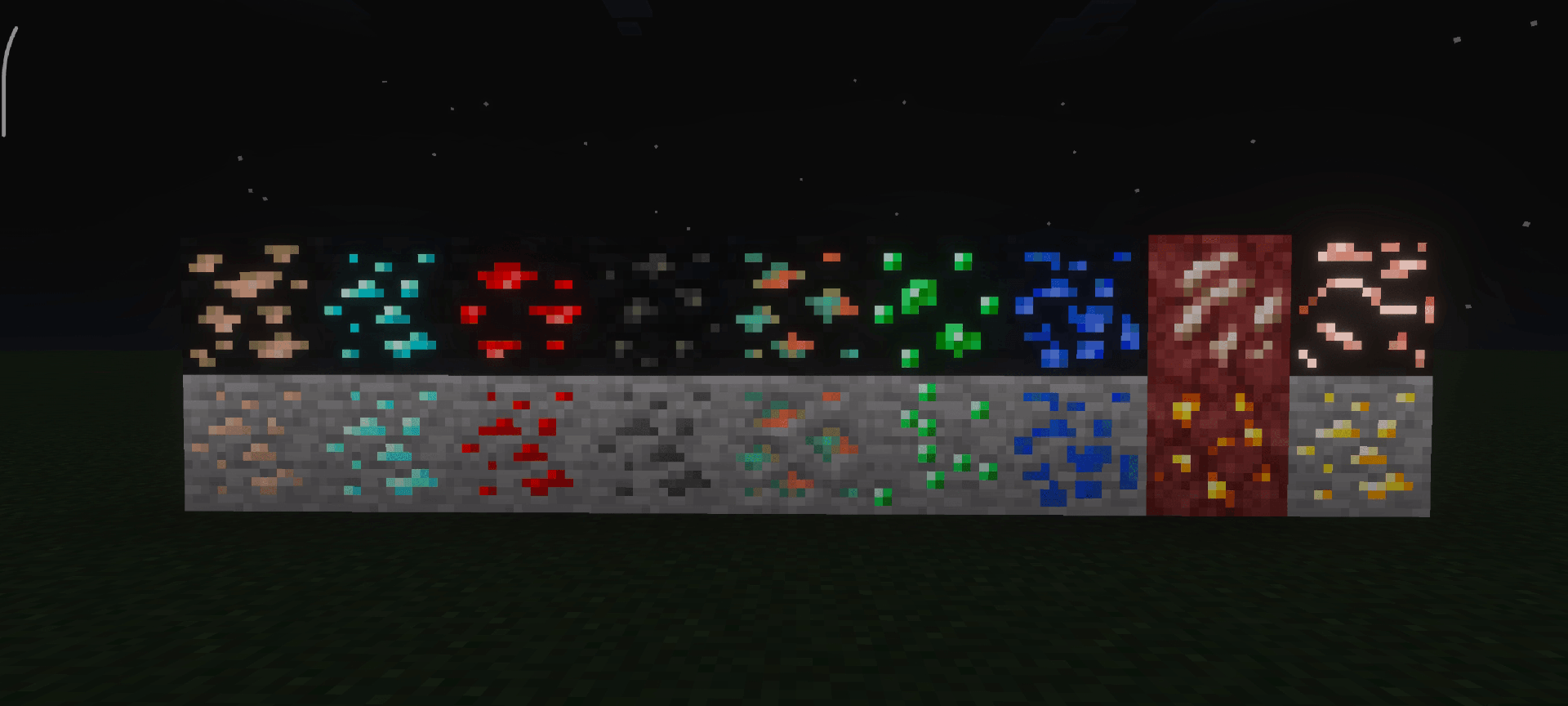
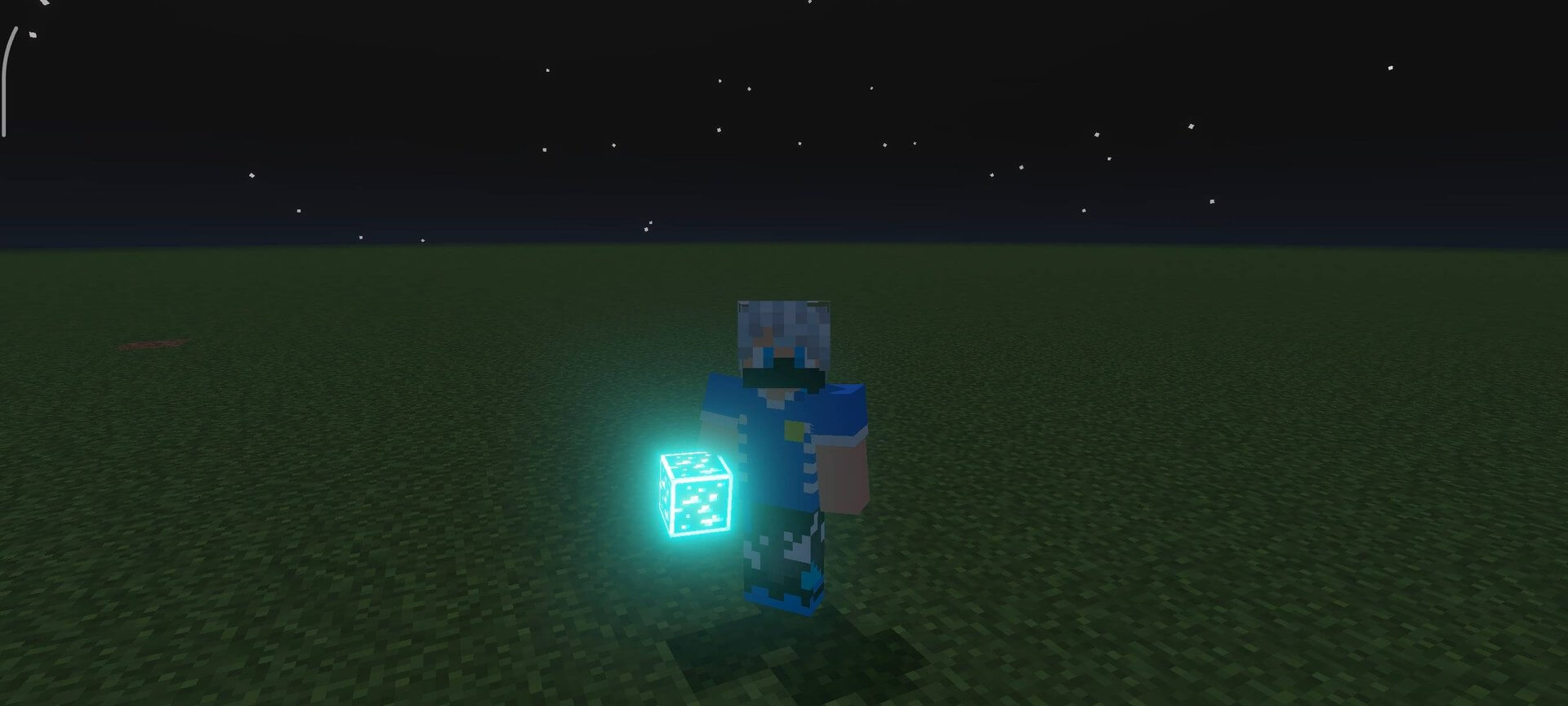
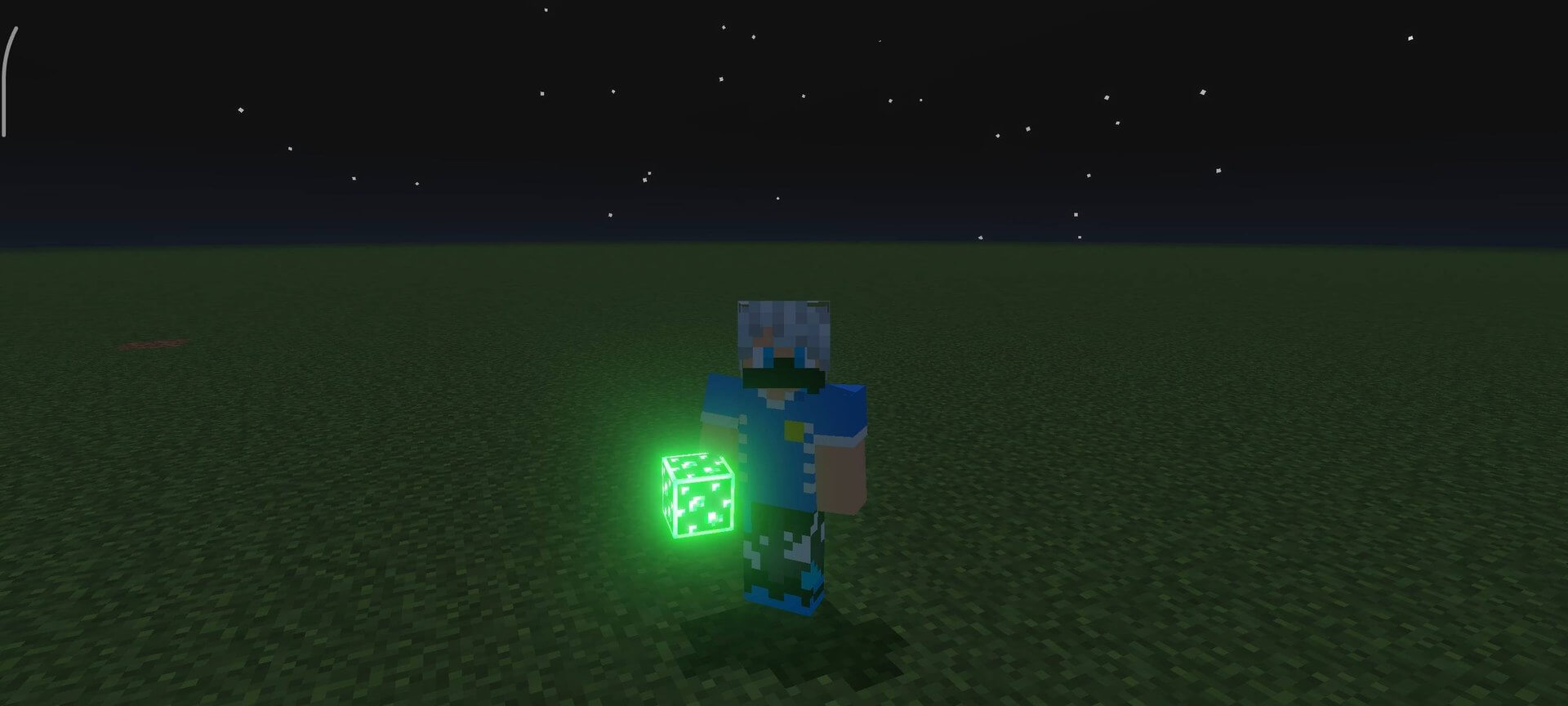
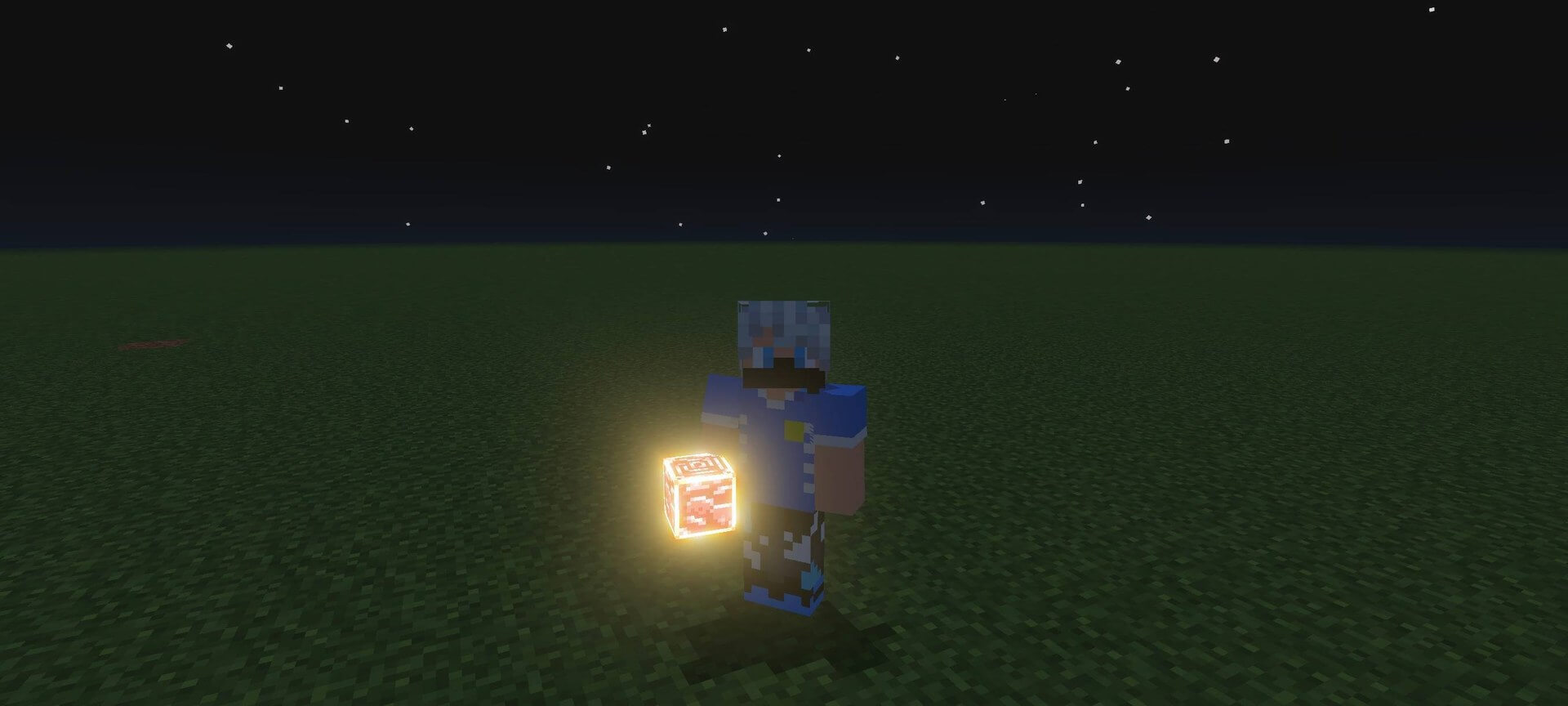
Glowing Ores makes ores emit a gentle light in caves, making them easier to locate without torches or night vision while preserving the vanilla style.
Author: voxenMC2.
Features
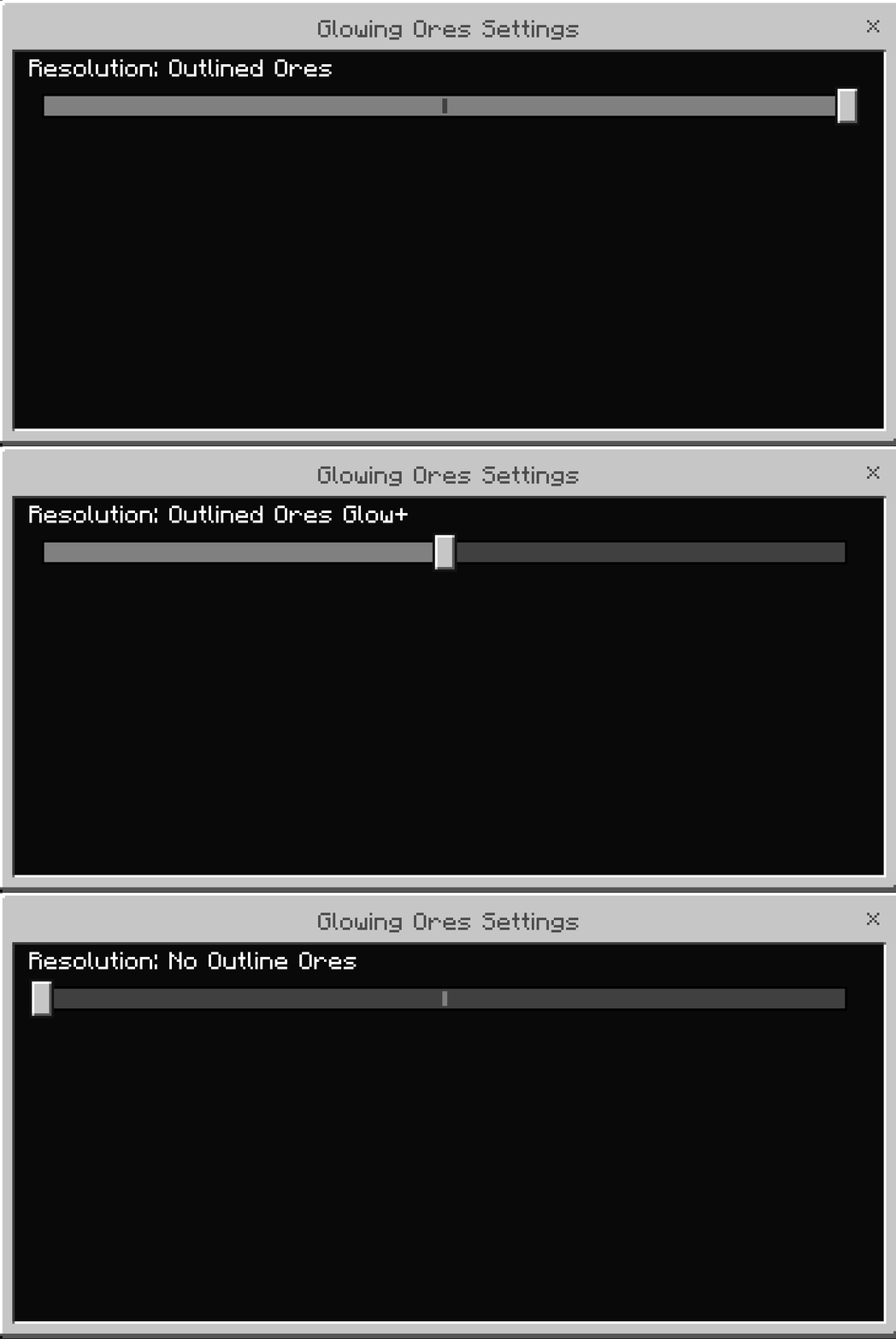
- outlined ores for clearer visibility
- a stronger outlined glow
- smooth glow without an outline
- animated dynamic ore glow
- compatibility with most vanilla-style textures
- minimal performance impact
Screenshots

How to install the shader
Download the .mcpack file, open it with Minecraft and wait for the import to finish. Enable the pack in the world's Resource Packs settings. Shader compatibility depends on the Minecraft version and graphics mode.
Supported Minecraft Versions
26.20
Related News