Author: sirob
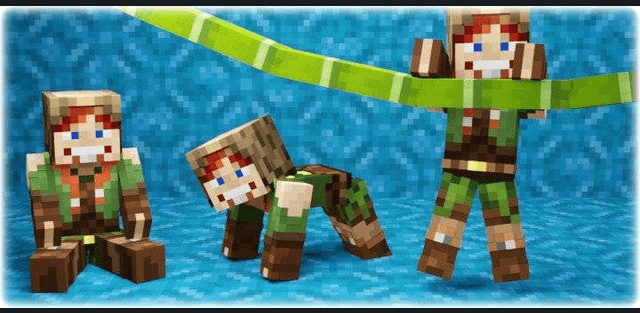
Sitting, lying and crawling
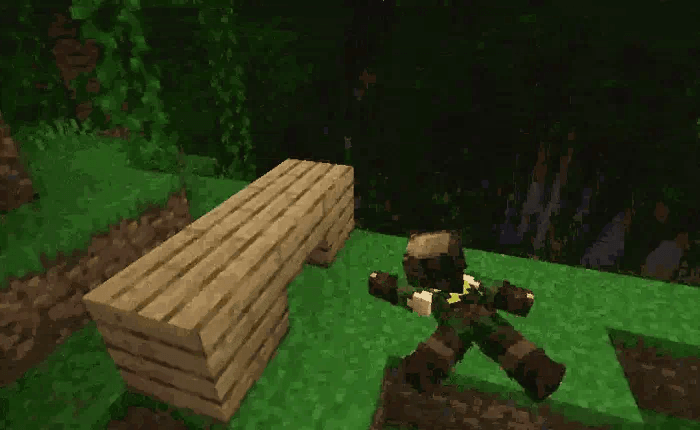
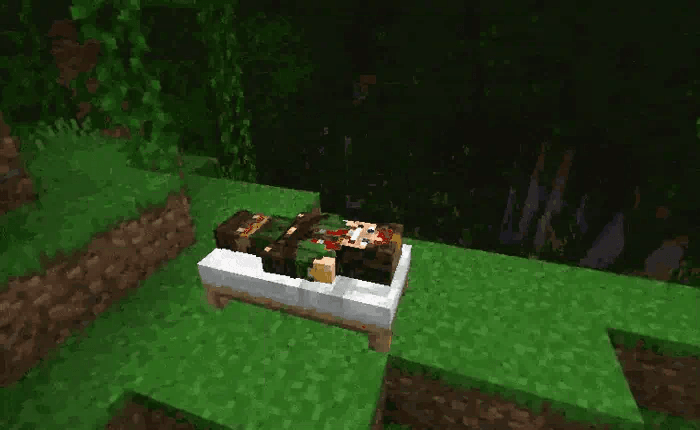
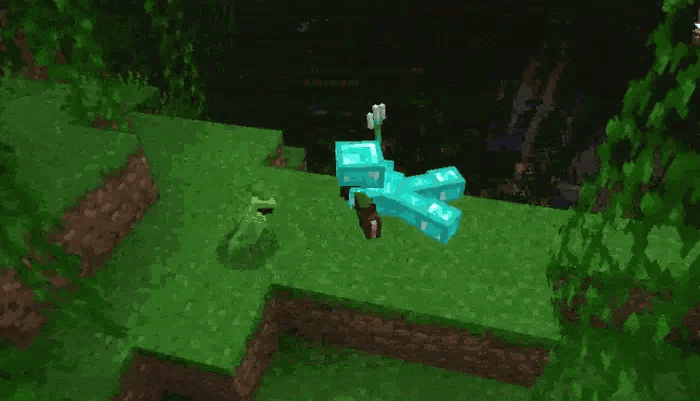
Look down and sneak to sit, or look up and sneak to lie down. Start moving while seated to crawl on all fours. Jump while crawling to switch to belly crawling. Sneak to stand up again when there is enough space above you.
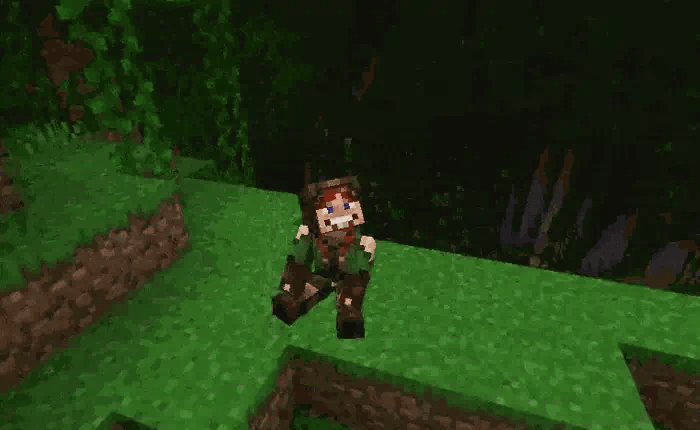
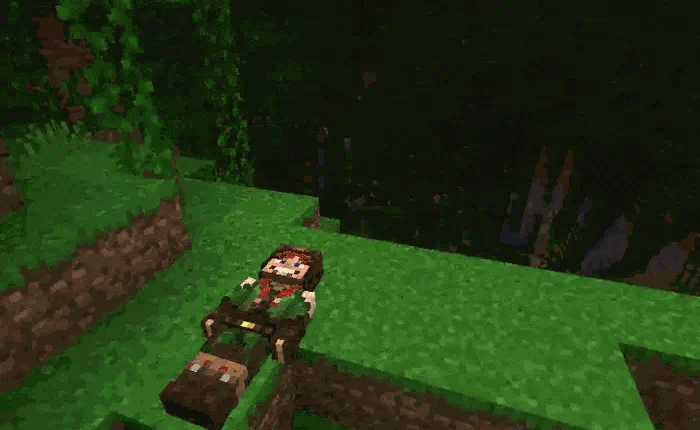
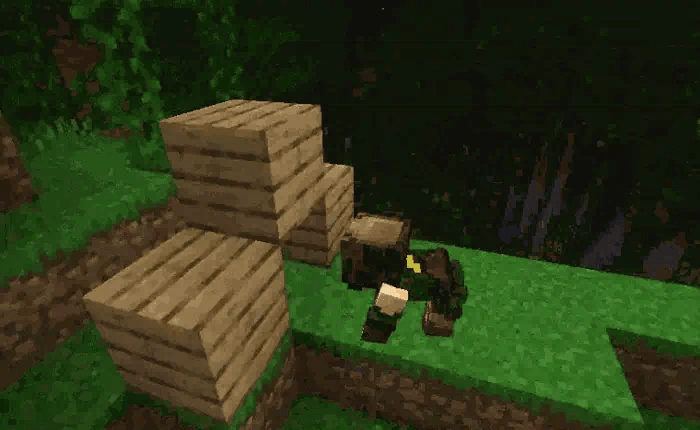
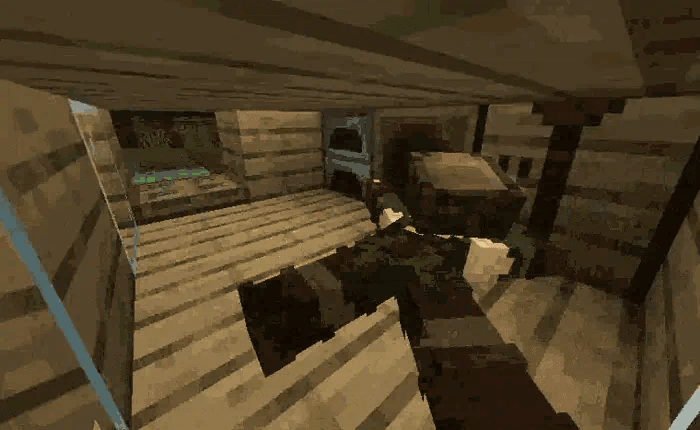
Crawling on all fours fits through a one-block gap; belly crawling fits through a half-block gap. On all fours you can climb over blocks, while belly crawling stays close to the ground. The first-person view adjusts to the current body height.
Climbing walls
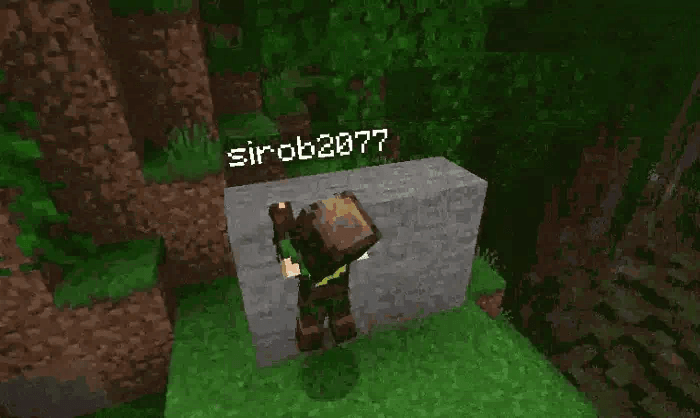
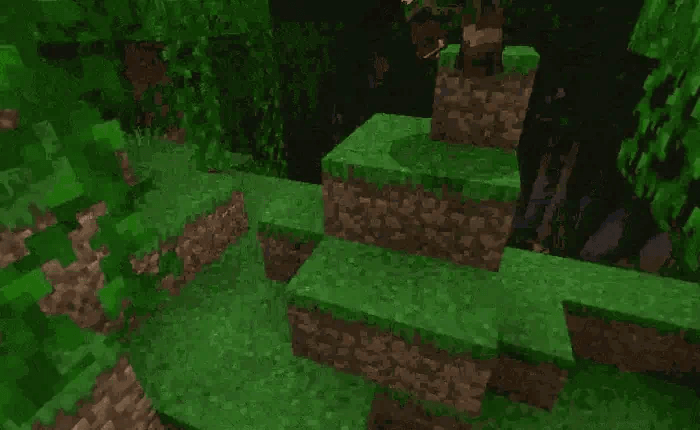
Keep both hands empty, face a wall up to three blocks high, look upward at roughly thirty to eighty-five degrees and jump to grab the edge. Move along the edge, jump to climb over it, or sneak or move backward to let go. Hanging causes fatigue after fifteen seconds by default. Jump Boost can increase the reachable height.
Seats and settings
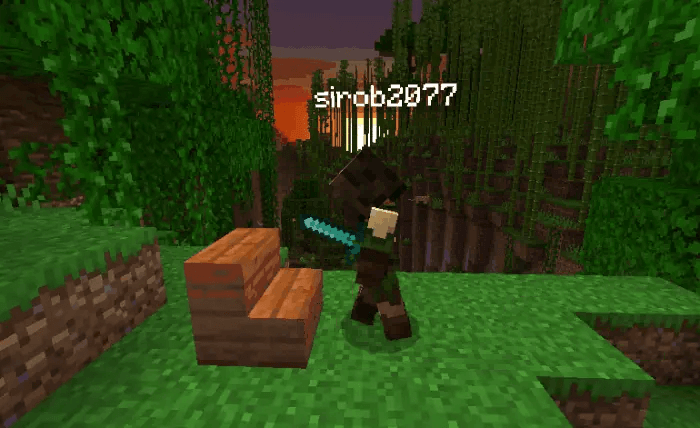
To sit on stairs, interact while holding an item, or start breaking the stair with an empty hand in survival. Stand on the ground close to a stair at foot level, with enough space above it. The addon supports multiplayer, Realms, capes and Character Creator appearances.
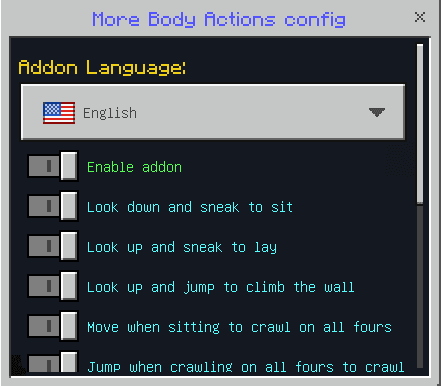
Open /function morebodyactions_config to enable or disable actions and animations, adjust the interface and set the fatigue time. Use the stable Minecraft release with Beta APIs enabled. Other addons that replace the player definition can conflict with these movements.
Precise stair interaction
The stair must be within about one and a half blocks, at the level of the player's feet, with about 1.4 blocks of headroom. Use its top, front or side surface. A player hanging from a wall can move sideways before climbing, which helps when approaching a narrow ledge.
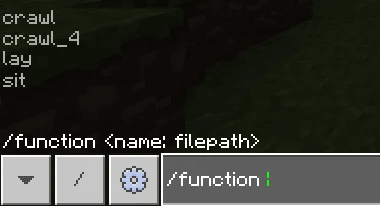
Map makers can also trigger the poses through the sit, lay, crawl_4 and crawl functions. Configuration separates the actions from their animations and interface options, so a world can keep only the movements needed for its scenario.